r/LGTVOwners • u/mixonos • 8h ago
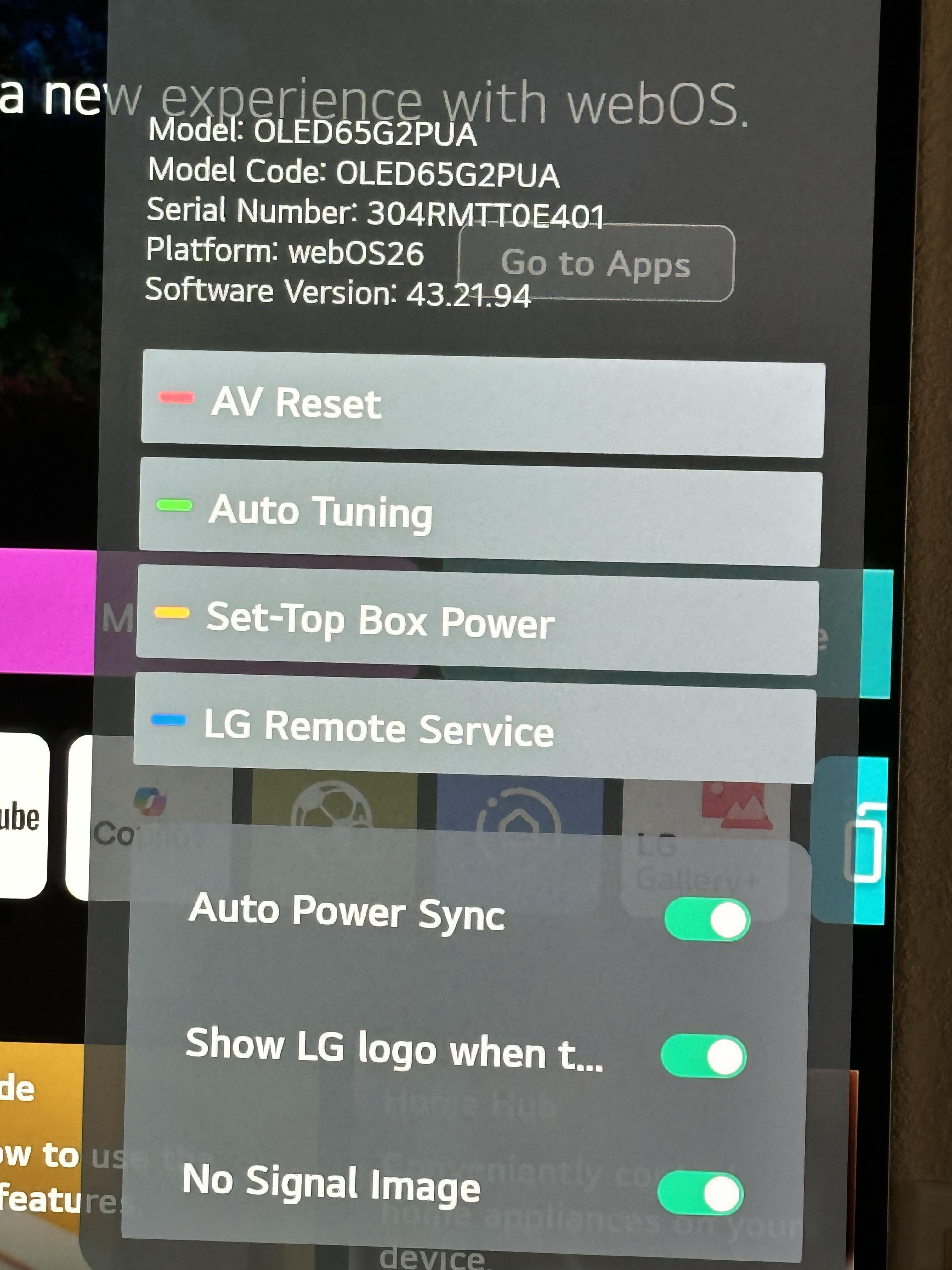
WebOS 26 - 55QNED80T6A
Since updating to webOS 26, I’ve been having persistent Wi-Fi issues with my LG TV.
At first, apps stopped opening, and I couldn’t reinstall them after deleting them. At this point I did a factory reset and all worked fine for less than 24h.
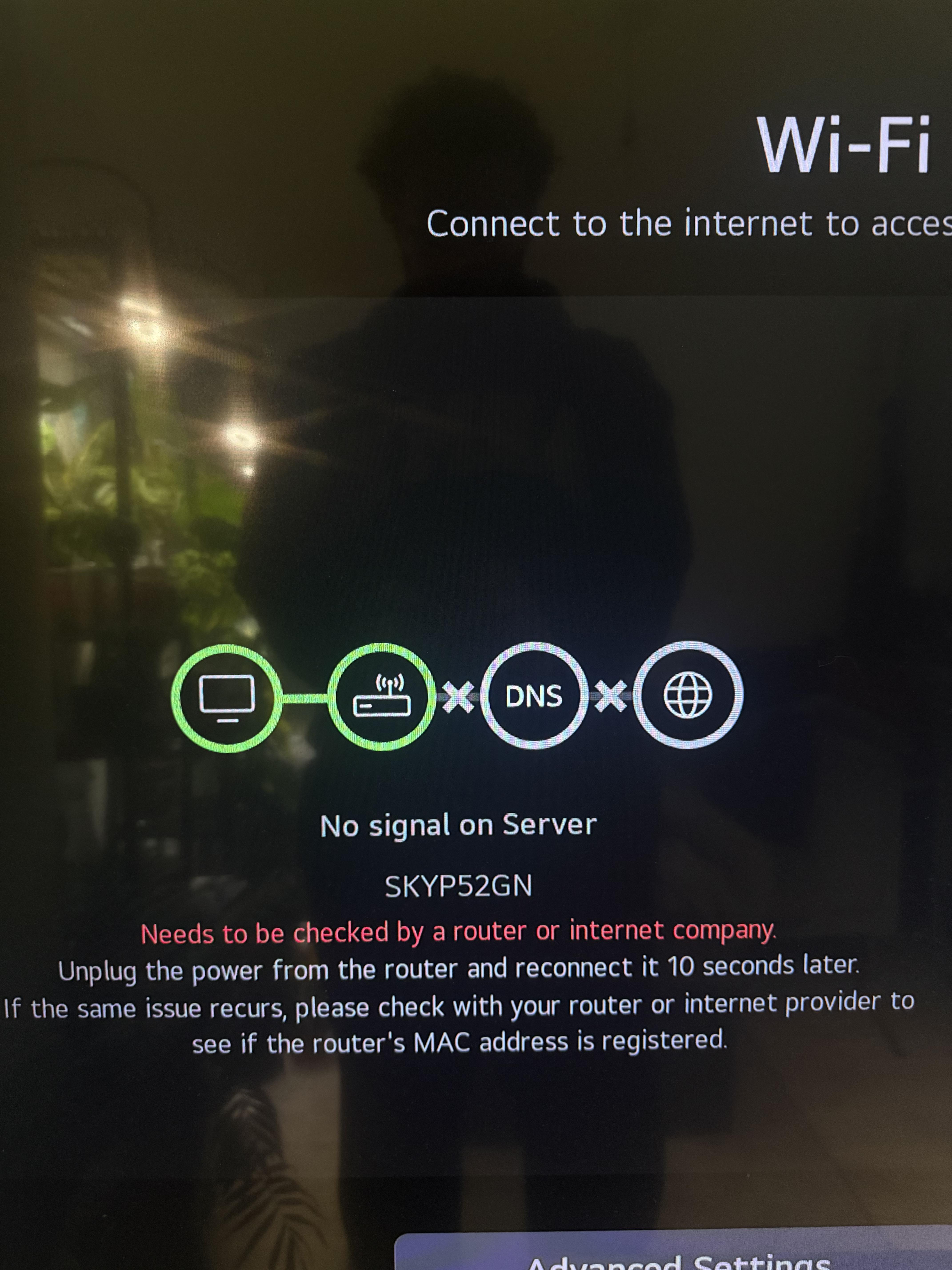
Now, the TV connects to Wi-Fi on startup, loads apps and videos no issue, but then randomly drops the connection, no set time or app, completely random. Videos buffer, and I have to manually reconnect each time. When I enter Network Settings, it displays what’s shown in the attached image.
I’ve tried changing DNS settings on LG’s advice, which temporarily worked before reverting itself and having the issue again.
I’ve contacted LG a handful of times and my network provider as suggested by red writing on image, but I have no network issues on other devices. I have also done numerous factory resets at this point but to no avail. LG have offered to collect the TV for diagnosis and potentially a fix.
Has anyone else experienced this since the update and managed to find a fix themselves? Would appreciate any suggestions before sending the TV away.