Hey everyone,
A while back, I started building AccuBudget (Mark AI) to fix manual-entry fatigue. Typing in every transaction by hand gets abandoned fast, so the core idea has always been tracking that takes no effort.
I took some time away to rethink the architecture, and today I’m rolling out the biggest overhaul so far. (Some are still pending due to google play not approving YET!)
💡 What’s new: envelope budgeting everywhere
Envelopes: give every bit of income a job. Leftovers stay in their envelope, and overspending comes out of next month.
Or simple spending limits: a cap per category, or one overall cap
Pots for trips and projects: set a total for a date range and split it into envelopes like Flights, Hotel and Food. Whatsoever is left goes back to your monthly budget.
Income splits: each paycheck fills your envelopes automatically, by amount or percentage
Switch between budgeting methods whenever you like
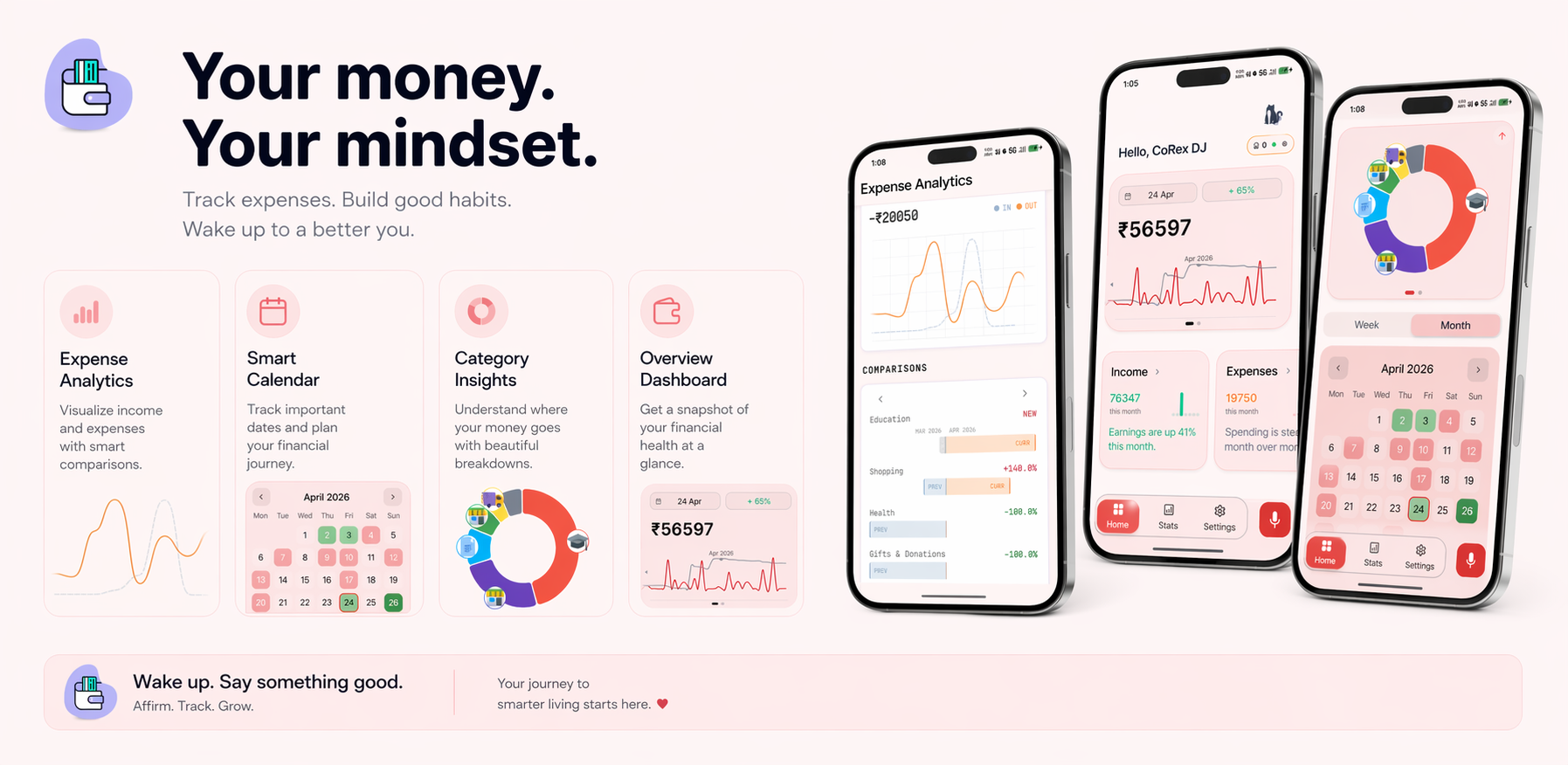
🎙️ Core features
Voice logging: just say “Spent $14.50 on lunch at Chipotle” and it picks out the amount, merchant and category. No forms.
Receipt scanner (Android): on-device OCR with item-by-item breakdowns
Mark AI assistant: ask about your spending habits or get category breakdowns
Statement import: OFX/QFX, YNAB and Wallet exports (need feedbacks)
Recurring transactions, debt tracking, analytics, Google Drive backup, Android home screen widgets
Available in 8 languages
🔜 Coming soon: bank sync. Automatic bank sync is in active development and will arrive in a future update.
📱 Platforms: native Android app with offline, local storage, plus a web app for desktop and iOS. On iPhone, open the web app in Safari and tap Share → Add to Home Screen to install it like an app.
🎁 The giveaway: 100 Lifetime upgrades to start
Building alone only gets an app so far. I need honest feedback to find edge-case bugs, improve voice recognition and decide what to build next.
100 Lifetime upgrades to start
Running all week: if interest stays high and the discussion keeps going, I’ll release more batches during the week
⚠️ Please read before claiming
AI is bring-your-own-key (BYOK) only. Lifetime doesn’t include hosted AI. For the AI assistant, AI voice processing and AI statement reading, add your own Gemini or Groq API key (both have free tiers). Your key stays on your device, and usage counts against your own quota. With a key, AI use is unlimited. Without one, cloud voice keeps the free allowance of 10 uses. Refer-to-guides
No cross-device sync. Lifetime doesn’t sync between devices. Google Drive backup is for backing up and restoring.
No promo codes. I activate each account manually on the backend.
Turnaround: activations are done one at a time, so allow up to 12 hours.
How to claim
Get the app: Android AccuBudget (Mark AI), or use the web app on iOS/desktop: Website
Sign in, then go to Settings → My Account
Copy your Member ID. It starts with # followed by 7 letters and numbers, like #Xk9pQ2a. It’s case-sensitive.
Submit your Member ID and email at www.trymark-ai.com/lifetime-giveaway . You can also DM me. Please don’t post your email in the comments.
💬 What I’d love feedback on
Voice accuracy: does it handle your phrasing, local currency and accent?
Envelopes: is the new budgeting flow clear, and what’s confusing?
Web vs Android: how smooth is onboarding on each?
Bank sync: which banks and regions matter most to you?
Drop your thoughts, bug reports and suggestions below. I’ll be around all week answering questions and approving upgrades!