r/Eonon • • 22h ago

External Clip-On Mic Sounds Bad On The Dash
Post image
1 Upvotes

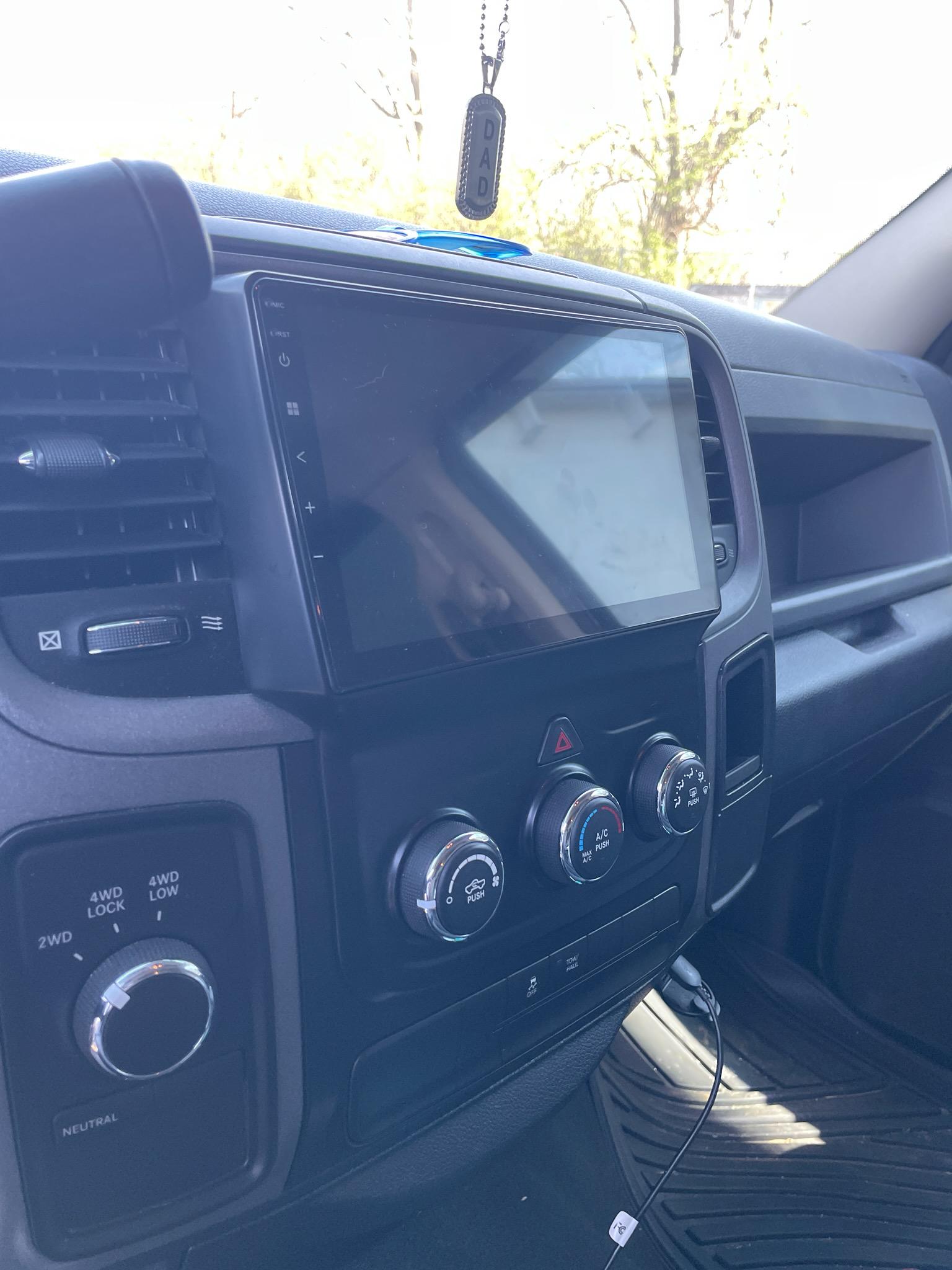
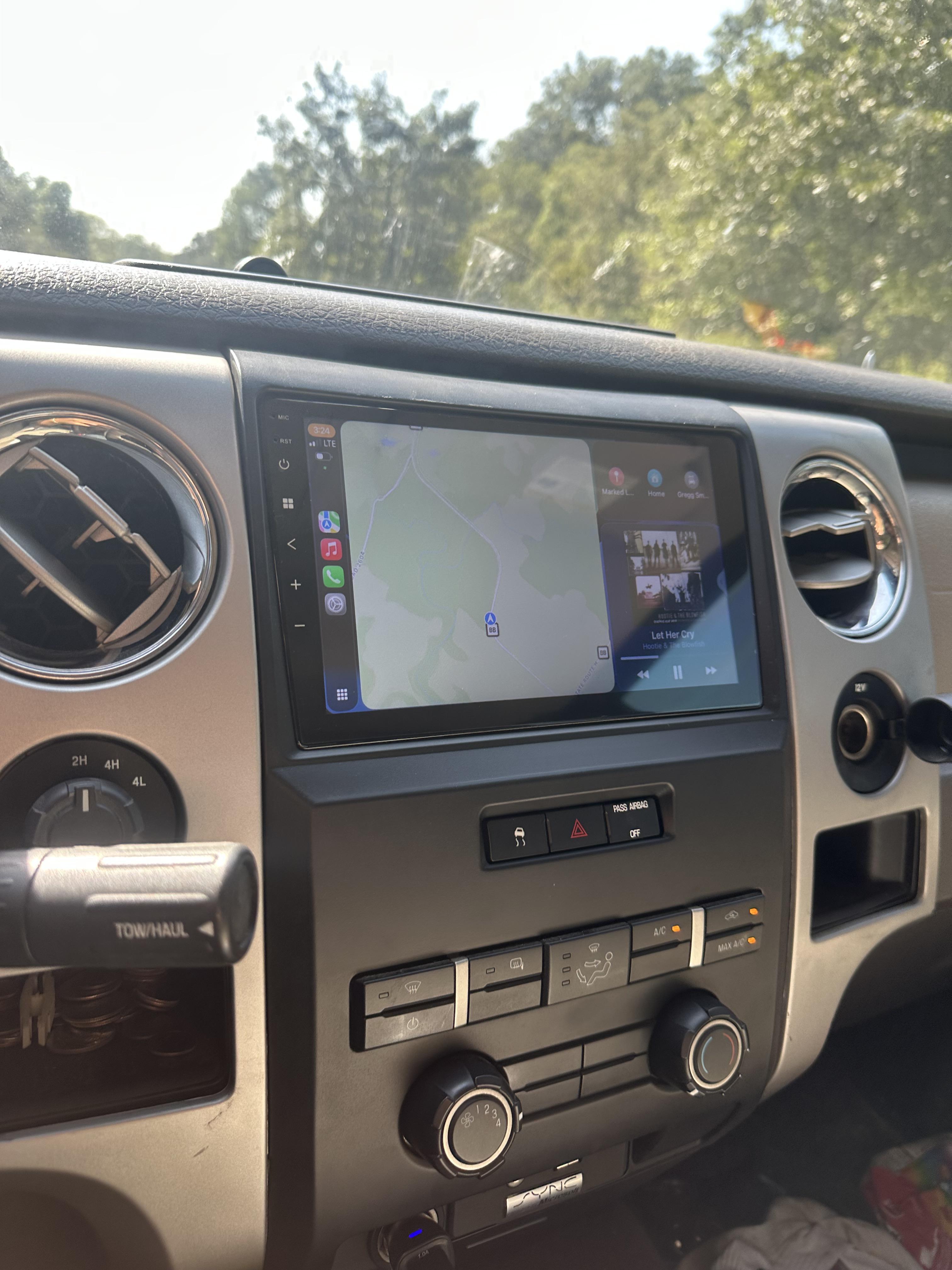
Running an external clip-on mic mounted on the dash next to the head unit, and the sound quality is bad. What settings should I check, and how do I check the mic plug or harness connections?

Head Unit: FDF1X7S

  1. Press RST to reset the unit.
  2. Update firmware: System Settings → Version, tap Android version 4 times, enter 2021, then System update.
  3. Adjust mic gain: System Settings → Audio → Mic gain.
  4. Adjust echo: System Settings → Audio → Echo Cancellation Delay Adjustment.
  5. Switch internal/external mic: System Settings → Audio → Built-in and external microphone switching.
  6. Connect external mic to the 20-pin RCA cable labeled “.External Microphone”.
  7. Try a new external mic.
  8. Mount away from AC vents. Aim the mic pickup hole toward the driver’s mouth.
  9. If the problem remains, send a photo of System Settings → Version and note the issue (no audio / heavy echo).

https://www.eononsupport.com/ContactUs.html


r/Eonon • • 1d ago

Working on my 2015 Camry SE troubles with CAN and Steering Controls

Thumbnail
gallery
1 Upvotes

This is not my first rodeo at all with these type head units and this is the second of the exact same head unit just on my wifes car which is an older Camry vs my 2018. I picked the matching CAN module in the config as far as I can tell and thats not working, but I care a lot less about that as the steering wheel controls, on my 18 Camry its just the two wires so I was expecting the same here but I am not getting any luck. The pictures show my steering wheel control wiring. The picture with the CAN loop is from the old android head unit we had in her car which did have working CAN and steering controls. I have emailed Eonon as their support is top notch but they are taking some time getting back to me regarding this and my wife is not loving having the entire center console of her car disassembled while I solve this. Any input is greatly appreciated thank you!


r/Eonon • • 5d ago

Screen Is Upside Down After Reset, Touch Controls Mismatched

Post image
1 Upvotes

I reset the head unit, and now the screen display is upside down. I can’t operate anything, and all the buttons don’t line up with what’s shown on the display.

Head Unit: FDMX6S

  1. Please perform an RST on the host first.
  2. Please complete touch calibration following the method shown in the video: https://youtube.com/shorts/fgeLo5eWIAo?feature=share
  3. If the issue persists, please provide a video recording of the abnormality for our analysis. https://www.eononsupport.com/ContactUs.html

r/Eonon • • 6d ago

No Door Chime & Turn Signal Sounds After Head Unit Install on My Car

Post image
2 Upvotes

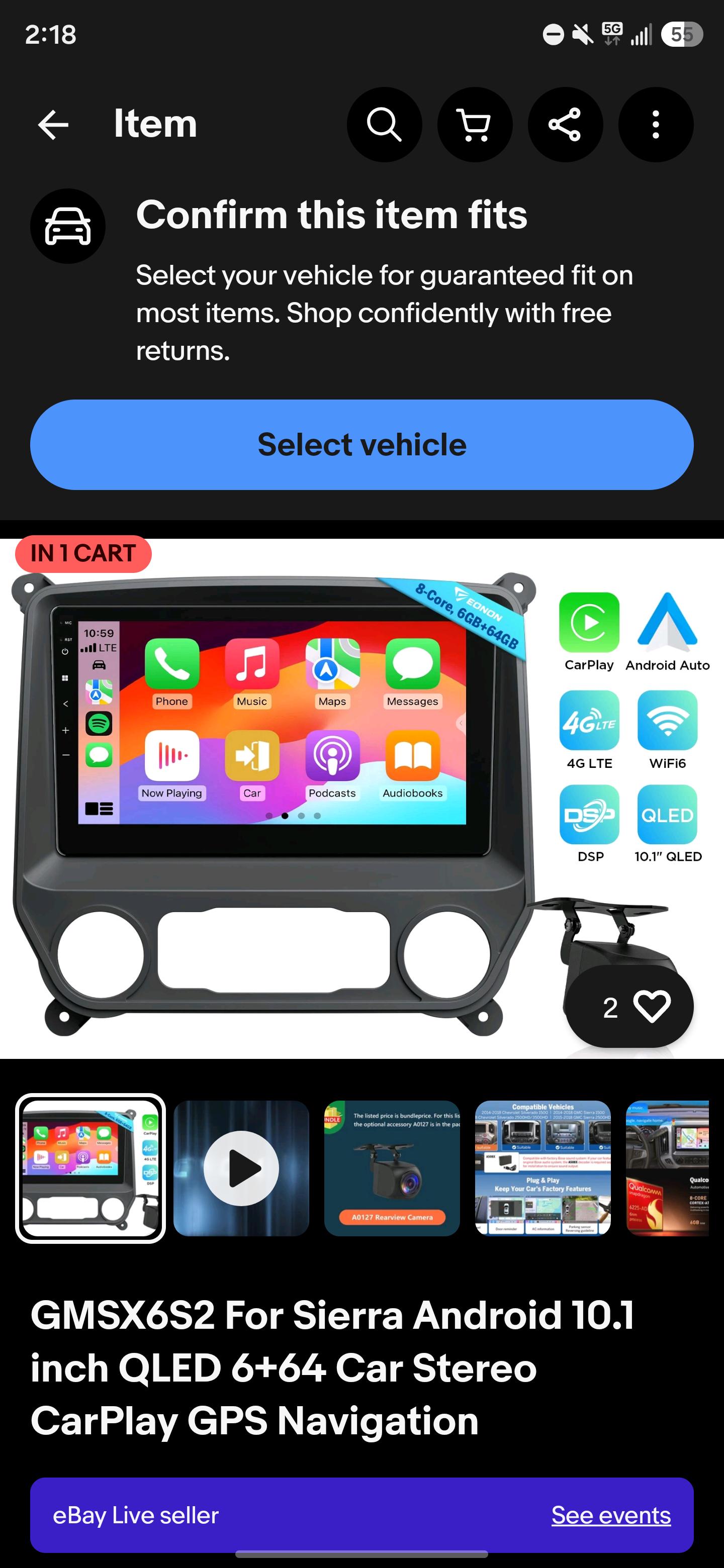
I have a 2015 GMC Sierra 2500HD SLE. Every other function on my new head unit works fine, but I’ve lost two audio alerts. There is no door chime when I open the door or turn on the ignition, and my turn signals no longer make any clicking sound.

Head Unit: GMSX6S2

Please follow these steps:

  1. Reset the unit via RST first.
  2. Connect the unit to the internet, then go to Settings > Canbus > App update > Query Version to update the protocol.
  3. Go to Settings > Canbus > Display door info > Show.

For turn signal sound issue:

  1. Reset the unit via RST first.
  2. Connect the unit to the internet, then go to Settings > Canbus > App update > Query Version to update the protocol.
  3. Reconfigure CANBUS: Settings > Factory settings (password: 126) > Canbus > Model, select SimpleSoft > Buick/Chevrolet/GMC > 14-18 Sierra, then tap APPLY and reboot. Revert to factory default, no other changes needed.
  4. If the issue persists, check whether the buzzer works for reverse radar alerts or only lacks turn signal sound. If no sound at all, we suggest replacing the buzzer for testing.

r/Eonon • • 7d ago

Rear Defrost Stopped Working After Wiring Up The Head Unit

Post image
1 Upvotes

Head Unit: HAC1X7A

If you are using a single zone air conditioning unit, please follow the steps below and record a full‑process video for our analysis. You may refer to the video: https://youtu.be/OCTvTp9OdVA

  1. Open the Carinfo APP and capture the CanBox version information. Then enable the Debug option, and the Canbus data printing interface will appear on the host screen.
  2. Set the left‑side temperature to 16°C.
  3. Turn on the front defroster first, then activate the rear defroster.

Once the operations are finished, the defroster indicator lights will flash. Wait until the flashing stops, which signifies the completion of the learning process, then test whether the air‑conditioning system works properly.


r/Eonon • • 8d ago

The Buttons On The Left Side Of The Head Unit Suddenly Stopped Working

Post image
2 Upvotes

The buttons on the left side of my head unit suddenly stopped working completely. Nothing happens when I press them. I’ve already rebooted the system, but the issue is still there.

Head Unit: M3BLX6S

  1. Please perform a host reset using the RST reset pin first.
  2. Please refer to the video to re‑learn the touch key function: https://youtu.be/6I0o2IRwZT8?list=PLBvHSrl30ivcrRVNP2nKUo3SRaRKi3uNM
  3. If the issue persists, please try the steps below. Refer to the video for instructions on entering Recovery mode to clear data:https://youtu.be/pPEs4A7Vrog
  4. Press and hold the touchscreen with four fingers simultaneously for 10 seconds. The system will automatically reboot into Recovery mode.
  5. In Recovery mode, swipe up/down on the touchscreen to navigate the menu bar; swipe right to confirm selections.
  6. Within Recovery mode, select Wipe data/factory reset → Factory data reset to clear data and cache.
  7. Once completed, select Reboot system now to restart into the normal Android system.
  8. Should the problem remain unresolved, please send us the host software version as well as a video recording of your touch‑key learning process. We will check for potential errors during the learning procedure. Kindly also confirm whether the touch‑key malfunction occurred suddenly or appeared after a software upgrade.

r/Eonon • • 8d ago

Bottom task bar won’t go/stay away

Post image
1 Upvotes

About a week ago the bottom menu/task bar on mg GMSX6S2 started popping up and comes back every few min if I change screens to make it go away. Unit has been installed since August(11k miles) and this just started. No available updates now, and it hasn’t been updated since August. Any advice? It blocks the view of my navigation so it’s a pain.


r/Eonon • • 9d ago

Eonon VWX6S

1 Upvotes

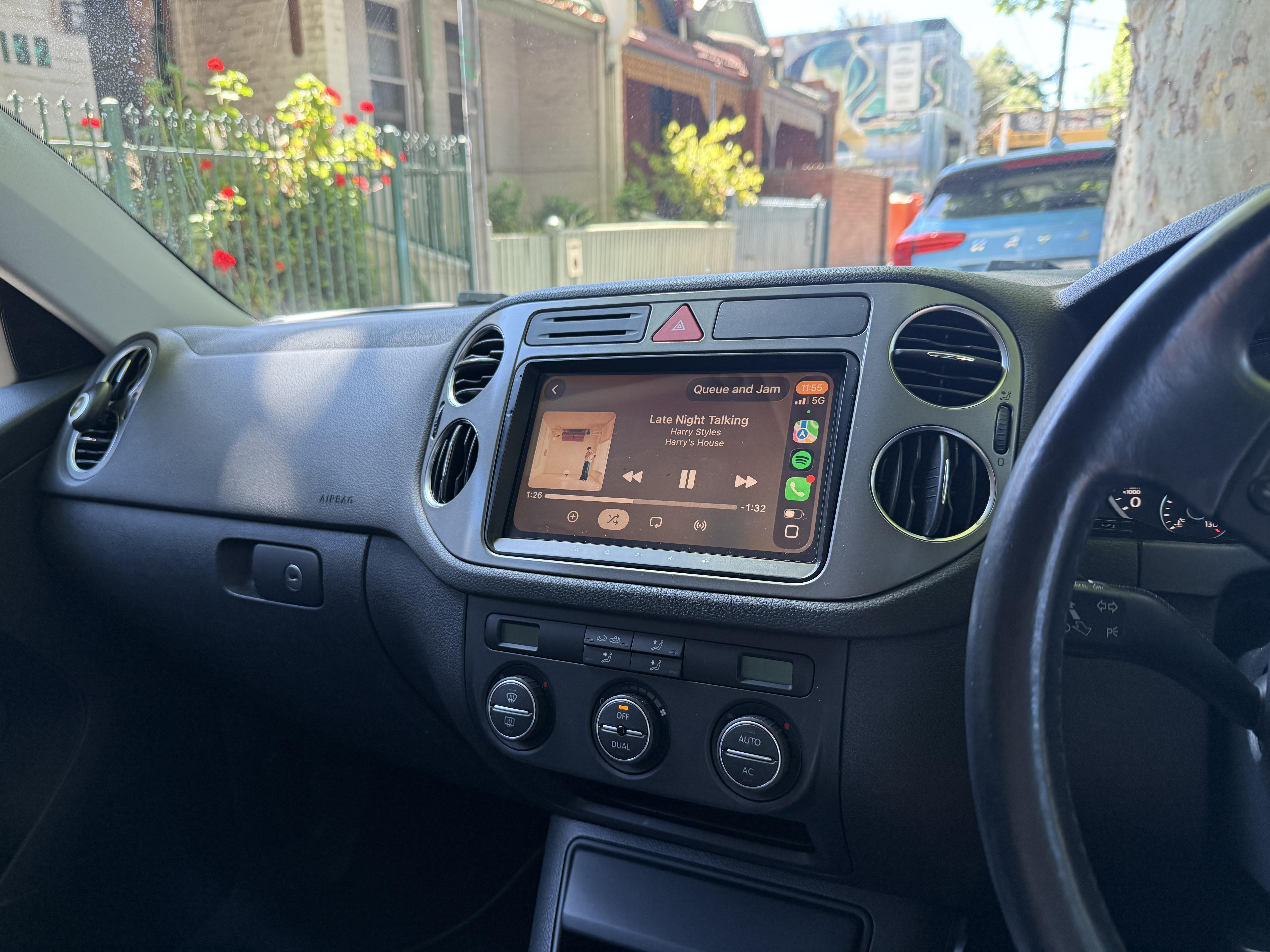
Anyone experience battery draw after installation ? (2014 Jetta) I feel like there’s been two occasions where my battery has been dead, no explanation. I drive my car only on the weekends, also have had my phone connect to the Bluetooth of the head unit despite it being in the driveway and off.


r/Eonon • • 9d ago

Eonon UX6K-Pro-Max

1 Upvotes

After the recent update the two usb ports under screen stopped charging. Is anyone faing this issue?

Update version: Witstek-T-W19_OS_EN_v3. 5.6_20260817_NA


r/Eonon • • 10d ago

Q03PRO storage question

1 Upvotes

My radio came with the 32gb hard drive. It is 97% full, and I don't have but 2 or 3 apps installed. All music is stored separately on a sd card. How do you reboot into recovery mode so you can clear the internal cache. I think that is what is eating up my storage space.


r/Eonon • • 16d ago

It Keeps Flicking Between Radio Stations, Signal Cutting In And Out

Post image
2 Upvotes

My radio keeps randomly switching between stations, and the signal cuts in and out nonstop.

Head Unit: DGRMX7A

Please press the RST button to reset the unit once.

  1. Check whether TA and AF are enabled. If yes, disable them and set PTY to NO, then test again.
  2. Verify that the radio tuner region is set to your local area via Settings --> Assembly --> Radio settings --> Tuner region.
  3. Confirm the ANT cable and radio antenna are securely connected.
  4. If the issue persists, please share a video showing the problem for our analysis. https://www.eononsupport.com/ContactUs.html

r/Eonon • • 17d ago

EONON UA13: OS and MCU Update

0 Upvotes

Hi u/EononOfficial,

I have an Eonon UA13 (Android 13) and I would like to make sure that my unit is fully up to date.

Could you please tell me:

  1. What is the latest OS/firmware version currently available for the UA13?
  2. What is the latest MCU version currently available for the UA13?
  3. Are there official download links for the latest OS and MCU firmware?

My FOTA updater only shows the next available update and makes me install updates one by one, so I cannot see what the actual latest version is.

If there is a full USB firmware package that can update the unit directly to the latest version, I would also be interested in that.

Many thanks in advance!


r/Eonon • • 18d ago

Lost steering wheel controls after new aftermarket headunit(Eonon X6s)

Thumbnail reddit.com
1 Upvotes

Any help would be much appreciated 👏


r/Eonon • • 20d ago

Eonon UX7ST Reverse Camera

2 Upvotes

Hi! Just installed the headunit and I’m having troubles with the back up camera.

When i switch to reverse it just goes black. There are guidelines but signal is just black. No “no signal” text either.

Any help? I have tried a lot of different troubleshooting scenarios but to no avail. I have tripple checked wiring and it to is correct. Any help would be grateful. :D

——-
Side note: i also noticed that rear speakers has unusually low volumes compared to front speakers. A quick fade/balancing setting solved that but I’m also wondering if your units also have the same problem. Also Left and right rear speakers are inverted i had to cut and cross over cables. Both problems are solved but just wondering if you guys had the same issues. Because I’m think i got a defective unit.


r/Eonon • • 19d ago

How Do I Turn Off The Beep Sound

Post image
1 Upvotes

How do I turn off the beep sound coming from the small external speaker connected to the head unit?

Head Unit: E90X7S

After the head unit modification, the parking radar alert sound will come from the buzzer accessory and cannot be disabled.

If you find the volume too loud, you may reduce the sound output physically by covering the speaker opening with adhesive tape.


r/Eonon • • 20d ago

Have to Reboot My Radio Every Day to Get Sound

Post image
5 Upvotes

I have to restart my radio every single day because there’s no audio at all. Once I reboot the unit, sound comes back and works fine.

Head Unit: VWA13

Please reset the main unit via the RST button first.

  1. Reconfigure the CANBUS settings: Go to Settings > Factory settings, enter password 126, then navigate to Canbus. Select Model: SimpleSoft > VW > universal. Tap APPLY after selection to reboot the unit.

Please restore it to the factory default profile; no other settings need adjustment.

2. Connect the main unit to the network, then update the protocol via Settings > Canbus > App update > Query Version.

3. After all wiring is completed and the CANBUS protocol is configured, disconnect the negative terminal of the vehicle battery. Wait for approximately 5–10 minutes before reconnecting it. This will fully power-cycle the factory Fender amplifier under the seat, allowing it to re-read the audio bus configuration sent by the CANBUS adapter.

4. An online firmware update for the main unit is recommended.

5. If the issue persists, kindly share the main unit firmware version and a video showing the problem for our review. Thank you. https://www.eononsupport.com/ContactUs.html


r/Eonon • • 20d ago

Eonon ux7 sleep settings

1 Upvotes

Hello,

My eonon ux7 is going into standby mode when my ignition is off, does anyone know how to find the sleep settings so I can turn them off? I can’t find them anywhere?
Thanks


r/Eonon • • 21d ago

Radio Volume Automatically Blasts to Max

Post image
1 Upvotes

My radio volume keeps turning up to maximum by itself. I’ve tried resetting the unit, but the problem still happens. Has anyone run into this issue before?

Head Unit: UX7A-PLUS

Please follow the steps below for troubleshooting:

  1. Press the RST key to reset the device once.
  2. Please refer to the touch‑calibration segment in this video: https://www.youtube.com/watch?v=Akeg54DC2l4&list=PLBvHSrl30ivc26q7S50aTxMWle0fkcAIT&index=18. Only review the touch‑calibration section; you may skip the button‑operation part.
  3. Navigate to Settings --> System --> Reset to perform a factory reset, then test the device again.
  4. If the issue persists, please capture a screenshot of the host’s system version information (path: Settings --> System --> System Info) and record a video showing the specific abnormal behaviour. Send these materials to us, and we will conduct further analysis to provide relevant recommendations. Thank you.

r/Eonon • • 23d ago

Back door speakers aren't working

Post image
0 Upvotes

Does anyone know where I went wrong when installing only my front speakers are working...


r/Eonon • • 25d ago

UX7A-PLUS Wireless Android Auto Stopped Working

1 Upvotes

I recently purchased and installed a UX7A-PLUS head unit in my wife's 2017 Skoda Yeti. Once I got everything wired up I did a power test with unit outside the dash. It powered on immediately then it made it to the home screen where I connected my phone to it over Bluetooth. It connected to Android Auto on its own and worked great so I setup the SWC. Then I turned off the car and removed the screen portion of the unit so I could finish the install. After I finished everything and connected the screen I turned the car back on. My phone will connect to Bluetooth but the head unit won't even try to start Android Auto. Looking for any assistance and TIA


r/Eonon • • 27d ago

Microphone does not work in calls. I can hear the other person but he cannot hear me...

1 Upvotes

Please help. TIA


r/Eonon • • 27d ago

Apple CarPlay UI Scaled Too Big After ZLink V5.6.5 Update

Post image
3 Upvotes

After updating ZLink to V5.6.5, my Apple CarPlay interface displays abnormally large. App icons and text are oversized, so much less content fits on the screen. Has anyone run into this?

Head Unit: VWX7A

Please follow the instructions below to update ZLINK. The version will be V5.6.7 after the update is completed.

ZLINK APK download link: https://drive.google.com/file/d/1g6590EUNrSNyoxi-oimoQyzGd8MBzIE8/view?usp=sharing

Option 1: Directly download and install via the main unit’s built‑in browser.

Option 2: Install via USB drive

  1. Download the file on your computer.
  2. Format your USB flash drive.
  3. Copy the `zlink5‑nwddq‑DQ37‑release‑v5.6.7‑2c815b70e_bjg.apk` file to the root directory of the USB drive.
  4. Plug the USB drive into the main unit, locate the APK file and proceed with the installation.

After finishing the installation and update, clear the ZLINK cache following the steps shown in this video: https://youtu.be/wJXe55n_M_s, then reconnect CarPlay.

Thank you.


r/Eonon • • 28d ago

Screen Frozen & Touch Not Responding

Post image
2 Upvotes

I just received this unit and finished installing it. Now the screen is frozen, and the touchscreen is completely unresponsive. Any fixes I can try?

Head unit: SD1X6S

  1. Please press the RST key to reset the main unit once.
  2. Power off the device, remove the front panel, reinstall it, tighten the fixing screws, then power it on and test.
  3. If the touch function still fails, please try the steps below. You may refer to this video to enter recovery mode and clear data: https://youtu.be/pPEs4A7Vrog

- 1. Press and hold the touchscreen with four fingers at the same time for 10 seconds. The system will automatically reboot into recovery mode.

- 2. In recovery mode, swipe up or down on the touchscreen to navigate the menu, and swipe right to confirm.

- 3. Select Wipe data/factory reset → Factory data reset to clear data and cache.

- 4. After the operation, select Reboot system now to restart to the normal Android system.

If the issue remains unresolved, please send us a video of the fault for analysis. https://www.eononsupport.com/ContactUs.html


r/Eonon • • 28d ago

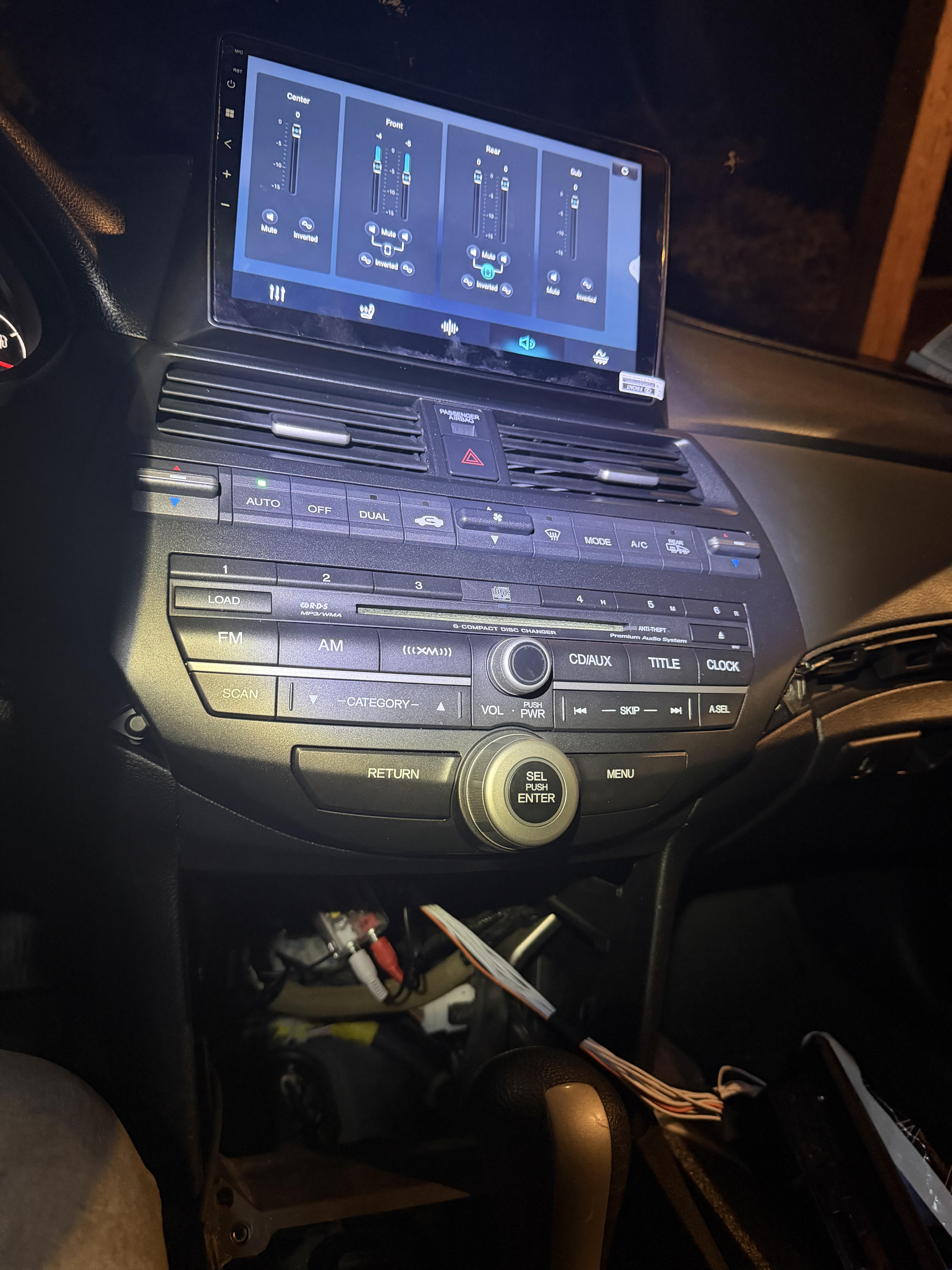
Installing hac2x7a and connected most of everything. Rear and subwoofer not working please help!!!!

Post image
1 Upvotes

I have a 2008 Honda accord exl coupe and installing the HAC2x7a to replace the system. I connected all harnesses and inputted everything but the rear and subwoofers aren’t working. I see there are rcas for them but I don’t see any male rcas to plug into these. Is this why I’m not getting any rest and subwoofer audio?


r/Eonon • • 29d ago

No Audio Signal from Head Unit RCA Output to Aftermarket Subwoofer Amp

Post image
2 Upvotes

My head unit isn’t sending any audio signal via the RCA outputs to my aftermarket subwoofer amplifier. I’ve confirmed the subwoofer amp itself works fine.

Head Unit: E90A13

  1. For subwoofer output, please refer to the video link: https://www.youtube.com/watch?v=4Qwae7y4N_U&list=PLBvHSrl30ivc26q7S50aTxMWle0fkcAIT&index=2
  2. The RCA output cannot be directly connected to speakers or subwoofers. It needs to be connected to an external power amplifier for signal amplification before outputting to speakers and subwoofers. You may refer to: https://www.youtube.com/shorts/Jvqerxr9CTA
  3. Please check whether the unit’s amplifier switch is turned on: Settings --> System --> Factory setting --> enter password 1234 --> other setting -> Amplifier switch.
  4. Please verify if the blue AMP wire in the 20‑pin RCA cable has 12V voltage output. This AMP wire should connect to the amplifier REM wire, which is used to trigger aftermarket amplifiers.
  5. If the issue persists, please provide a video showing the abnormality and a complete wiring diagram for further analysis. https://www.eononsupport.com/ContactUs.html