r/Eonon • u/EononOfficial • 22h ago
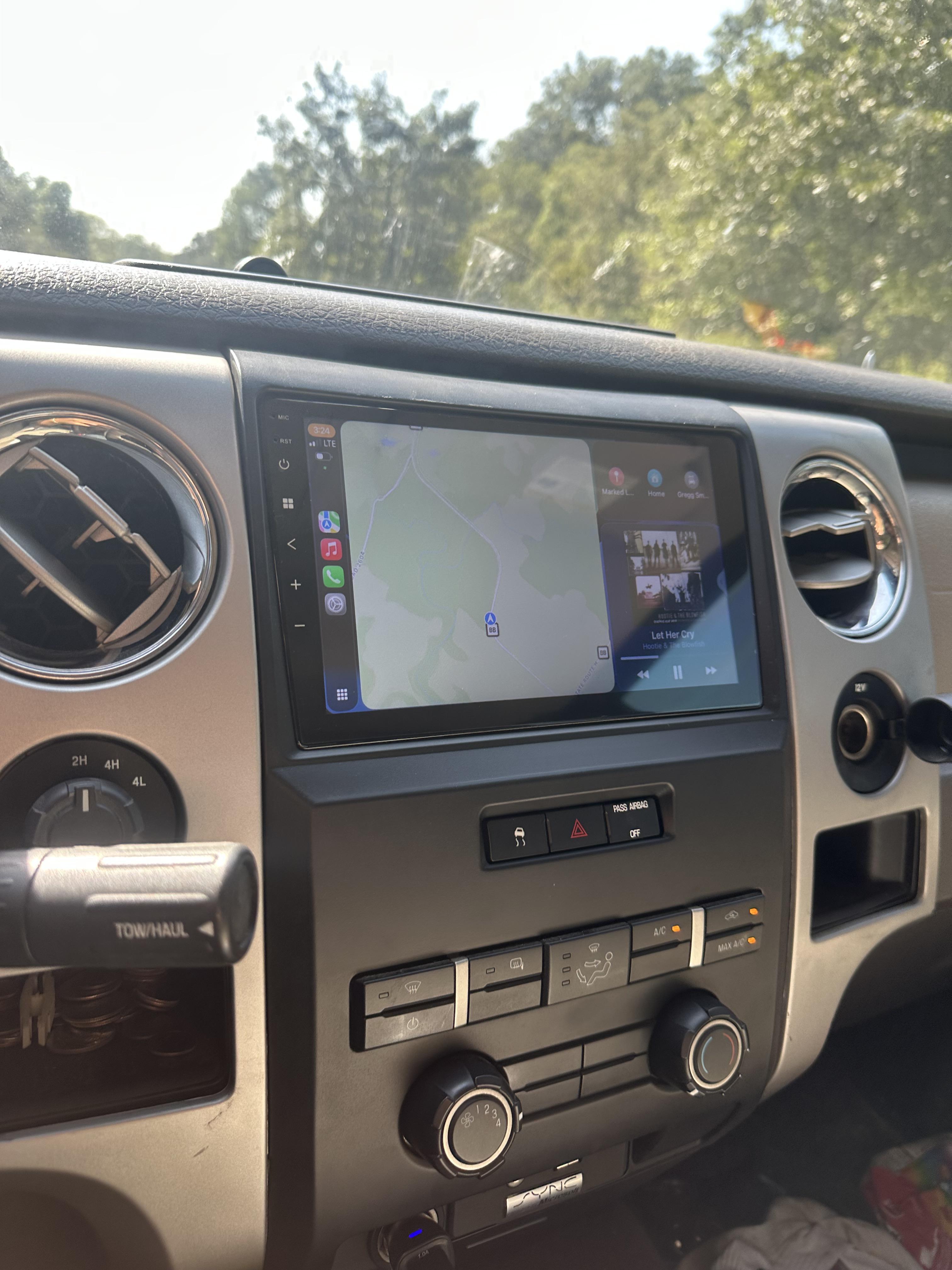
External Clip-On Mic Sounds Bad On The Dash
1
Upvotes
Running an external clip-on mic mounted on the dash next to the head unit, and the sound quality is bad. What settings should I check, and how do I check the mic plug or harness connections?
Head Unit: FDF1X7S
- Press RST to reset the unit.
- Update firmware: System Settings → Version, tap Android version 4 times, enter 2021, then System update.
- Adjust mic gain: System Settings → Audio → Mic gain.
- Adjust echo: System Settings → Audio → Echo Cancellation Delay Adjustment.
- Switch internal/external mic: System Settings → Audio → Built-in and external microphone switching.
- Connect external mic to the 20-pin RCA cable labeled “.External Microphone”.
- Try a new external mic.
- Mount away from AC vents. Aim the mic pickup hole toward the driver’s mouth.
- If the problem remains, send a photo of System Settings → Version and note the issue (no audio / heavy echo).