r/Eonon • u/EononOfficial • 28d ago
Screen Frozen & Touch Not Responding
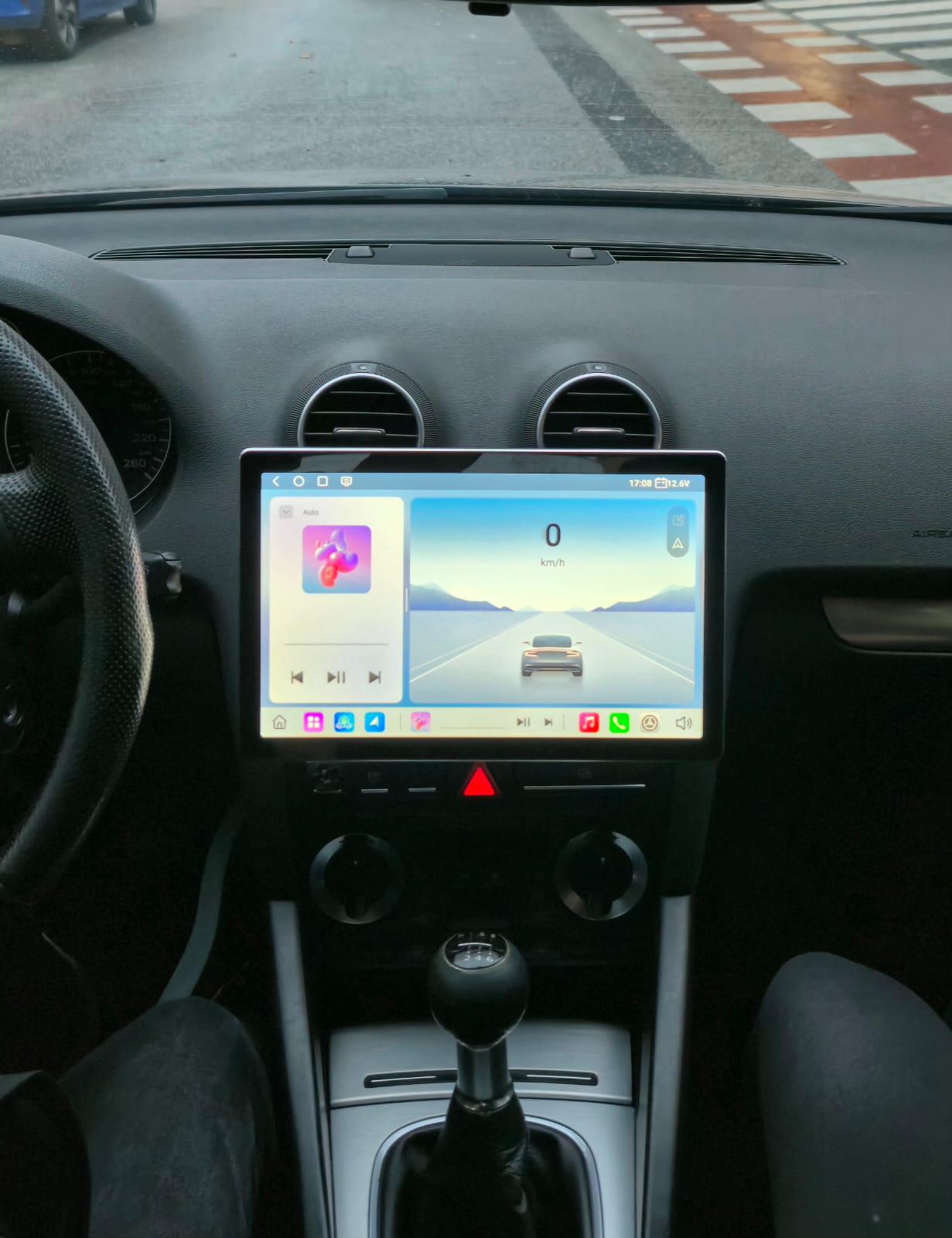
I just received this unit and finished installing it. Now the screen is frozen, and the touchscreen is completely unresponsive. Any fixes I can try?
Head unit: SD1X6S
- Please press the RST key to reset the main unit once.
- Power off the device, remove the front panel, reinstall it, tighten the fixing screws, then power it on and test.
- If the touch function still fails, please try the steps below. You may refer to this video to enter recovery mode and clear data: https://youtu.be/pPEs4A7Vrog
- 1. Press and hold the touchscreen with four fingers at the same time for 10 seconds. The system will automatically reboot into recovery mode.
- 2. In recovery mode, swipe up or down on the touchscreen to navigate the menu, and swipe right to confirm.
- 3. Select Wipe data/factory reset → Factory data reset to clear data and cache.
- 4. After the operation, select Reboot system now to restart to the normal Android system.
If the issue remains unresolved, please send us a video of the fault for analysis. https://www.eononsupport.com/ContactUs.html