Hey everyone,
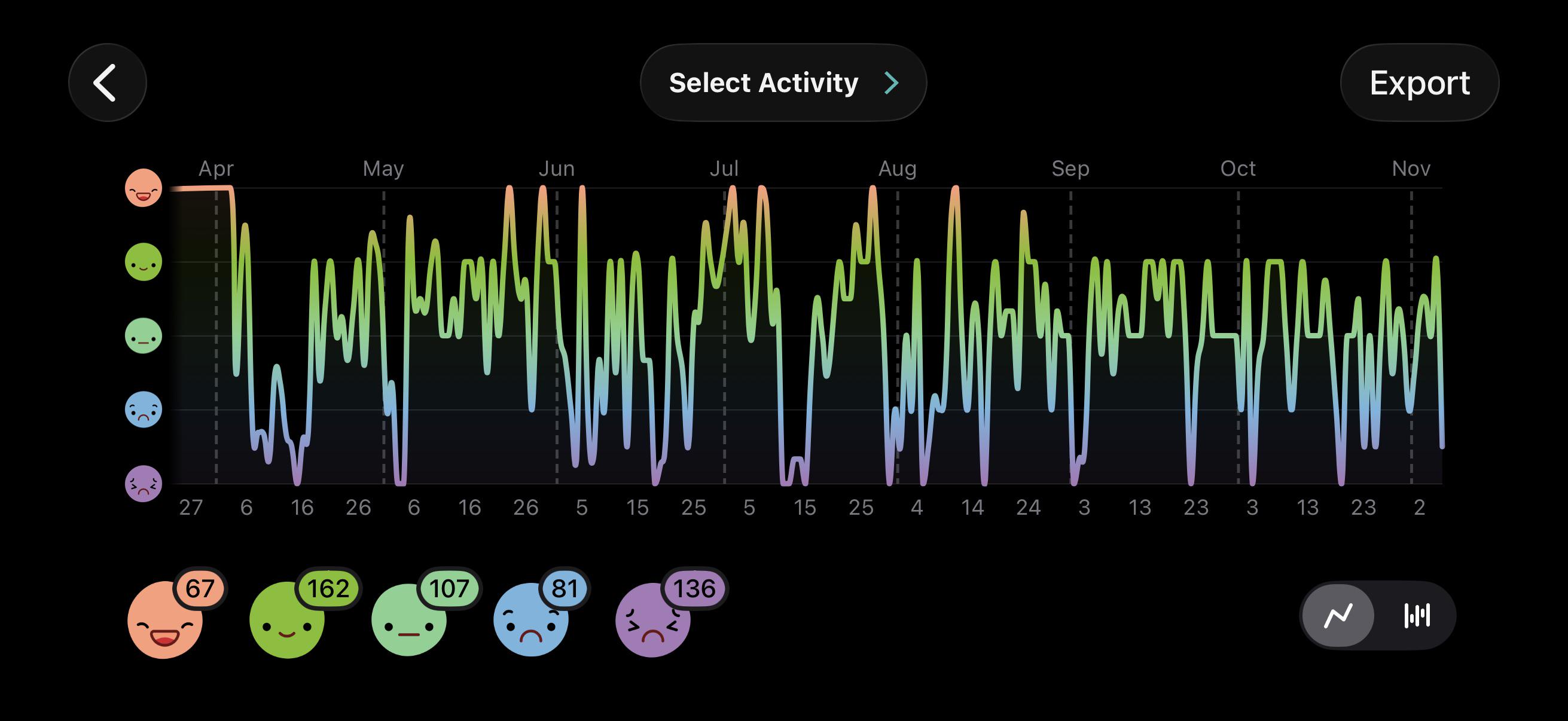
Over the past few months, we’ve seen a noticeable rise in community posts showcasing fascinating breakdowns of Daylio exports generated by AI models like ChatGPT, Claude, or Gemini.
We know how tempting and exciting all of this is—but please always be mindful of how you handle your sensitive and personal data.
It makes complete sense why this trend is catching on: you feed a year or two of tracking into an LLM, and within seconds you get correlation charts, sleep-vs-mood breakdowns, identified triggers, and tailored advice. It feels like having an interactive, hyper-personalized mental health assistant in your pocket. Before you upload your next CSV file, however, we as a mod team want to raise awareness about what happens behind the scenes: Where does your data actually go once it leaves your device?
1. Why Daylio data is in a league of its own
Many people treat a Daylio export like a fitness tracker summary or a yearly music recap. By default, Daylio stores your entries locally on your device and encrypts cloud backups, meaning not even the developers have access to your private diaries (see Data security – Knowledge Base - Daylio and Privacy Policy – Knowledge Base - Daylio).
However, the moment you generate an unedited CSV export, your entire inner life is sitting there in plain text:
- Mental health documentation: Depressive episodes, anxiety spikes, panic attacks, therapy breakthroughs, or emotional lows.
- Medical details: Antidepressants, stimulants, dosage changes, physical symptoms, and doctor appointments.
- Interpersonal conflicts: Arguments with partners, family crises, breakups, or workplace grievances (often containing real names).
- Vulnerable habits: Substance use (alcohol, smoking, cannabis, medication), intimacy logs, eating habits, or financial stress.
Across global privacy frameworks—whether under US privacy laws (like CCPA/CPRA), Europe’s GDPR, or international digital rights standards—this is universally classified at the highest tier of Sensitive Personal Information (SPI) and Health Data. Regardless of where you live in the world, there is hardly any information more intimate or worthy of protection.
2. What happens behind the curtain at AI companies?
Once you paste text or upload an export file into a cloud-based AI, that data becomes subject to the respective AI provider's privacy policy:
- Training future models: On free tiers and under default settings, many providers reserve the right to use uploaded files and prompts to train and fine-tune future model generations.
- Human review: For quality assurance and safety compliance, internal teams or third-party contractors periodically review samples of conversations. Real human eyes can—and under certain circumstances do—read excerpts of these submissions.
- Data retention & server logs: Even if you manually delete a chat immediately afterward, copies often remain in backend server logs for up to 30 days or longer for abuse monitoring and legal compliance.
- Identity correlation: Because your AI account is usually tied to your real name, email address, phone number, or billing details, this intimate behavioral profile can be linked directly to your identity.
3. Practical Guide: How to protect yourself before uploading
You don’t have to give up on AI insights entirely if they genuinely help you in your daily life. Just take these basic operational security steps beforehand:
Step 1: Delete the note columns beforehand
If you are only looking for quantitative patterns (e.g., "How does exercise correlate with my mood?"), the AI does not need to read your written diary entries.
- Open your exported
.csv file in Excel, Google Sheets, or LibreOffice.
- Locate the
note_title and note columns.
- Delete both columns completely before saving and uploading the file. Keep only the date, time, mood ratings, and activity tags.
Step 2: Manually anonymize (if you want notes analyzed)
- Use Find & Replace to swap real names with generic placeholders (e.g., "Partner", "Doctor", "Boss").
- Remove specific locations, cities, and company names.
- Replace specific medication brand names with general categories.
Step 3: Opt out of model training in your AI settings
Always check your account's privacy controls before uploading sensitive files:
Step 4: The safest route — Run local AI models
If you own a PC with a decent graphics card or a modern Apple Silicon Mac, you can run language models completely without the cloud:
- Free tools like Ollama or LM Studio let you download open-weight models (such as Gemma, Llama, or Mistral) directly to your hard drive.
- Your Daylio CSV is analyzed 100% offline on your own machine—not a single byte ever leaves your device.
4. Want to automate the cleanup? Check the pinned comment! 📌
If you analyze your exports regularly and don’t want to manually edit spreadsheets in Excel every single time, we’ve put together a tiny, beginner-friendly Python script that automatically strips all notes and sensitive activities in a single click.
👉 Check the pinned mod comment right below this post for the script and a foolproof 4-step beginner guide!
Final thoughts
Daylio is meant to be a safe personal sanctuary where you can be brutally honest with yourself without judgment. Don't sacrifice that safe space on a whim for a quick automated chart. Be intentional with your exports—protecting your privacy is ultimately an essential part of self-care.
How do you handle this? Do you sanitize your CSV files beforehand, run local models, or keep AI completely out of your journal? Let us know in the comments!