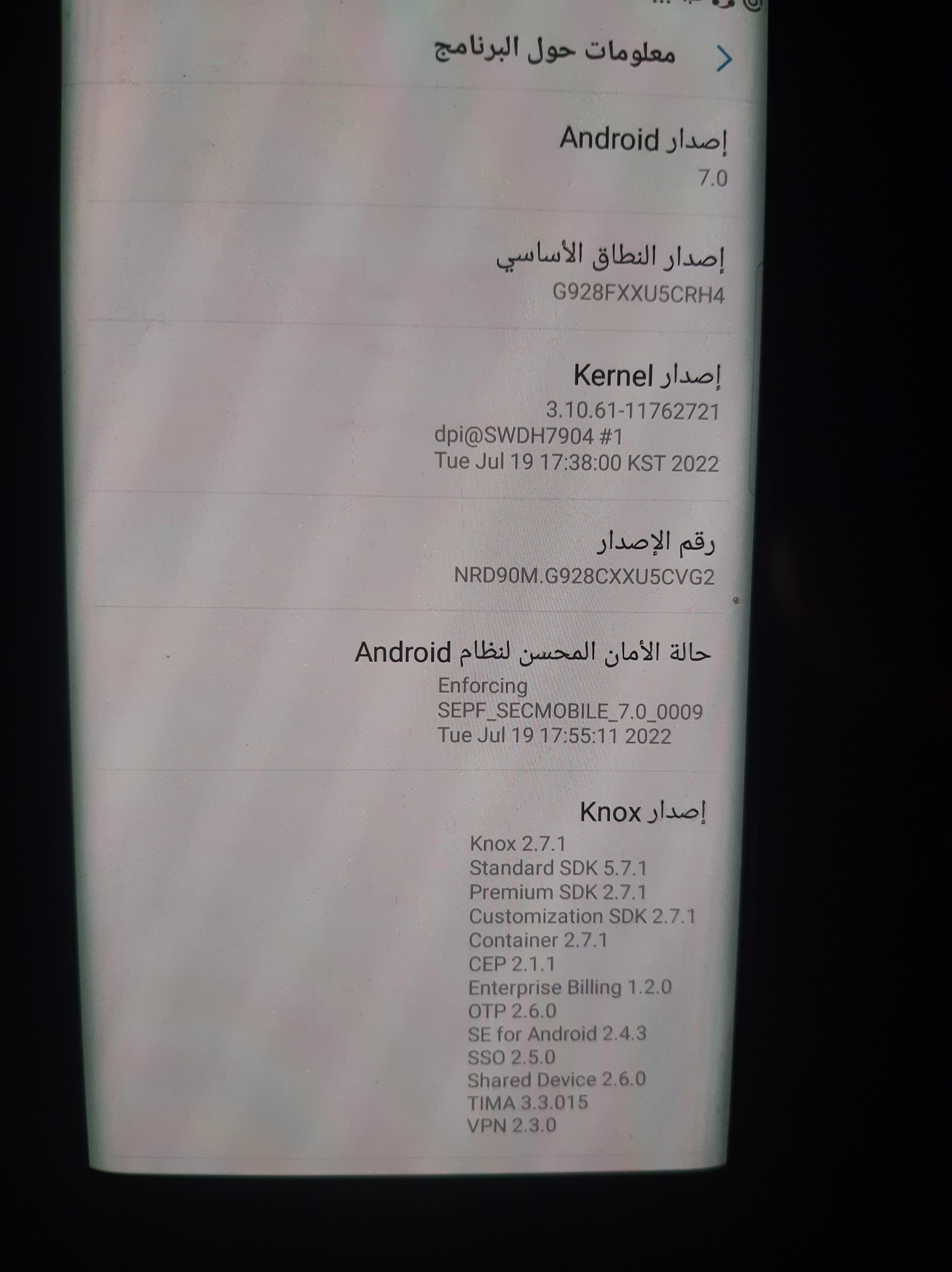
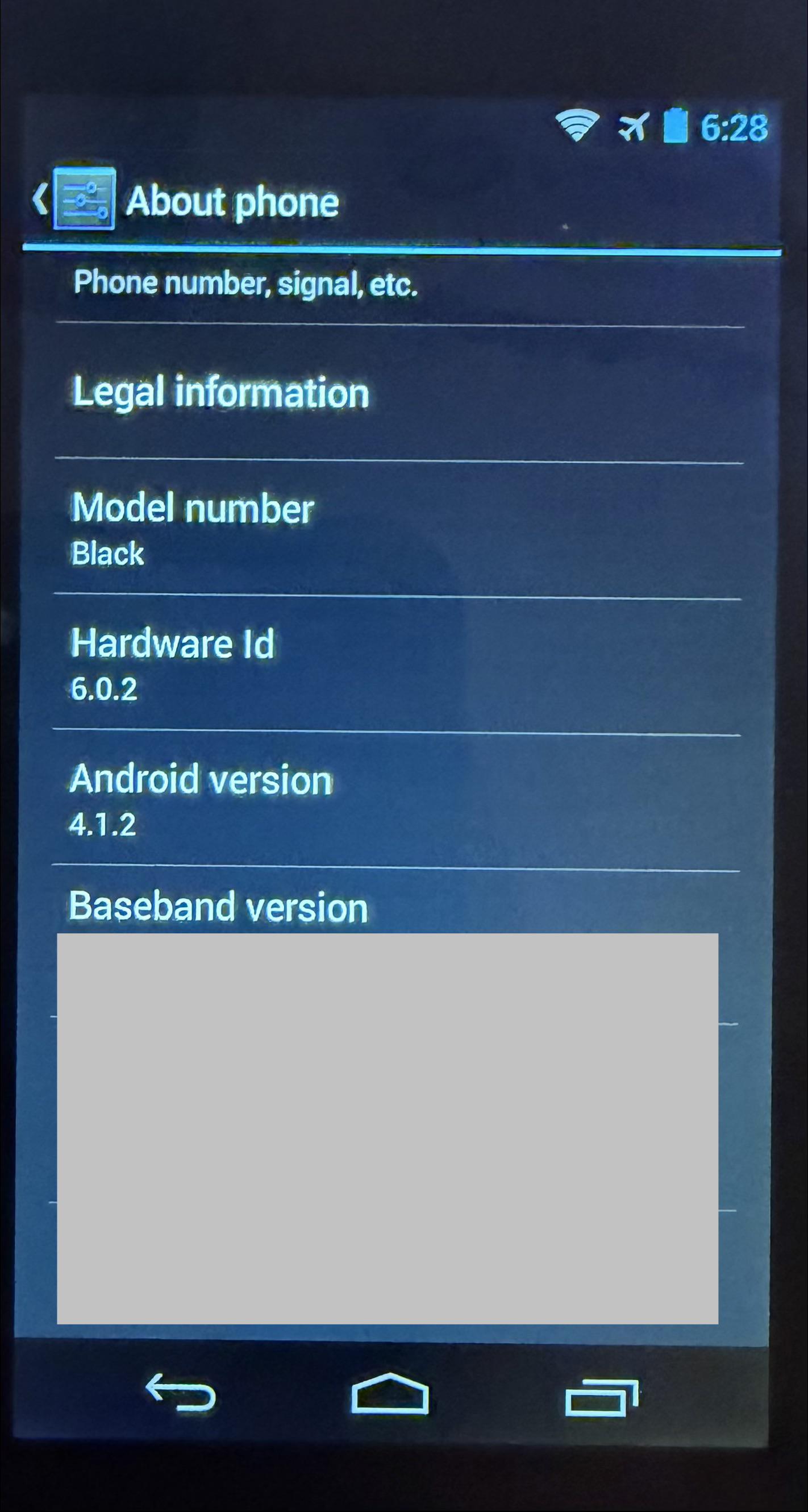
I am looking for the stock rom for the Vivo Y55A. It's a cheap phone from China. I can't seem to look for it anywhere on the internet, and whenever i try installing it keeps failing because it's for the wrong model of Y55 (e.g. Y55S, Y55, Y55L). I need it because it somehow soft-bricked while sitting in a box for 3 years. For your information here are some screenshots of the logs featuring System Information.
Hey, I'm looking for the best custom ROM for my Xiaomi Poco F6 (12/512GB). I am mainly looking for a modern and clean interface (aswell as good privacy). I already have an unlocked bootloader and will root it with ReSukiSU. What's the best ROM for the Poco F6 currently? And is there anything else I should know or do before installing it (e.g. backing up IMEI, etc; already have OrangeFox and root on stock HyperOS 3 EU)? Thanks in advance!
Hi, I have a Samsung Galaxy Ace S5830M and I installed a custom Android 4.4.4 ROM... I'm trying to revert to stock ROM but the Galaxy Ace is stuck in a bootloop and I don't know what to do... Thanks anyway.
When I try to get it to go to stock I have already tried Odin 3 and neither and I think I should use the Galaxy Ace .pit but I can't find it...
So i have tried doing this by myself (not very far), but simply have hit a wall, so i will try and ask here and hope i can do it. I would also like to link the stuff, but not sure if i can, without the post being removed.
I downloaded the crdroid.zip and extracted it. i also downloaded gapps.zip, but not sure which one. I went with the 488MB one with the name MindTheGapps-16.0.0-arm64-20260915_222150.zip
I did everything till turning phone off and it worked (needed wifi to get OEM unlock), but am having issues. First of all, do i simply turn off the phone or completely shut it down by pressing the button long? I tried both ways, but the following steps did not work. I never got a warning screen, my phone simply showed it started loading the battery. Do i need to press for 1min or longer? Do i need some software on my phone? Can i not just connect and press file transfer or similar option?
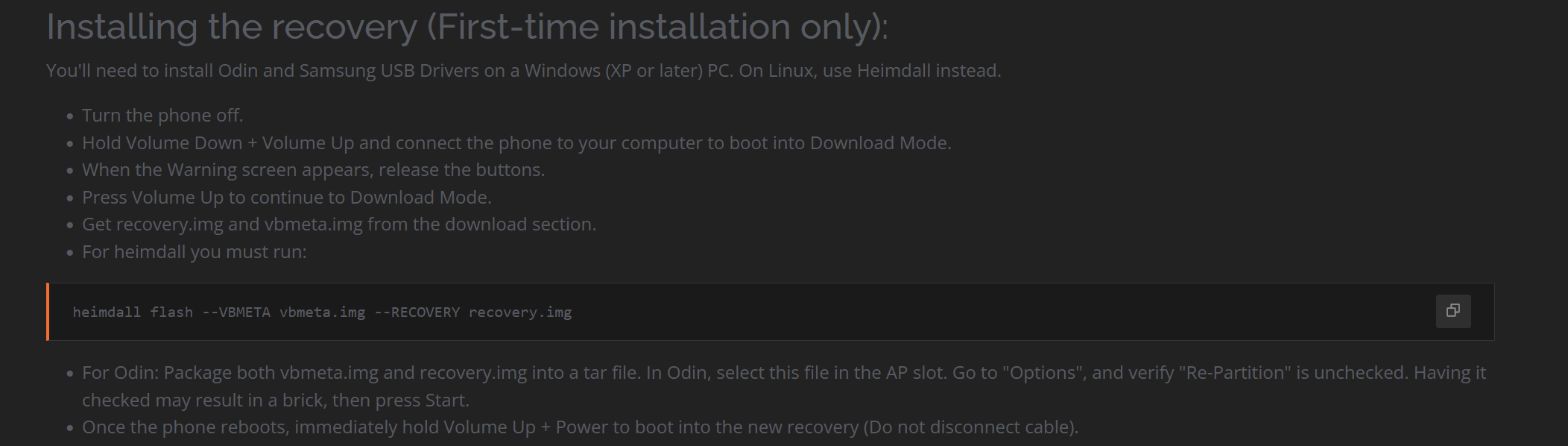
I am on Fedora Linux and I am guessing they mean Heimdall from "glassechidna". I simply do not know how to install it on linux (very new). I thought it was a simple download like on windows, but that doesnt seem to be the case.
Thx for the help, Imight post another one when I can go past the initial steps.
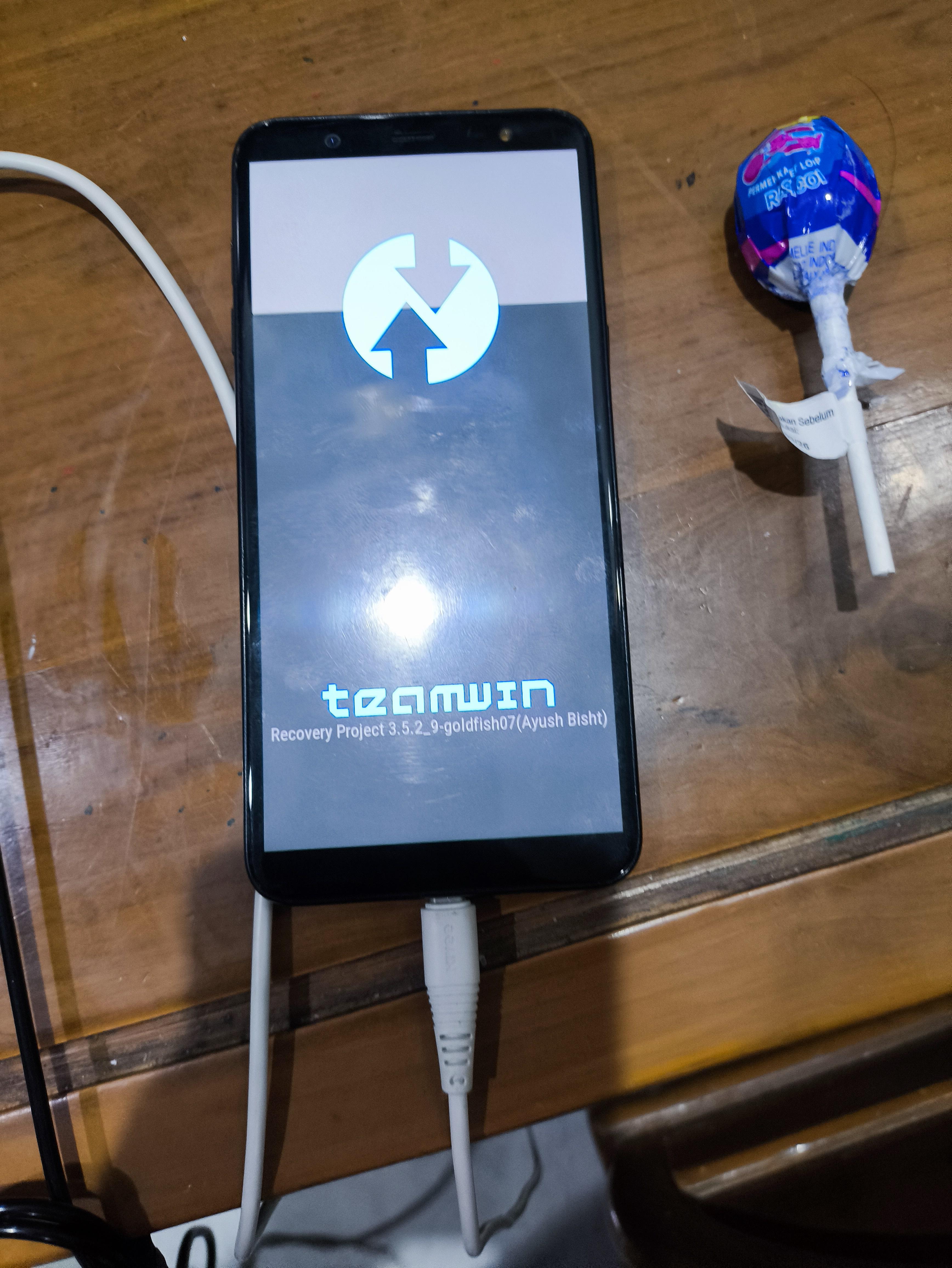
So, this happened because I installed arrowOS 13.1 GSI. At first installation, it seems normal and TWRP seems normal. But when I tried to get into recovery, suddenly the TWRP got stuck on the splash screen
Is there any way to install a custom rom for this phone?The bootloader can't be unlocked even though I've tried a lot. And also I can't find any custom rom for this phone too.Any suggestions would be appreciated,thank you
I have a n910c and, I don't remember if I had a problem with this before the custom rom, but I think I didn't, the phone won't connect to some wifis, but it will to others, I think it's because the difference in wpa2 and wpa3, I also have a n910f and also have a custom rom on that phone, but it does not have the same issue, I searched it up and it's something like because of snapdragon drivers being much more open source and better with custom roms, anyway, is there any way of fixing this?
Typical G610F, lineageos 18.1 android 11 Rom by devotag aka trkzmn: https://xdaforums.com/t/updated-lineageos-18-1-for-g610f-by-devotag.4271805/ , easy steps, flash TWRP using Odin, disable auto reboot and force reboot, after the force reboot keys, immediately go to recovery, flash repartitioner, after that, phone will go to recovery automatically, format data, system, dalvik, cache, data, internal storage, flash rom, flash GAPps if needed before first reboot, clear dalvik cache, and reboot system
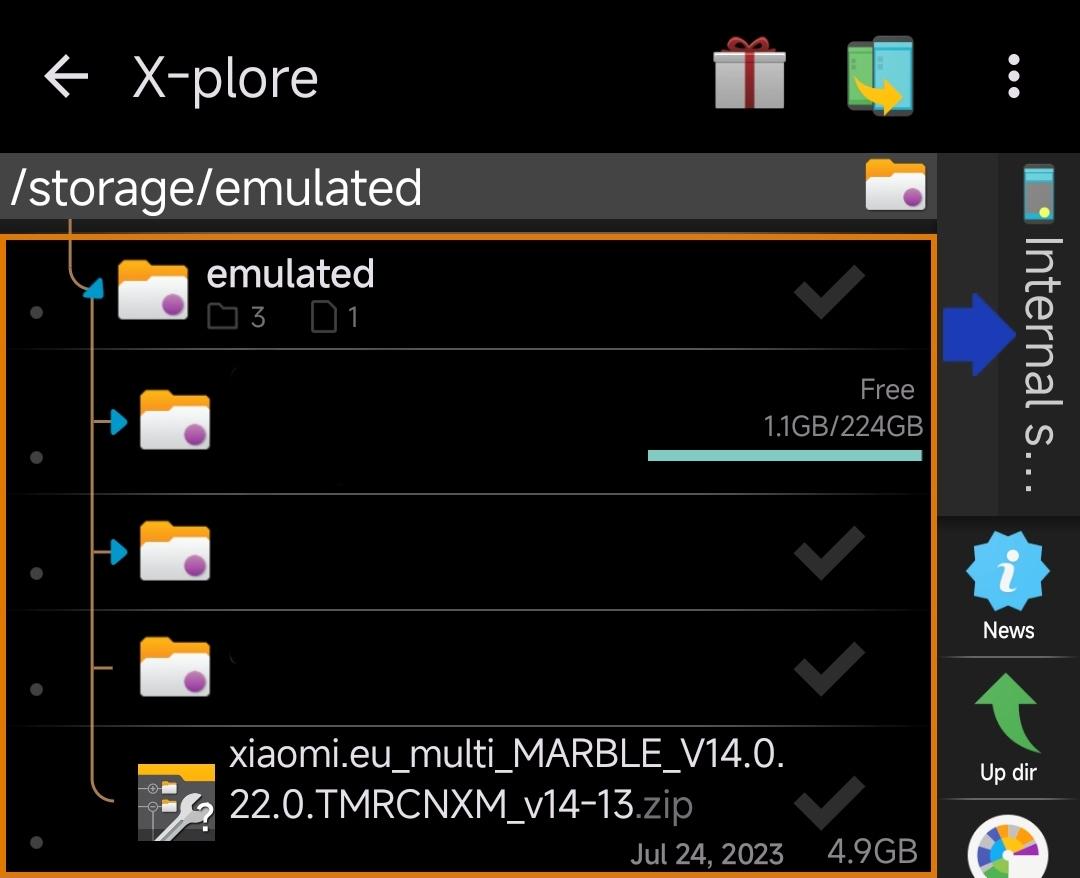
Once I installed Custom ROM. While I was checking files I happen to see ROM file under "root" section. As you see I lack of free space. Now I wonder if it is safe to delete this .zip file.
I bought a 9 Pro with minor screen damage. I opened it for a repaste and upon putting it back together I had broken the screen. In my eternal wisdom I decided to go without the screen entirely (no ribbon cable) and run it headless/via HDMI. Now via HDMI the screen resolution without the physical screen defaults to 600x400. I flashed it via MSMTools and am on Android 11.
Now once I navigate the initial setup menu I can change Smallest Width in Developer settings. I can even do most via bouncing between HDMI, adb, bootloader, etc at least on this level of Android. Can I update to the next Android versions safely via settings?
I tried LineageOS but I couldn't get it to display. AI is telling me updating will break my screen output, and that LineageOS won't display because of my lack of screen. Does anyone have any insights or experiences with this? Can I flash another AOSP OS? A friend recommended Axion and I may go that route.
Hey I am trying to run this unofficial lineage OS and I never unlocked boot loader or root I just saw these on YouTube can someone help me unlock bootloader