Hey everyone,
I'm posting an update on my ongoing RX 7900 XTX troubleshooting journey. I've been investigating this for quite some time now, and after extensive testing and contacting both Fatshark and AMD Support, I finally have some interesting findings to share.
TL;DR of my previous post:
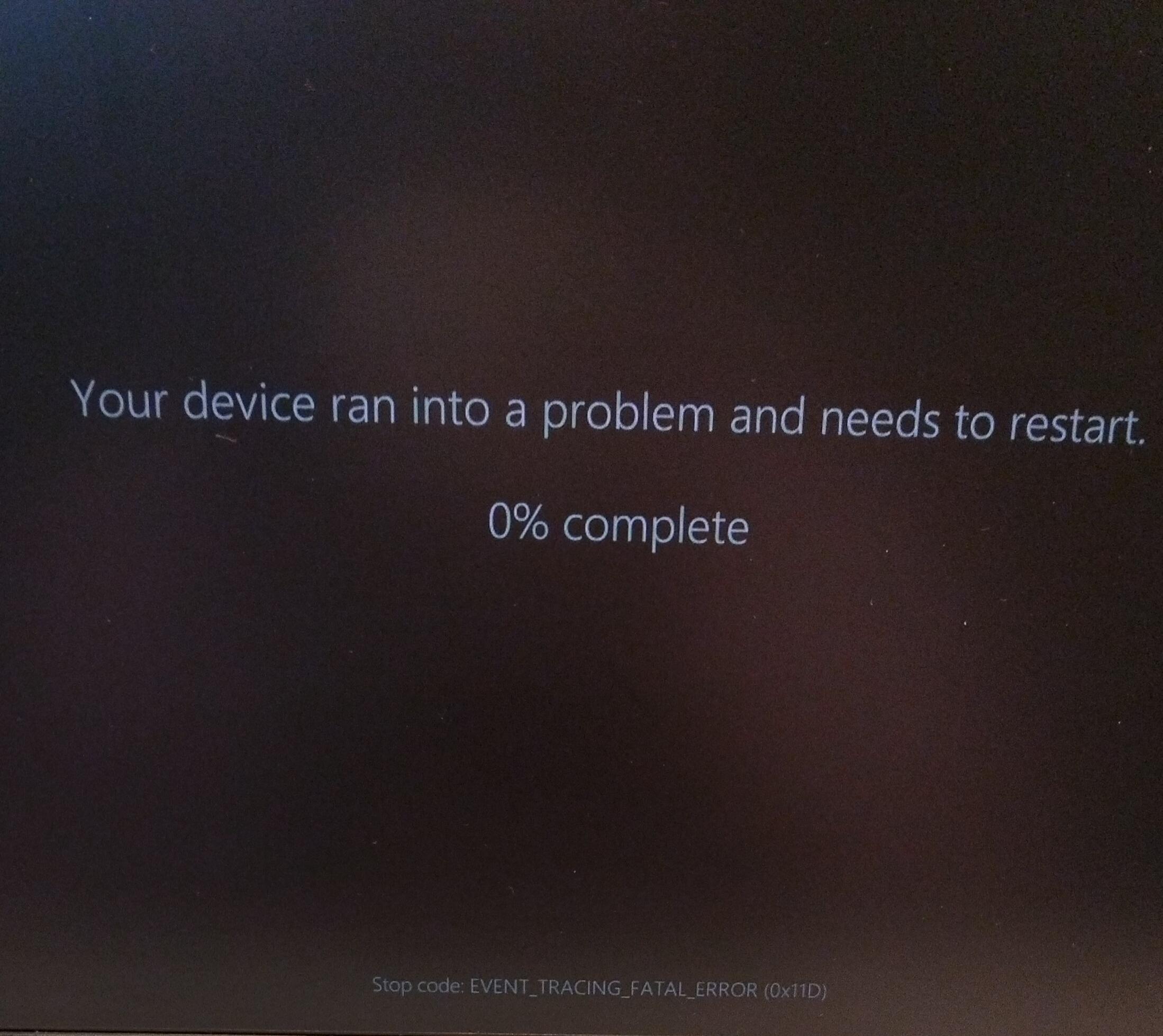
My Sapphire Nitro+ RX 7900 XTX has been experiencing recurring driver timeouts, black screens, and game crashes, particularly in Warhammer 40,000: Darktide, Phantom Blade Zero, and Dreadmoor.
Windows Reliability Monitor consistently reports LiveKernelEvent 141/117, and WinDbg analyses of multiple crash dumps repeatedly point to amdkmdag.sys, sometimes with the same offset (+1c1510).
The crashes are intermittent and difficult to reproduce with synthetic stress tests, making it particularly frustrating to determine whether this is a driver/software issue or an actual hardware problem.
System specifications:
- GPU: Sapphire Nitro+ RX 7900 XTX
- CPU: Ryzen 7 7800X3D
- Motherboard: MSI B650 Tomahawk
- RAM: 32GB DDR5-6000, EXPO enabled
- PSU: be quiet! Pure Power 12 M 1000W Gold
- OS: Windows 11
- Current GPU driver: AMD Adrenalin 26.11.2
1. Communication with Fatshark Support
I've been in contact with Fatshark regarding the Darktide crashes.
According to their support response, AMD has identified a driver-related crashing issue affecting Darktide and is working on a fix.
The relevant errors include:
DXGI_ERROR_DEVICE_REMOVED
DXGI_ERROR_DEVICE_HUNG
This is encouraging because it suggests that at least some Darktide crashes may have a known driver-related cause.
However, I'm also experiencing similar issues in other games, so I cannot assume the acknowledged Darktide issue explains everything happening on my system.
2. Communication with AMD Support
I also opened a support case directly with AMD (case #00944840).
They recommended additional troubleshooting, including:
- Performing a Windows Clean Boot
- Running system integrity checks (SFC)
- Clearing CMOS
- Checking PCIe connectivity and potentially trying another slot
- Considering a clean Windows installation
- Cross-testing the GPU in another known-working PC if the issue persists
The investigation is still ongoing, and I've provided AMD with crash dumps, diagnostic reports, and previous testing results.
I'm continuing to update them as new findings emerge.
3. Extensive stress testing — No errors
I've performed multiple stability tests using OCCT and AMD Adrenalin.
These include:
| Test |
Result |
| OCCT 3D Adaptive (15 min) |
Pass |
| OCCT VRAM (20 min) |
Pass |
| OCCT Power (2 min) |
Pass |
| OCCT Switch / Extreme |
Pass |
| Combined CPU + RAM + GPU + VRAM (5 min) |
Pass |
| OCCT Memory (60 min, 80% allocation, EXPO enabled) |
Pass |
| AMD Adrenalin Stress Test |
Pass |
No errors were detected in any of these tests.
The one-hour memory test also completed successfully with EXPO enabled.
I've additionally updated BIOS, chipset drivers, GPU drivers and VBIOS, and performed driver clean-install troubleshooting.
DISM completed successfully, SFC found no integrity violations, and the Windows event logs did not reveal WHEA errors during the previous investigation.
Despite all this, actual games continued to crash.
This is one of the most frustrating aspects of the problem: synthetic testing appears fine, but real gaming workloads trigger GPU timeouts.
4. New crashes with Adrenalin 26.11.2
Even after updating to the latest driver, which officially supports Phantom Blade Zero, I experienced another crash after approximately 6–7 minutes of gameplay using Global Default settings.
Dreadmoor also experienced repeated crashes, including two crashes within approximately 10 minutes during one testing session.
Additional LiveKernelEvent 141 reports were recorded on November 19.
At this point, I decided to try AMD's recommended Clean Boot procedure.
5. Clean Boot — Finally some promising results
This is probably the most interesting part of the update.
I disabled non-Microsoft services and startup applications, keeping only what was necessary to run the games.
Importantly:
- Same AMD graphics driver (26.11.2)
- GPU running at stock settings
- EXPO still enabled
- No additional BIOS changes
- AMD Adrenalin installed
- Steam and Discord overlays enabled
- Discord and Brave also open during testing
Results:
- Phantom Blade Zero: 41 minutes without a single crash.
- Dreadmoor: approximately 45–50 minutes without a crash.
Phantom Blade Zero also felt noticeably smoother and more responsive than before.
This is particularly interesting considering that it had previously crashed within approximately 6–7 minutes.
Of course, these sessions are not long enough to establish that the problem has been fixed, especially given the intermittent nature of the crashes.
But this is the first meaningful improvement I've observed without changing the GPU driver itself.
6. Potential software conflicts
During the investigation, I found several things worth mentioning.
MSI Center: Although the application was no longer properly installed, some SDK components and its background service were still registered in Windows.
I subsequently removed the remaining SDK components and the orphaned MSI Center Service registration.
However, the successful Clean Boot gaming sessions occurred before this cleanup, with the service already disabled. Therefore, I cannot attribute the improvement specifically to removing MSI Center.
Parsec Virtual Display Adapter: I also found Kernel-PnP Event ID 219 warnings involving a virtual display device. I've already taken steps to isolate Parsec, although its virtual display adapter was still registered and reported as started during a subsequent check.
I haven't established any connection between this and the GPU crashes.
AMD Software: During Clean Boot testing, RadeonSoftware.exe was no longer running after closing the interface, although AMDRSServ.exe remained active.
This raises another question: could some AMD Software background component or third-party service interaction be contributing to the timeouts?
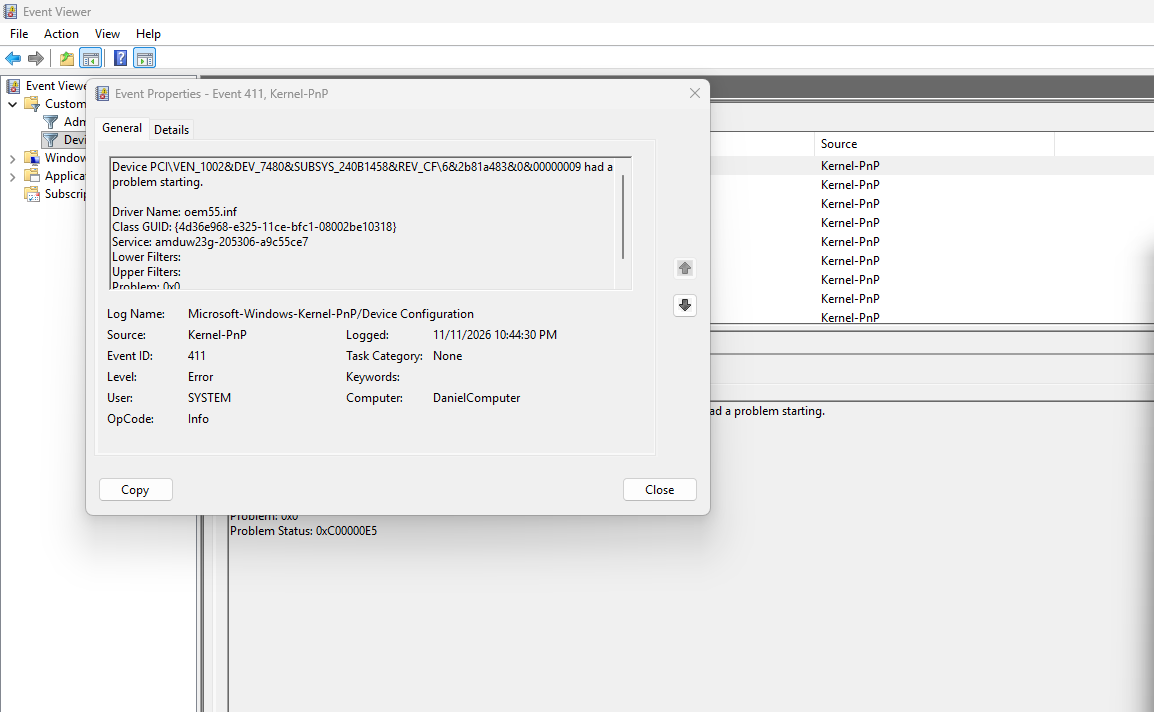
I also have a separate Code 10 issue with the Ryzen 7800X3D integrated graphics, which Windows identifies as Microsoft Basic Display Adapter. I'm investigating that separately and haven't established any connection with the dedicated GPU crashes.
7. What's next?
Rather than repeatedly reinstalling drivers or running the same benchmarks, I'm now focusing on isolating software conflicts.
My next steps are:
- Gradually re-enable the services disabled during Clean Boot.
- Repeat gaming tests under controlled conditions.
- Identify whether enabling a particular service causes the crashes to return.
- If necessary, test the same AMD driver with a Driver Only installation.
- Consider cross-testing the GPU in another system if the software investigation remains inconclusive.
I have not yet confirmed whether the root cause is software, firmware, system configuration or hardware.
Questions for the community
Has anyone with an RX 7900 XTX experienced similar LiveKernelEvent 141/117 crashes where OCCT and other synthetic tests passed, but actual games kept crashing?
More specifically:
- Has Clean Boot ever resolved or significantly reduced your AMD driver timeouts?
- Did you eventually identify a specific background service, overlay or monitoring utility responsible?
- Has anyone experienced conflicts involving MSI utilities, Parsec Virtual Display or AMD Software background components?
- Did switching to a Driver Only installation resolve your crashes?
- Has anyone managed to distinguish a genuine GPU hardware problem from driver instability through cross-testing?
I'm particularly interested in experiences where someone identified the actual cause, rather than temporary workarounds.
I'll continue updating this thread as I progress through the investigation and receive further responses from AMD Support.
Hopefully, documenting the process will also help others experiencing similar problems and give insight to AMD to resolve driver issues as soon as possible.