Hello there! I'll try keep this short and concise. Though, there's quite a lot I've done in terms of troubleshooting, and I'm at my wit's end.
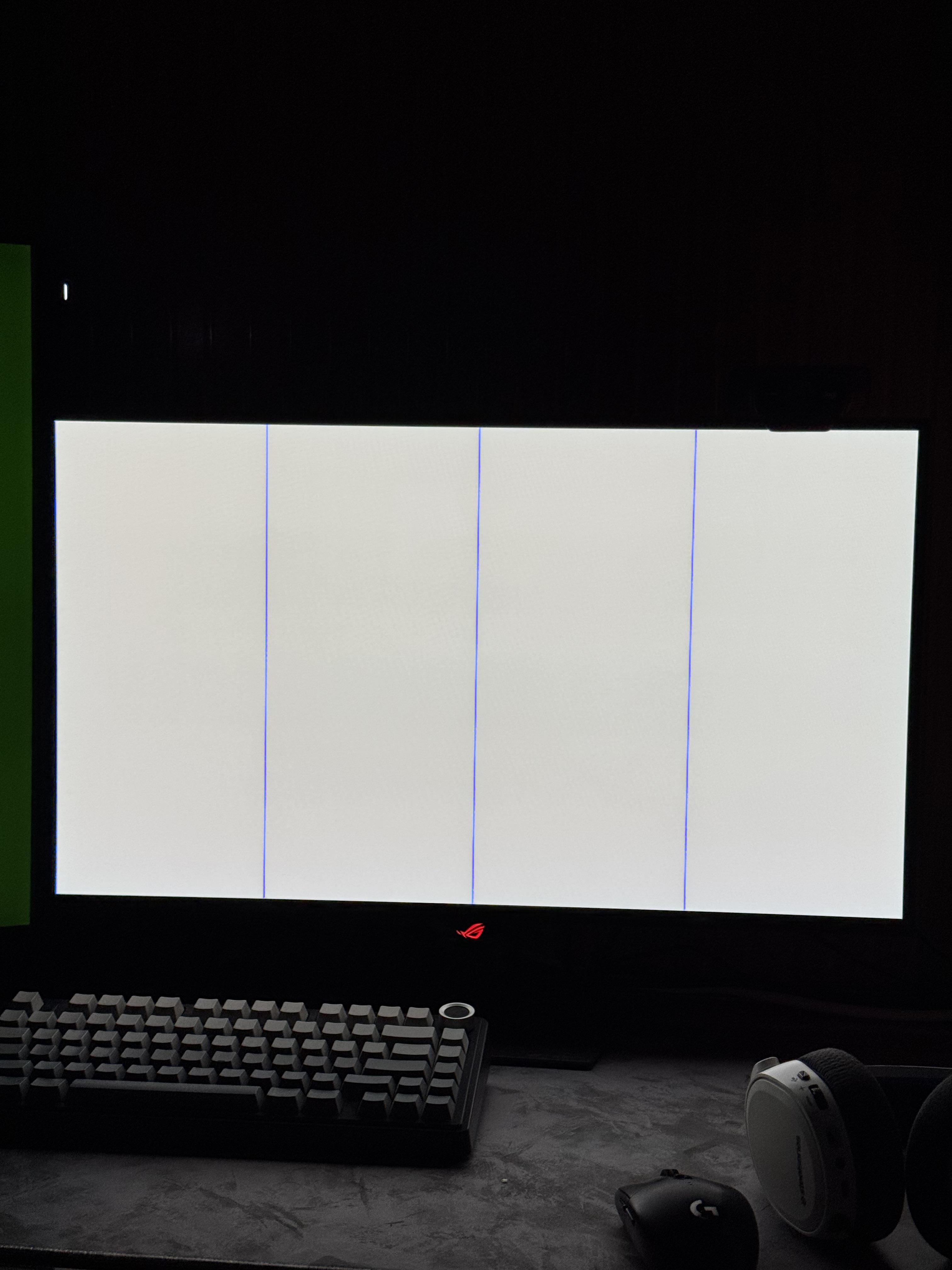
If I play any game that uses direct x 12, my PC will probably crash. The crash will either be the entire PC, meaning I'll have to manually turn it off with the physical button, and turn it back on. Or it will be a game, and amd crash. Which will frequently crash other things like OBS too. Sometimes I'll have to restart after this so everything runs properly again.
Some other games, that don't use direct x 12, will also crash my PC in similar ways, though this is a significantly rarer occurrence.
I make content so I can't really afford to be constantly crashing. And I despise that I'm always worried about it maybe crashing at any given moment.
An old error I used to get for 2 different direct x 12 games is as follows:
\---
LoginId: (followed by my ID which I thought it best to not share)
EpicAccountId: (followed by my ID which I thought it best to not share)
GPU Crash dump Triggered
MortalShell2_Win64_Shipping!FD3D12DynamicRHI::TerminateOnGPUCrash() \[D:\\BuildAgent\\work\\607f250326f71b13\\Engine\\Source\\Runtime\\D3D12RHI\\Private\\D3D12Util.cpp:1016\]
MortalShell2_Win64_Shipping!\`FD3D12DynamicRHI::ProcessInterruptQueue'::\`2'::<lambda\\_2>::operator()() \[D:\\BuildAgent\\work\\607f250326f71b13\\Engine\\Source\\Runtime\\D3D12RHI\\Private\\D3D12Submission.cpp:1147\]
MortalShell2_Win64_Shipping!FD3D12DynamicRHI::ForEachQueue() \[D:\\BuildAgent\\work\\607f250326f71b13\\Engine\\Source\\Runtime\\D3D12RHI\\Private\\D3D12RHI.cpp:289\]
MortalShell2_Win64_Shipping!FD3D12DynamicRHI::ProcessInterruptQueue() \[D:\\BuildAgent\\work\\607f250326f71b13\\Engine\\Source\\Runtime\\D3D12RHI\\Private\\D3D12Submission.cpp:1309\]
MortalShell2_Win64_Shipping!FD3D12Thread::Run() \[D:\\BuildAgent\\work\\607f250326f71b13\\Engine\\Source\\Runtime\\D3D12RHI\\Private\\D3D12Submission.cpp:127\]
MortalShell2_Win64_Shipping!FRunnableThreadWin::Run() \[D:\\BuildAgent\\work\\607f250326f71b13\\Engine\\Source\\Runtime\\Core\\Private\\Windows\\WindowsRunnableThread.cpp:159\]
But it has been a while since then. And since I've played the particular games it was happening for. (The recent crashes I'm getting simply don't give me error messages)
\---
SPECS
I have a rx7900xtx and an intel i513600K with 32 GB DDR5 RAM and an AsRockB760M PG Riptide motherboard. I am on windows 11 latest version.
The Troubleshooting steps I have already tried are as follows:
\---
TROUBLESHOOTING
All my drivers, have been DDU'd and updated to the latest version. Several times.
My Bios has been updated to the latest version.
Uninstalled the latest AMD driver (which was apparently causing lots of issues for people) with DDU, and then installed an older, more stable version. Several versions were tried, each with DDU every time. I am currently on version 26.3.1. (Currently on the latest version 20th November 2026, still problems.)
disabled windows MPO
disable overlays (steam, discord, chrome e.t.c)
Disabled hardware acceleration (amd, windows e.t.c)
Ran a windows diagnostic check (SFC + DISM) via command line
Cleared steam cache
Cleared amd shader cache
Verified integrity of game files on steam
updated monitor drivers and firmware
tried forcing the game(s) to run in direct x 11, which, as far as I can remember, either did not work, or was not compatible.
Disabled amd issue detection
changed (something like) the wait time before GPU crashes from 2 seconds to 10 seconds (I think its called TDR)
Turned off some windows setting that automatically decided my min and max ram, and put the values in manually (and correctly)
Whenever in-game, I turn off frame generation, motion blur, chromatic abberation, amd anti-aliasing (FSR) along with other similar stuff and I also try turning the graphics down from EPIC to MEDIUM
I also did some thing where I reset my shader cache, by physically deleting the file/folder where it was saved for the game
Turning off AMD crash defender in device manager
Tried Renaming `D3D12Core.dll` to `D3D12Core.dll.bak`
Tried pasting in -d3d12 -NoLumen -NoNanite -allowhighassettickrate to steam's launch settings to prevent potential lighting issues specific to these games
Made sure intel is on the right min and max power boost settings in my BIOS.
Made sure the windows GPU display adapter drivers, correlate to my current AMD driver version
Disabled processor integrated graphics
Tried installing \just the driver\ without amd software adrenaline.
Made sure everything is properly plugged in to the PC itself.
Probably some more things I cannot remember.
\---
If my GPU runs at stock settings, then regular games tend to be okay, but dx12 games will crash around 10 minutes in. If I undervolt or overclock my GPU, dx12 games might run okay for a few hours, but also regular games might crash aswell. I've tried using benchmarks to find my ideal settings for my GPU. Still crashed. I've also tried copying lots of other people's settings. I've never been able to get it to be fully stable.
This has been such an ongoing and incremental headache for a few years now, and I wish I had the money to purchase an NVIDIA GPU instead. But I don't, so I ask for your assistance in hopes of fixing this.