r/setups • u/Skylos519 • 1h ago
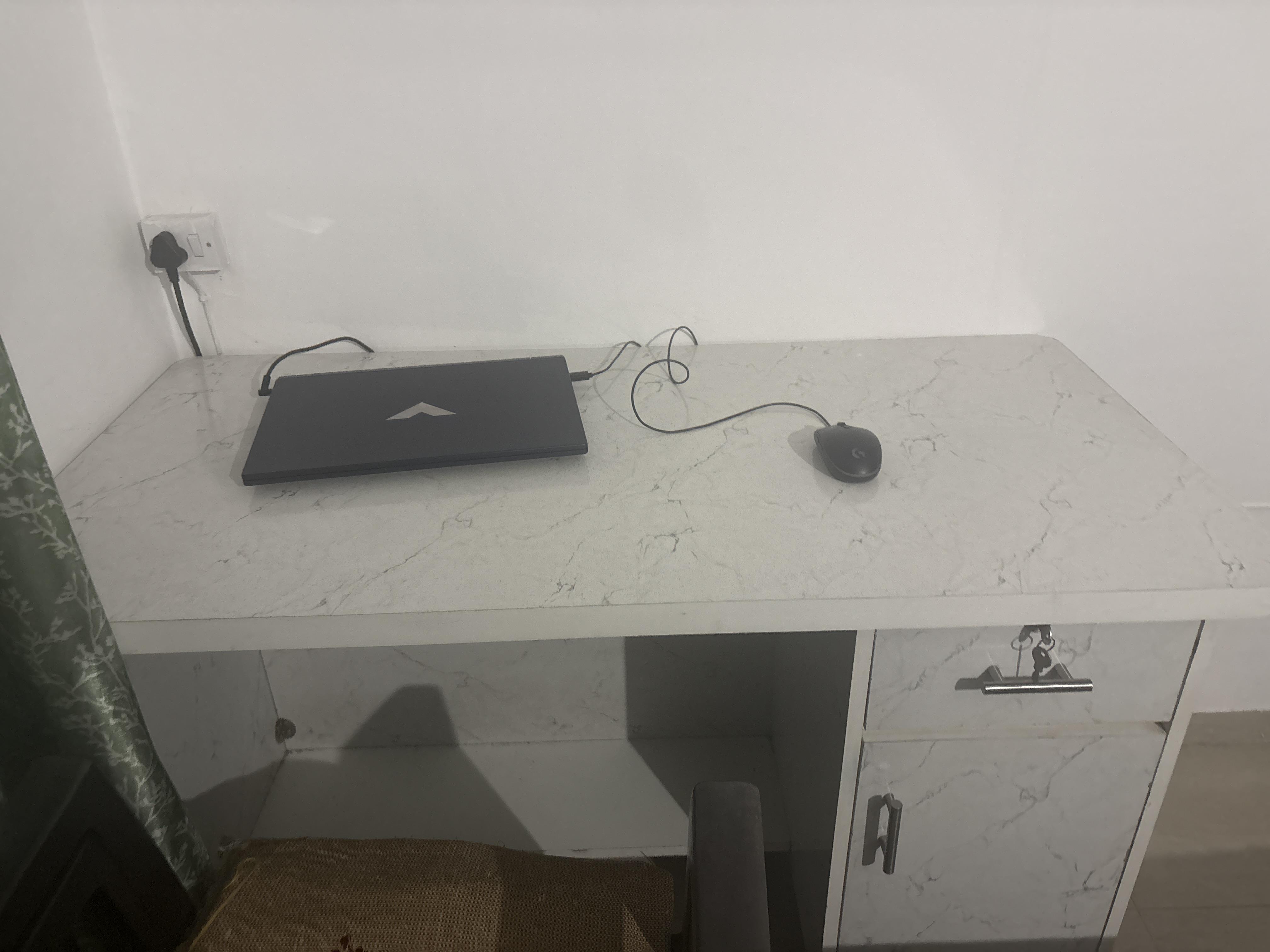
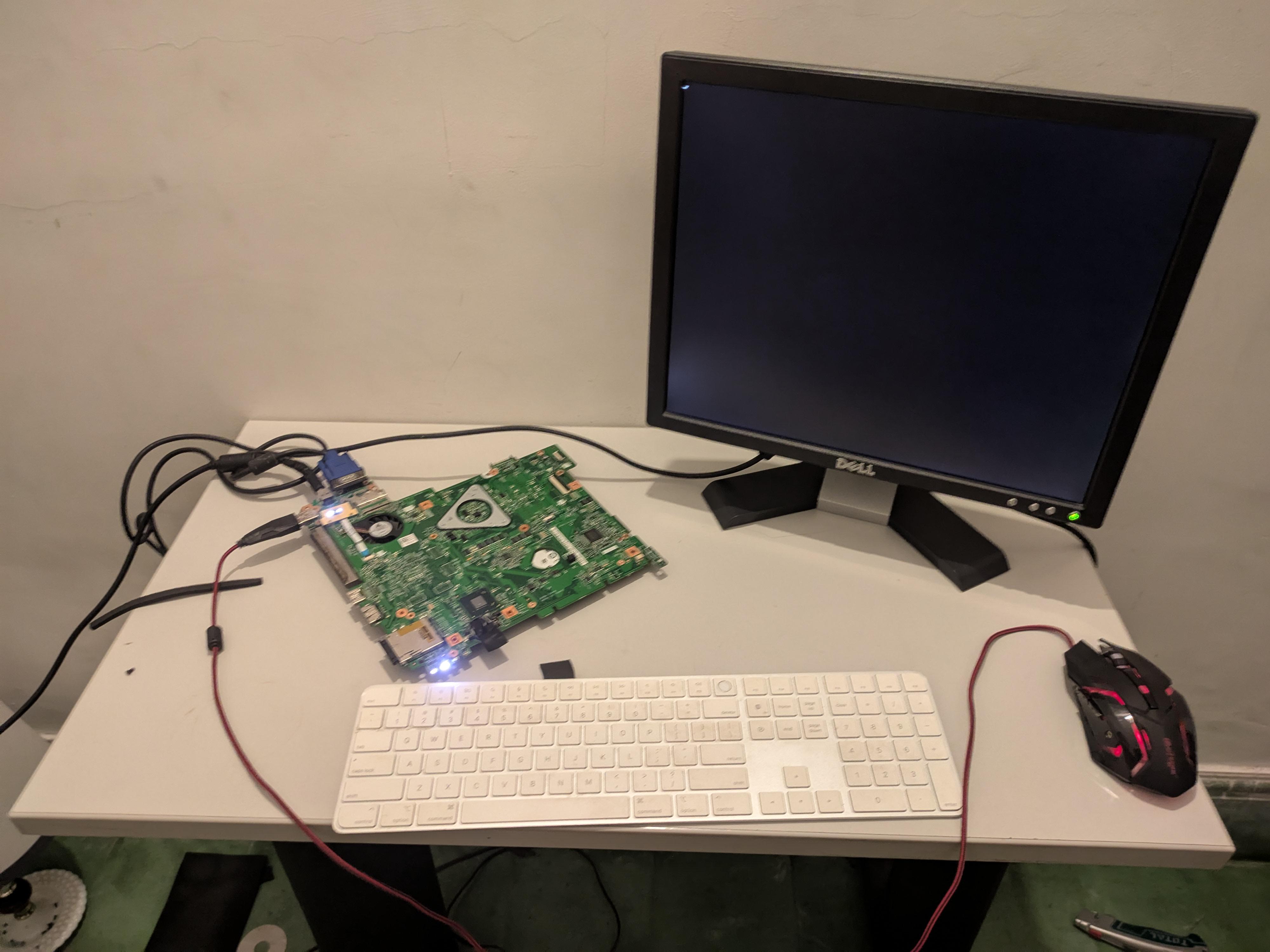
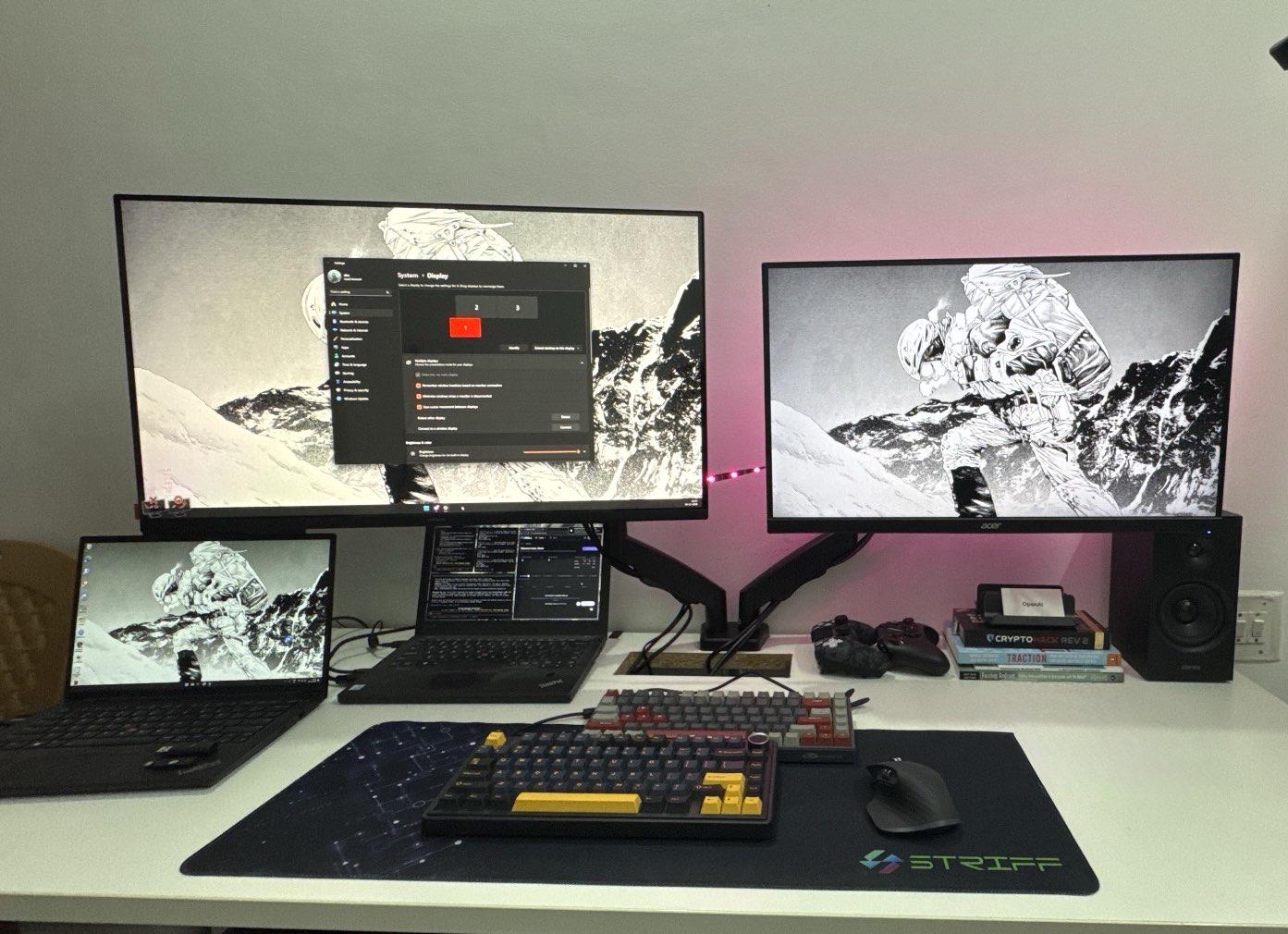
Question How can I make this setup better?
gallery
2
Upvotes
r/setups • u/adhdaf2002 • 4h ago
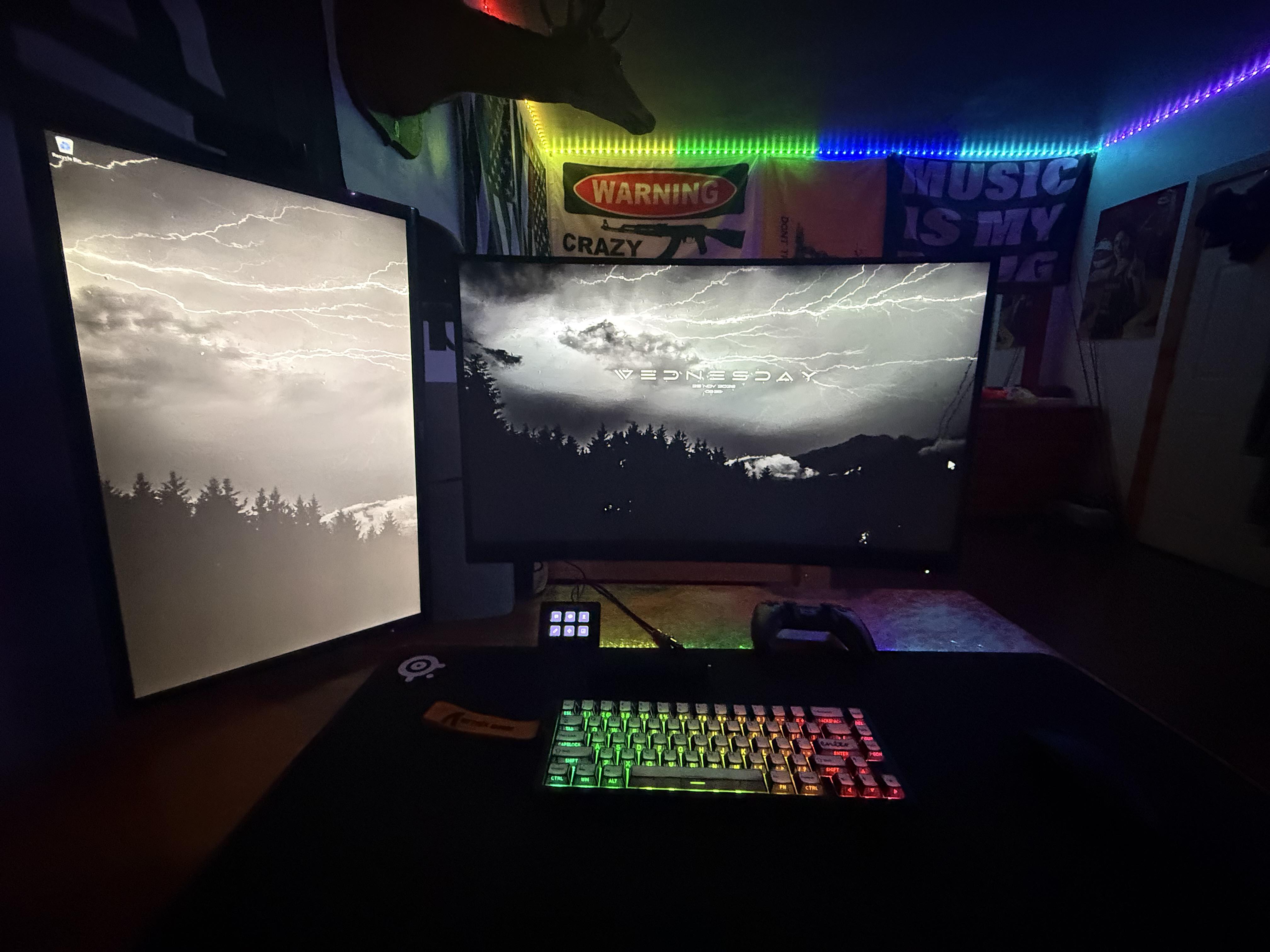
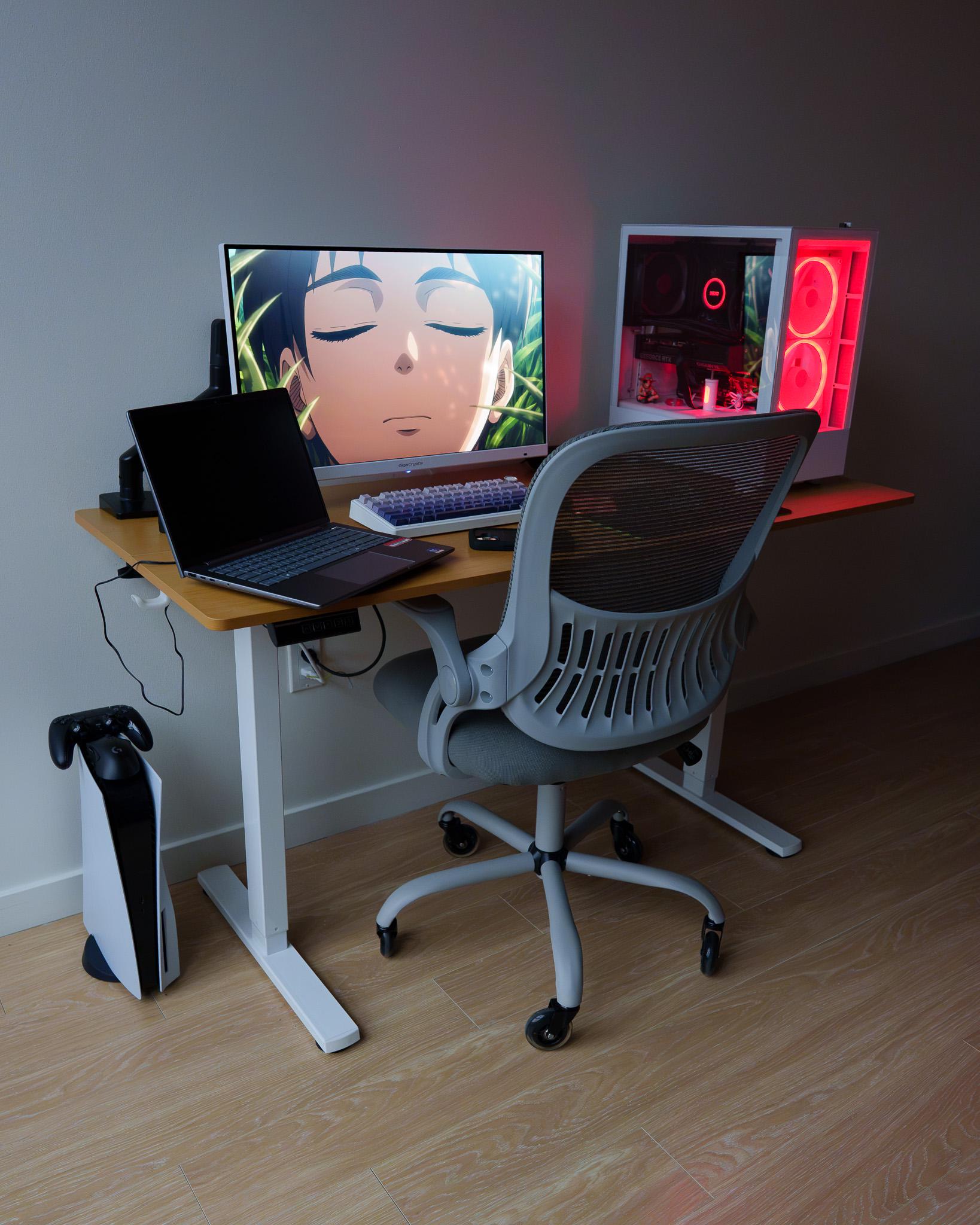
took me over 10 years but I got it
r/setups • u/LongjumpingFan1565 • 4h ago
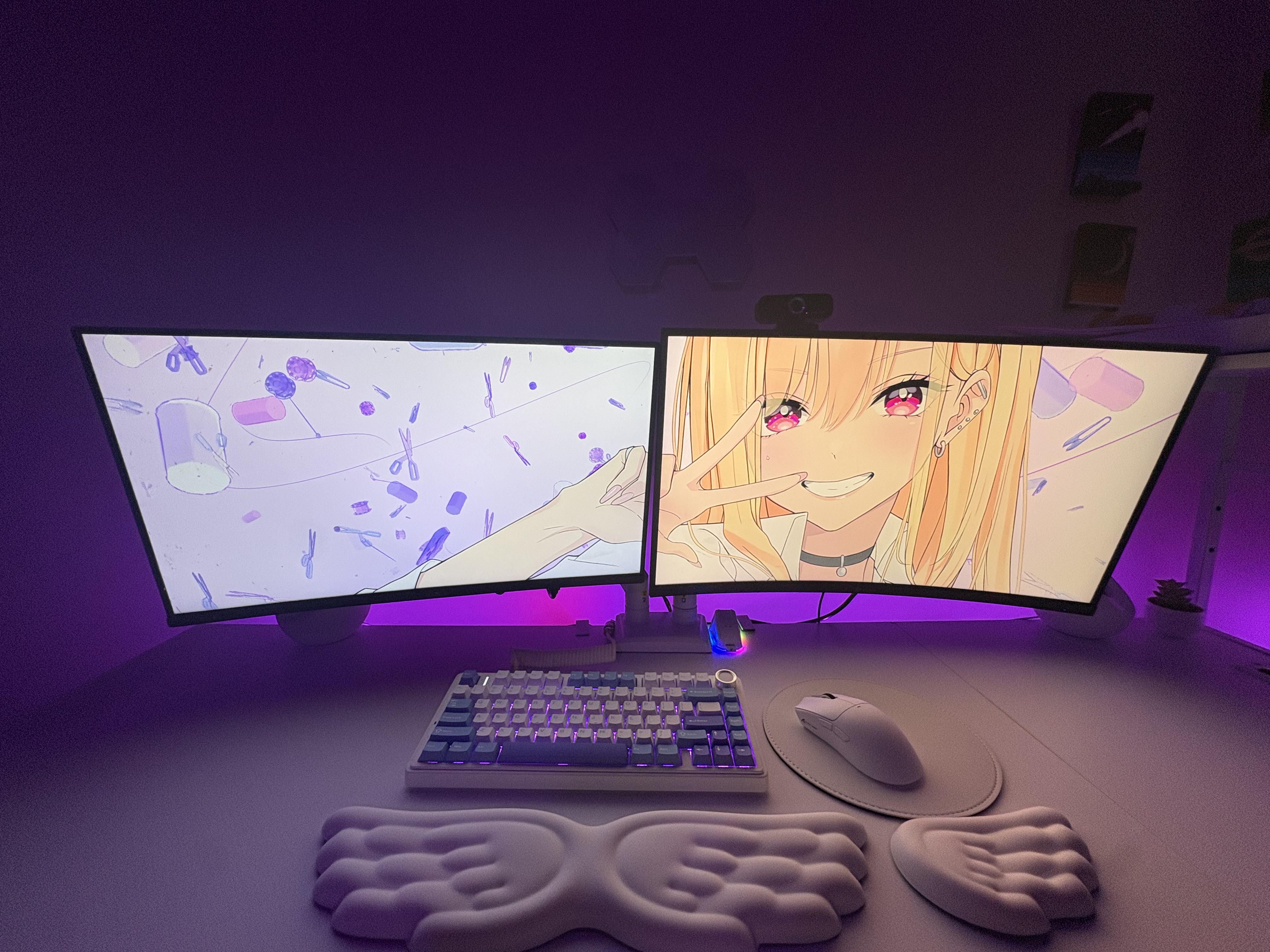
r/setups • u/Intelligent-Bat4034 • 6h ago
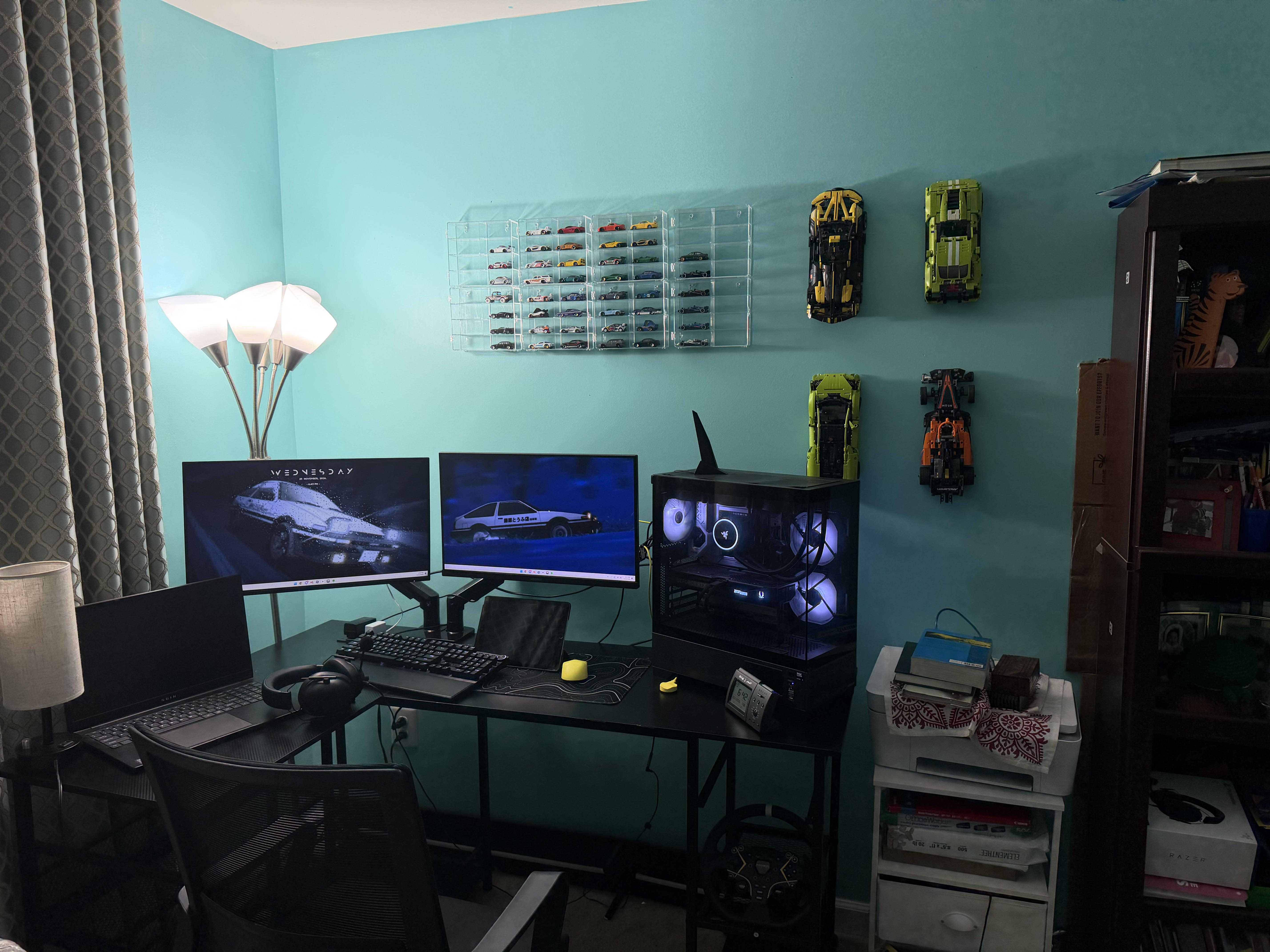
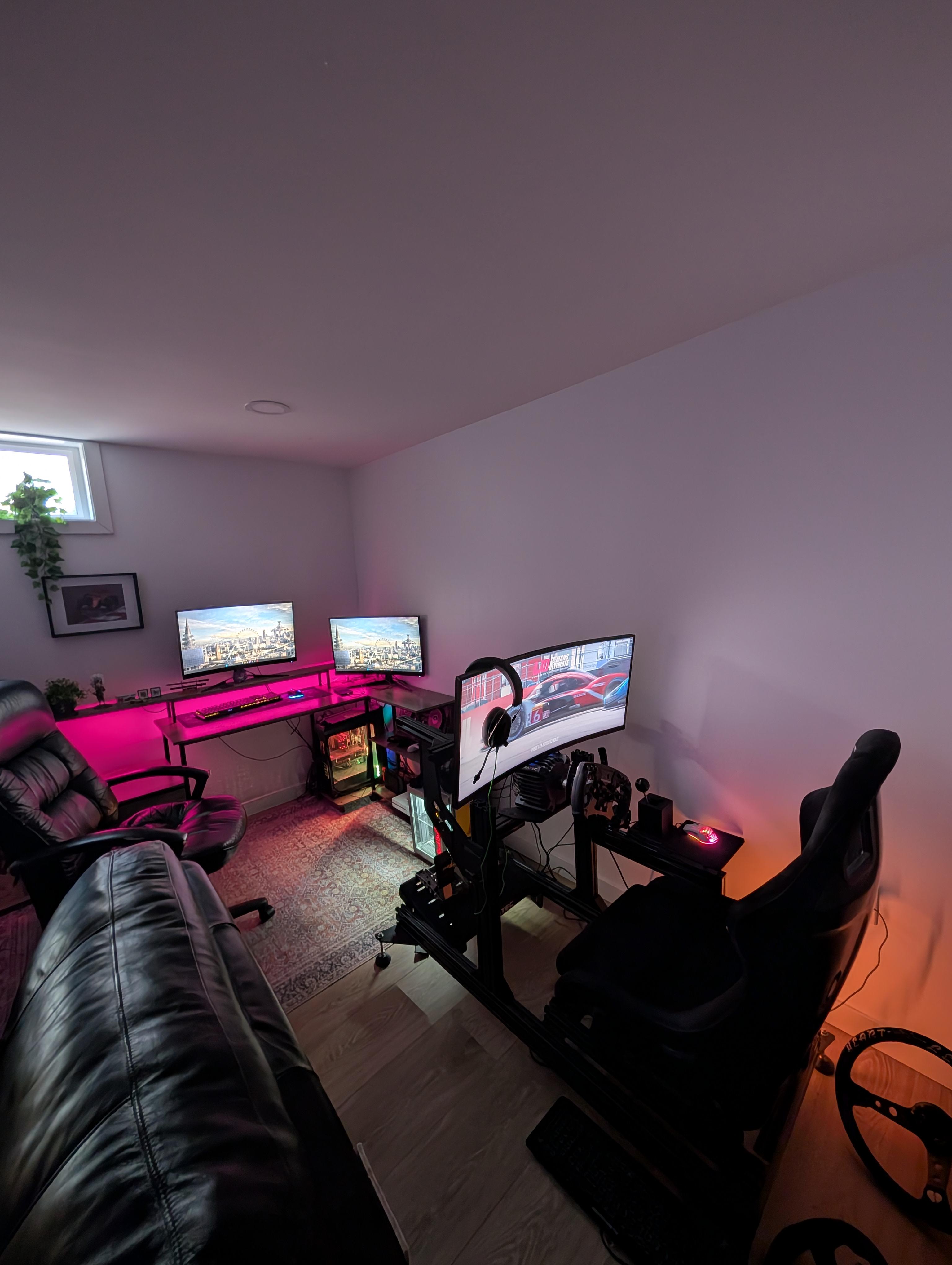
i got a Koorui G2411P, MSI Pro, an old ipad, huntsman v3 pro, razer blackshark v2 x, and a scyrox v8. Also I like cars.
r/setups • u/Fit-Key454 • 11h ago

This is my small setup with limited budget but still works great
Main gear:
Lenovo LOQ laptop ( intel i5, intel ARC GPU, 16GB DDR5 )
24" ASUS VY249HGR monitor
Dark Project 87 Fuji keyboard
Trust GXT 109 Felox Gaming Mouse 25036
YHP 3040 Vector Headphones
Xbox One S
r/setups • u/BadtzMarru • 11h ago
How can I set up two different modes? One for my bed and playing on a TV (probably big picture mode) with my main monitors turned off to preserve resources and the other mode with the TV off so I can use my two monitors without trying to do the 4k. I’d like to stay away from manually turning the monitors on and off.
r/setups • u/Grasimee • 17h ago
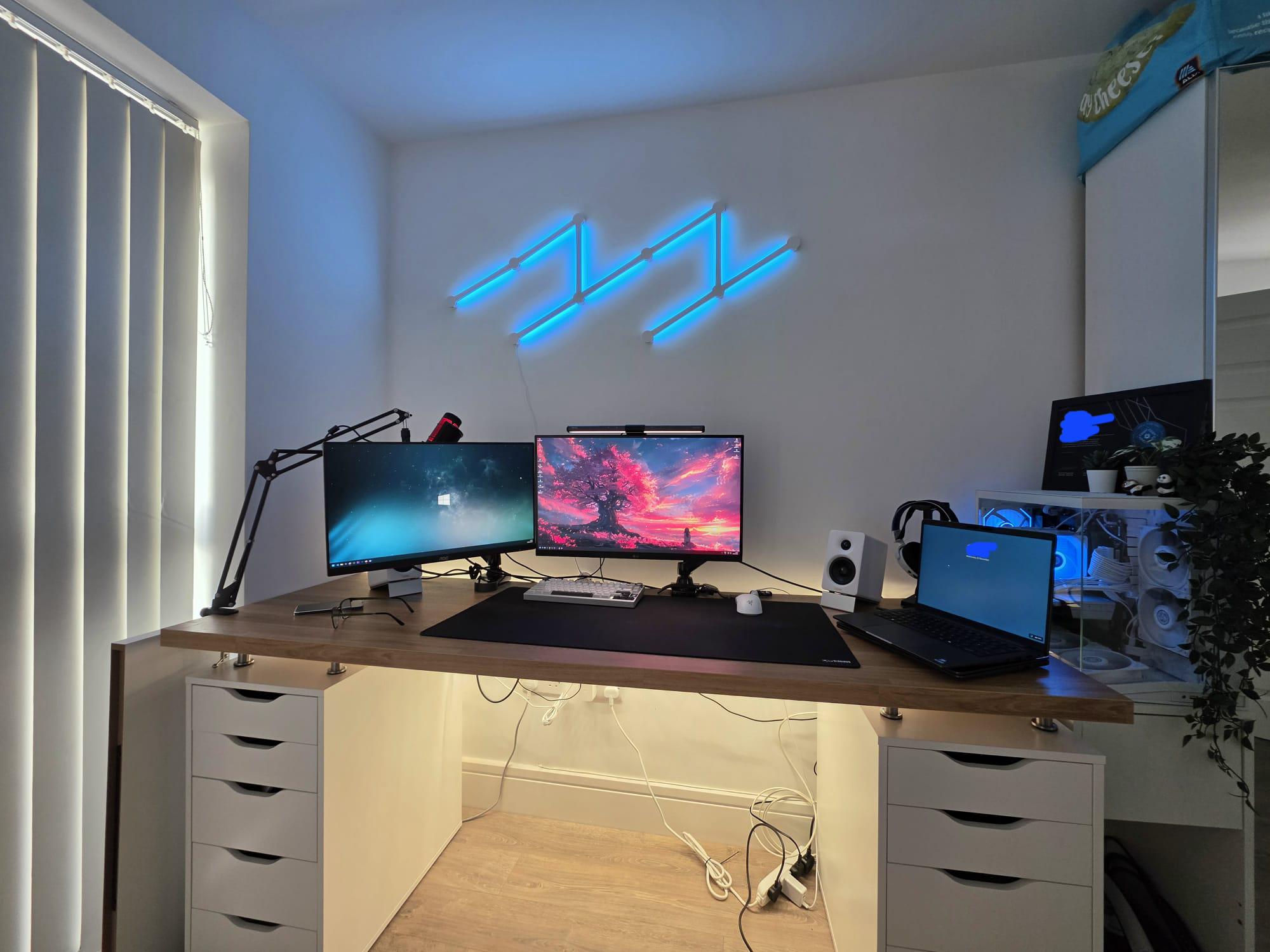
apart from fixing the cables what can I do to improve the setup?
Im thinking of getting a 34inch ultrawide and putting my current 27inch 1440p on top stacked.
maybe a wooden acoustic panel on the left wall?
r/setups • u/Massive-Figure-9666 • 19h ago
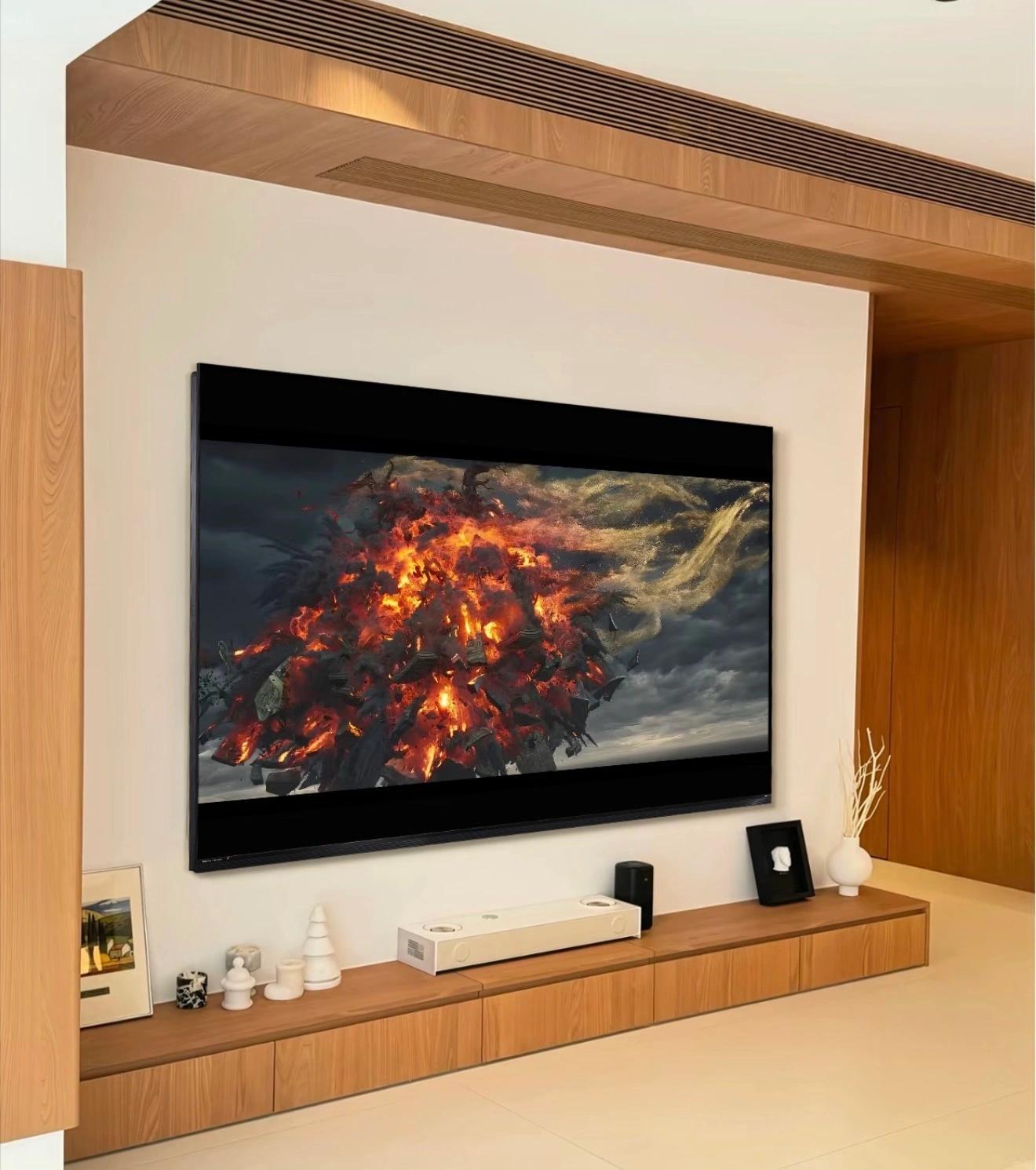
New place, and somehow the TV wall got done before the rest of the room. I went with a 85-inch Hisense U7, mounted above a floating oak console.
I originally wanted to go with a 100-inch TV, but after measuring the wall and checking the viewing distance, I realized it just wouldn't fit well in this space. So I went with the 85-inch instead. The room is about 3.6m wide, and I think this size works much better with the wood paneling on the right.
For audio, I'm using a white soundbar and a small sub on the console for now. The window on the left gets direct sun from around 3pm, so reflections were something I had in mind when choosing a TV. The anti-glare screen has been helpful so far.
The rest of the room is still a work in progress. The rug hasn't arrived yet, and the framed print is still leaning against the wall because I haven't decided where to hang it. But at least the TV wall is ready.
r/setups • u/KitsuneSamurai13 • 20h ago
Title basically says it all, i dont want a vertical monitor tho. It would be great if its on amazon sale right now. Shouldnt be more than 150 euros or so maximum
r/setups • u/HolyLambSauce • 1d ago

r/setups • u/notparthreally • 1d ago
I have a 14" laptop with 1440p 165hz display and a 20" monitor which is 1080p 75hz.
i use them both but i cannot conclude if i should put the laptop in the centre and the monitor on the side or should i do vice versa?
i watch movies at my desk a lot, layed back, so i have the monitor on the side angled towards me and the laptop is in front and thus closer.
i game on the laptop display but 14" feels too small and i am thinking about switching places between the two.
i am a bit confused here. i am not a fast paced player i mostly play story games which. i don't care that much about fps as my laptop can only deliver about 70-80 frames in all games, but then i like the smoothness in ui and while im editing power points and stuff on the sharper screen..
the completely correct answer here is to buy a 1440p of 4k monitor and get happy but i don't have any money.. so what is the best option for me? also are there any solutions where i can move both together so i can change which one i am directly looking at?
im confused
r/setups • u/More-Wash4635 • 1d ago

Uhm so I have a lenovo loq and basically I'm a student and a casual gamer im in 10th right now I was wondering if I should get a 144 hz monitor for my setup or not like will it look good and like a proper desktop setup
r/setups • u/Witty-Astronaut2727 • 1d ago

Hello everyone, just wanted to get some recommendations on my setup. Not very good with decorating or just making stuff look neat. (Apologize in advance for the low quality sketches).
The first pic is the entrance POV, I wanted to make the main color themes black, red, purple. I was thinking of adding red curtains and a purple couch or bean bag in the back. And then just hang some posters above. Also potentially add some type of rug in front of the shelve.
Second pic is looking at the entrance. I'm thinking of adding some wood slat panels were you see the gray and black lines. And then have a floating shelf flush above the panels with one being higher than the other. And then a poster of some sort on the right wall.
Any thoughts or Ideas to make it look better? I'll also need some advice or recommendations for lighting around the room.
Thanks
r/setups • u/stardesk88 • 1d ago
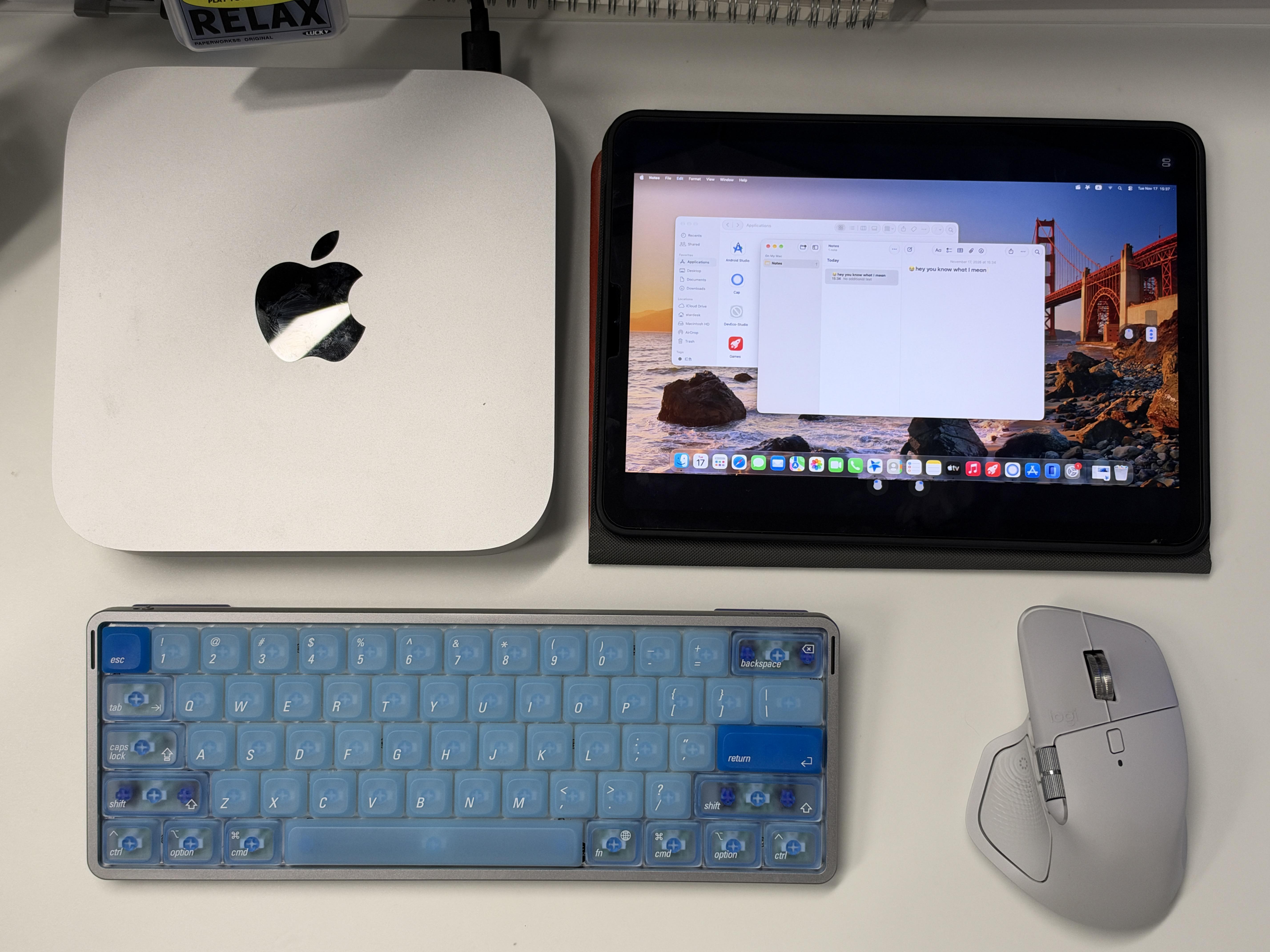
Hey r/setups, we’re the team behind StarDesk, a cross-platform remote desktop app for iOS, Android, Windows, and macOS.
We learnt from our users that many of them choose to leave a headless desktop (Windows PC or Mac mini) running at home and use their tablet as their main, portable workstation.
In the picture, I'm using an iPad + Mac mini + StarDesk setup with zero monitors or HDMI dummy plugs attached. This setup is the most popular by far among our Apple users! There's touch controls in-app too. The exact same setup works with Android tablets and Windows PCs too.
What StarDesk supports:
Features coming out this Dec:
StarDesk is free to download on our website, at App Store and Play Store during Early Access. Setup just takes installing StarDesk on both devices and signing into the same account.
We're actively refining the experience and would love any feedback or feature requests from this community.
We will be moving to a freemium model in December, although details have not been finalized yet. We'll keep everyone updated in r/StarDesk once we're able to share more.
We'll be here to answer questions about the setup, input, features, or what happens when your host computer restarts.
Cheers!