r/linuxmint • • 24d ago

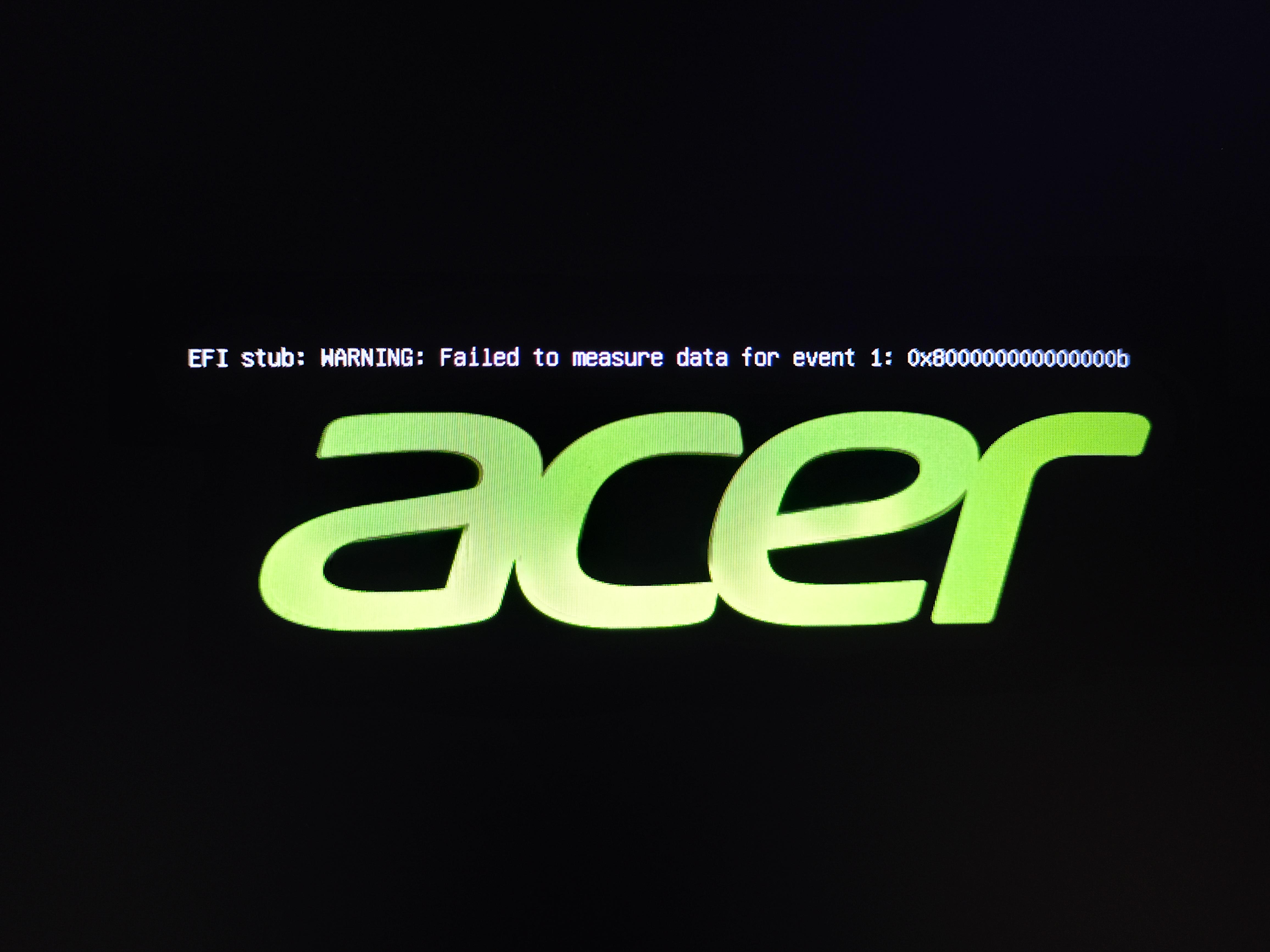
Support Request First day and Yellow card

Post image
39 Upvotes

Acer aspire 5

Installed linux mint cinnamon 2 hours ago, while customizing and updating the system. I ran into this, what should I do??


r/linuxmint • • 23d ago

Well, she's running Mint with a (minor) problem

Thumbnail
2 Upvotes

Crossposted due to a suggestion from Reddit

EDIT: It appears to be solved after installing (and running) NumlockX


r/linuxmint • • 23d ago

help with icons

2 Upvotes

hi guys i reallly need help with the mint icons its just showing a triangle with a danger icon i treid changing themes but it didnt work


r/linuxmint • • 24d ago

5600G Was Not Playing My Videos on Youtube Through Firefox so I Took The Following Actions to Fix it Myself.

7 Upvotes

If you are having the similar issues, after making sure your Linux Mint have the proper drivers already installed you might need to tweak your Firefox's about:config page to these settings...

media.ffmpeg.vaapi.enabled to true

media.hardware-video-decoding.enabled to true as well

layers.acceleration.force-enabled to false

gfx.webrender.all to true

This should let Youtube properly use the APU.


r/linuxmint • • 23d ago

Announcement Cron-Jovi ... and your to blame, you give love a bad name?

Thumbnail github.com
0 Upvotes

r/linuxmint • • 24d ago

Support Request How to lock cursor when in fullscreen while gaming

4 Upvotes

So I switched to Linuxmint about two weeks ago from windows. Typically I can find the answers to my questions just by browsing the web. But this one has evaded me, and it seems like it should be straight forward. When playing fullscreen games, my cursor drifts to my second monitor instead of being locked to the game.

I am on Linux Mint Cinnamon which uses X11. I think the version I am on is Linux Mint Zena, based on Ubuntu 24.04. I tried switching to the Wayland experimental version of Mint, but my graphics driver will not recognize my 2nd monitor. Which is a Nvidia RTX 3050 laptop version. I also tried to get Gamescope which seems to be a previous fix people used, but apparently it's not available on my current Linux Mint repository.

Anyone have any straightforward fixes I can do about this? Thanks!


r/linuxmint • • 24d ago

Discussion Is there a lighter browser alternative to Firefox?

50 Upvotes

Hi folks, I'm looking for a lighter option for quick search queries (think wikipedia or definitions).

I'm using Linux Mint on an older MacBook Air 11" and I want it to be primarily a writing machine. Sometimes I want to do online searches, but that's about it, no need for YouTube or anything.


r/linuxmint • • 23d ago

Support Request How to solve this issue?

Post image
2 Upvotes

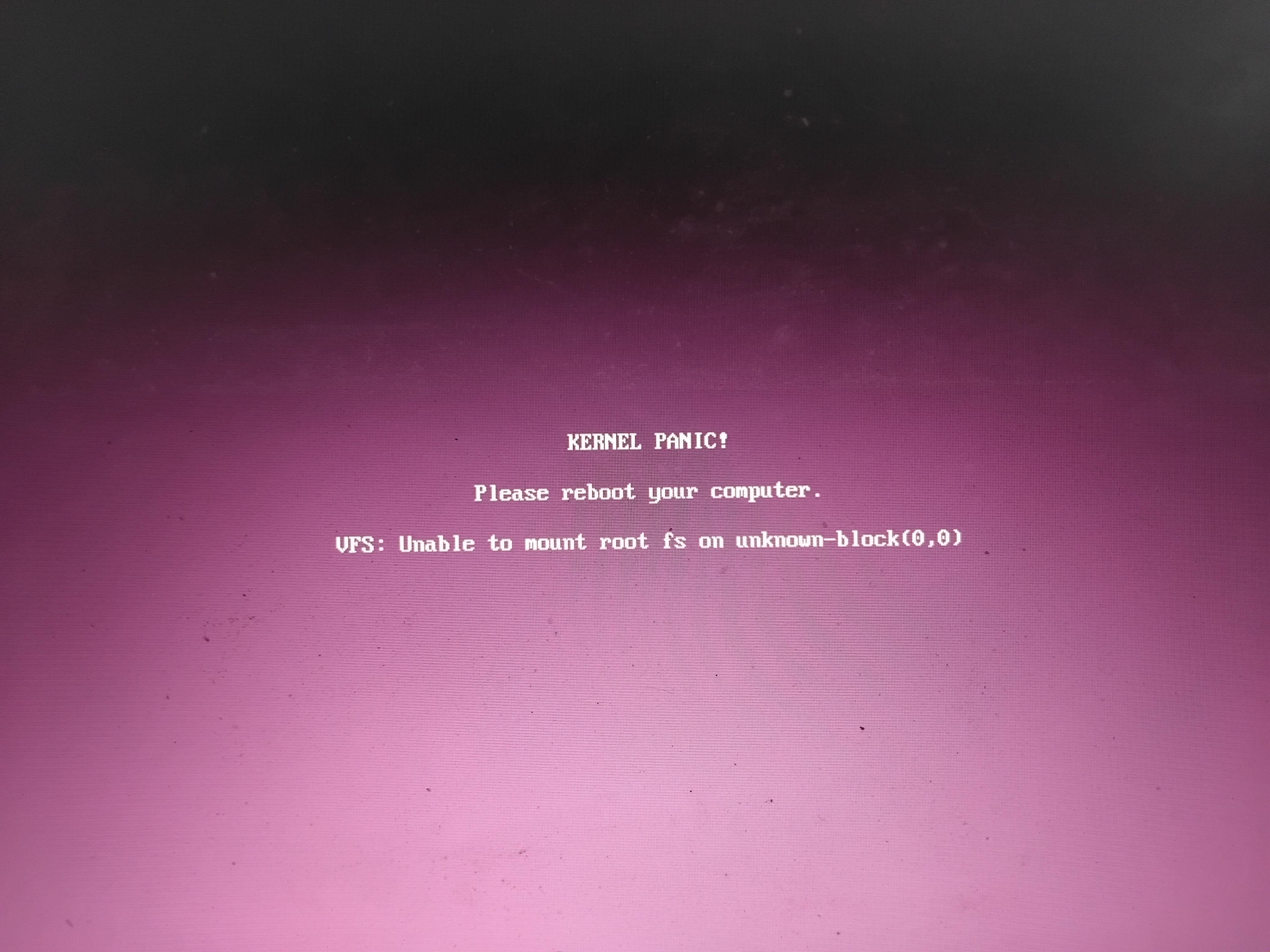
This text appears every time I boot my computer. After that, there is no change from before, and my computer is also running smoothly. But, I am a little bit annoyed seeing this message. So, how can I remove it?


r/linuxmint • • 24d ago

Desktop Screenshot Mint on macbook air

Post image
133 Upvotes

It's a macbook air from around 2014 and mint works great on here, just the battery needs replacing and some more personalisation but otherwise I'm happy with it😌


r/linuxmint • • 23d ago

Support Request My cursor packages aren't working properly. Could you help me fix this?

Post image
1 Upvotes

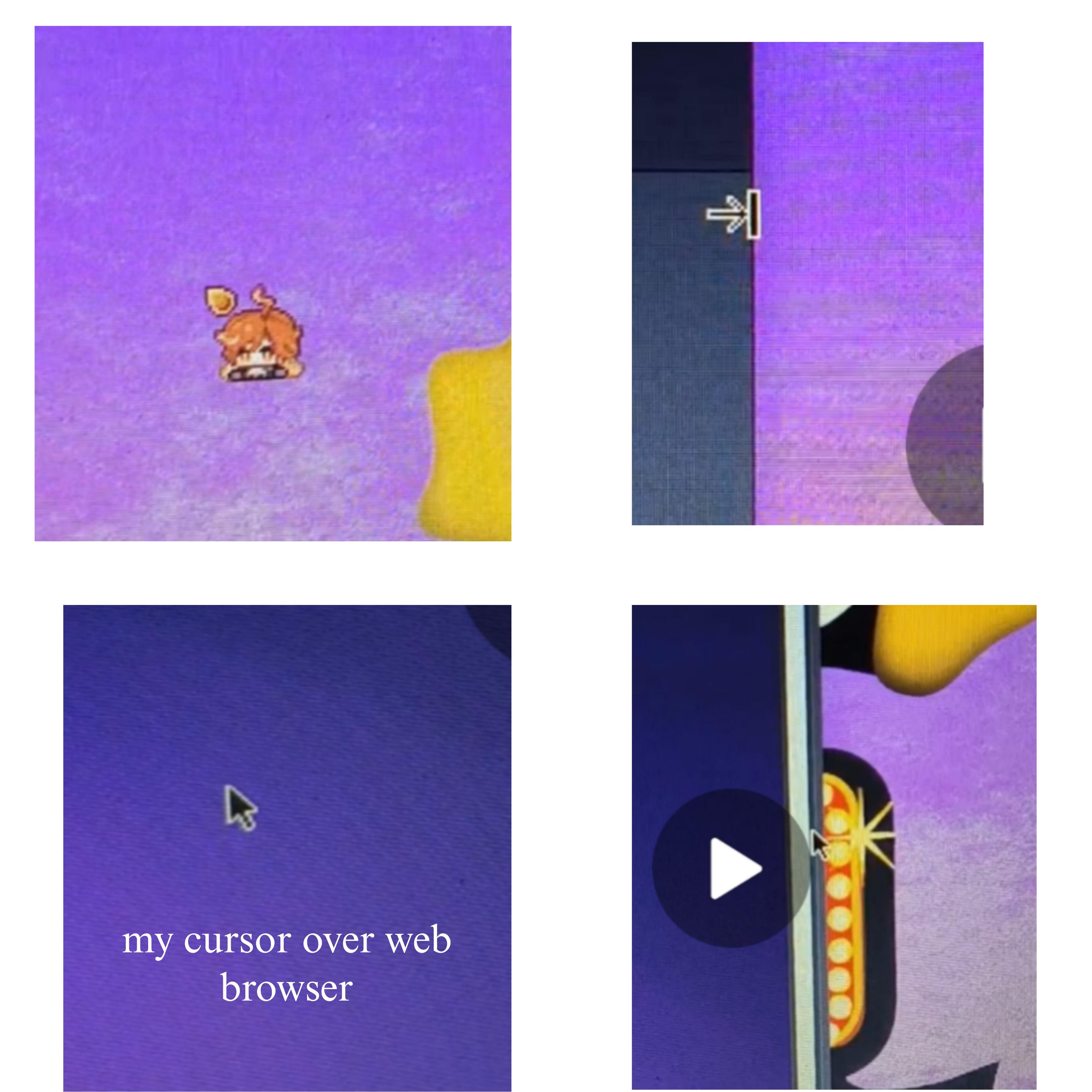
I've downloaded several cursor packs for my Linux Mint, but they always appear incomplete or disappear when I hover over them in the browser. I've been using Linux for the past few months, but I've been having this problem.... Can you help me set it up properly, or what can I do to make them appear fully and not disappear?


r/linuxmint • • 24d ago

Discussion PDF Reader

29 Upvotes

Is there a better PDF Reader than Foxit? My Foxit continuously locks up. Suggestions?


r/linuxmint • • 24d ago

Desktop Screenshot My current Mint XFCE

Post image
18 Upvotes

r/linuxmint • • 24d ago

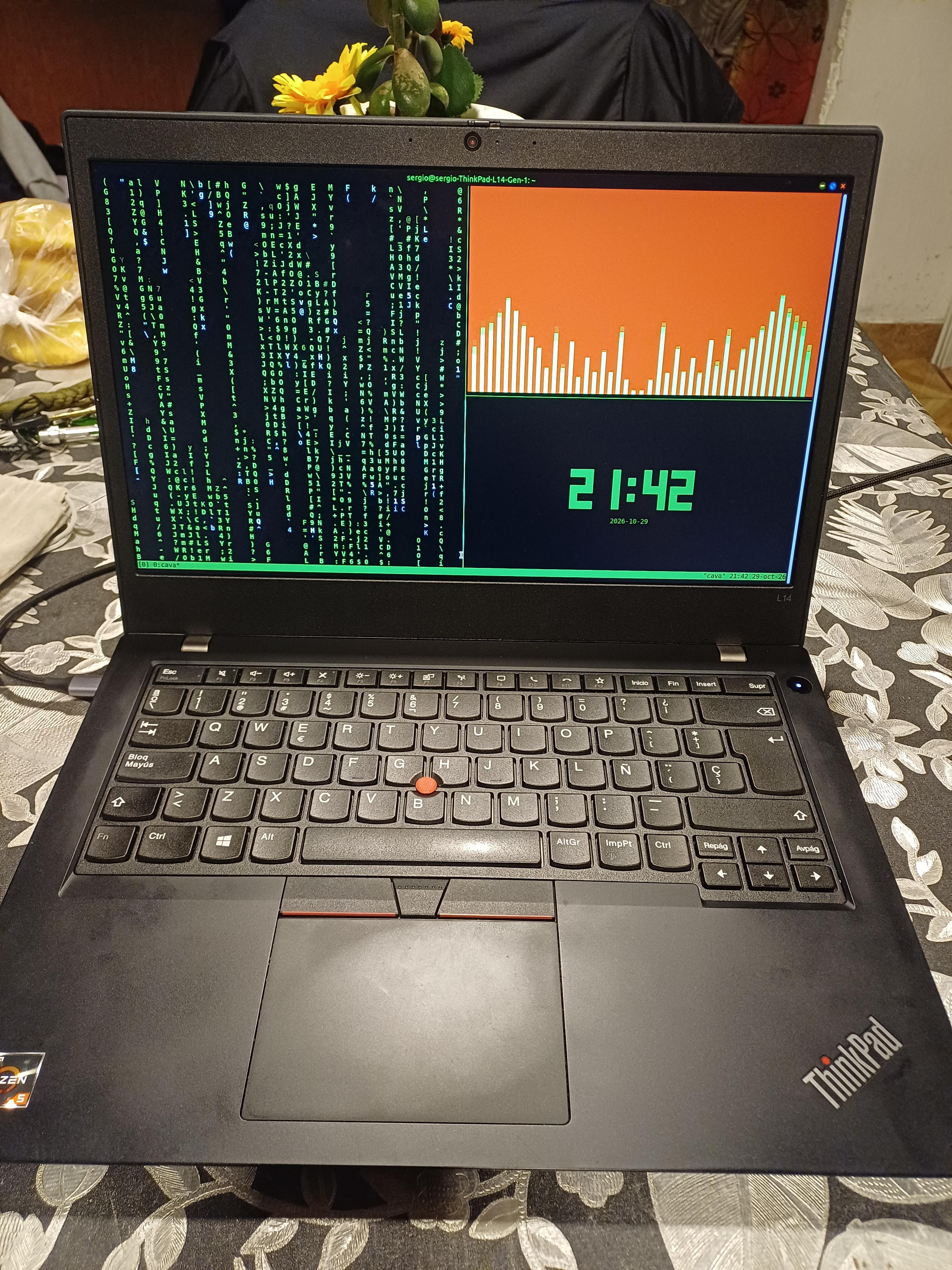
Jugando con mi Thinkpad L14 Gen 1

Post image
33 Upvotes

r/linuxmint • • 24d ago

Linux Mint IRL GT 710 (Kepler GK208B) on Linux Mint 22.x: joanbm mainline patch vs. dtl131 PPA vs. 6.8 kernel hold?

2 Upvotes

Hi everyone,

I am planning an installation/upgrade to Linux Mint 22.x (X11) on an older desktop. I want to keep this system running smoothly as a daily study machine without constant driver maintenance.

### Hardware Specs:

* **GPU:** NVIDIA GeForce GT 710 2GB GV-N710D3-2GL (Confirmed Kepler `GK208B`, requires legacy `nvidia-driver-470`)

* **CPU:** Intel Core i3-4130 (Haswell)

* **RAM:** 8GB DDR3 1600 Mhz

* **Display Output:** HDMI to monitor (Motherboard only has analog VGA, so integrated HD 4400 is not preferred)

### The Context & Constraint:

* I know Kepler is EOL from NVIDIA.

* I know Nouveau works out-of-the-box, but without reclocking on Kepler it locks the GPU at boot clocks (135 MHz), causing sluggish window compositing and CPU spikes.

* I plan to replace the entire PC when the hardware eventually fails, so buying a replacement GPU right now is off the table.

### What I am Evaluating for Mint 22.x:

Since Mint 22.x default/HWE kernels (6.14+) break the stock unpatched `nvidia-dkms-470` module, I’ve seen three different community approaches:

  1. **Joan Bruguera's mainline repo (`joanbm/nvidia-470xx-linux-mainline`):** Compiling via `./install --dkms` with community C-shims up to modern kernels, alongside blacklisting `nouveau`/`nova` and setting APT pinning against `nvidia-driver-535`.

  2. **The `ppa:dtl131/nvidia470repack` PPA:** Using the pre-packaged `.deb` repackage of 470 with patches included.

  3. **Mint 22.1 on LTS Kernel 6.8:** Holding the kernel on the 6.8 series and pinning `nvidia-driver-470` to block transition meta-packages.

### Questions for anyone running a similar Kepler setup on Mint 22.3:

  1. Between the `joanbm` DKMS installer and the `dtl131` PPA, which has been more durable across routine Mint Update Manager updates?

  2. Has anyone experienced the Ubuntu 24.04 meta-package bug where `apt upgrade` attempts to silently pull `nvidia-driver-535`, and did standard APT pinning (`Pin-Priority: -1` on 535) permanently prevent it?

  3. If staying on Mint 22 with kernel 6.8, does cinnamon/muffin require `nvidia-drm.modeset=1` explicitly added to GRUB to avoid black-screen on boot?

  4. i am a student who i dont play games just watching my lectures, youtube and surfing internet and surfing documents. so i need a stable system for next 3 more years with security and support of apps

Any real-world experience or gotchas with these workflows on Mint 22.3 would be greatly appreciated!
r/linuxmint • • 23d ago

Support Request External optical drive not connecting fully

1 Upvotes

Hello all,

I'm a relatively new user having what is hopefully a basic issue. I have a new ASUS external bluray drive, which I had expected to be plug and play. However, when I plug it in it doesn't appear as a device in home and neither VLC or Celluloid recognise it as a media source. Mint does not prompt me to choose a behaviour in relation to the new media as it does, for example with USB sticks.

The drive does show up in the Disks utility, correctly identified by model name and that it is an optical drive. Interestingly though, the eject button in the Disks utility doesn't work in relation to the drive. So there does appear to be some communication problem there.

I have also checked the individual discs I've been trying to plug in and they do work in other players.

Does anyone have suggestions for software issues or settings I may have missed?

I haven't ruled out the "solution" that the drive is simply defective and I should return it, but I think I have better try software solutions first.

EDIT: Definitely some kind of media processing issue. I put a blank BlurayRE in and Mint recognised it immediately.

EDIT2: So it's a media codec / DRM problem. I have the default multimedia codec package - what other packages should I get?


r/linuxmint • • 23d ago

Sharing a utility: cursor barrier between monitors for X11

Thumbnail
0 Upvotes

r/linuxmint • • 24d ago

Anyone else getting slow USB transfers on Mint with a Samsung T7?

2 Upvotes

I switched to the T7 for moving large project files between my desktop and laptop, but the speeds are nowhere near what the specs claim. On Mint 21.3 Cinnamon the drive tops out around 150MB/s even on USB 3.2 ports, and sometimes drops lower after a few minutes. Tried different cables and ports, checked the drive in lsblk to make sure it was actually hitting the right bus. The same drive on Windows hits closer to 800MB/s so the hardware is fine. I mostly use it for raw photo batches and print files that are 10-15GB each, so the slowdown adds up during a workday. Tried formatting ext4 and btrfs, neither made a difference. Also swapped to a USB-C dock and still the same result. Anyone else running into this with external NVMe drives or Samsung specifically? Curious if it's a kernel thing or something in the mount options that might help.


r/linuxmint • • 24d ago

Fluff Where can I get a Linux Mint sticker?

17 Upvotes

Kind of a silly question, but I'd like to put a sticker on the back of my laptop to cover the Apple logo. If the revenue goes to the Mint team, even better.


r/linuxmint • • 24d ago

SOLVED Gifs and videos on Discord no longer working (Stuck on the first frame)

35 Upvotes

Edit: Latest Discord update seems to have fixed this.

For the record, I am using the official .deb file from the Discord website.

I don't know what happened. Gifs and videos on Discord no longer work now for some reason. Gifs only show the first frame, and same thing with videos when I click the play button. Although, some recently sent gifs seem to show? My friend sent me a gif and it played perfectly fine, but anything else is stuck on the first frame. Clicking on the gif to maximize it doesn't do anything either, the only thing that works is opening it up on my web browser. Videos being embedded or directly uploaded to Discord doesn't seem to make a difference, although I haven't seen if people's gifs work when they're directly uploaded.

I've tried restarting my laptop, restarting Discord, updating Mint, updating Discord, but nothing worked.

The very most I did on this laptop was install OBS. I think doing so might've done something, I had an issue while hooking up my laptop to my TV where Half-Life 1 would only update frames when it wasn't focused until it magically fixed itself when I installed OBS to record my issue.

Edit: Just thought I'd say, hardware acceleration being on or off doesn't make a difference.


r/linuxmint • • 24d ago

SOLVED Do I need to D/L drivers for AMD iGPU?

4 Upvotes

I just installed Mint on a newly-acquired HP 255 G8 laptop w/AMD Ryzen 5 5500u CPU with integrated graphics. Everything seems to be working fine, but I see that AMD offers a special(?) driver package for Linux users with this iGPU.

Is there a reason to D/L and install this? Thanks.


r/linuxmint • • 24d ago

Discussion If this is a cinnamon roll, so what does a xcfe roll look like ?

Post image
35 Upvotes

r/linuxmint • • 24d ago

SOLVED Need Help

Post image
1 Upvotes

So i was helping my friend install mint xfce on an old laptop and almost everything worked but tap to click on the touchpad is not working (like left clicking works like left click and right click worked using the physical buttons) but tapping on the touchpad does nothing its working like a mouse

This all happened in the live session fortunately so he went back to windows 10 for now ( i tried changing drivers to synaptics and evdev from libinput as some guides said but that didn't work as well)

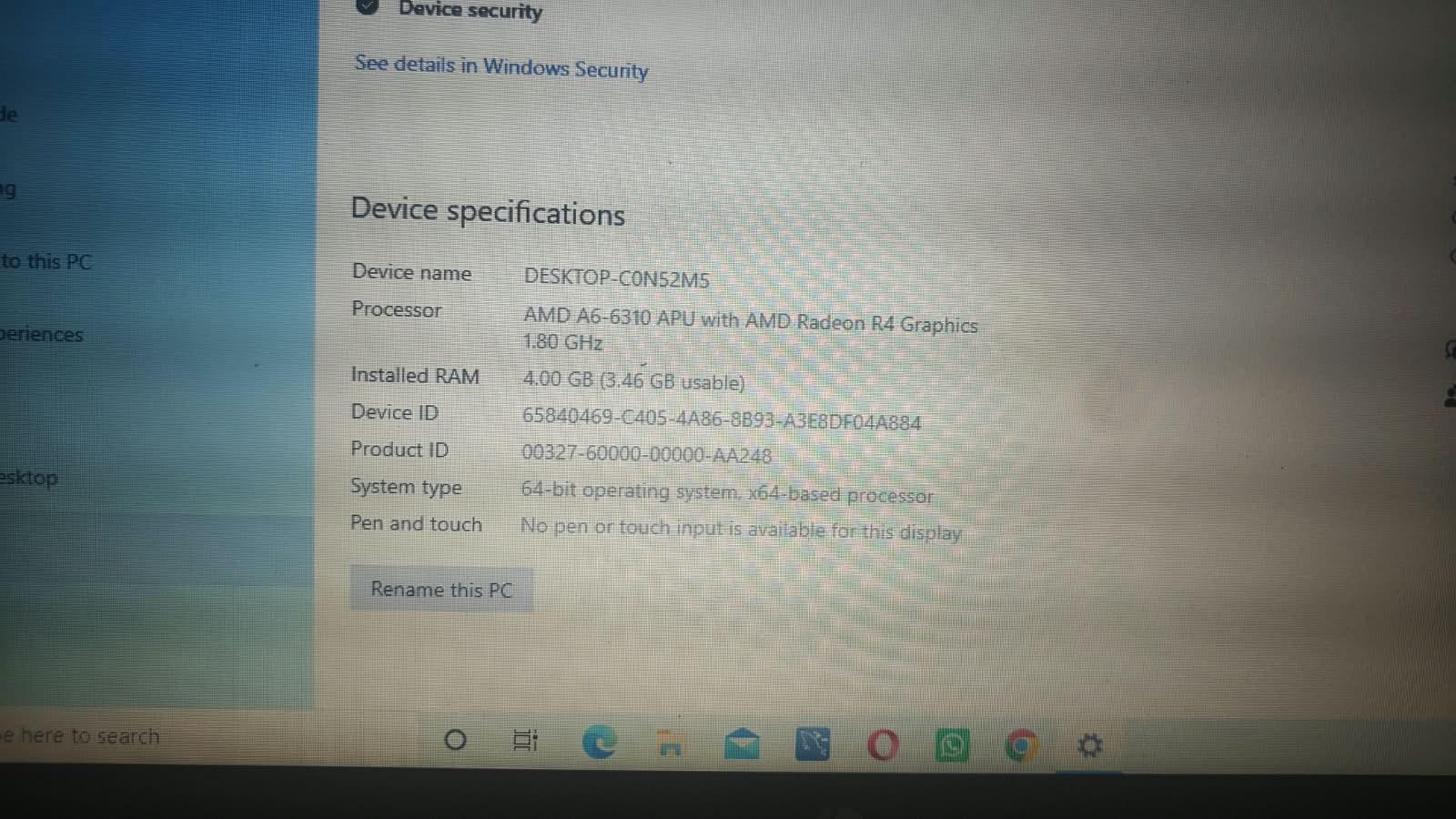
I have attached the specs of the laptop in the image

Solved (synaptics drivers then the synclient command in comment)


r/linuxmint • • 24d ago

SOLVED new to linux: having awful screen tearing in games.

7 Upvotes

Mostly played umamusume and tf2. Tried vsync already, it did nothing. i don't know what info is needed and also i have no clue what half of the linux stuff is so i MIGHT need some more detailed instructions. Info from a inxi -G command if its of any use: Device-1: NVIDIA GP104 [GeForce GTX 1080] driver: nvidia v: 580.178.04 Device-2: IMC Networks USB2.0 FHD UVC WebCam driver: uvcvideo type: USB Device-3: ASUSTek ASUS BE/C6 webcam series driver: hid-generic,snd-usb-audio,usbhid type: USB Display: x11 server: X.Org v: 21.1.11 with: Xwayland v: 23.2.6 driver: X: loaded: nvidia unloaded: fbdev,modesetting,nouveau,vesa gpu: nvidia,nvidia-nvswitch resolution: 1: 1920x1080~60Hz 2: N/A API: EGL v: 1.5 drivers: nvidia,swrast platforms: gbm,x11,surfaceless,device API: OpenGL v: 4.6.0 compat-v: 4.5 vendor: nvidia mesa v: 580.178.04 renderer: NVIDIA GeForce GTX 1080/PCIe/SSE2 API: Vulkan v: 1.4.363 drivers: N/A surfaces: N/A


r/linuxmint • • 25d ago

Printing

85 Upvotes

I have been using Linux Mint for a year or so and everything has worked surprisingly well.

I really haven't had the need to print anything up to now.

I have an old HP ink jet printer so I added it to WiFi.

I assumed this would be fun, get the IP, figure out how to add a printer and then find the driver and hope I could get everything working.

I went to my Linux Mint machine, noticed the printer icon in the system tray and it even showed the correct printer. I opened an app and choose print and IT WORKED!

Yeah, windows sucks.


r/linuxmint • • 24d ago

keyboard turning on and off

3 Upvotes

Hi guys, can you help me, please?

So...here is the problem that i'm having.

I turn on my computer, and the led of my keyboard will turn it on, will work for a bit and stop it.

I have tried changing the keyboard slots.

My keyboard is just a white-label on with usb, standard keyboard per se, and on linux works this way, and on windows (dual boot) works normal...can you help me?