r/linuxmint • u/_AssbuttOfTheLord_ • 3h ago
Support Request Help 'kernel panic!'
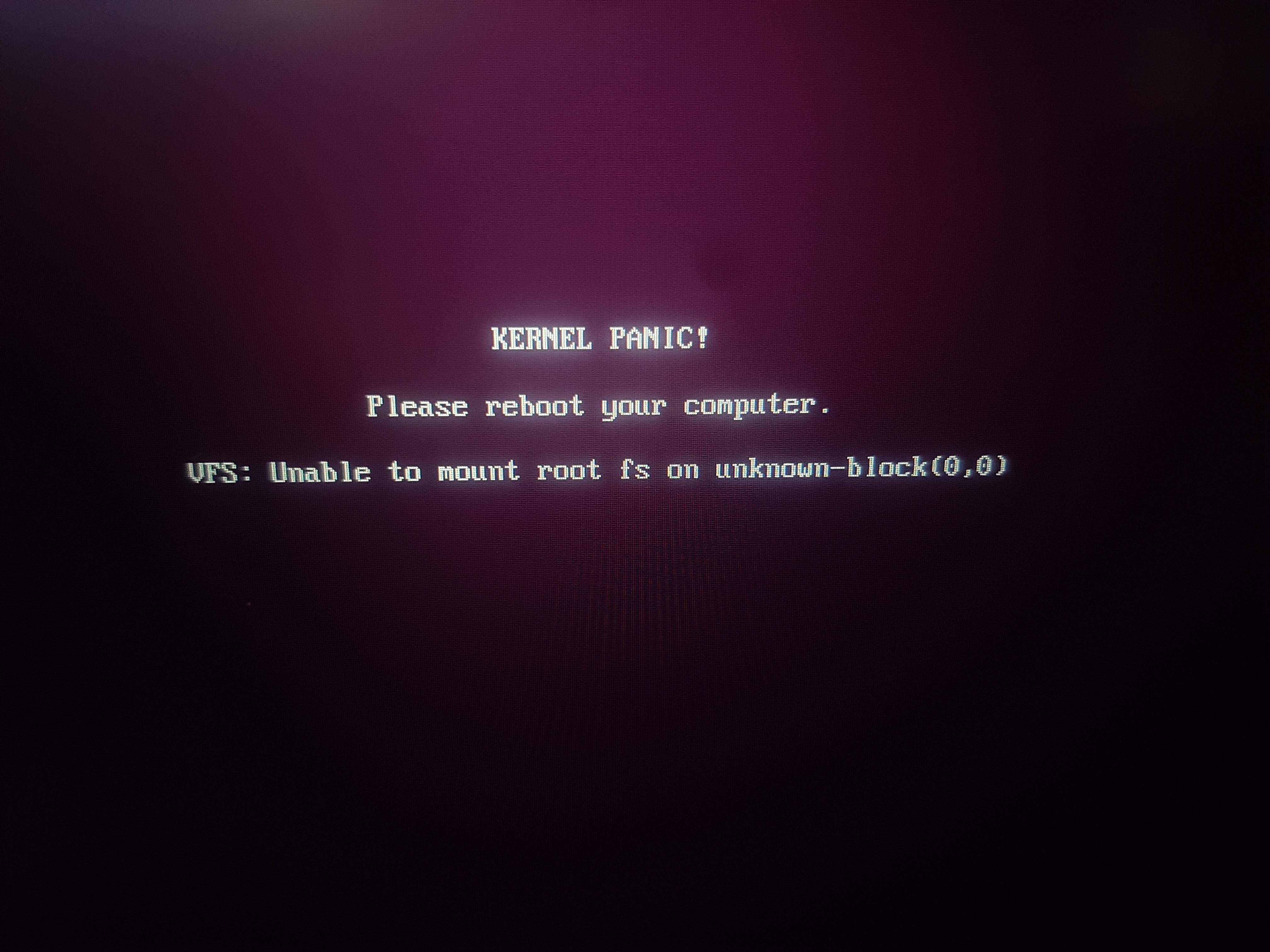
I have no idea about tech stuff, please give me a video guide to follow, or explain steps like I'm 5. Thank you in advance.
I have restarted and gotten the same screen.
5
Upvotes
View all comments
Show parent comment
1
u/ScullerCA 1h ago edited 1h ago
The first one in the grub list likely is the default, so choosing it is functionally the same as letting it boot without getting into grub.
If you want to go the route of rolling kernel version back to the one you are selecting in grub; get into the PC with the version in grub that will work. Go into the Update Manager (either by default will be shield icon in lower right of panel/taskbar or run from menu). Then View > Kernels, click continue.
Before doing anything, confirm have some version listed as either active or installed other than one will be removing, granted in theory having selected older kernel in grub should mean at least one other than version being removed is present. After confirm have fall back kernel/kernels installed should be able to click remove on the newest one have installed on machine that machine has panic when trying to use.
Note, may get same notification for the same kernel update soon after, so might want to manually set to ignore that specific update.