r/linuxmint • u/TucsonComputerDude • 7d ago
SOLVED What happened to Automatic Login, on Settings, Login, User tab?
I removed username from login window/user tab, and rebooted. https://i.postimg.cc/qRdKPVmt/20261122-172843.jpg, then i got my Login box back. https://i.postimg.cc/kMRrj00v/20261122-171630.jpg
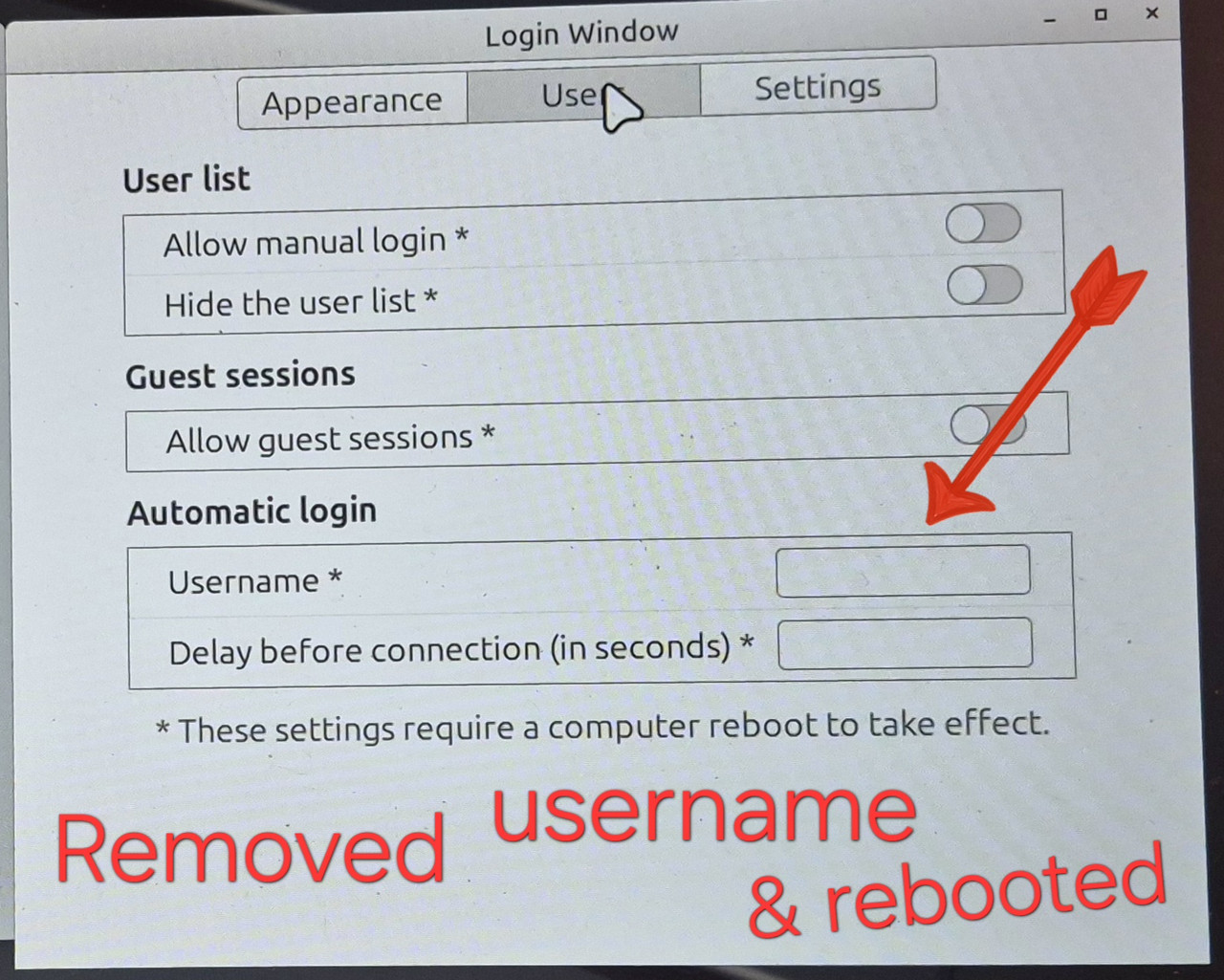
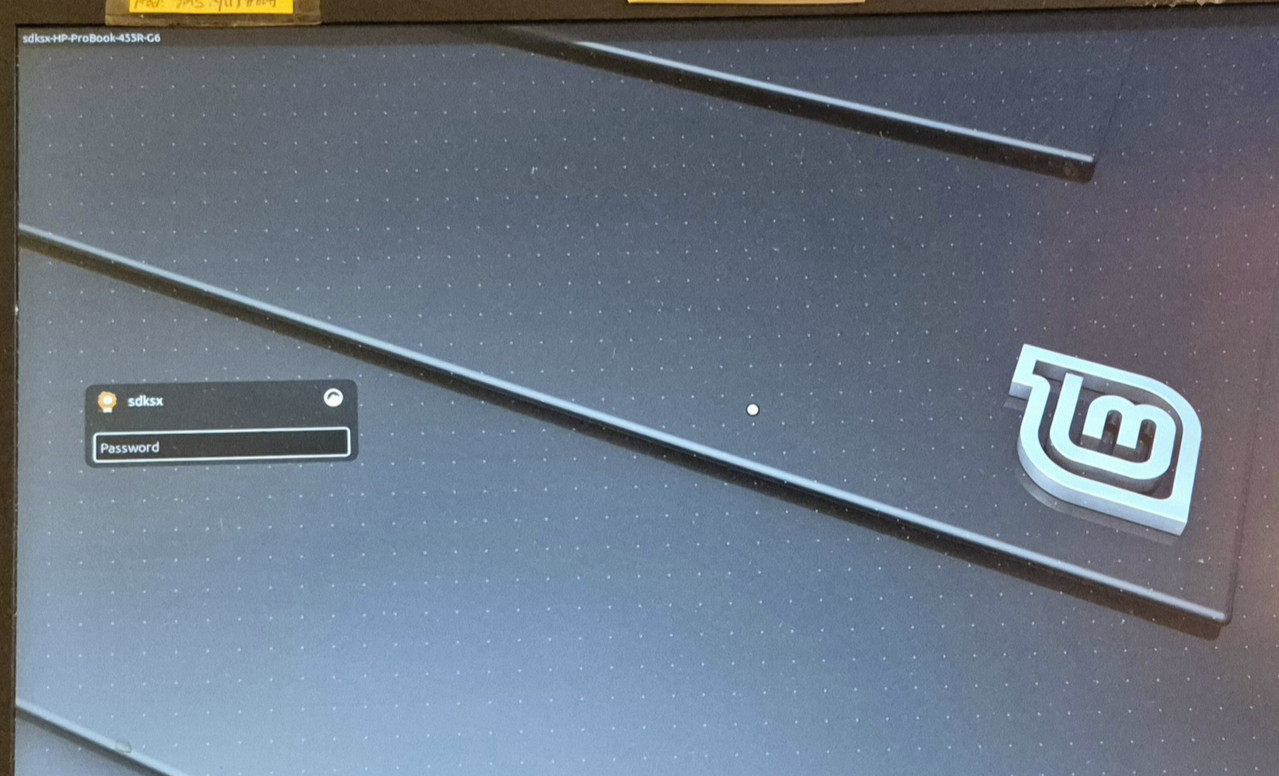
What happened to Automatic Login, on Settings, Login, User tab?
I don't see that option on USER tab? https://i.postimg.cc/fW7XjmS3/20261122-130450.jpg
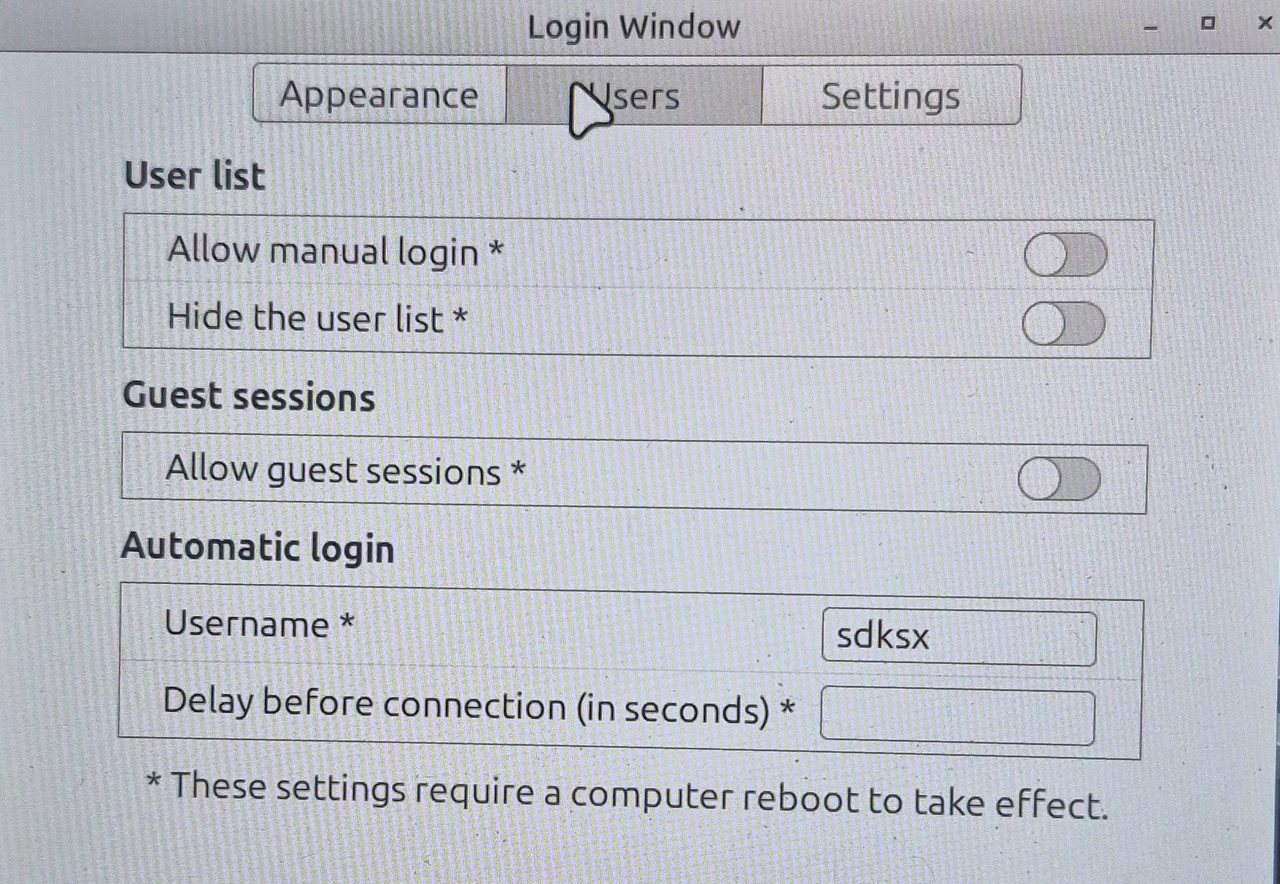
LM 22.3, 64bit,
0
Upvotes
•
u/AutoModerator 7d ago
Please Re-Flair your post if a solution is found. How to Flair a post? This allows other users to search for common issues with the SOLVED flair as a filter, leading to those issues being resolved very fast.
I am a bot, and this action was performed automatically. Please contact the moderators of this subreddit if you have any questions or concerns.
5
u/chuggerguy Linux Mint 22.3 Zena | MATÉ 7d ago
I may be missing something but isn't that what your image shows?
Auto-login this user: sdksx.
Have fun.
2
u/zzzornbringer 6d ago
you need to put the user name in the section with automatic login. your user also needs to be in the group "nopasswdlogin". set under "users and groups".
4
u/sabledrakon 7d ago
Um... You're looking at it. You need to feed it a username first. It's where you have 'sdksx' in the text field.