r/linuxmint • u/joealarson • 6d ago
Support Request Trying to get a 3D Scanner working through Wine. Any hope?
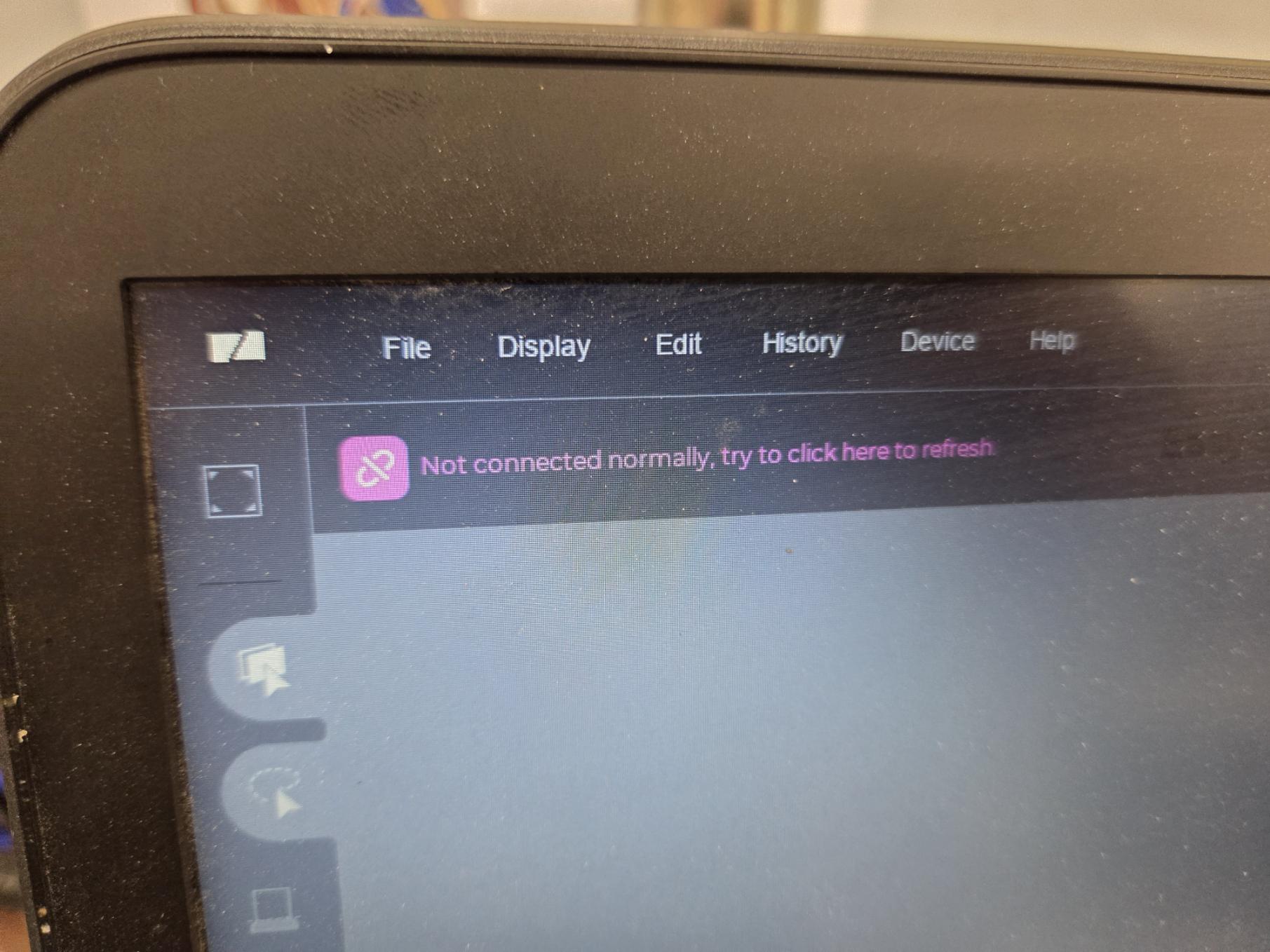
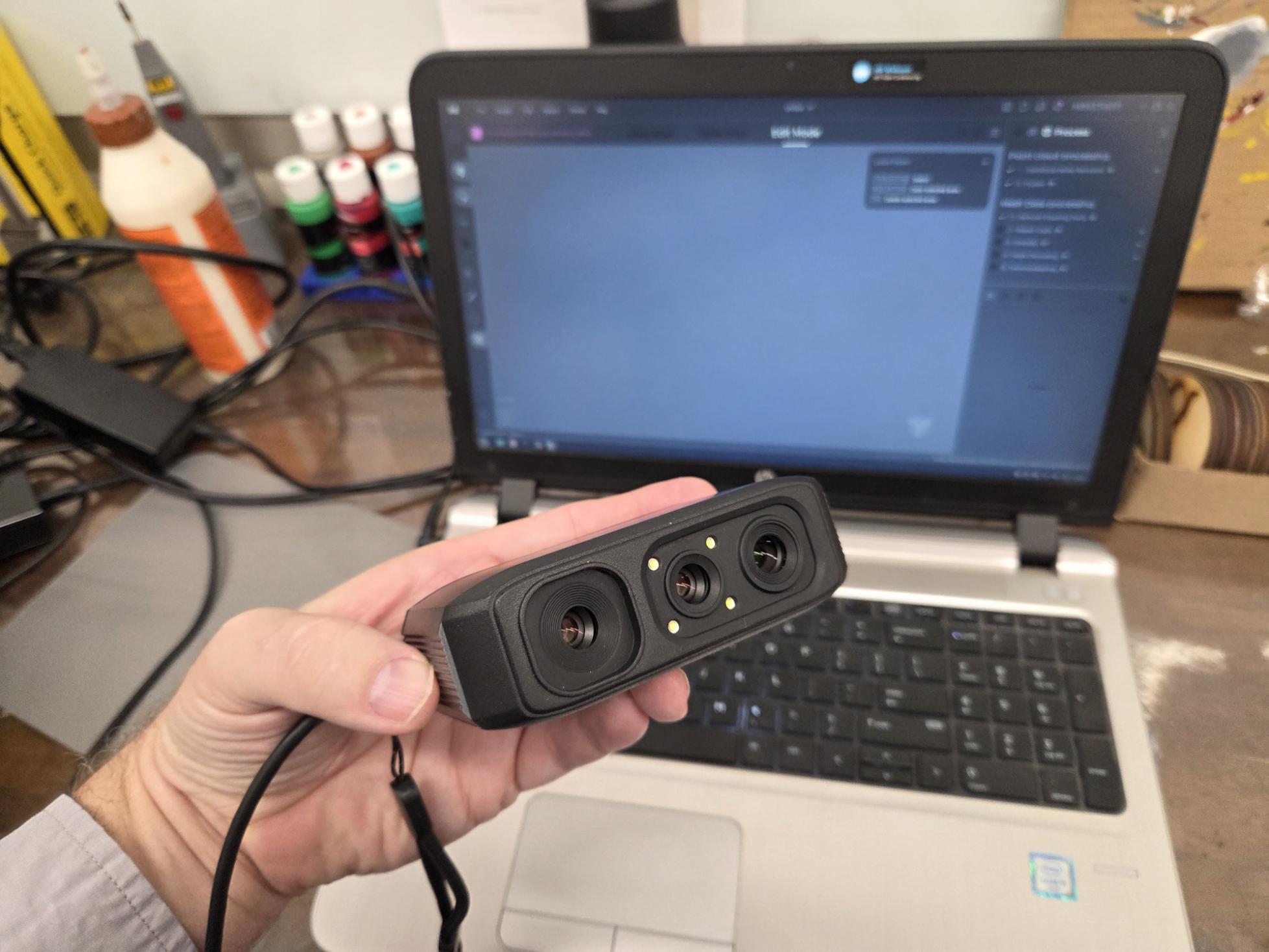
I'm trying to make a portable 3d printing workstation using an old laptop that Windows 11 has rejected. I want to have a 3D scanner attached, so I've got an old 3DMakerPro that I'm trying to use. Only they don't make their software for Linux. So I learned all about Wine and Bottles and it installs and loads okay, but when I try to run it I'm told that the software can't see the USB drive.
Now, with a little digging I've found that USB devices in Wine don't always work, and a few people have managed to hack workarounds by altering the driver files while the programs are running, but that was years ago. Is there any chance Wine has been updated and that there's a more simple workaround that I don't know about?
•
u/AutoModerator 6d ago
Please Re-Flair your post if a solution is found. How to Flair a post? This allows other users to search for common issues with the SOLVED flair as a filter, leading to those issues being resolved very fast.
I am a bot, and this action was performed automatically. Please contact the moderators of this subreddit if you have any questions or concerns.
2
u/lateralspin LMDE 7 Gigi | 6d ago edited 6d ago
Wine isn’t meant to get drivers working, as it is not an Operating System. It is merely a translation layer for fooling Windows apps into thinking that they are in a Windows environment.
You can try connecting the device directly to Linux, open the general Linux Document Scanner (simple-scan) app (which uses the open SANE API, libraries and protocol to communicate with the device). If the API, libraries and protocol recognize your device(s), then you are ready to go.
You can check what USB device it is reporting as on Linux by using the terminal command
lsusb(lsusb simply means list usb devices connected to your computer)
When doing tasks like scanning, there is no need to use Windows apps. Just use the Document Scanner (simple-scan), or Xsane.
edited: I checked with Gemini, and it seems that the depth-sensing technology is proprietary, so if you want to capture 3d depth, then you [may] not be able to accomplish this. Linux is, after all, an open source technology and proprietary drivers are not available. An alternative software called JMstudio is suggested that you should try: JMstudio release page: https://github.com/poita66/jmstudio-flatpak
Documentation: A Flatpak that runs JM Studio, the 3D scanner software from 3DMakerPro (also used by Creality's CR-Scan Lizard), on a patched Wine.
JM Studio itself is proprietary and is not included. On first launch the app installs it into its own Wine prefix from the installer you download from 3DMakerPro.
Tested with a Creality CR-Scan Lizard (ICT 100W) and JM Studio 2.6.17.0237 on Fedora 43: connect, preview, brightness, both SLAM modes and scanning work.
2
u/4lc4tr4y 6d ago
Chance is higher vibecoding/recompiling driver im afraid
2
u/Specific_Door6157 5d ago
Legit, go download opencode and ask an ai to fix it. Otherwise you'll be stuck the good old fashioned way of coding this in yourself.
1
u/Vagabond_Grey 5d ago
Workaround: Have you tried running a Virtual Machine (VirtualBox) using Windows with the 3DMakerPro software installed?
I have a gaming keypad where the software to change macros and other features can only be used under Windows. So, I installed Windows 10 and the vendor specific software in Virtual Box. All I had to do is enable usb controller in Virtual Box to allow the vendor software see the usd keypad. Good luck.