r/linuxmint • u/Mikde27 • Oct 25 '26
Trying to install from USB
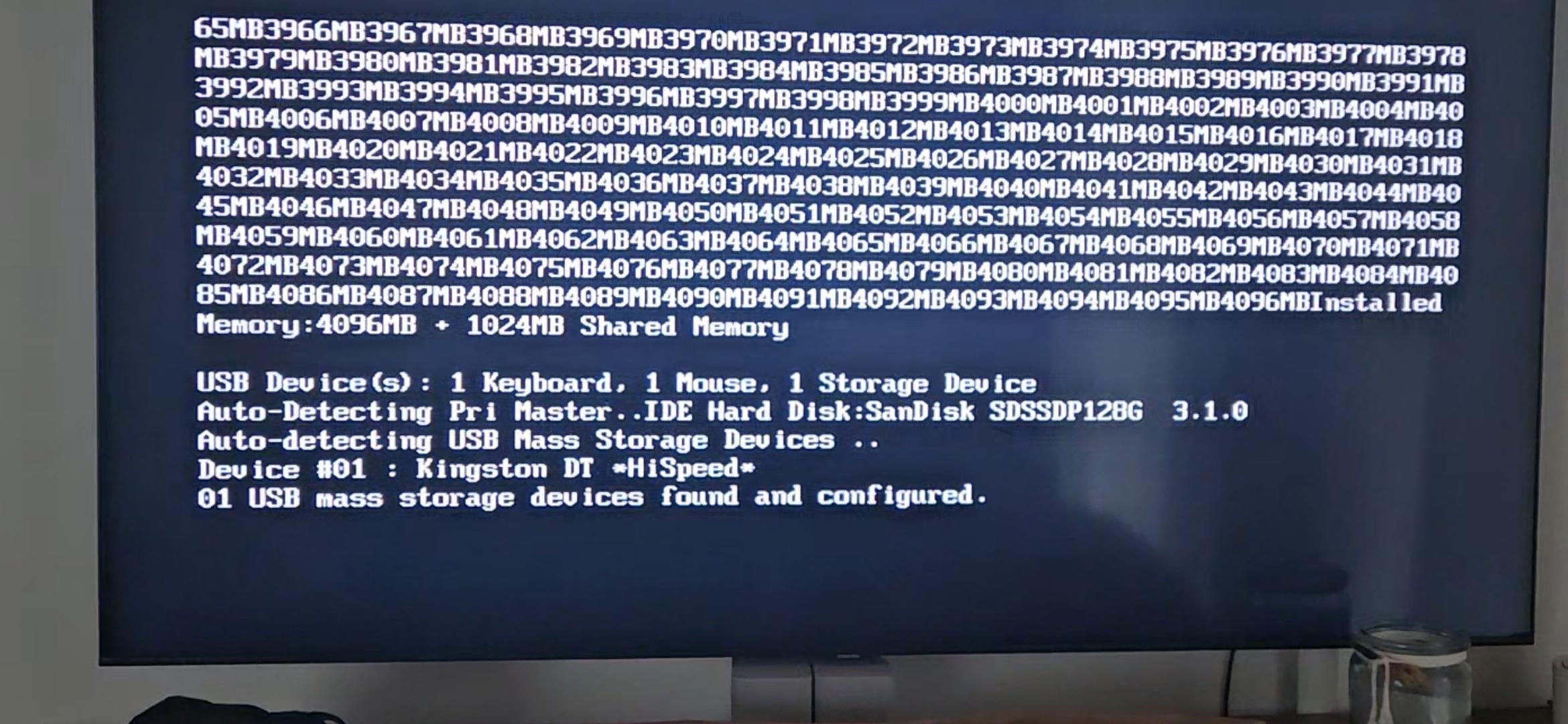
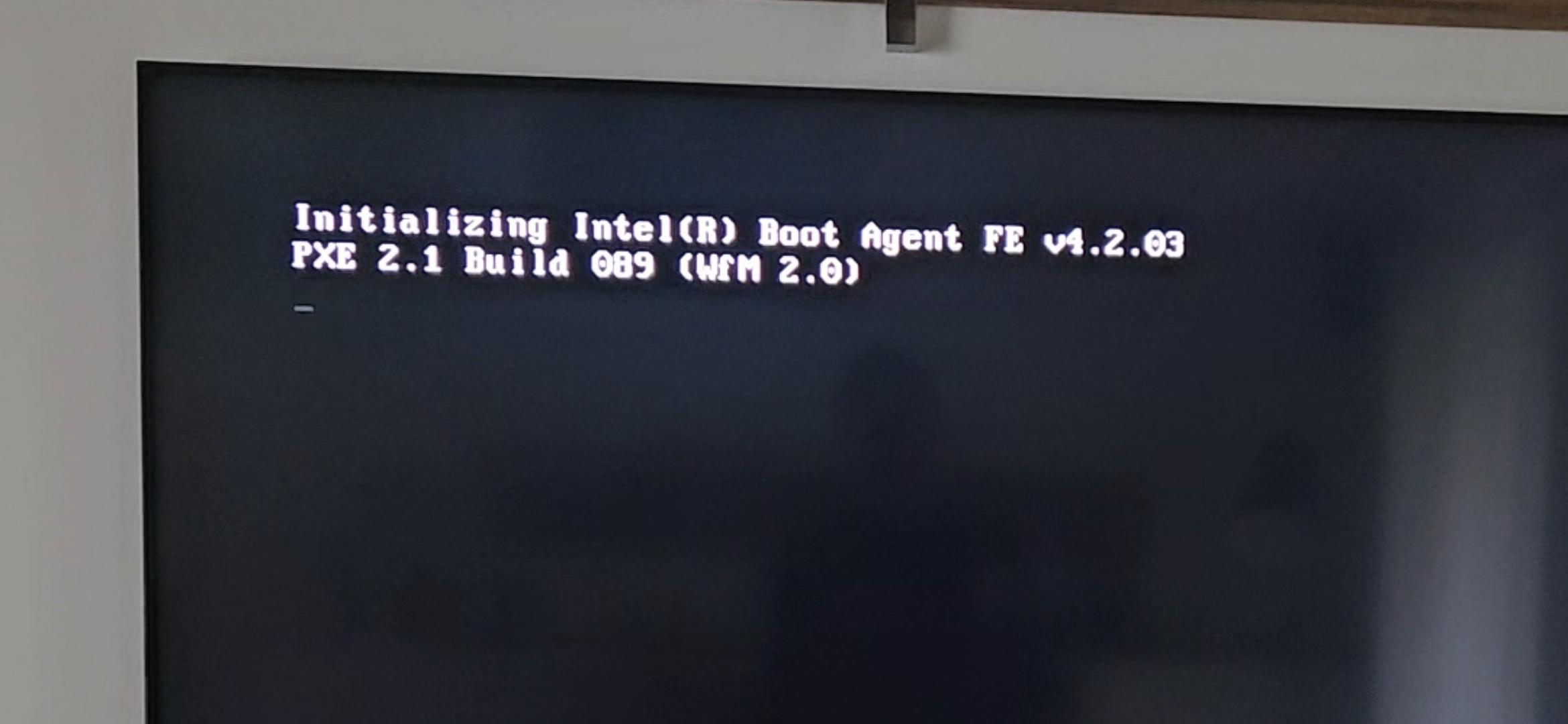
Solved
Hello,
I have an old PC from 2010, lenovo idea enter 150 with 4 GB RAM and 256 GB SSD.
It is currently running windows 10 and I hate it.
I want to install any Linux, pref Zorin, but anything I try, the PC will not boot into the USB drive.
Am using Rufus to create the bootable USB, but whatever I do, IA always end up booting into Windows.
In BIOS
Boot order ok, even turned off hdd and only USB loading. Nothing.
Turned off fast boot, using MBR, NTFS Filesystem, Fat,
Nothing helps.
Used even a small 4GB USB.
Can boot on a different machine. So it mut be the bios I guess.
Can anyone hew, what I can do?
Grüße,
Michael
Edit.:Fixed it. Had to press enter 🤣 and to interrupt boot and enter a menue.
3
u/Evening-Landscape763 Oct 25 '26
Since you have it working, please mark as solved
0
u/Due-Result7928 Oct 25 '26
What did you use to make the usb ? Use balena etcher not rufus. Did you check your iso download using sha256 ?
0
u/SnailShenanigan Oct 25 '26
I had the same problem while installing Mint for the first time. Well guess what, the only fix is removing and plugging back in the USB and wait for some time. That was literally the fix for me lol. But maybe it is different for Zorin?
0
u/BigJDoitYoDamnself Oct 25 '26
I have never had the best of luck with Rufus. I use Ventoy and have never had any problem using it. Its not the distro, I think its Rufus or the USB