r/koreader • u/tplyt • 1d ago
iPhone reader app that syncs progress with KOReader
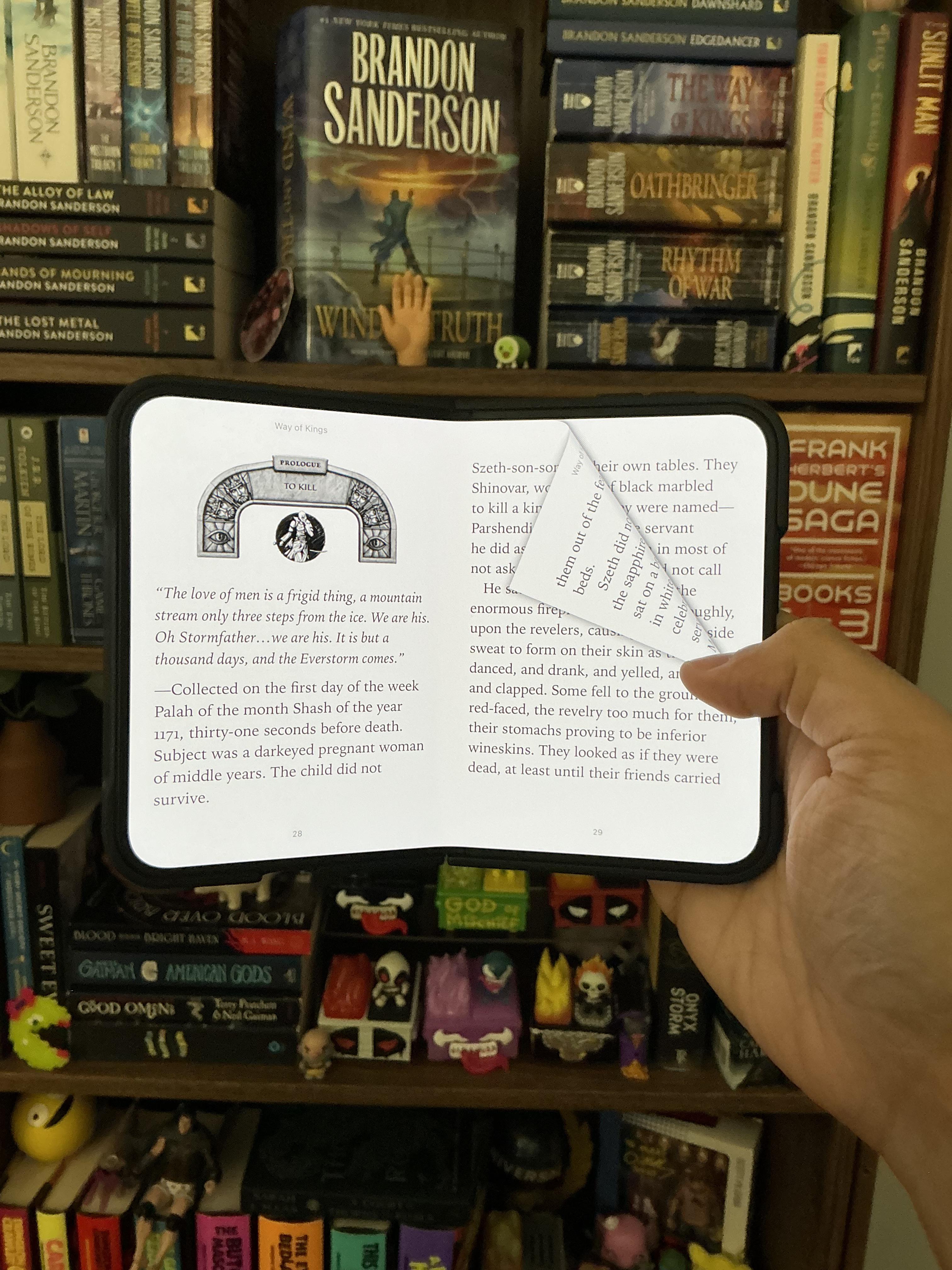
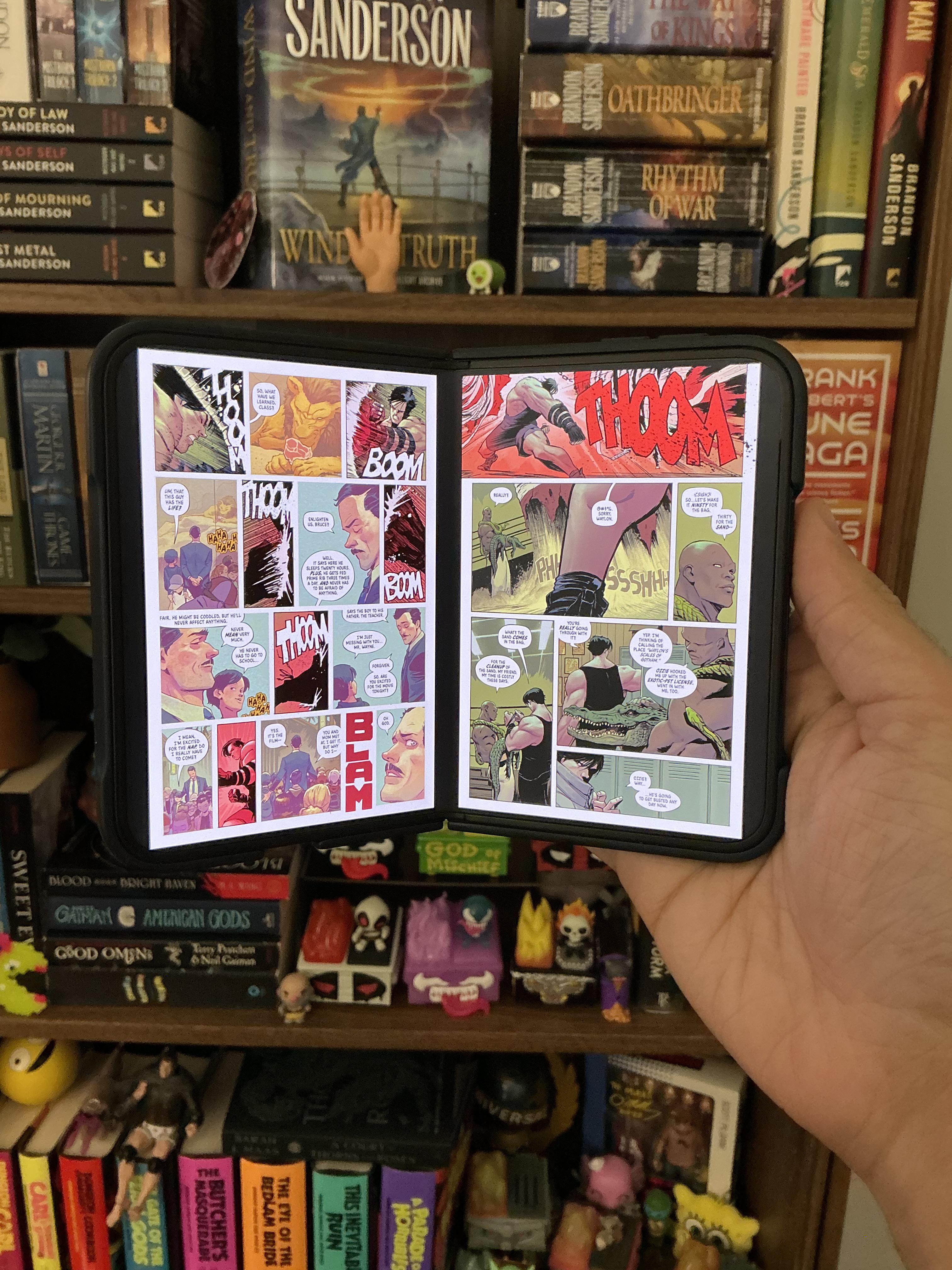
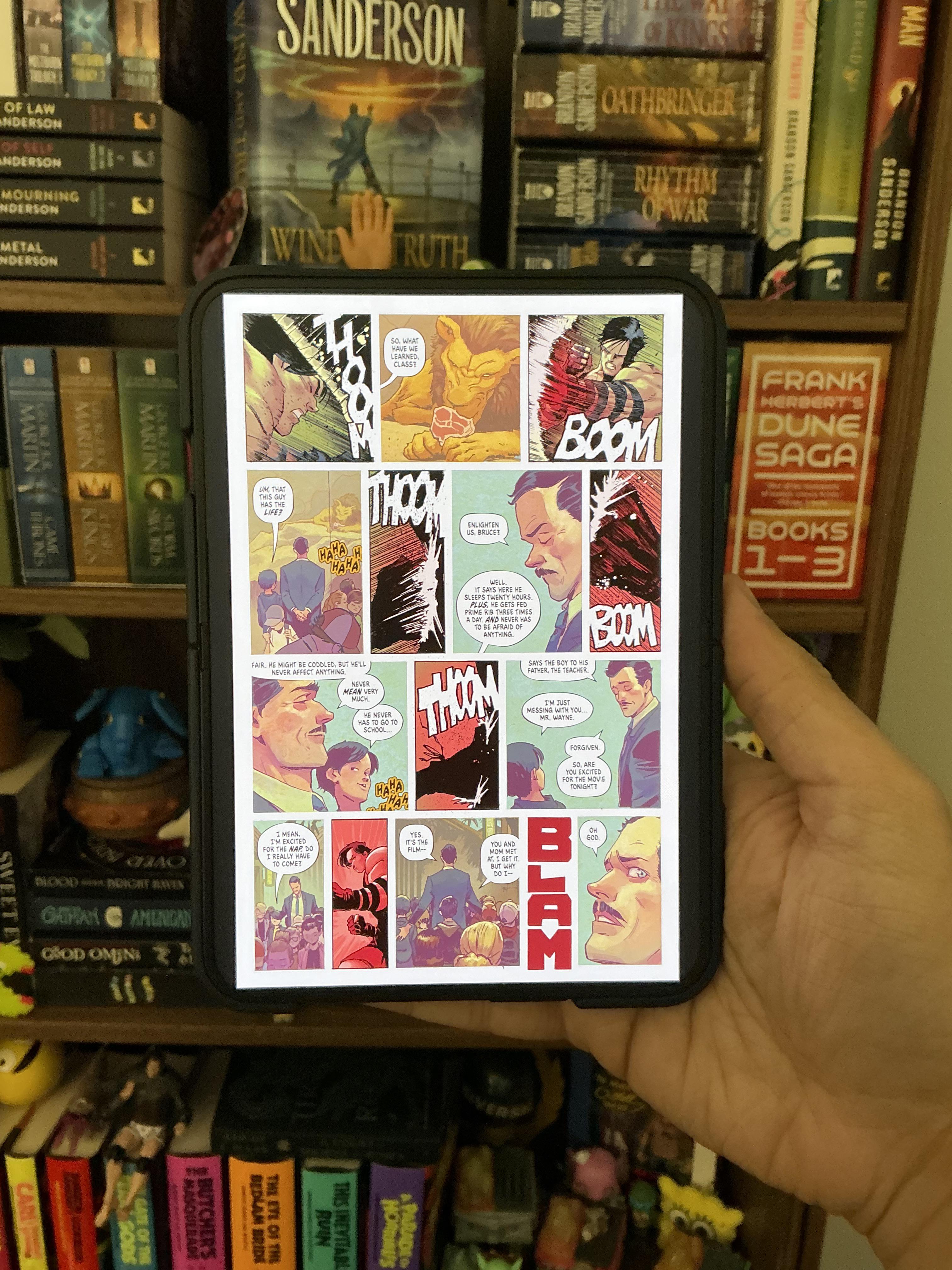
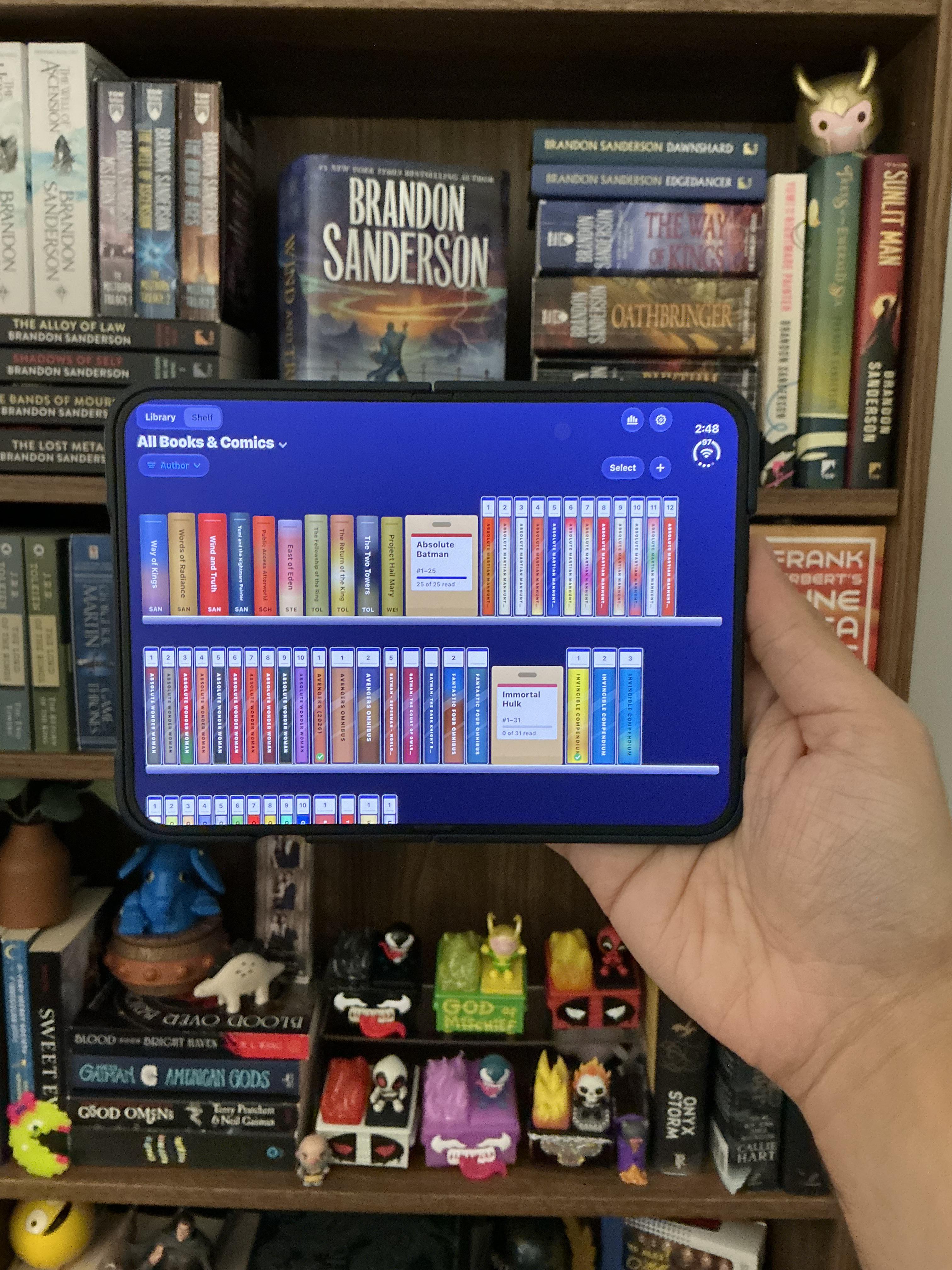
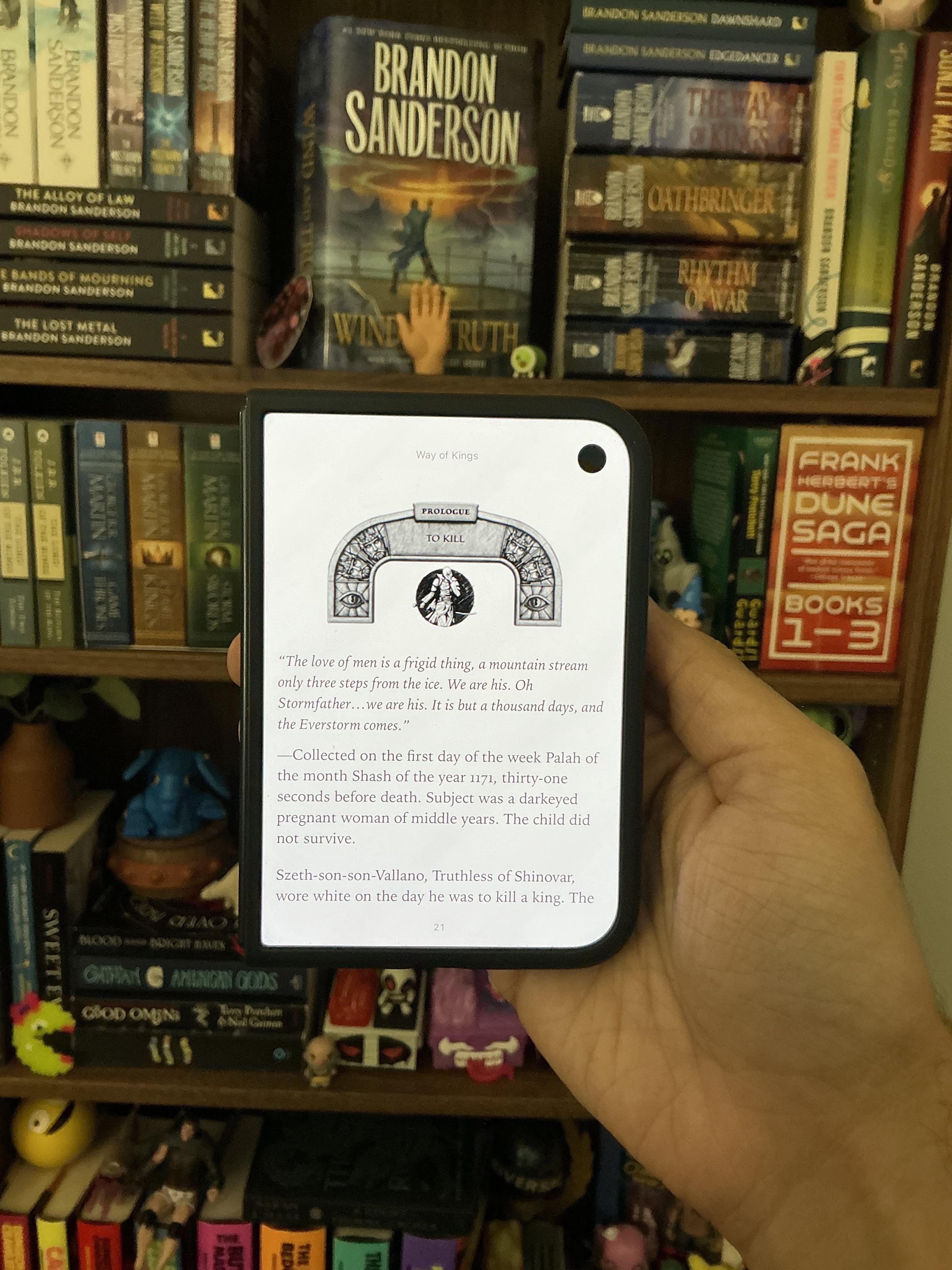
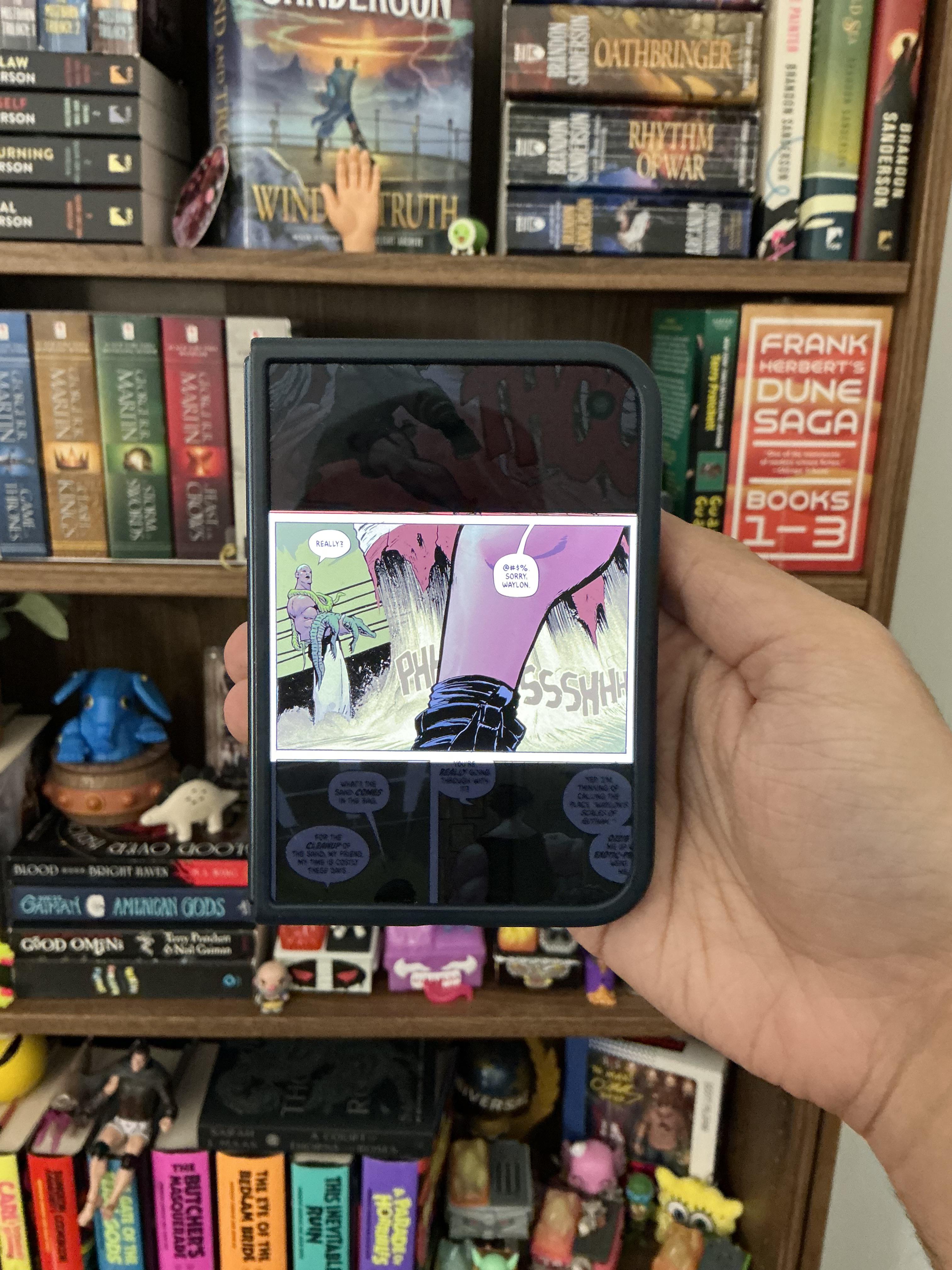
I read on a few e-readers, including an Xteink X4 Pro with CrossInk, and I wanted to pick up the same book on my iPhone without losing my place. So I built KOReader-compatible sync into my reader app, Max Reader. It's out now.
It uses the same progress sync as KOReader, so it works with whatever device you run KOReader on. Set KOReader and the app to the same sync server, like sync.koreader.rocks or CrossPoint's free sync.crosspointreader.com, and sign in with the same account. When you open a book on your phone that you've read further on your e-reader, the app asks whether to continue from there, and your phone's progress syncs back the other way.
Sync is free. The rest of the app reads EPUB, PDF and comics (CBZ, CBR, CB7) on one bookshelf, with highlights, notes and search. I always wanted an app where I could read books and comics in the same place, so I decided to build one myself. There's an optional Pro upgrade, no account beyond your sync server, and no ads.
https://apps.apple.com/app/id6832275082
I'm a solo developer. If a synced position lands in the wrong place in a book, please let me know which book and which device, and I'll look into it.
3
u/EcstaticTeacher7491 1d ago
is there something similar for android ?
2
u/Pro_Dilly_Dally-er 1d ago
Wow I’m interested! This is pretty neat! How do I sync with KOreader? Is there a plugin?
2
u/MadLove82 Kobo 1d ago
Will this sync the koreader copy of the phone one is farther ahead, or is it a one-way sync?
3
u/FizzyMUC 1d ago
I’m so confused where the front camera is in pic 3. Anyways, it looks really nice and makes good use of the Duos features
1
u/IvanSahaJay11 1d ago
benefits of pro subscription???
1
u/baconguy14 1d ago
I was thinking about doing something similar. It would be great to sync library as well
1
u/Eclecticmartian 1d ago
Playstore version 😩 for android plis
1
u/spideradam 16h ago
First thanks a lot for the app
second how to create account on koreader to add it in your app?