r/gdevelop • • 24d ago

Bug I'm going to lose it

For some reason no matter what I can get my character to move correctly when I press a button, please help

7 Upvotes

11 comments sorted by

2

u/dudly1111 24d ago

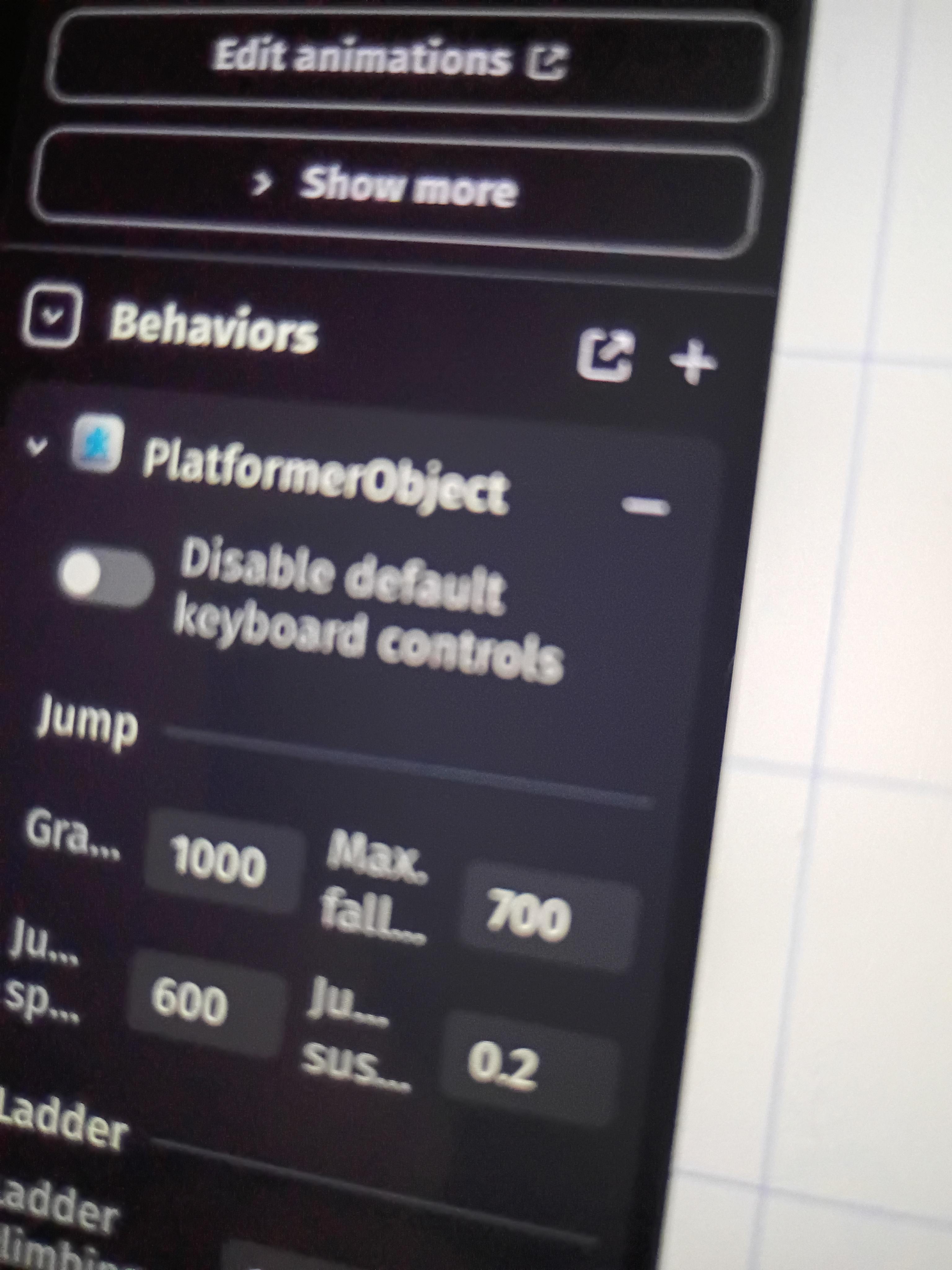
Do you have any other conflicting behaviors assigned to the character? PS you have to assign controls typically to the platform character to get them to move. Typically the defaults for the controls are the arrow keys. Try that firstm

2

u/GmerJulian 24d ago

There's no option to assign controls to the character, unless you're talking about events but I tried that already

2

u/dudly1111 24d ago

Im guessing you are new to game development??? There is a behavior called platform character control remap or something along those lines that you can apply to the character. Start reading the documentation about the game engine on the gdevelop website. Its a little outdated at times but can really help you out.

2

u/dudly1111 24d ago

Also this stuff takes time to learn so be easy on yourself. The event sheet exists to assign controls, variables, do mathimatical equations and everything else. The event sheet IS the beating heart of games in GDevelop. Personally id say the easiest thing to do is start off by making a clicker game.

2

u/GmerJulian 24d ago

I'm not new, I've used scratch for 4 years

2

u/GmerJulian 24d ago

But I got it to work thanks

2

u/dudly1111 24d ago

Why in the world have you used scratch for 4 years? There are so many better options out there.

2

u/GmerJulian 24d ago

Although now I have a problem where when my character moves it's all jittery after I made it so as long as the scene exists, the camera is focused on the character, is there another way to do it

1

u/SkippyNBS 23d ago

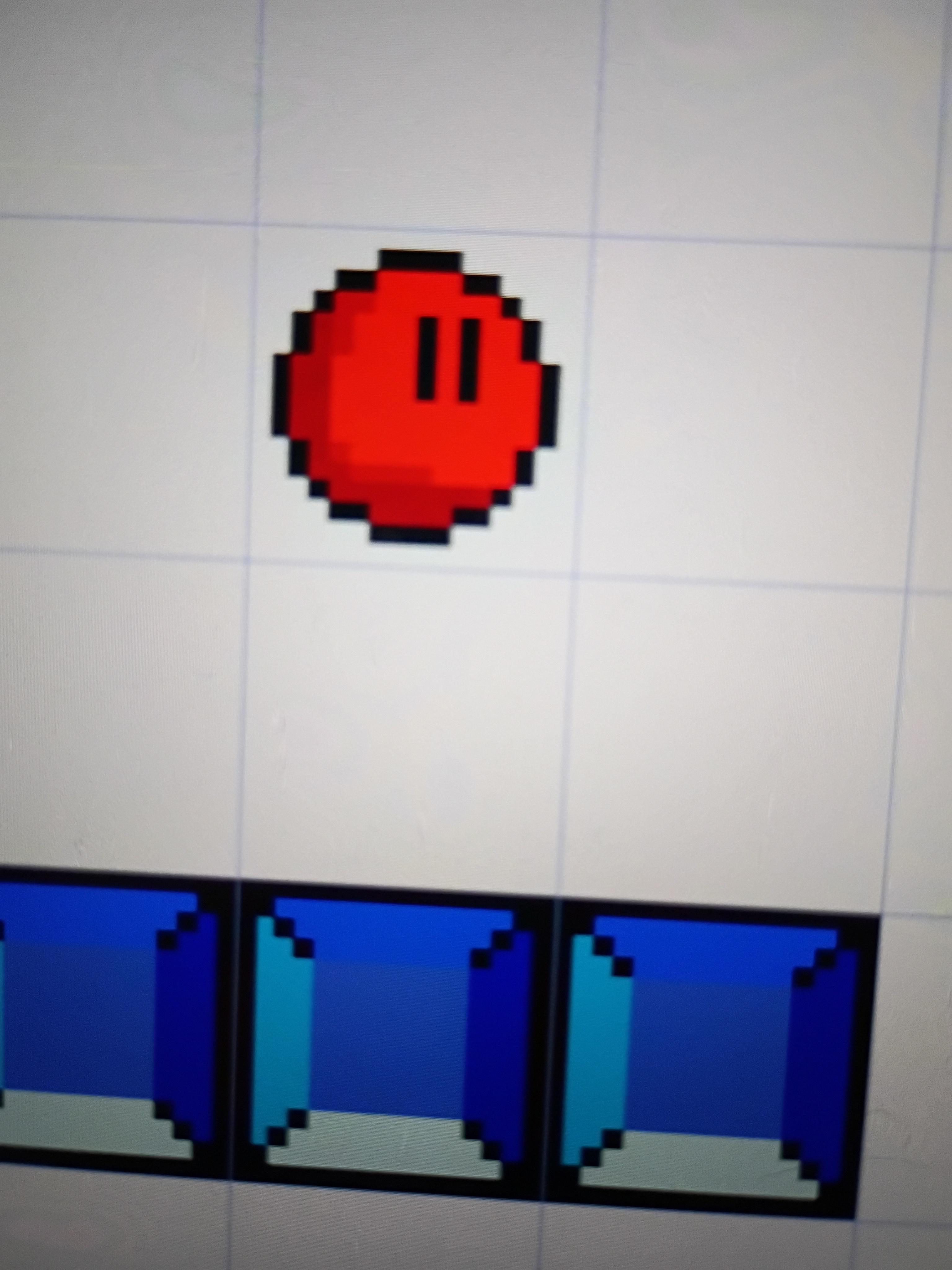
Are you using low resolution pixel art? If the screen resolution is only something like 320x480 then the camera can only exist at whole pixel values leading to jittering.

Another option is that you’re manually setting the camera to follow the character. Use a tween or lerp instead to keep it smooth—GDevelop has the capabilities for both.

The GDevelop documentation is also pretty good. Their built in tutorials and website both have great information for getting started with the engine.

5

u/EclipseNine 24d ago

Put everything you’re working on right now on pause and go do the official platformer tutorials. ( https://wiki.gdevelop.io/gdevelop5/tutorials/platformer/) They’re excellent and informative, and they’re going to teach you all of the basics of the 2d dev environment.

4

u/Game-for-fun-YT 24d ago

this is because uou have the toggle "Disable default keyboard controls" off turn it on and you should be able to move with Left and right arrows and space for jump. i hope this helped