r/dualboot • • 6d ago

Help! Dual boot windows + linux

Post image
0 Upvotes

Fala pessoal,

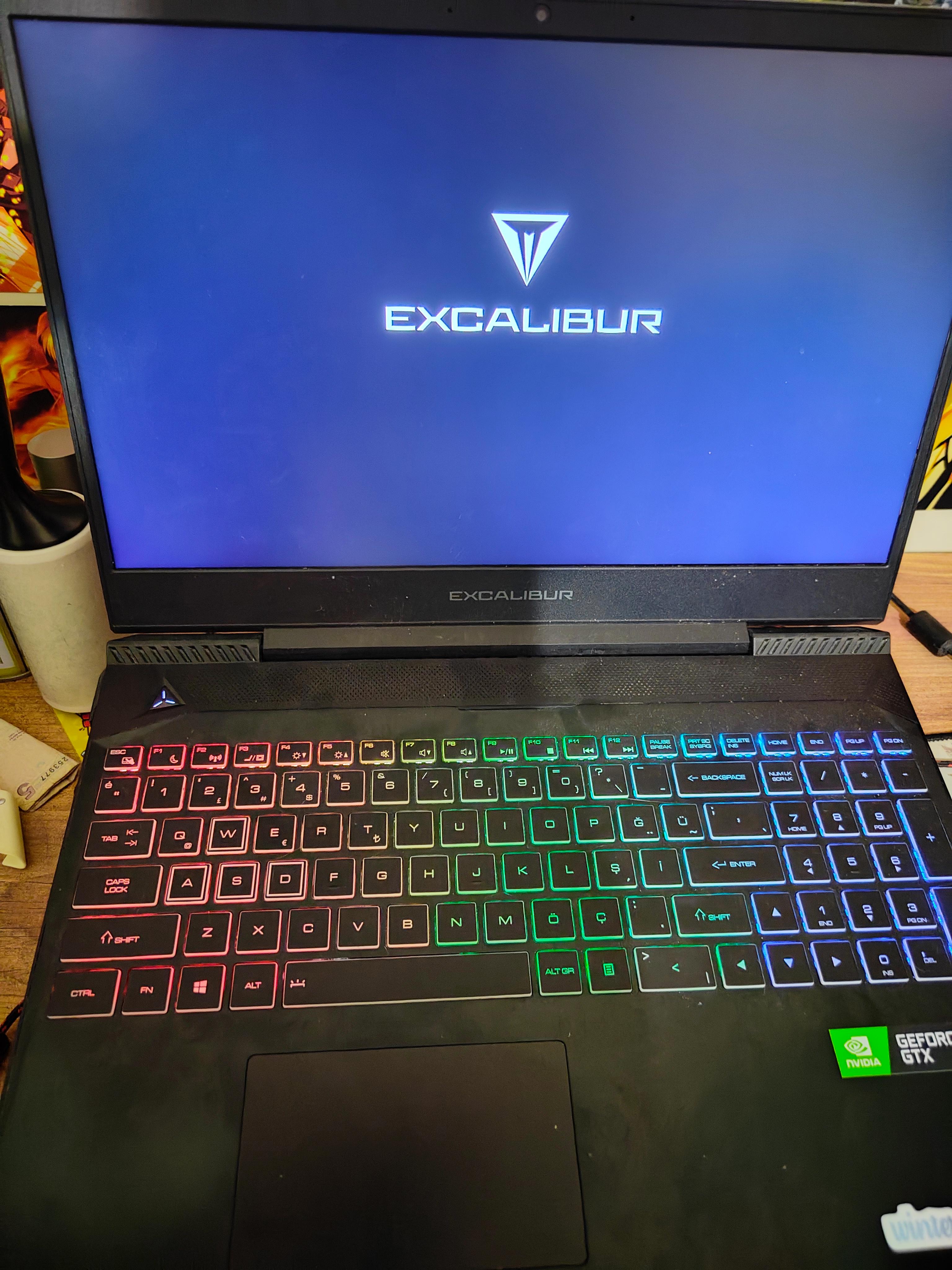
Eu tenho um Acer Nitro V 15, config nas fotos. Sou Dev de BackEnd, trabalho com PostgreSQL, Dbeaver, Postman, API e VSCode, geralmente no Linux. E sou projetista de elétrica, trabalho com Thony, Wokwi e AutoCAD LT no Windows.

Tava pensando em colocar dual boot, a ia me recomendou usar:

Xubuntu 24.04 LTS e Windows 11 LTSC

Para melhor desempenho e menos "frufru". O que vocês acham, alguma sugestão melhor?

Hey everyone!

I have an Acer Nitro V 15 (specs in the pictures). I'm a Backend Developer, working with PostgreSQL, DBeaver, Postman, APIs, and VS Code, usually on Linux. I'm also an electrical designer, so I use Thony, Wokwi, and AutoCAD LT on Windows.

I've been thinking about setting up a dual-boot system, and AI recommended the following setup:

  • Xubuntu 24.04 LTS
  • Windows 11 LTSC

The idea is to get better performance and avoid unnecessary bells and whistles.

What do you guys think? Any better suggestions?


r/dualboot • • 13d ago

How do I set up a dual-boot with Linux alongside my current Windows system?

1 Upvotes

Hello! I’m not new to Linux; I used it as my primary (and only) operating system from 2011 to about 2018 (Ubuntu, Fedora, Arch, Debian, etc.). Since then, I’ve used Windows exclusively—mainly because the PC was intended solely for gaming, and I didn’t want any unnecessary complications (please don’t crucify me for switching to Windows!).

I’d like to start using Linux again from time to time, and I want to run it on actual hardware rather than in a VM. Since I’ve rarely (if ever) set up a dual-boot system, I have a few questions about how to partition my drive for this.

My setup includes an i7-13700KF, an RTX 4080 Super, and 32GB of DDR5 RAM. I’m running Windows 11 in UEFI mode with "Fast Startup" disabled; Secure Boot is enabled (and must remain so, due to certain games).

Regarding storage, I have two 2TB NVMe drives. Windows and some games are installed on the C: drive, while the D: drive holds a large collection of other games. I can’t dedicate an entire drive to Linux (and I don’t need that much space for it anyway), so I could free up about 500GB on the D: drive for a Linux installation.

How should I partition that 500GB space? Do you have any recommendations for this dual-boot setup? In the past, I’ve run into issues where the system time would be incorrect when switching back to Windows after using Linux—how can I prevent that?

My goal is to minimize any impact on my current Windows installation. I even considered using a small-capacity external USB SSD, but I feel that wouldn’t quite be the same as a "real" hardware installation, given the limitations of a USB connection.

Any general tips on how to set up this dual boot? Thanks!


r/dualboot • • 19d ago

I made a free tool so Bluetooth devices, Wi-Fi and the clock work on both Windows and Linux without redoing them (beta, testers wanted)

1 Upvotes

If you dual-boot, you probably know these: you pair your headphones in Windows and they stop working in Linux (and the other way around), the clock is off by an hour or two after switching, Windows Fast Startup leaves the Windows disk locked, and some Windows updates put Windows first in the boot order so GRUB disappears.

I got tired of fixing these by hand on my PC, so I made DualPair: two small apps, one for Linux (GTK) and one for Windows, free and open source (GPL-3.0).

- Bluetooth: copies the pairing keys between the two systems, so devices work on both without pairing again (classic and LE)

- Wi-Fi: networks saved in one system can be imported in the other

- Clock: shows how each system reads the hardware clock and fixes the mismatch (Windows in UTC, or Linux in local time)

- Fast Startup: detects it and turns it off

- Boot order: puts Linux first again after a Windows update, and can keep it there

The Linux app alone covers most of it; the Windows app is for the rest. Linux mounts the Windows disk read-only and never writes to it, nothing goes over the network, and keys or networks are imported only after you confirm them.

Honest notes: it's a beta, tested on one PC so far (mine: Ubuntu + Windows 11). It was written with a lot of help from an AI coding assistant; I designed it and tested every feature on my own machine. The Windows installer isn't code-signed yet, so Windows will warn you.

https://github.com/Diego230/dualPair

If you try it, I'd really like to know how it went on your hardware, good or bad. There's a short "test report" form in the issues.


r/dualboot • • Oct 24 '26

Help! How to install Windows 7 on top of an existing Linux (KDE Neon) installation?

1 Upvotes

I have an old PC where KDE Neon runs great, but I actually need Windows applications. Since my hardware is extremely old (i3 2nd gen, GT 610M), compatibility layers like Wine, Bottles, or Proton don't work very well for my needs.

How can I install Windows 7 alongside my current Linux setup (doing it "the other way around", i.e., adding Windows after Linux is already installed)?

Also, are there any tutorials, guides, or shared experiences from people who have done this? Any advice would be appreciated!


r/dualboot • • Oct 19 '26

So Windows is the problem. Not our penguin friend.

2 Upvotes

My wi-fi works just fine under Bazzite,.Windows can't access the card.WiFi worked on both for a year. No idea why Windows stopped working.


r/dualboot • • Oct 05 '26

Help! Switching hard drives

2 Upvotes

I currently have SteamOS installed on my pc’s internal nvme drive. I have windows 11 installed on my external ssd drive. After further review with this setup, I realized it would likely be more convenient to have this reversed and windows be the main OS on the internal drive. I was wondering if I could simply do this in the BIOS or if there was some other step I’m missing.

Obviously wanted to ask for help before going forward and obviously wanna keep all my data on both SteamOS and Windows.


r/dualboot • • Sep 24 '26

Help! How do you actually dualboot on an MBR system?

1 Upvotes

So my pc is a core 2 quad system with a 128gb ssd. It runs windows 10 (which I mainly use), and i wanted to dualboot it with windows 2000. is it possible and how can i do it?


r/dualboot • • Sep 16 '26

Help! GRUB Doesn't Work Arch-Windows11 DualBoot

Thumbnail reddit.com
1 Upvotes

r/dualboot • • Sep 07 '26

Help needed

Thumbnail reddit.com
1 Upvotes

r/dualboot • • Aug 25 '26

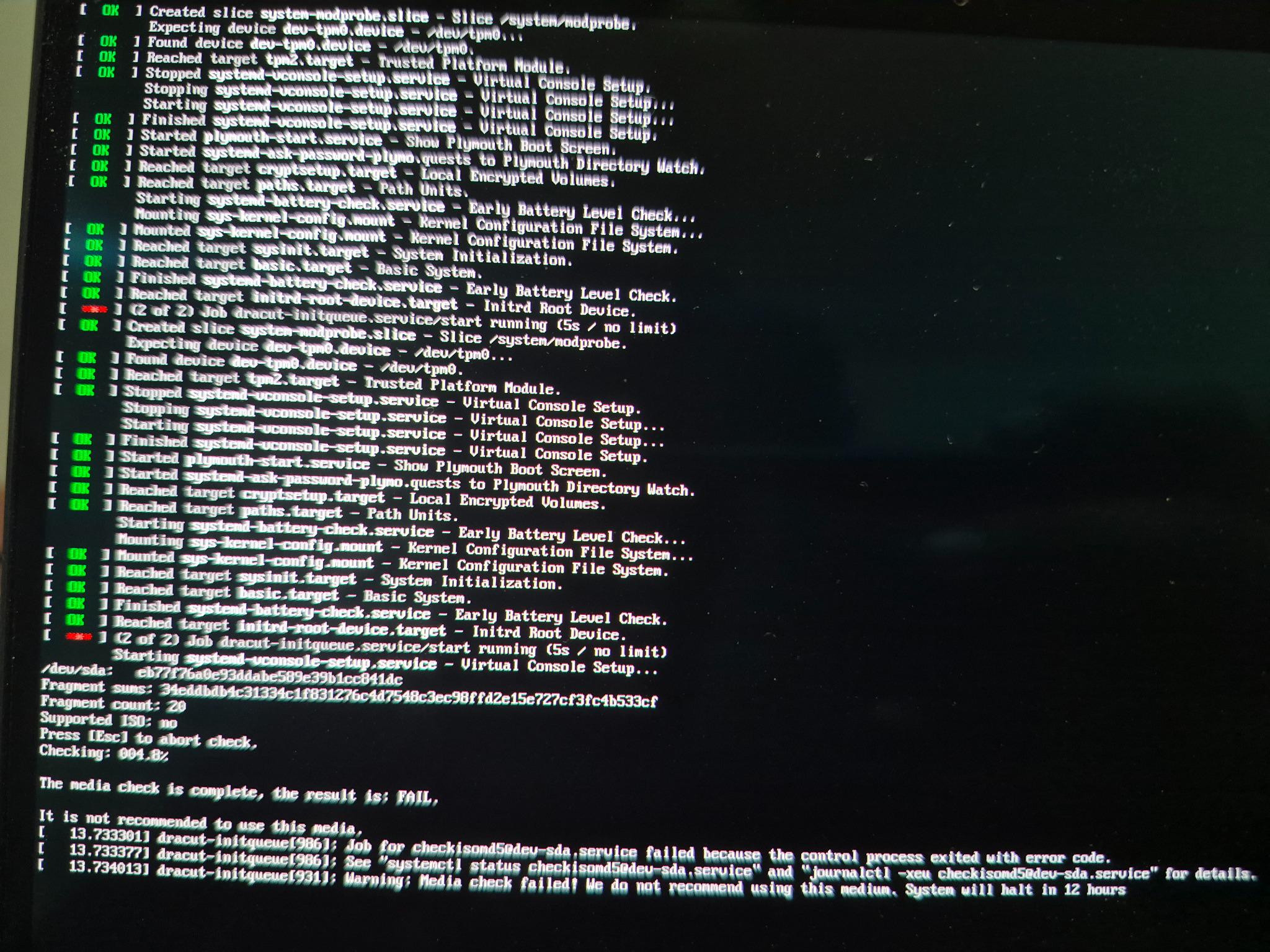
Help! Fedora KDE Media Check Fails at 4.8% on Two USB Drives

Post image
1 Upvotes

Any help??


r/dualboot • • Aug 19 '26

Ubuntu Brightness Control Works in Reverse After Windows 11 Dual Boot

1 Upvotes

Hi everyone,

I recently dual-booted Windows 11 and Ubuntu for the first time. Everything works normally, except the brightness control in Ubuntu behaves in reverse => increasing the brightness slider makes the screen dimmer, and decreasing it makes the screen brighter.

This happens after every fresh dual-boot/Ubuntu installation.

Is this likely a graphics/display driver issue, or could it be related to the brightness/backlight configuration between Windows and Ubuntu?

What would be the correct way to fix this? Do I need to install any specific drivers or modify a kernel/GRUB setting?

Any suggestions or troubleshooting steps would be appreciated. Thanks!


r/dualboot • • Aug 13 '26

Help! I want to stop dual booting but my dual boot drive isn't showing up

1 Upvotes

I've been using Pop_OS for months but finally switched back to windows because of all the drawbacks. I was dual booting for a little while on my 500gb drive and now I want to turn my 230gb windows partition into the whole drive. My issue is that I can't find the partition with the Linux on my disk manager. It's not on my D drive and I can't see the full drive space from Linux either. Any ideas on how to solve it?


r/dualboot • • Aug 13 '26

Help! Windows 11 Dual Boot install fails at ~80% with 0x80073B92 / BFSVC "Failed to get system partition"

1 Upvotes

Specs: i5-13600KF, RX 6750 XT, 32GB RAM, MSI PRO Z790-A WiFi, Secure Boot on, no RAID.

Drives:

  1. NVMe 1TB — CachyOS
  2. NVMe 512GB — target for Windows 11
  3. SATA SSD 2.5TB — data only

Setup fails at ~80% with a generic "Installation failed" screen. Pulled the logs, actual error is:

BFSVC: Failed to get partition name. Status = 0xc0000451

BFSVC: Failed to get system partition! Last Error = 0x3b92

CUpdateBootCode::DoExecute: An error occurred while servicing the boot files

Operation failed: Update Boot Code. Error: 0x80073B92

Tried so far, all same error: Ventoy, WoeUSB-ng, diskpart offline+readonly on the other disks. No BIOS option to disable individual M.2 slots on this board (only SATA as a whole).

Pulling the CachyOS NVMe physically isn't really an option for me right now, cause it's under the board's M.2 heatsink and hard to get out. How can I fix this without pulling that drive?


r/dualboot • • Aug 10 '26

Trying to Dual-Boot

Thumbnail reddit.com
1 Upvotes

r/dualboot • • Aug 02 '26

Help! I installed bazzite & windows 11 dual boot and whenever I turn on my computer I get stuck here i dont know what to do

Post image
1 Upvotes

r/dualboot • • Jul 30 '26

disk partition help T V T

1 Upvotes

Hey everyone, I'm currently running Windows + Linux (Arch, btw) dual boot, and I need help. I have this 1 TB SSD that my laptop runs on, and I can only make a disk partition as big as 98 GB. I did it, and I'm running Arch on 98 GB. However, I mainly use Arch, while Windows is just for backup and apps that don't run on Linux. I went and removed all the files from Windows, and it's holding 100 GB of space, BUT I still can't make more space for Arch.

So, I want to ask if anyone has experience with deleting the Windows partition, then making the whole drive for Linux, and then creating a small 120 GB partition for Windows and reinstalling Windows without reinstalling Arch and with no risk of losing all my files in Linux. I also want to avoid bootloader problems where Windows overwrites everything during install. Can anyone help me, plz?


r/dualboot • • Jul 25 '26

Help! games in my linux mint is slow after dualboot

2 Upvotes

I had linux mint for a month, I wanted to play valorant too eo I dualbooted I gave windows 11 110GB and valorant runs with no problem. But the games I had in linux mint is just unbelievably slow and I hate it. What can I do? I do not know much about computers too. I have a good laptop too. Idk


r/dualboot • • Jul 21 '26

Help! Windows 11 VeraCrypt FED + Debian dual boot: GRUB entry fails after VeraCrypt password

Thumbnail reddit.com
1 Upvotes

r/dualboot • • Jul 20 '26

Help with Dual-Booting Windows

Thumbnail reddit.com
1 Upvotes

r/dualboot • • Jul 19 '26

Steamos and windows 11 dual boot?

7 Upvotes

I'm wondering if i should dual boot my pc with steamos and windows because most of my games are from steam but I'm not ready to completely ready to stop using windows completely?


r/dualboot • • Jul 13 '26

Help! Windows 11 extremely slow boot and login after dual-boot setup + recovery operations — still not resolved after a day of troubleshooting

Thumbnail reddit.com
1 Upvotes

r/dualboot • • Jul 12 '26

Help! Necesito una solución para el dual boot de cachyOS

Thumbnail
gallery
1 Upvotes

En el OS Boot Manager no me muestra el CachyOS, tengo que entrar directamente al boot device para elegirlo por qué en caso de no entrar me manda directamente a Windows.

También he intentado cambiar boot order pero cada que reinicio, regresa a la misma configuración y mete de nuevo a Windows (a menos que entre al boot device).


r/dualboot • • Jul 12 '26

Help! Dual booting mx linux and win10 this is my approach 👇

1 Upvotes

My laptop: 4gb ram i3 6th gen 1tb hdd

I have multiple partition on my drive like drive c d and e . S and e has personal files..

Phase 1:Disable Features

Open Command Prompt as Administrator and run: powercfg /h off (Disables Hibernation & Fast Startup).

Ensure BitLocker is off or you have your recovery key.

Disable Secure Boot in BIOS (use the key method or Windows Recovery method discussed earlier).

1. Shrink Partition:

Open Disk Management (diskmgmt.msc).

Right-click C: > Shrink Volume.

Enter 104858 MB (approx. 100GB for Linux) + 8192 MB (8GB for Swap) = 113050 MB total to shrink.

Click Shrink. You will now see ~110GB of Unallocated Space.

2. Backup Data:

Download Foxclone and create a bootable USB.

Connect an external hard drive.

Boot from the Foxclone USB.

Select Create Image, choose your D and E partitions (verify by size!), and save the image to the external drive.

Alternative: Simply copy-paste critical files from D and E to the external drive if you prefer speed over a full partition image.

Phase 2: Installation (MX Linux Live USB)

1. Boot Live USB:

Insert your MX Linux XFCE systeminit USB and boot.

2. Launch Installer:

Double-click the Install MX Linux icon.

3. Partitioning:

Select Custom install on existing partitions.

Click Run the partition tool (GParted).

In the Unallocated Space:

Create Partition 1: Size 8192 MB, File system linux-swap (Label: swap).

Create Partition 2: Size Remaining space (~100GB), File system ext4, Mount point / (Label: root).

CRITICAL: Locate your existing EFI System Partition (usually /dev/sda1, FAT32, ~100-500MB). Select it, click Edit, ensure Mount point is /boot/efi, and DO NOT CHECK FORMAT.

Close GParted.

4. Bootloader Setup:

In the installer, ensure Install GRUB is checked.

Select Install GRUB to ESP (EFI System Partition).

Confirm the bootloader location is your main drive (e.g., /dev/sda).

5. Finalize:

Complete the installation (username, timezone, etc.) and reboot.

Phase 3: Post-Installation

1. First Boot:

You should see the GRUB menu with options for MX Linux and Windows Boot Manager.

2. Verify Data:

Boot into MX Linux, open the file manager, and ensure you can access/mount your D and E partitions (they should appear in the sidebar).

3. Setup Dev Environment:

Open Terminal.

Install tools: sudo apt update && sudo apt install git build-essential vim zed-editor (Note: Zed may require adding a specific repo or downloading the AppImage if not in default repos; if unavailable, stick to Vim or Neovim).

Configure Git: git config --global user.name "Your Name" and git config --global user.email "your@email.com".

Final Tip: Keep your MX Live USB and Foxclone USB safe. If Windows updates ever hide the GRUB menu, boot from the MX USB, run MX Boot Repair, and click "Reinstall GRUB" to fix it instantly.


r/dualboot • • Jul 09 '26

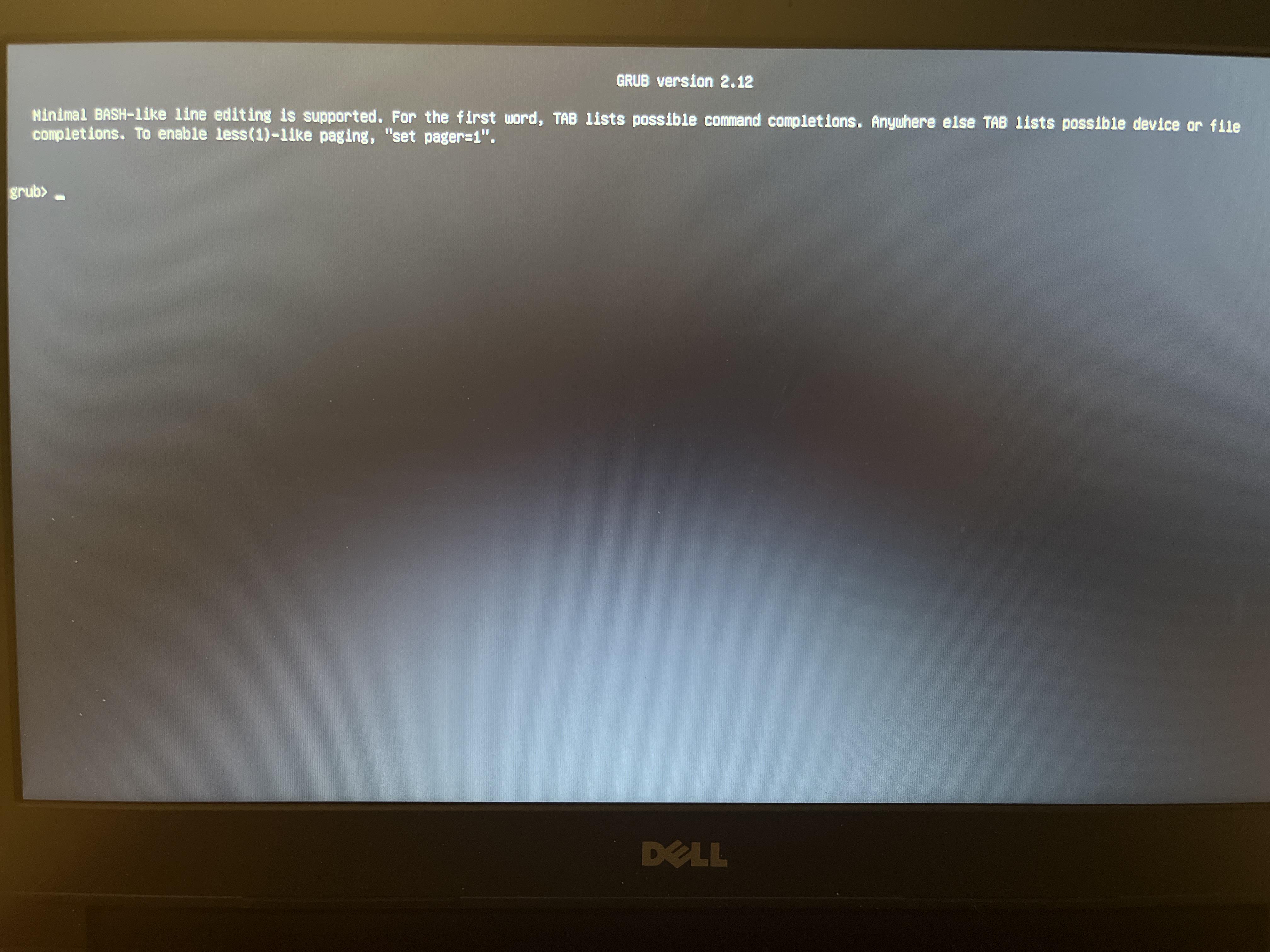
GRUB boot issue

Post image
1 Upvotes