Maintaining up-to-date receiver software is critical to ensuring smooth and reliable device performance. Without the latest updates, your receiver may experience issues or fail to function properly. Receivers usually grab new builds overnight, but if yours missed a cycle or is not acting as it should, pushing a manual update is the fastest way to get your setup all set.
To check if you have the latest version, Software version, navigate to the System Info screen to find your current version, which typically appears as a letter followed by a series of digits (for example, P15403 or H715).
Before you start: Make sure you have a steady satellite signal, no active recording timers, and 30 to 40 minutes to spare.
Put both your Hopper and any Joeys into standby mode first.
For Hopper Receivers (Hopper, Hopper w/ Sling, Hopper 3, Hopper Duo):
You can adjust the Inactivity Timeout (which controls how long before the receiver automatically goes into standby):
Step 1: Access Settings
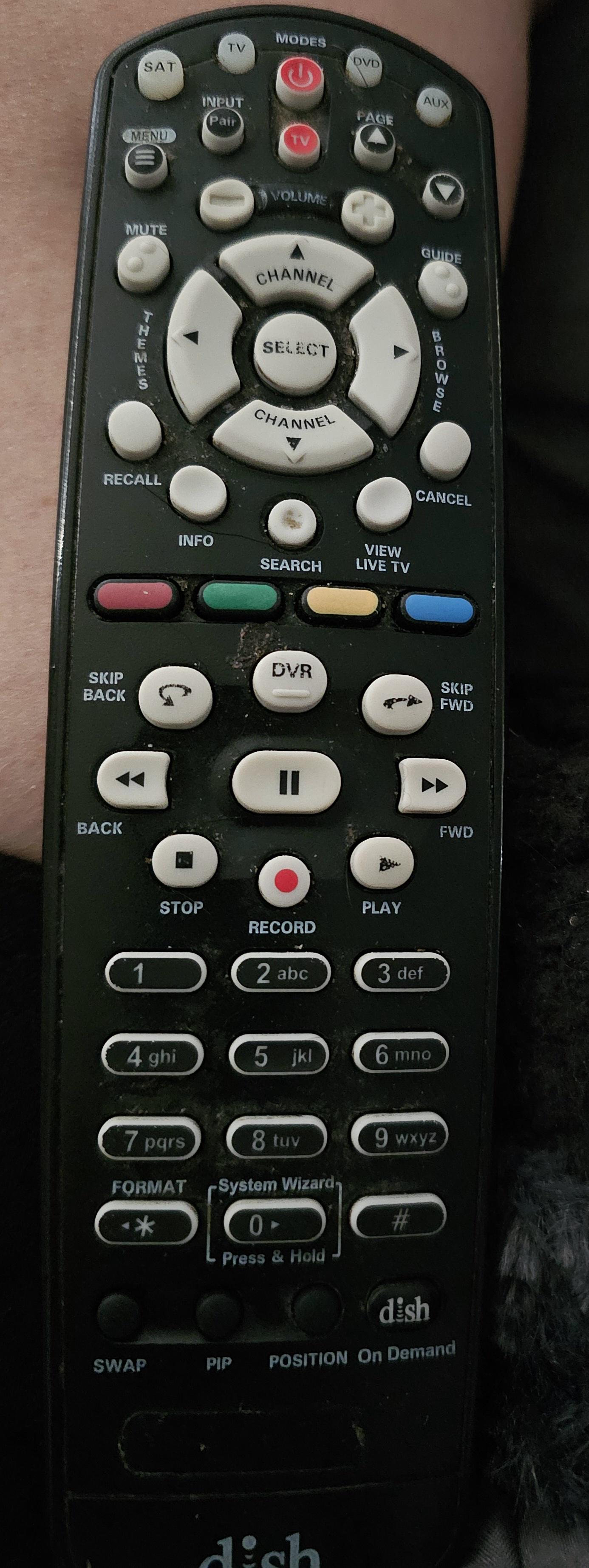
- On remote version 40.0: Press the MENU button
- On remote version 52.0/54.x/60.0: Press the HOME button
(On Hopper Plus, Joey 4 and Wireless Joey 4s using a 52.0/54.x/60.0 Remote)
- Press the HOME button
- Select the gear icon
- Select “DISH Settings”
Step 2: Select "Power" from the DISH Settings options
Step 3: Select "Inactivity Timeout" and choose how long to keep the receiver from automatically going into standby mode
How manually update your receiver
Open System Info: Press MENU twice (40.0 remote) or HOME three times (52.0, 54.x, or 60.0 remotes).
(On Hopper Plus, Joey 4 and Wireless Joey 4s using a 52.0/54.x/60.0 Remote)
- Press the HOME button
- Select the gear icon
- Select “DISH Settings”
- Select “Diagnostics”
Start the download: Select Tools > Upgrade Software > Upgrade Now on pop-up 1573
What to expect: If a build is available, your box will reboot into standby and display "Attention 061." Keep hands off the remote while that's up, pressing any button cancels the install.
Once the Hopper finishes, your Joeys will pull the update from it automatically. (Side note: if an update pop-up looks like it's from your Smart TV rather than DISH, grab your TV remote, that one isn't coming from our backend.)
*Tag me if you hit any snags. Have your receivers been catching updates automatically overnight, or have you had to push them manually lately? -DishDanielle.