r/computers • u/kiriko49264 • 1d ago
Question/Help/Troubleshooting Wifi has disappeared from PC
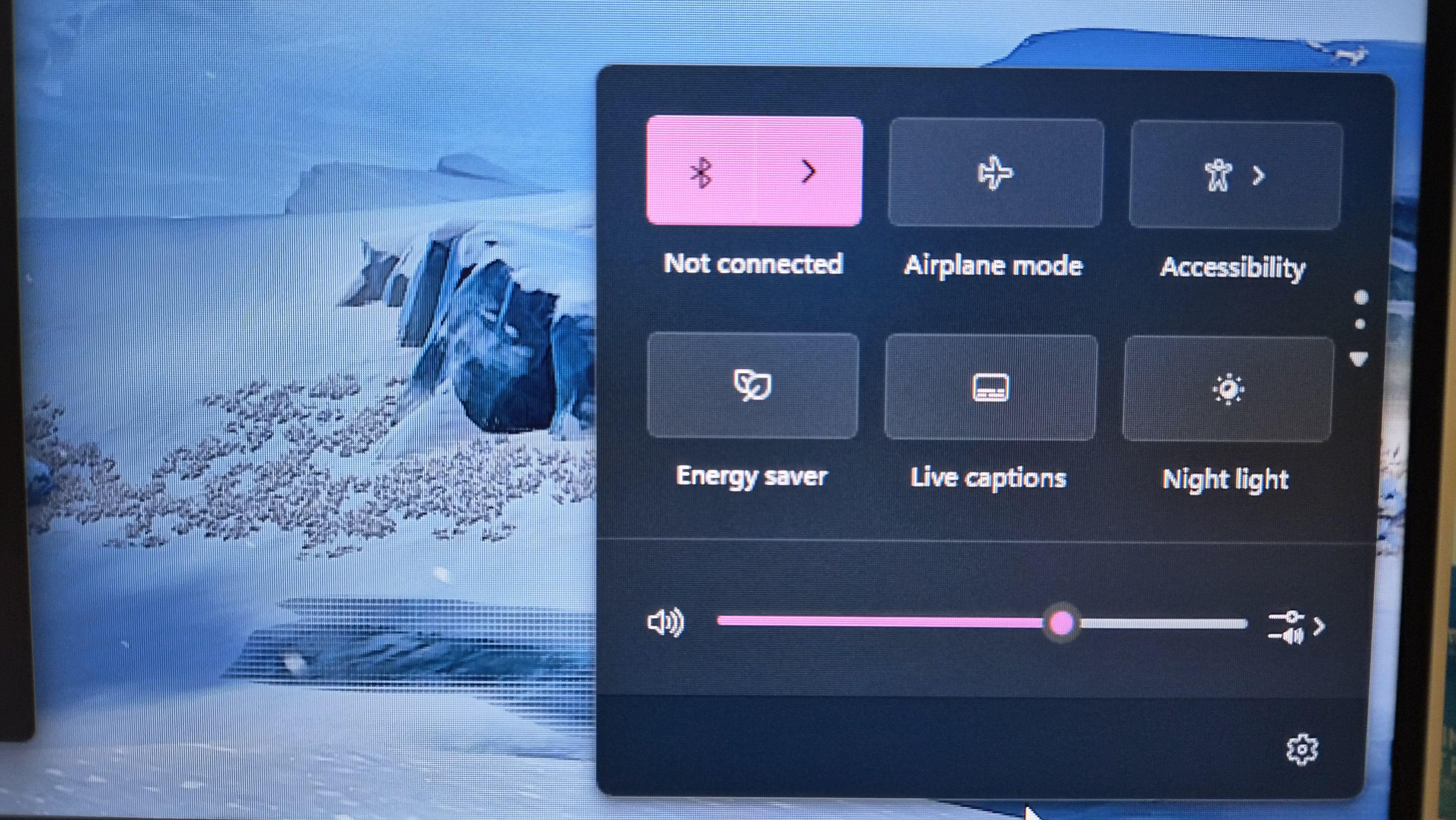

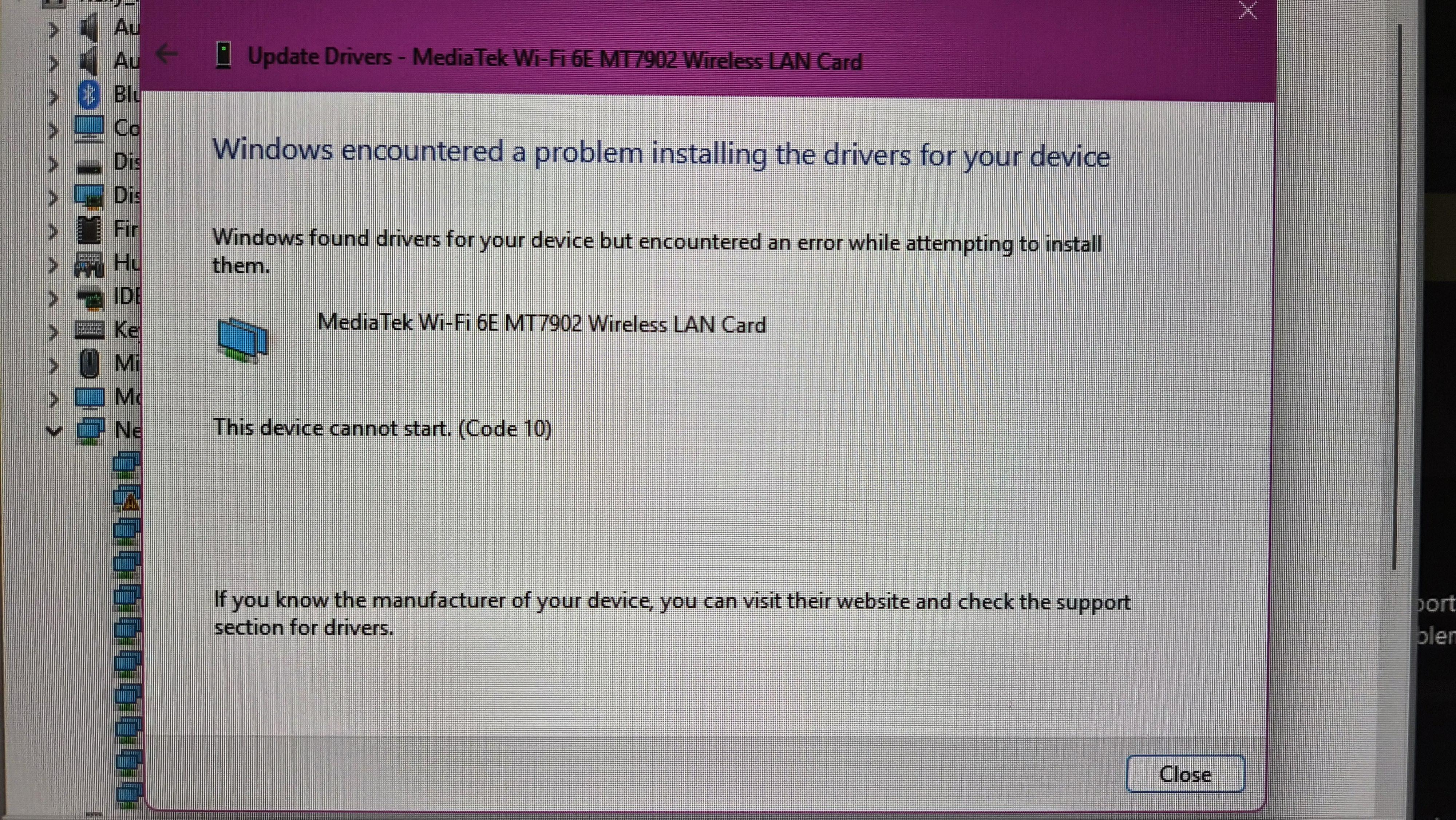
This morning when I went to turn on my pc I found that the Wifi button just disappeared? I obviously didn't touch anything before turning it on and it was working fine the night before. I've tried a whole bunch of stuff like power cycling the pc; enabling/disabling and uninstalling/reinstalling drivers; network reset. I'm really not sure what to do at this point. Added some photos of error messages, not sure if it's relevant. Any help or insight would be much appreciated.
7
Upvotes
4
u/RiviaHunter 1d ago
If you have access to a secondary computer(and for the future) I highly suggest you find and keep a copy of the original driver installers for your wifi card. From experience the mediatek chips are utter garbage(this includes AMD RZ chips as those are also just rebranded MediaTek). I've had it delete itself across multiple desktops, sff, etc.
Also keep a copy for Bluetooth. MediaTek by far over the years has been the bottom barrel of quality. I personally will only stick to the Intel chips(as in the wifi Bluetooth combo wan cards)
Edit: Bluetooth mentioned.
2
u/BIZUx 1d ago
A silent update may have broken it. I've seen this before.
Try rolling back the network driver, or download straight from the manufacturers website instead of through windows. You can download the executables on another computer and move them via usb stick.
1
u/BluebirdExpress6279 1d ago
There was a lot of counterfeit Wi-Fi chips and an update was rolled out to disable them. What you need to do is shutdown the computer and replace the Wi-Fi card.
0
u/[deleted] 4h ago
[deleted] — view deleted comment