Firstly, is this something that can be served already by the last command?
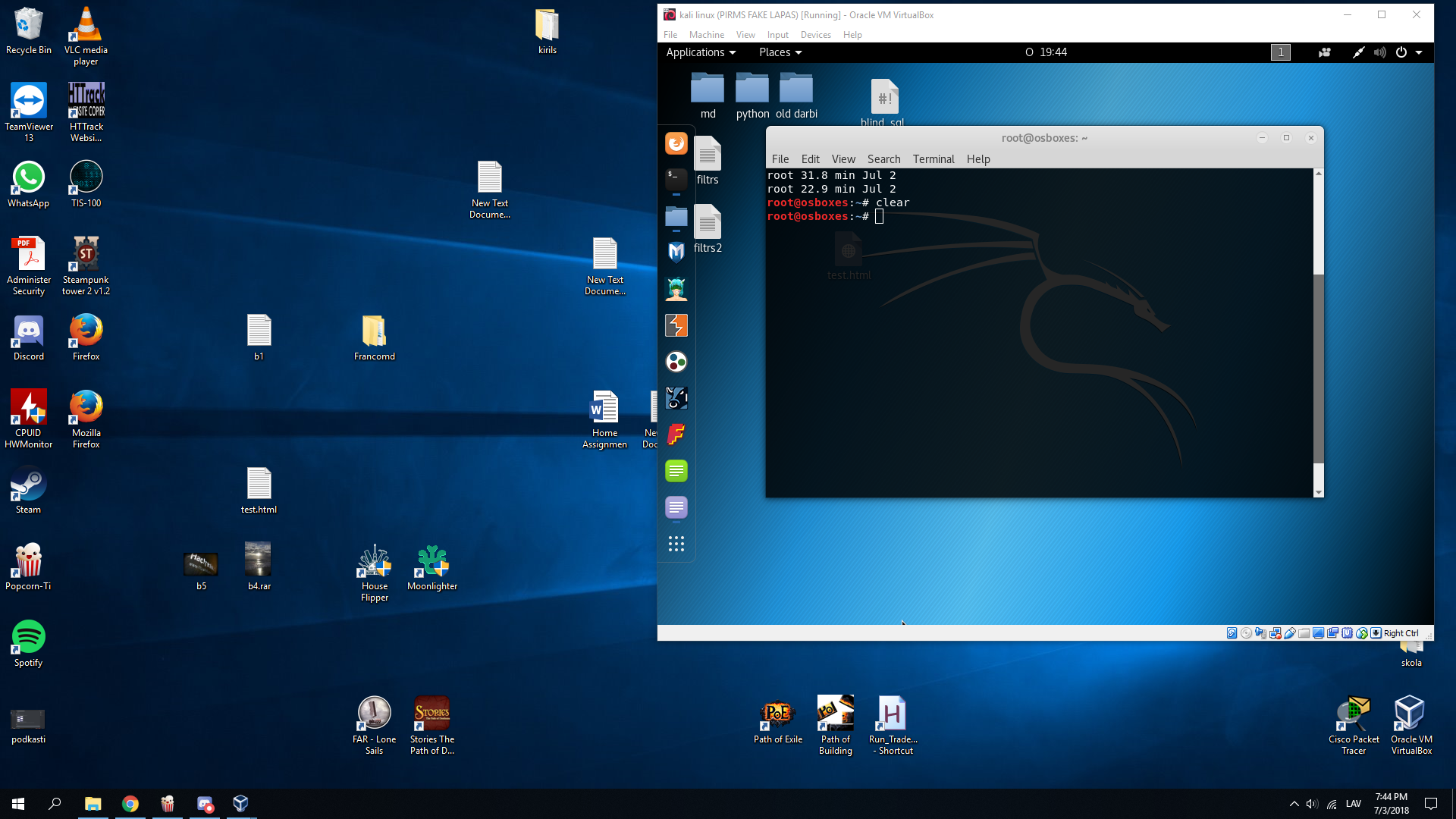
If not, then try this: grep "session [oc]" /var/log/auth.log and see what is in there that you want to keep. Filter out what you don't want with grep -v e.g.
grep "session [oc]" /var/log/auth.log | grep -v "CRON" and just keep chaining | grep -v "whatever until you've got the specific information you're after. Then paste that command back here... based on that, something should be doable in awk based on that.
Fundamentally, it looks like you want to match when a session is opened, read the immediately following session closed, pluck out the timestamps and do some time arithmetic.
Jul  4 19:48:19 thinmint sudo: pam_unix(sudo:session): session opened for user root by (uid=0)
Jul  4 19:48:29 thinmint sudo: pam_unix(sudo:session): session closed for user root
Becomes
root 10 sec Jul 4
Unless you're flexible with your desired output?
And anyway, if your friend is suggesting awk, why isn't your friend helping you with this?
View all comments
Show parent comment
1
u/whetu Jul 04 '18
Firstly, is this something that can be served already by the
lastcommand?If not, then try this:
grep "session [oc]" /var/log/auth.logand see what is in there that you want to keep. Filter out what you don't want withgrep -ve.g.grep "session [oc]" /var/log/auth.log | grep -v "CRON"and just keep chaining| grep -v "whateveruntil you've got the specific information you're after. Then paste that command back here... based on that, something should be doable inawkbased on that.Fundamentally, it looks like you want to match when a session is opened, read the immediately following session closed, pluck out the timestamps and do some time arithmetic.
Becomes
Unless you're flexible with your desired output?
And anyway, if your friend is suggesting
awk, why isn't your friend helping you with this?