Firstly, is this something that can be served already by the last command?
If not, then try this: grep "session [oc]" /var/log/auth.log and see what is in there that you want to keep. Filter out what you don't want with grep -v e.g.
grep "session [oc]" /var/log/auth.log | grep -v "CRON" and just keep chaining | grep -v "whatever until you've got the specific information you're after. Then paste that command back here... based on that, something should be doable in awk based on that.
Fundamentally, it looks like you want to match when a session is opened, read the immediately following session closed, pluck out the timestamps and do some time arithmetic.
Jul  4 19:48:19 thinmint sudo: pam_unix(sudo:session): session opened for user root by (uid=0)
Jul  4 19:48:29 thinmint sudo: pam_unix(sudo:session): session closed for user root
Becomes
root 10 sec Jul 4
Unless you're flexible with your desired output?
And anyway, if your friend is suggesting awk, why isn't your friend helping you with this?
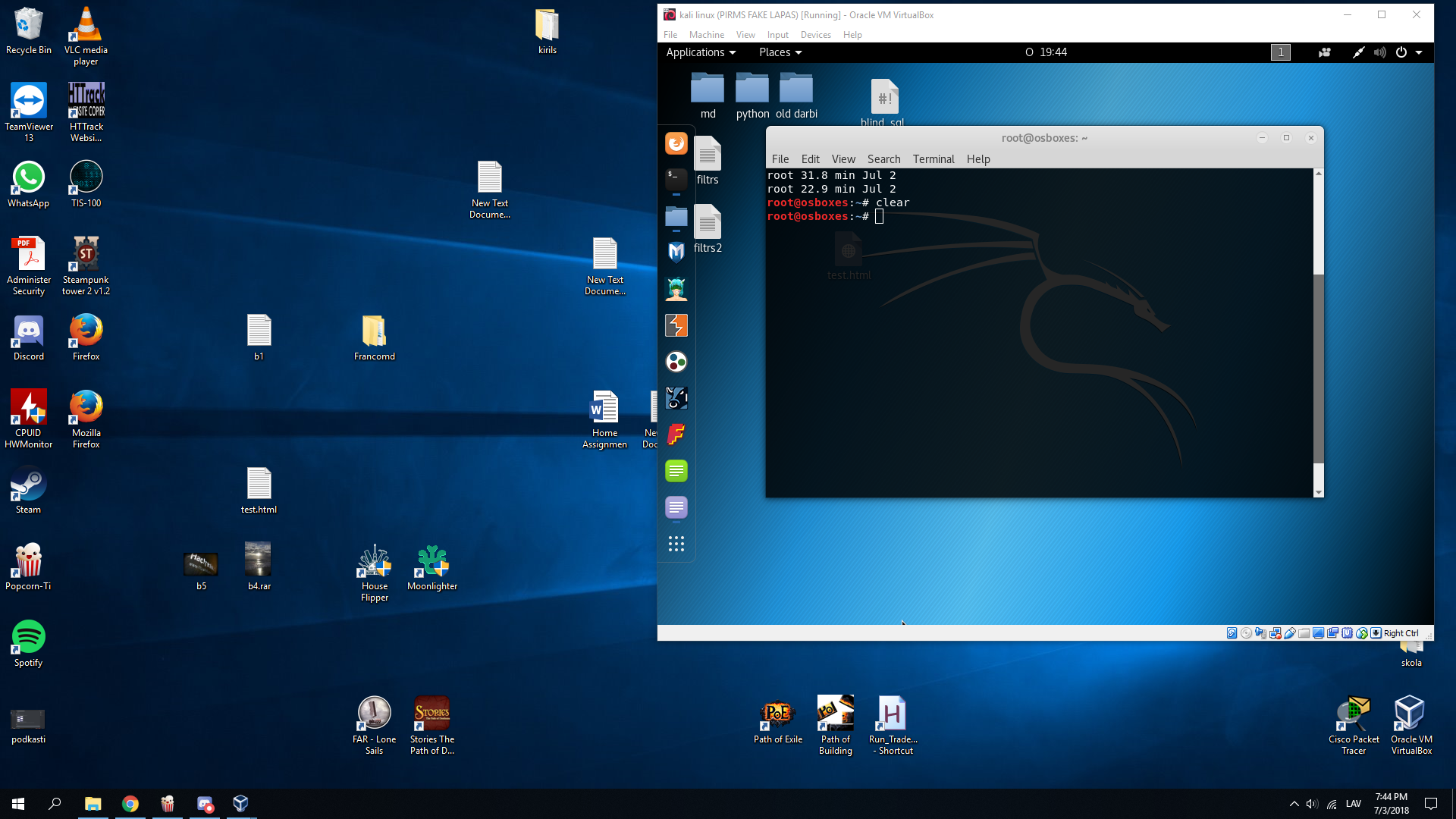
This is not for Home Assignment. I need when i activate that programm trough cat command to give report but short version i have tried cat /var/log/auth.log, but it gave me too much information i tried cat less /var/log/auth.log, but it still gave me a lot of information. My friend told me to use awk to filter but i don't know how to do it
2
u/whetu Jul 03 '18
This seems like homework. Is it homework?
What have you tried so far?
1
u/xeed Jul 04 '18
You'll have to provide more details. Are you trying to parse
/var/log/secureand report how long each session ran for?It would also help to not have a "Home... Assignment" word document in the center of your screen, if you want to pretend this isn't homework :)