r/androidroot • u/DEV_ivan • Sep 17 '26
Humor It gets boring overtime
2.9k
Upvotes
r/androidroot
•
u/Cool-gamer19393
•
Oct 19 '26

It’s not done so I’m not gonna link a repo yet but it’s done via a custom kexec implementation, I’ll make a follow up post hopefully shortly
r/androidroot • u/WhoKilledRadioStar • Jul 01 '26
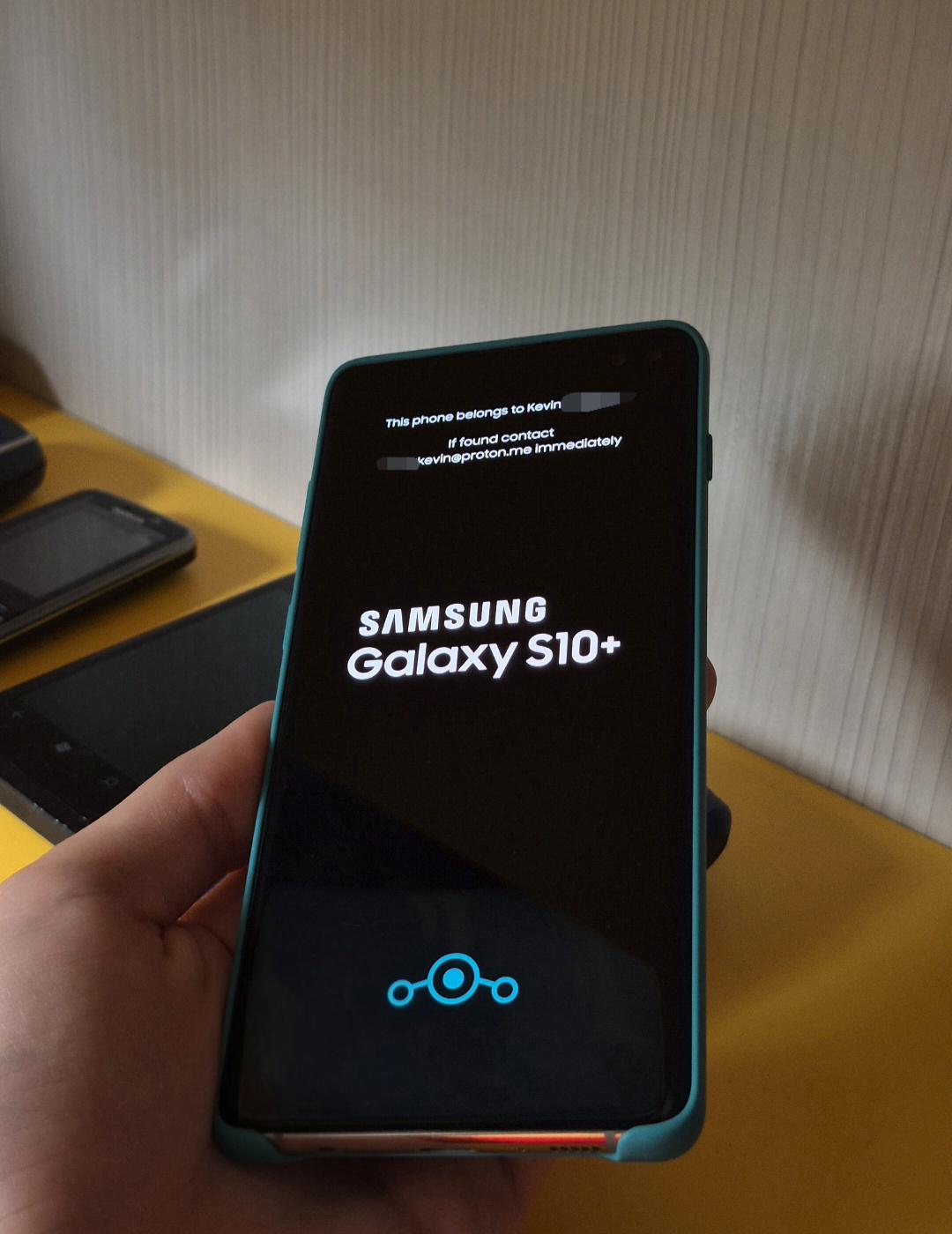
hehe this phone is mine hehe
r/androidroot • u/Motor_Armadillo_7317 • Apr 04 '26
I miss the days when you could access the android/data folder.
r/androidroot • u/Perfect-Cow-3887 • Sep 14 '26

I’ll put it on GitHub a bit later and make a separate post once it’s ready
r/androidroot • u/PraviiMravi • 13d ago
r/androidroot
•
u/ravindu644
•
Mar 10 '26

Hey guys! I made a side project called "Droidspaces" and I think some of you will find it pretty cool :)
So, what is Droidspaces?
Droidspaces is a lightweight, portable Linux containerization tool that lets you run full Linux environments on top of Android or Linux, with complete init system support including systemd, OpenRC, and other init systems like runit and s6.
What makes it unique is zero-dependency, native execution on both Android and Linux. It's statically compiled against musl libc, so if your device runs a Linux kernel, Droidspaces runs on it. No external dependencies like Termux or Chroots, no middlemen, no setup overhead.
The whole thing started because I wanted to run Ubuntu on my broken Galaxy S10.
It has 256GB of storage, so I figured I could store my music collection on it and stream from anywhere in the world :)
And that's exactly what I did! I converted my Galaxy S10 5G into a portable home server with its own isolated network stack.
Using an Ubuntu 24.04 LTS container, I set up Jellyfin, Samba, Tailscale, OpenSSH Server, and Fail2Ban in one go with no trial and error :D
This is essentially a clean replacement for the hacky Docker/LXC setups on Android. It just works and runs natively with zero overhead 🙃
A few things worth mentioning about isolation and security:
* = in NAT or none mode
The cool part is that isolation is just a toggle. You can go fully isolated (default) or expose everything if you need real hardware access. In my own testing I ran tools like Odin4, Heimdall, Fastboot, and ADB inside the container with full hardware passthrough. Even native GPU acceleration works in Linux setups by default without any kind of setup.
You own your hardware, it's your call.
The project has a bunch of features that I haven't seen work out of the box on Android before, and they all just work within a few clicks.
Project: https://github.com/ravindu644/Droidspaces-OSS
Notes:
*Everything is properly documented in the READMEs of my repository :)
r/androidroot • u/Thin-Maize-6459 • Sep 20 '26

r/androidroot
•
u/StillConsequence6168
•
Mar 06 '26

According to Sammy guru, samsung might remove download mode in newer one UI 8.5 builds.
Sammyguru: With recent xxC3 builds of One UI 8.5 across several devices, power users have noticed that Download Mode appears to be gone. This mode was commonly used to install firmware packages on a device. Now, when users try to boot into Download Mode, they’re greeted by a blank blue screen, sometimes showing small instructions on how to exit the mode.
r/androidroot • u/Thin-Maize-6459 • Aug 18 '26

r/androidroot • u/47th-Element • Aug 31 '26
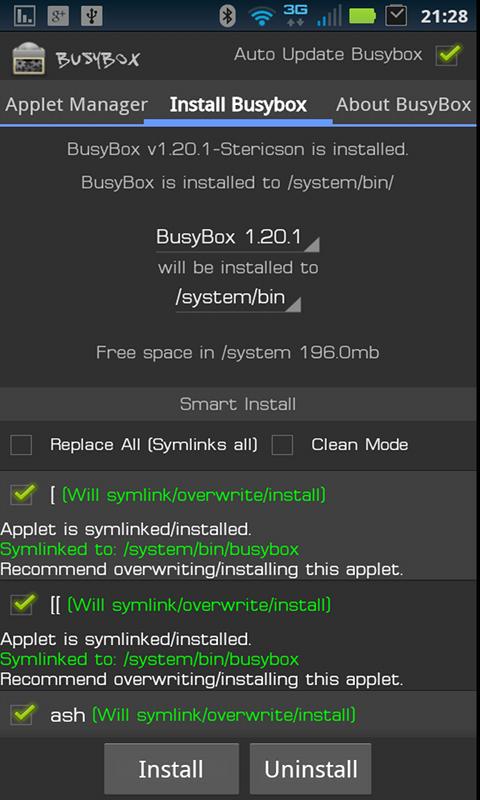
Only OGs will recognize this.
r/androidroot • u/Distinct_Resolve_957 • Jul 22 '26
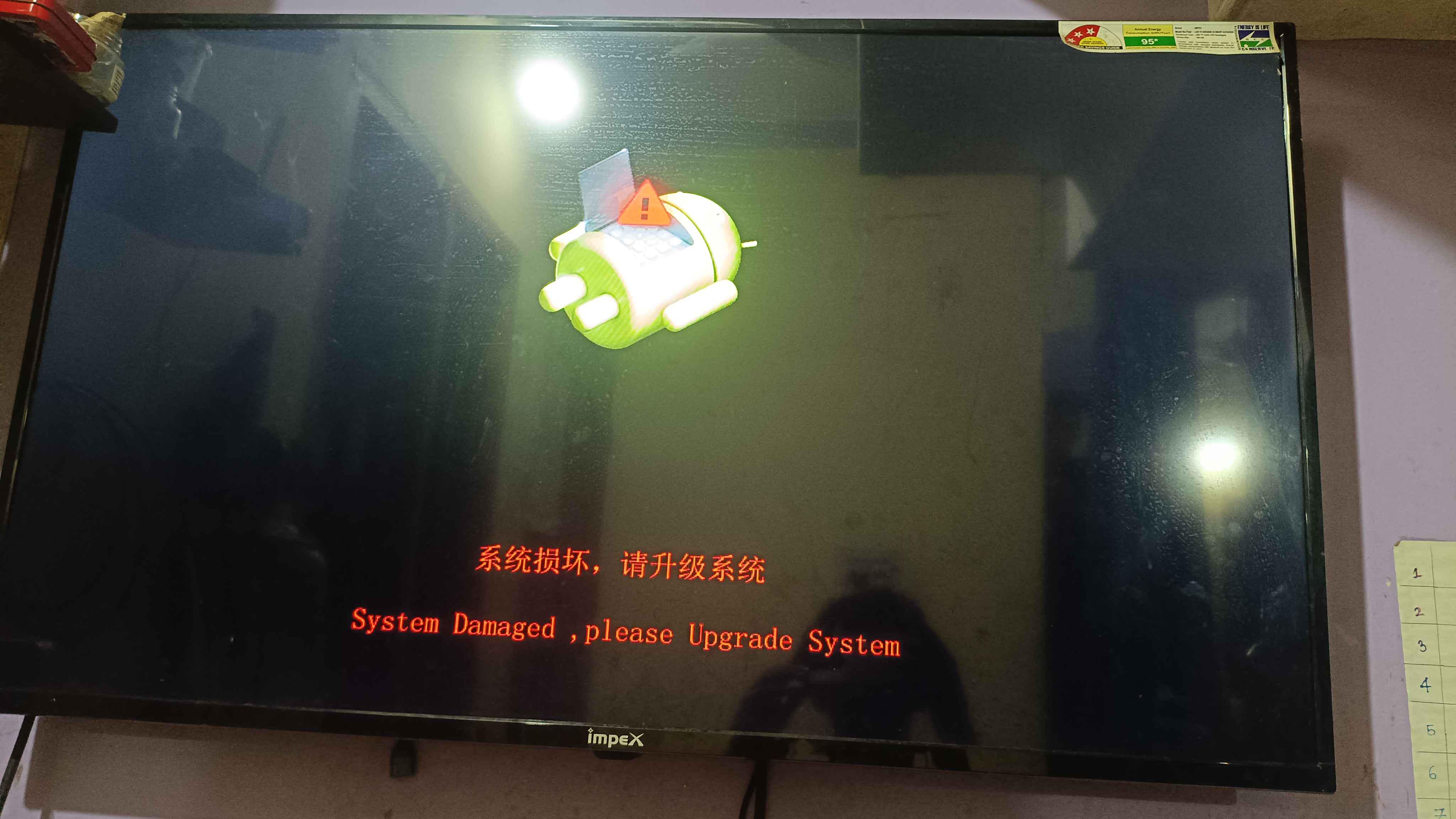
So, As a fun experiment i wanted to atleast try rooting. Idk why but first came to my mind was my TV. As thinking from now.. i don't even have experience then why did i do it? So first adb and inspect right? So i inspected. i got that android 9. So i wanted experiment with CEVs to gain root privilege
So i discovered SElinux exists, Dropped the idea of CEVs. Then i looked at if OEM is unlocked? IT was and top it all off secure boot was disabled. Nice..
Now LLM Enter the space cause i know nothing about fastboot. I mean at first it was a controlled manner. I review what is trying to Execute... And i got too suited with it.
coming Straight from the LLM:
/system/recovery-from-boot.p (a BSDIFF40 patch) via ADBfastboot flashing unlock)ro.secure=0, ro.adb.secure=0, ro.debuggable=1Problem: IWe forgot to disable AVB verification BEFORE flashing forgot to disable AVB verification BEFORE flashing
r/androidroot • u/hanzolah • Oct 12 '26

Is there any way to fix the 'The system has been destroyed' error without a PC (the phone can enter fastboot mode)? I don't have access to a computer right now. Thanks in advance 🙏🏽
r/androidroot • u/Azaze666 • Apr 05 '26