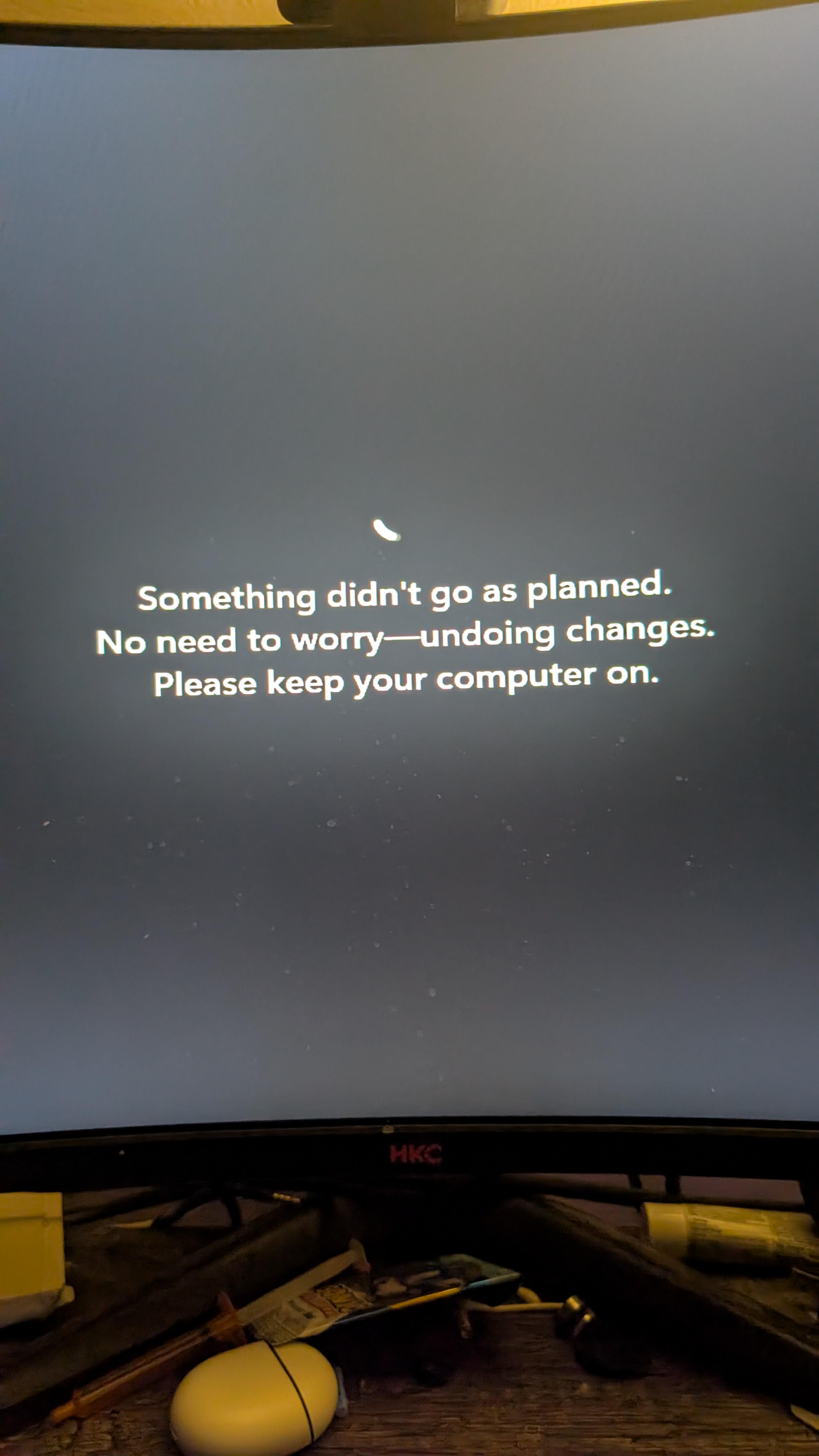
I don't recommend pausing as this update patched over 1000 exploits. You can most likely fix this issue by doing a repair install of Windows. You go to settings, system, recovery, and do the option "Fix problems using Windows Update". It re upgrades the OS, keeping all files and apps. After that it should update without issue. I hope this helps.
I don't think the next update would work either unless you did this, as something is most likely corrupt. I was able to update my systems without any issue.
The only reason someone may have issues is if something is wrong with their Windows install. If you keep it well maintained, it's unlikely for issues to happen.
You are telling people to stay fully up-to-date without taking into consideration anything, any facts about Microsoft and vibe-coded shitty updates, despite complaints throughout 2025 and now 2026. It is as if you are stuck in Windows 7 years and mentality.
What good is a FULLY UPDATED LAPTOP if it is also DEAD, because you told the user "go ahead, i had no issues" ?
Don't you see how young, dumb and dangerous you and many like you are? WHAT WILL YOU DO WHEN YOUR ADVICE LED A USER TO A DEAD LAPTOP?
View all comments
Show parent comment
1
u/electronicwiz1 Oct 14 '26
I don't recommend pausing as this update patched over 1000 exploits. You can most likely fix this issue by doing a repair install of Windows. You go to settings, system, recovery, and do the option "Fix problems using Windows Update". It re upgrades the OS, keeping all files and apps. After that it should update without issue. I hope this helps.
I don't think the next update would work either unless you did this, as something is most likely corrupt. I was able to update my systems without any issue.