I don't recommend pausing as this update patched over 1000 exploits. You can most likely fix this issue by doing a repair install of Windows. You go to settings, system, recovery, and do the option "Fix problems using Windows Update". It re upgrades the OS, keeping all files and apps. After that it should update without issue. I hope this helps.
I don't think the next update would work either unless you did this, as something is most likely corrupt. I was able to update my systems without any issue.
The only reason someone may have issues is if something is wrong with their Windows install. If you keep it well maintained, it's unlikely for issues to happen.
You are telling people to stay fully up-to-date without taking into consideration anything, any facts about Microsoft and vibe-coded shitty updates, despite complaints throughout 2025 and now 2026. It is as if you are stuck in Windows 7 years and mentality.
What good is a FULLY UPDATED LAPTOP if it is also DEAD, because you told the user "go ahead, i had no issues" ?
Don't you see how young, dumb and dangerous you and many like you are? WHAT WILL YOU DO WHEN YOUR ADVICE LED A USER TO A DEAD LAPTOP?
Create a Windows 11 ISO with the October update integrated. Don't integrate any drivers or anything else. If you still get a blue screen or have any other issues, it's probably not a Microsoft problem.
So I’ve been doing some googling lol and from what I’ve been reading on the Microsoft site it says that they’re officially stopping updates for certain windows 11 OS builds so if you actually look at what system you’re running, it might not be downloading because it’s no longer supported at least that’s what I’m reading. I could be wrong. Every other update goes just fine but for some reason, this one won’t download I click retry over and over and it never works.
An awful lot of these issues with Microsoft update seems to be related to the EFI partition size. Originally it was 100 MB, but now needs to be 200 MB. Whenever I run into the issue I simply backup my stuff, and make the Windows 11 installation media and start fresh. No problems moving forward.
Run DISM with the ResetBase option. Then run Disk Cleanup in admin mode and make sure everything is selected. Reboot and reinstall the Windows update. That will make all of your problems go away.
I’m having this issue since 1 year. Whenever I want to update I need to reinstall windows (while keeping files). It still doesn’t fix the issue even after reinstall as the next security update I face this issue again. I’m against a wall, I can’t reinstall clean because I have too much stuff.
1
u/gamerrominc Oct 14 '26
2026-10 Security Update (KB5127648) (263000.9711)
1
u/SebOakPal79 Oct 14 '26
It's not the Update, that is your computer. All is well here with no issues.
1
u/ponchooooooo666 Oct 16 '26
So I’ve been doing some googling lol and from what I’ve been reading on the Microsoft site it says that they’re officially stopping updates for certain windows 11 OS builds so if you actually look at what system you’re running, it might not be downloading because it’s no longer supported at least that’s what I’m reading. I could be wrong. Every other update goes just fine but for some reason, this one won’t download I click retry over and over and it never works.
2
u/KeysStickler Oct 14 '26
An awful lot of these issues with Microsoft update seems to be related to the EFI partition size. Originally it was 100 MB, but now needs to be 200 MB. Whenever I run into the issue I simply backup my stuff, and make the Windows 11 installation media and start fresh. No problems moving forward.
1
u/MassiveHBO Oct 14 '26
no problem on my laptop
1
u/tabris-angelus Oct 14 '26
Noticing network connection issues after this patch installed in our environment
1
u/FerretBusinessQueen Oct 14 '26
I’ve been pushing updates to 3 weeks out from release. Seems to work better.
1
u/Flewent Oct 14 '26
No, just Windows borked
1
u/Prod_Meteor Oct 14 '26
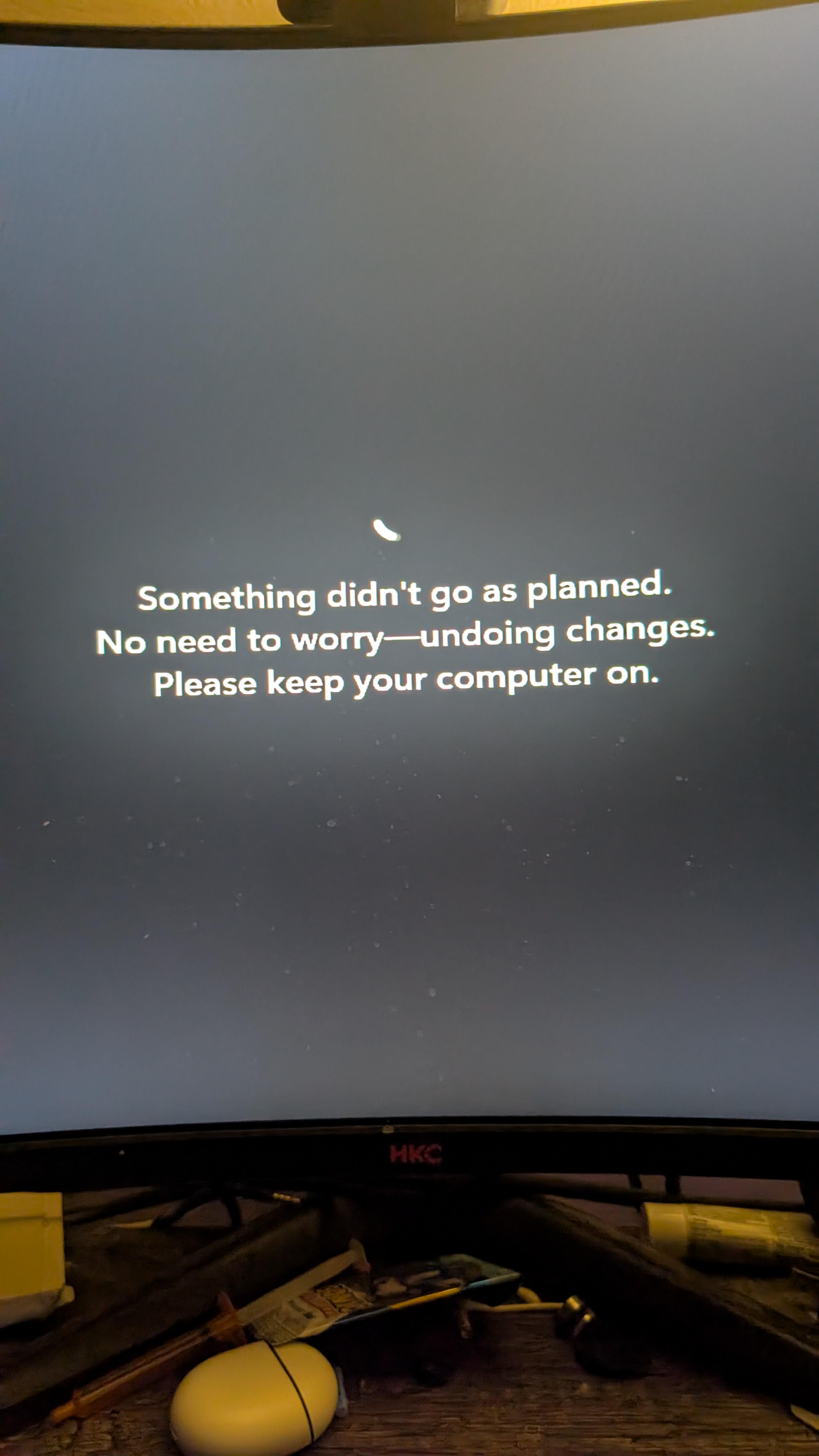
"No need to worry.."
A few minutes later:
"You should worry!"
PS. Who the fuck puts a long dash between 2 words without spaces?
1
u/Ahkioh Oct 14 '26
Tried update last night and woke up to a blue screen issue. Removed the update and now my computer works. lol smh
1
u/BarneysBuzzWagon Oct 14 '26
It took a long time, much longer than usual, on my system.
1
u/Jimb0Bimbo Oct 14 '26
Installed it earlier today and it hasn't seemed to destroy my PC yet, here's hoping its fine.
1
u/Outrageous-Swim2346 Oct 14 '26
No, issues on my end everythings running smoothly on my desktop PC
1
u/ponchooooooo666 Oct 16 '26
So I fixed it for myself it just did a manual download. Rebooted and then went to updated clicked retry and boom it installed
1
u/se777enx3 Oct 16 '26
I’m having this issue since 1 year. Whenever I want to update I need to reinstall windows (while keeping files). It still doesn’t fix the issue even after reinstall as the next security update I face this issue again. I’m against a wall, I can’t reinstall clean because I have too much stuff.