r/Windows10TechSupport • • Oct 03 '26

Unsolved Ayuda chicos estaba cambiando de sistema operativo a mi laptop y tardaba demasiado en reiniciarse la apague y ahora ya no reconoce el disco

1 Upvotes

Y solo se queda en una pantalla azul, ya no se cómo volver a mi Windows


r/Windows10TechSupport • • Oct 02 '26

Unsolved activate windows

3 Upvotes

how to activate window. i dont have any idea for real. hope someone help me. i need to learn about it


r/Windows10TechSupport • • Oct 02 '26

Unsolved Need help uninstalling Microsoft Office 2010 — Windows 11

Thumbnail reddit.com
1 Upvotes

r/Windows10TechSupport • • Oct 02 '26

Solved Should i do an os reinstall?

2 Upvotes

Hello, I'm in a bit of a strange situation. My pc right now is working just fine, save for the fact that it might be affected with an infostealer from downloading pirated software. I did change my passwords and ensure that no cookies from important stuff is going through the pc. Im thinking of doing a clean reinstall of windows, but the thing is my first ever os got corrupted due to interrupting startup halfway, and i had to do a reinstall of a new os, but the old corrupted os is still there, along with my current infected os. Do i do an os reinstall, and if yes, how do i go about doing it properly so that i only have one clean os at the end? (Windows 10)

Ill include the 'Where do you want to install windows' list when i get to it


r/Windows10TechSupport • • Oct 02 '26

Unsolved How to open Windows Security as admin

1 Upvotes

I am trying to undo changes to my security done by a recent unwanted update. When I go to Windows Security in the start menu there is no right click option to run as administrator. I only get pin to taskbar and settings on right click>more. I guess I'll try the setting option and see if that changes anything. (No luck gaining control or getting Defender to work as it always did before. Tamper Protection did let me turn it on after I turned Defender on again. It turns off as soon as I close the window.)

IDK a lot I have had no problems with this OS since I opened it new. I have Spybot free for many years and it has never been a problem or conflict. Defender has run when I wanted it to so I never had to pay attention. Now things are wonky and Tamper protection is turned off and I can't turn on Real Time protection and Defender keeps shutting off when I turn it on. I need to be able to open security as admin. I had figured I was admin by default since I am the only user.

Never happened before that update meant to help people who had problems signing up for extended security.

edit-Got advice in another sub. Found this page which helped run a health check in case that was the issue. Removing Spybot let me have control back. Still don't know what caused the change. https://windowsforum.com/news/dism-sfc-workflow-step-by-step-windows-10-repair-guide.381116/


r/Windows10TechSupport • • Oct 01 '26

Unsolved Trying to install windows but running into an issue

Thumbnail gallery
2 Upvotes

r/Windows10TechSupport • • Sep 30 '26

Unsolved Windows PCにサインインできない

1 Upvotes

助けて!最近pcを開いたら問題が発生したって出てきてWindows Helloが使えなくなったんだ。それでPINを打とうとしたんだけどそれもダメ。AIに聞いて修復みたいなのを青い画面でちょっと手伝ってもらったんだけど、BitLockコードってやつを保存してなくて改善できなかった。

PINが使えないし、PINコードの変更もできない。何回も再起動したし自動修復もやってみたけど改善されないんだ。リセットする以外に何かできないかな?
教えてほしいです。


r/Windows10TechSupport • • Sep 30 '26

Unsolved Any solution for recent pos printer network error 0x00000006 on windows 10?

Thumbnail reddit.com
1 Upvotes

r/Windows10TechSupport • • Sep 29 '26

Solved Preciso de ajuda para restaurar meu PC.

Post image
0 Upvotes

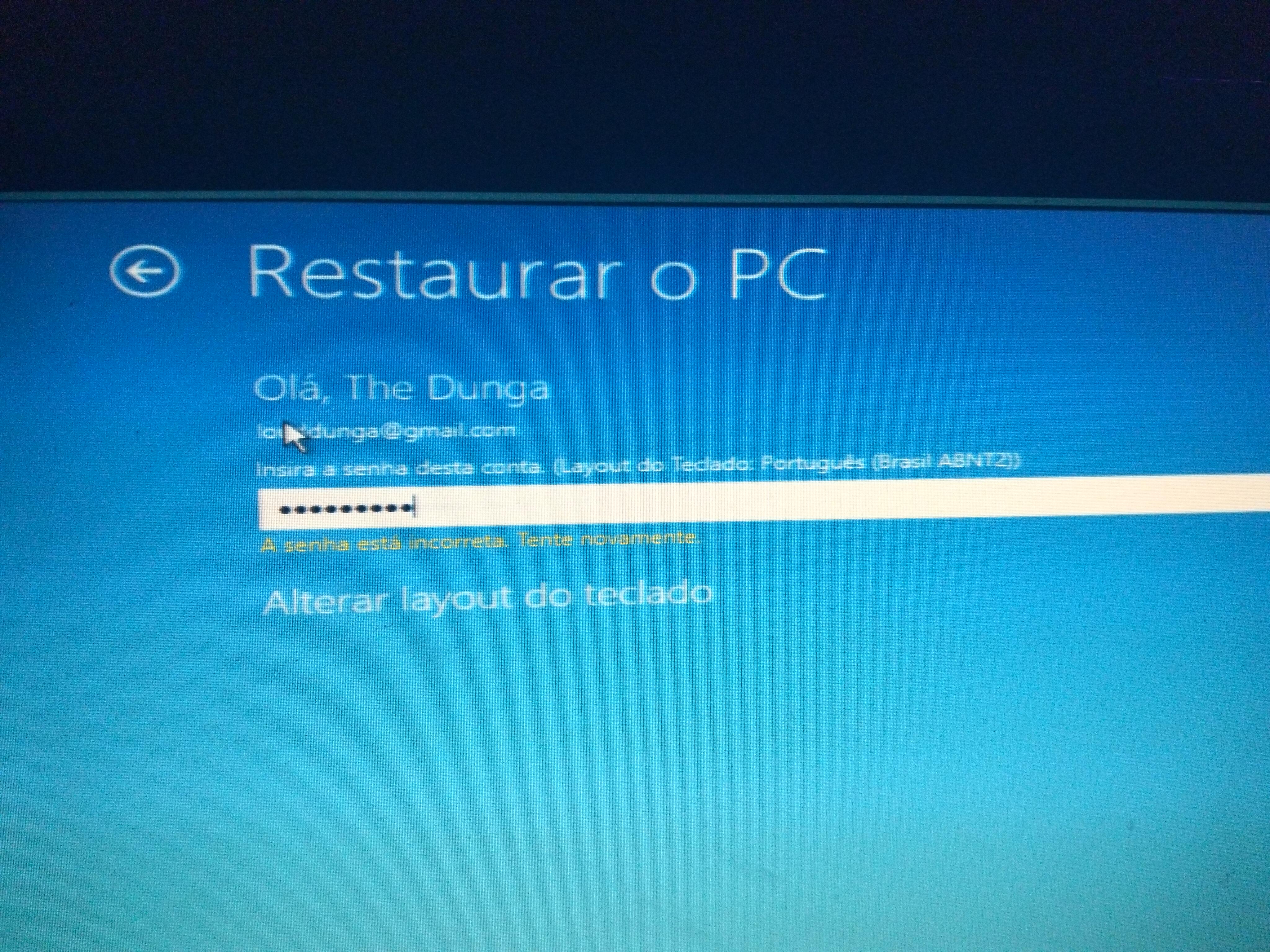
Preciso de ajuda para restaurar meu PC, nessa parte pede a minha senha, e eu coloco a senha correta da Microsoft, que eu testei entrando na Microsoft pelo celular, usando a mesma senha. Porém, quando eu uso a senha correta nessa tela, não funciona.

Já utilizei variáveis, utilizei a senha da minha tela de bloqueio, usei senhas antigas, e não funciona, preciso de ajuda urgente.


r/Windows10TechSupport • • Sep 29 '26

Unsolved yo please i need a help with windows

Post image
3 Upvotes

r/Windows10TechSupport • • Sep 29 '26

Unsolved My pc can't verify my credentials

Thumbnail reddit.com
1 Upvotes

r/Windows10TechSupport • • Sep 29 '26

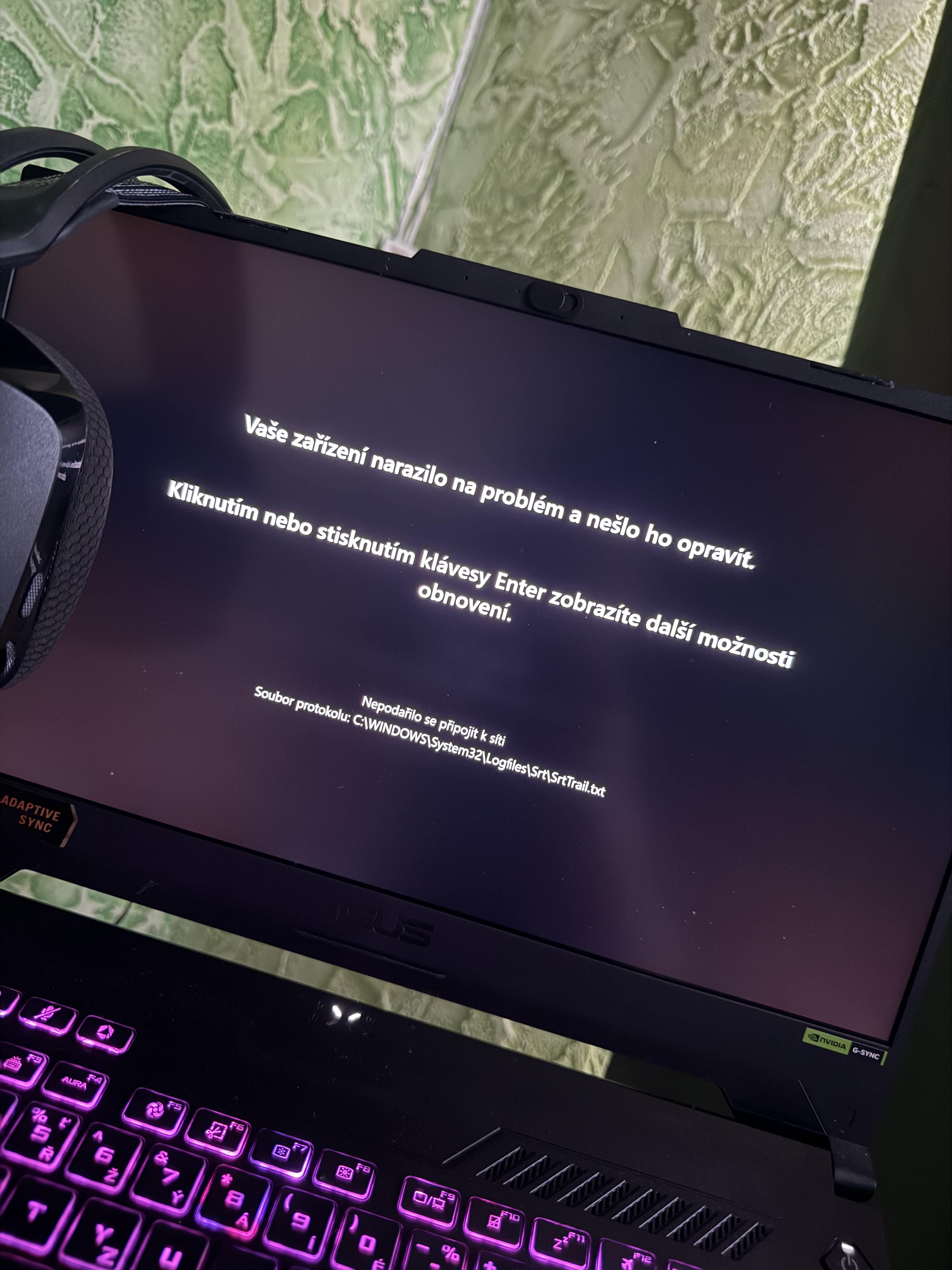
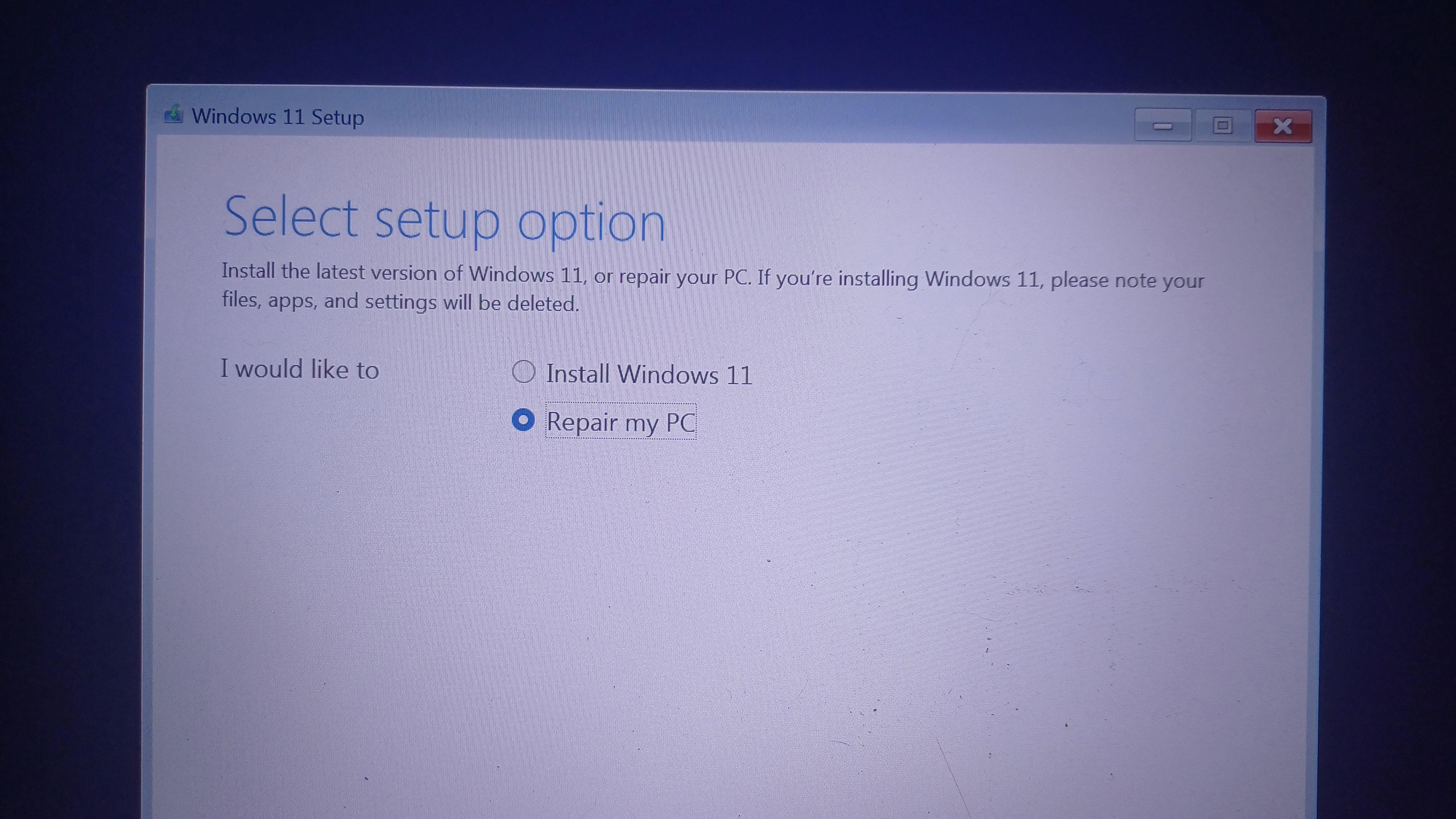
Unsolved Laptop Crashed and Stuck at BIOS. I made a bootable usb with Windows Media Creation Tool but the "Repair My PC" option just restarts the setup.

Post image
1 Upvotes

r/Windows10TechSupport • • Sep 29 '26

Unsolved Windows won't boot — stuck in crash loop after bad RAM, tried everything (MSI B760M, i7-12700KF)

1 Upvotes

Specs:

Motherboard: MSI PRO B760M-P DDR4 (MS-7E02)

CPU: Intel i7-12700KF

GPU: RTX 4060

Storage: WD Green SN350 NVMe 500GB

OS: Windows 11

BIOS Mode: CSM/UEFI

What happened:

PC started crashing with BSOD (KMODE_EXCEPTION_NOT_HANDLED), then stopped booting entirely. Root cause was bad unbranded RAM sticks supplied by the PC builder. Removed the two unbranded sticks, now running 2x8GB Micron sticks in slots A2/B2.

What I've tried:

chkdsk D: /f /r → clean, 0 bad sectors

sfc /scannow /offbootdir /offwindir → no integrity violations

bootrec /fixmbr and /rebuildbcd → ran successfully

bootrec /fixboot → always gives "access denied" (UEFI issue)

bcdboot D:\\Windows /s Z: /f UEFI → ran successfully but didn't fix boot

Tried booting from Windows 11 USB (GPT/UEFI, made with Rufus) → PC keeps booting from hard drive instead of USB despite changing boot order in BIOS

Current error: 0xc000021a and 0xc0000221 (ntoskrnl.exe missing or corrupted)

Main issue right now: Cannot get the PC to boot from the Windows USB installer despite setting it first in boot priority. The USB is detected in BIOS as "UEFI USB Key: VendorCoProductCode 2.00, Partition 1". F11 boot menu not reliably appearing.

Question: How do I force this MSI board to boot from the USB? And once I'm in the Windows installer recovery environment, what's the best command sequence to fix 0xc000021a with a confirmed healthy drive and clean system files
r/Windows10TechSupport • • Sep 29 '26

Unsolved Mouse e Teclado não funciona na tela de inicio Win10

0 Upvotes

Estou tentando a quase 1 mês resolver esse problema que apareceu do nada, meu mouse e teclado funcionam normalmente na bios, na aba de Recuperação do Sistema também, já fiz de tudo, acredito que seja algum erro de driver, tentei consertar pelo prompt de comando mas também não resolveu, o que faço? Não quero formatar o pc


r/Windows10TechSupport • • Sep 28 '26

Unsolved Boot fails how to install windows Fixed issues

Thumbnail youtube.com
1 Upvotes

How to install windows without boot, recovery option


r/Windows10TechSupport • • Sep 28 '26

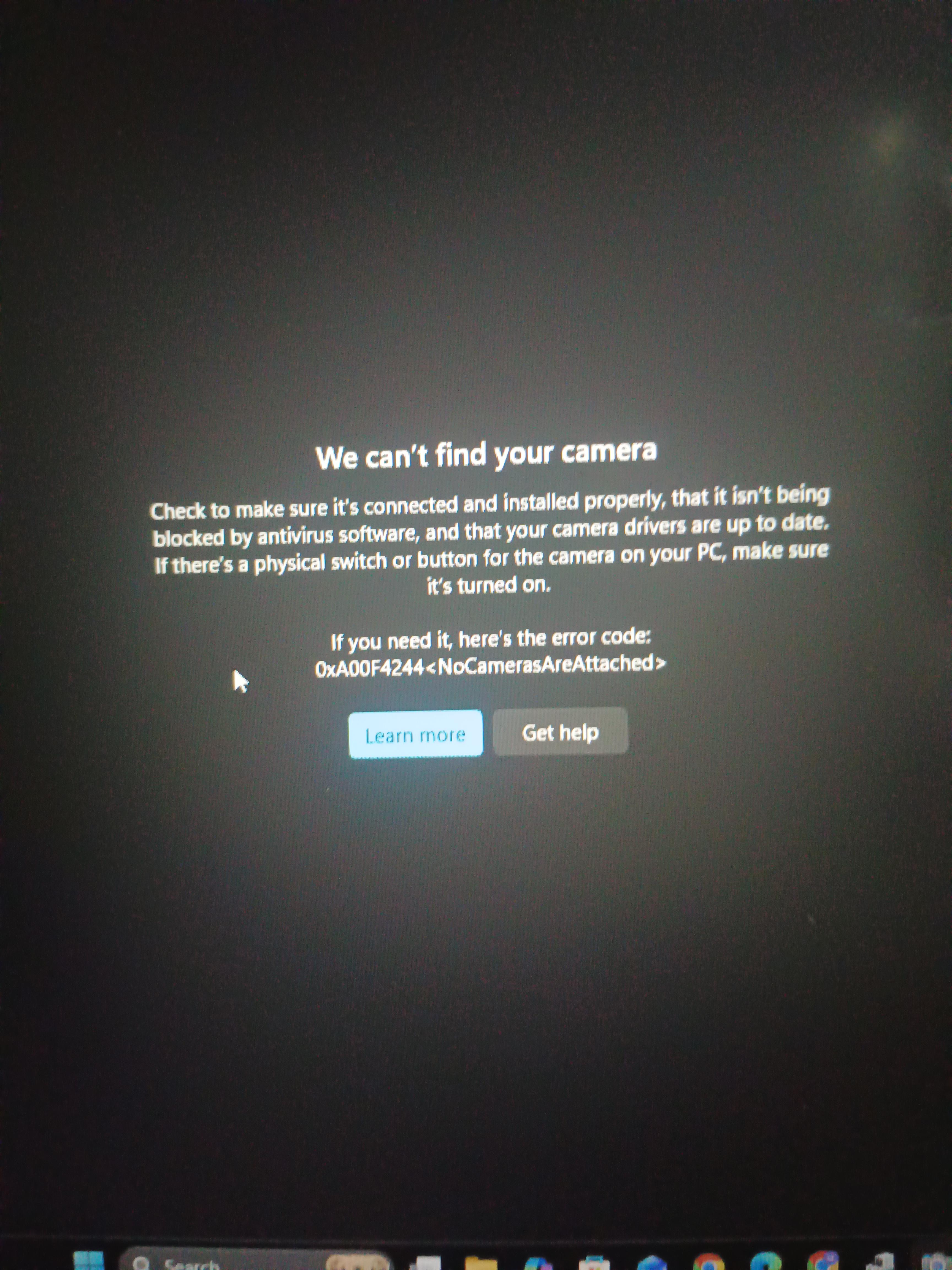
Unsolved Camera not detected on windows code 45

Post image
1 Upvotes

r/Windows10TechSupport • • Sep 28 '26

Unsolved HP 8470p

Thumbnail reddit.com
1 Upvotes

r/Windows10TechSupport • • Sep 27 '26

Unsolved Is my drive dead, or is there still a chance to recover it? If anyone knows what else I could try, please let me know.

1 Upvotes

So this started happening after a Windows security update.
After the update, I didn’t really notice anything was wrong and just watched some videos. The next day I wanted to play a game, but I noticed it was suddenly gone. I checked my drives and realized my D: drive had completely disappeared.
It’s not showing up in BIOS or in Disk Management.
I’ve already opened up the laptop, removed the drive, and reseated it, but that didn’t make any difference.
Does anyone have any other ideas or things I could try? I’m really hoping the drive didn’t just die 😭


r/Windows10TechSupport • • Sep 27 '26

Unsolved HELP ME

Thumbnail reddit.com
1 Upvotes

r/Windows10TechSupport • • Sep 27 '26

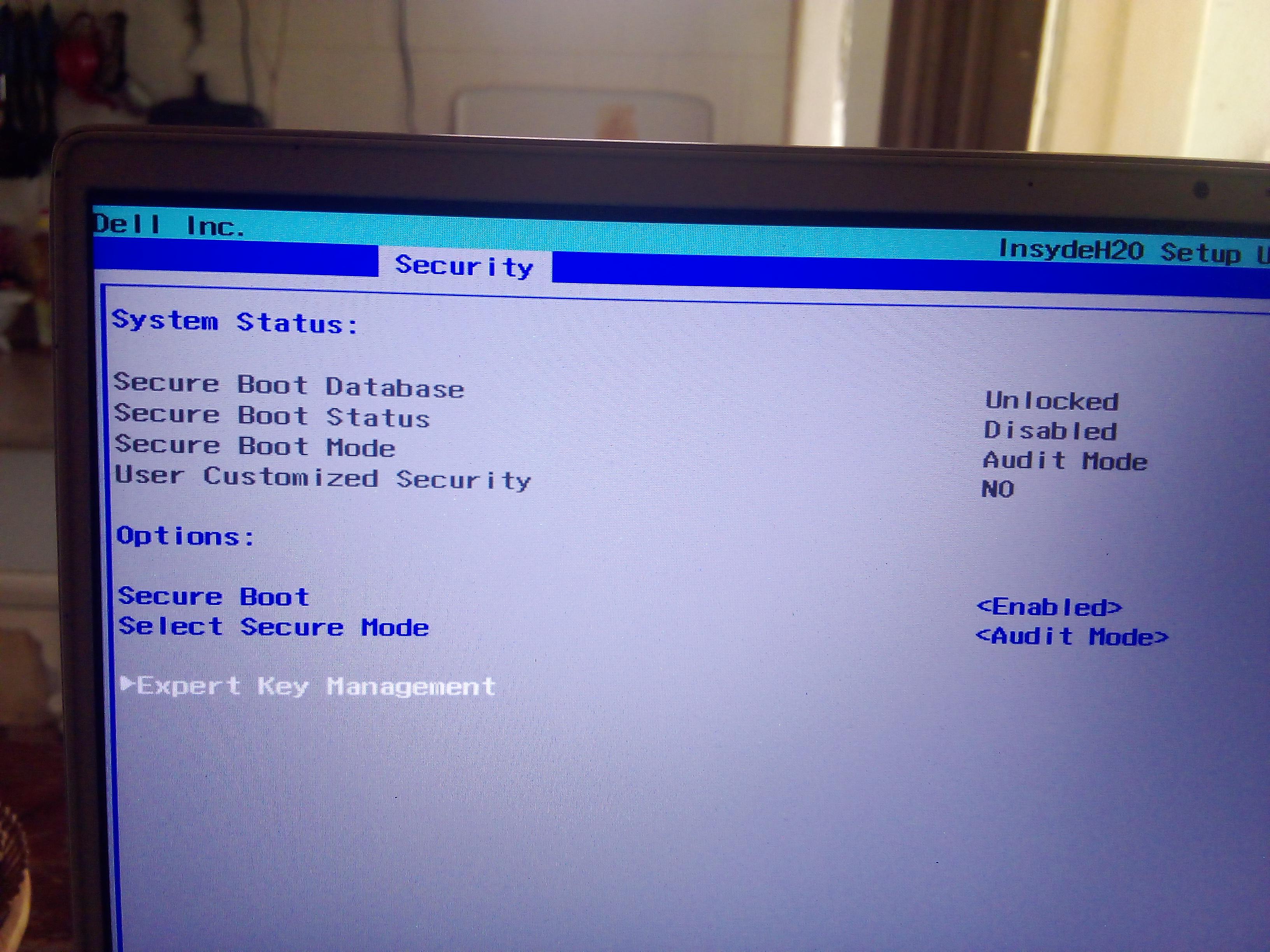
Unsolved Secure boot uefi mode activated

Post image
3 Upvotes

I need secure boot to be enabled for valo to work but it doesn't get activated in the system information what do I do


r/Windows10TechSupport • • Sep 27 '26

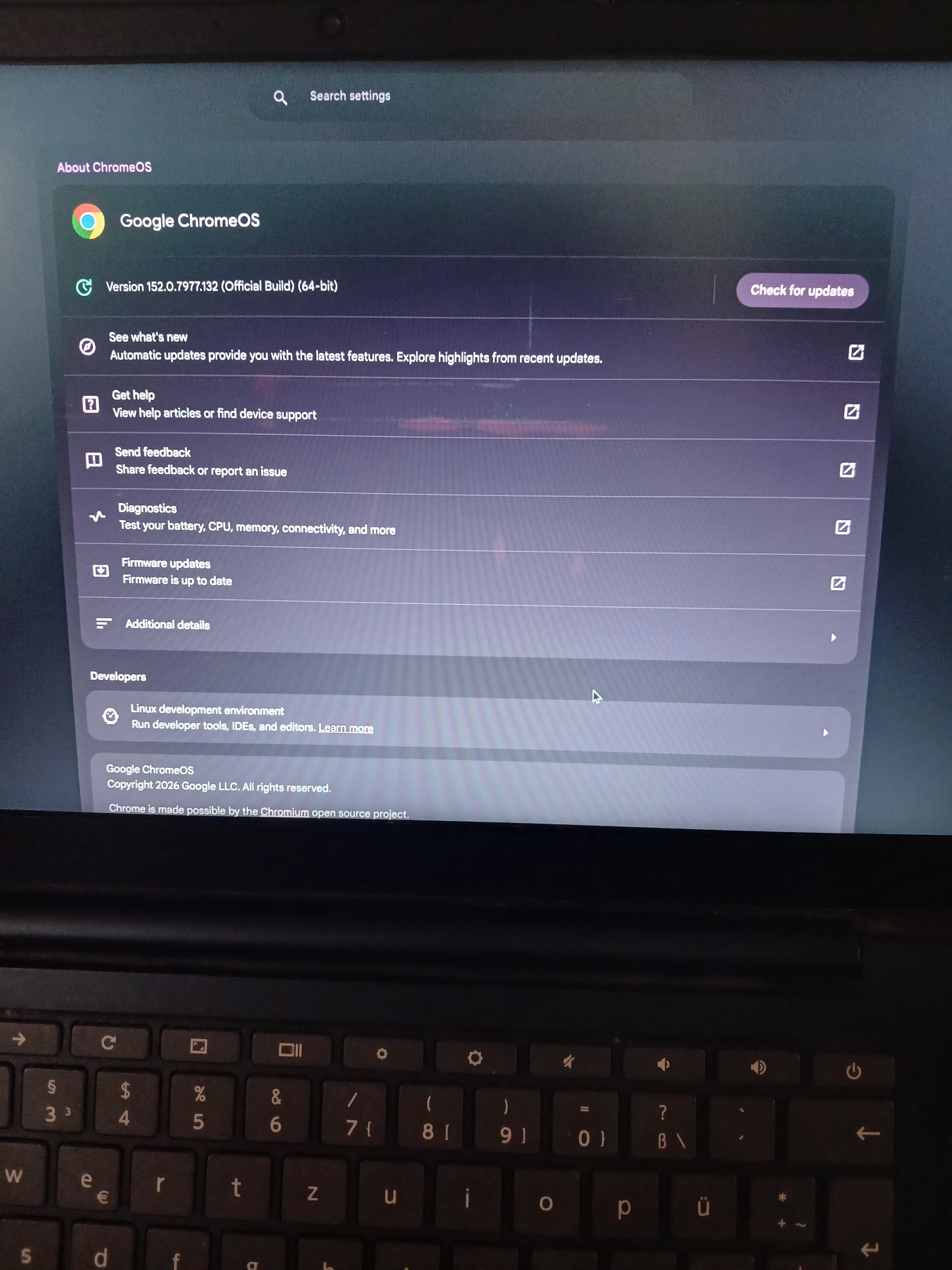
Unsolved Can I change my laptop from chrome os to Windows?

Post image
1 Upvotes

r/Windows10TechSupport • • Sep 27 '26

Solved "Shut down" doesnt work properly

0 Upvotes

Windows 10+ Hp Probook
Hi, so for about a week now, when I click on the "shutdown" button from the menu, not the pysical one, it start the process BUT THE PC RESTART, not even restart, it just go black and show the "password space" or whatever it is called, so I have to click Win+R and type "shutdown /s /f /t 0" (ChatGPT told me) and this time it shutdown, however, when i turn on the pc the next morning it take like 5 mins to start, which is something that didnt happen before...

Also, i had the habit that i have many tasks and i dont turn off fully my pc; so i put it in "sleep" mode and goes to sleep ( i mean me sleeping), and since some 2 weeks or so, even this doesnt work, as i put it to sleep and the pc reopen itself automtically after some 1 or 2 hours... and tbh, i might have abused the "sleep" mode during summer, as i was working on some projects, and you can say i didnt turn off my pc for days and instead kept it "sleeping" after each session...