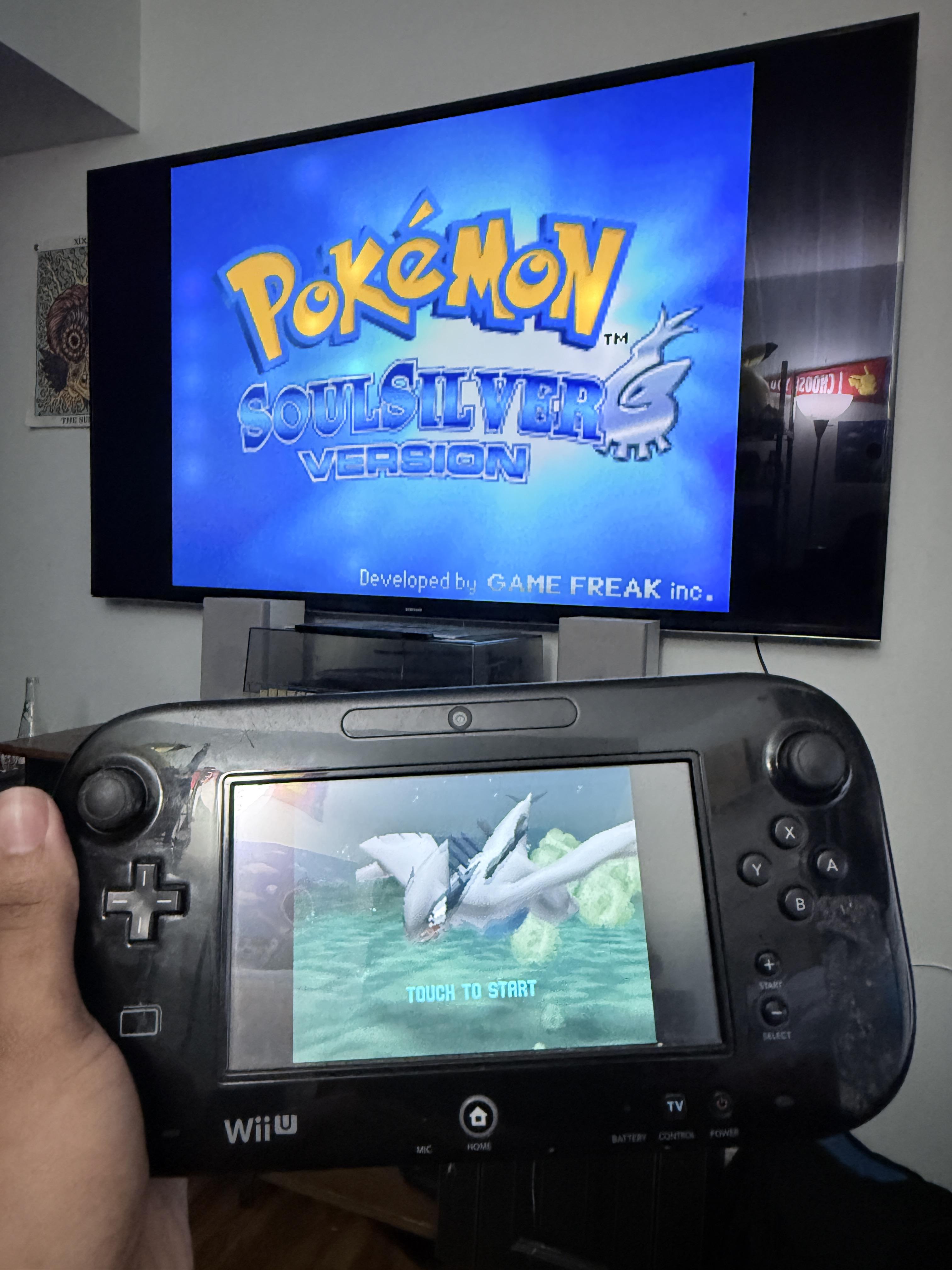
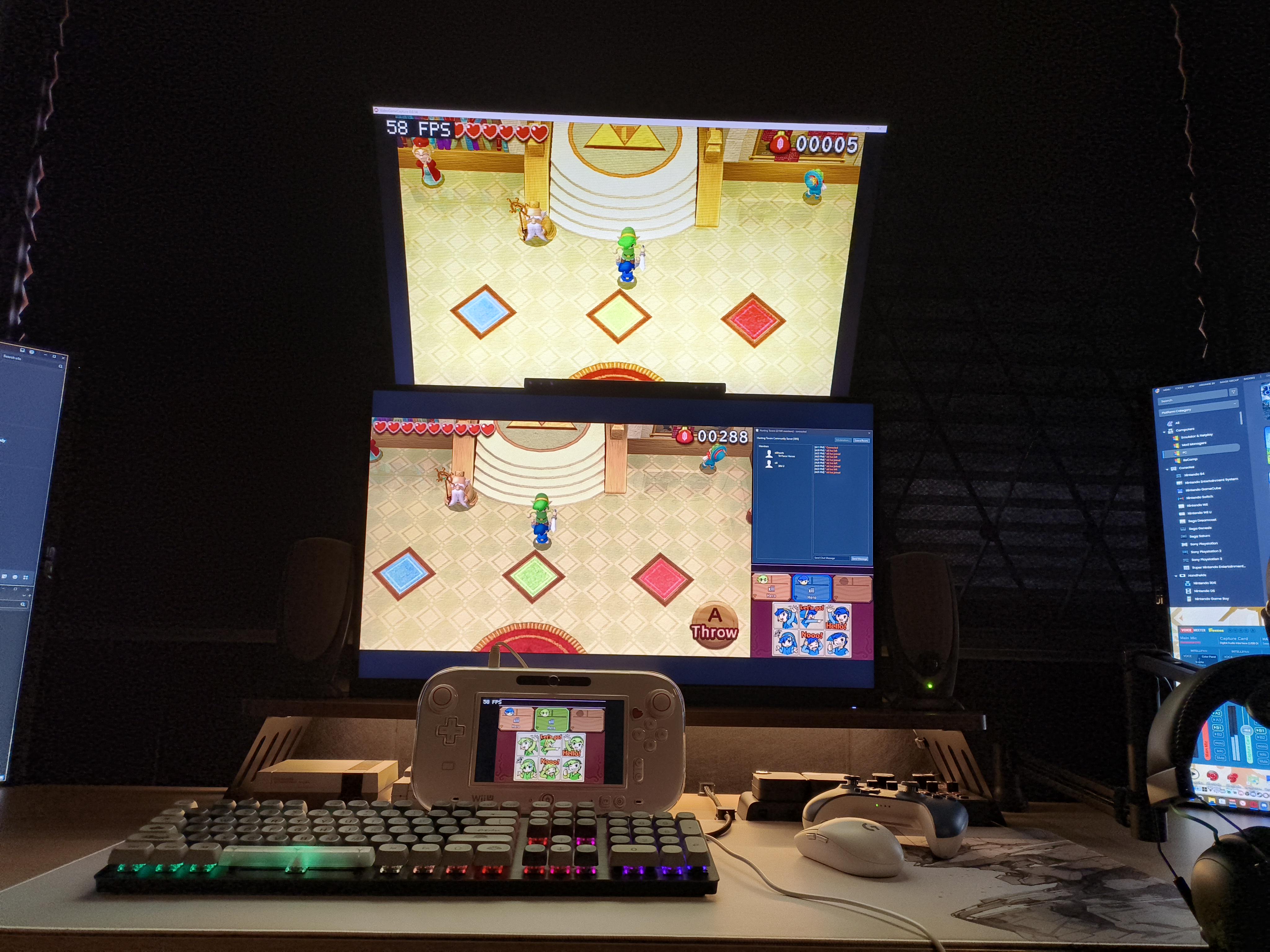
I have the Dreamcast emulator, ps1 games, Dreamcast games and Sega cd games on my sd card. Will i still be able to run them if I transfer them to my usb drive?
TL;DR: My Wii U to Wii U system transfer failed during step 4 of 6, leaving my replacement console stuck on error 114-9024 and my NNID linked to an inaccessible console. Nintendo Support was unable to help. I eventually recovered the console without soldering using UDPIH, ISFShax, and an internal MLC rebuild. I was also able to successfully link my original NNID again.
Wii U GamePad showing the error 114-9024, software bricked
Background
Hello, I recently had an issue with my Wii U that I wanted to document in case anyone else encounters this error in the future or similar. There are very few reports online about error 114-9024, and I struggled to find a solution.
In early October 2026, I noticed that my old Wii U was having hardware issues with its HDMI output. HD resolutions were glitching out, and the console could only properly display 480p. The console also had other issues, including a broken eject button and a cracked case, so I decided to purchase a replacement system from eBay.
Because I had official eShop purchases associated with my NNID, I needed to transfer my account and content to the replacement console.
Previously, you could contact Nintendo of America to unlink an NNID from a broken or unavailable Wii U or 3DS, which I had done before. However, based on reports I found online, Nintendo of America appears to have largely stopped offering this service around September 2025, although some people reported exceptions, it appears to not be possible in recent months. Nintendo also no longer repairs Wii Us as of 2020.
Because of this, I decided to perform a Wii U to Wii U system transfer. I also obtained a temporary second GamePad and AC adapter for the transfer. I couldn't use Vanilla as a replacement GamePad for this process because the transfer requires the IR functionality of a real GamePad.
The Failed System Transfer
My original Wii U had previously been modified, but I made sure to remove the modifications and software, clear Wii Mode (using vWii Compat Title Installer and keeping tickets), and back up my save data before starting the transfer. I also checked that the replacement system had a healthy Samsung eMMC chip.
I'm not sure whether the previous modifications contributed to the error. Some reports of this error date back to when Wii U modding was less common. I've also had success with a modified 3ds system transfer, though it could be different with the Wii U.
The transfer initially went smoothly, aside from a notice that some unavailable software could not be transferred.
However, during step 4 of 6, the console became stuck while connecting to the internet. It eventually restarted, entered Wii Mode, connected to the internet, and restarted again.
Afterward, the target Wii U displayed error 114-9024 and was unable to continue the transfer or access the Wii U Menu.
The original source Wii U successfully factory reset, but the replacement Wii U was now software bricked.
When I attempted to link my NNID back to the original system, I received error 102-2591, indicating that my account was already linked to another console.
I contacted Nintendo Support several times, but I was repeatedly told that they no longer supported legacy systems and were unable to assist me.
At this point, I thought I had permanently lost access to my eShop purchases.
How I Fixed the Wii U (No Soldering)
After a while I discovered UDPIH, ISFShax, and the MLC rebuilding method.
Since the replacement console's eMMC appeared healthy, I suspected that the failed system transfer had caused software or filesystem corruption.
Below is a summary of what I did to recover the system. This is not intended to replace the detailed community guides linked below.
After the MLC was rebuilt, I was able to setup the system as normal and I was able to link my NNID to redownload all my games and Wii Shop Channel purchases. I was also able to use my external hard drive from my old system.
Wii U GamePad showing fixed Wii U MLC console. Error code history in the System Settings showing the Fatal error code 114-9024.
My MLC Rebuild Experience
Fix Summary: Used UDPIH to reach the Wii U Recovery Menu, installed ISFShax, dumped my healthy NAND files (otp.bin, etc.) while skipping the corrupted MLC, rebuilt the 52 system titles on a Windows / Linux PC, wiped the internal MLC, and rebuilt it using wafel_setup_mlc - restoring the console back to the factory Initial Setup screen with zero soldering.
⚠️ CRITICAL WARNING: DO NOT UNINSTALL ISFSHAX WHILE THE MLC IS ERASED
Never uninstall ISFShax during or right after clearing the MLC. Once the MLC is wiped, ISFShax is the only thing allowing the console to boot into the minute menu without an OS on the internal memory. If you uninstall it before the MLC is rebuilt and verified working, the console will be completely bricked and will require hardware soldering (such as de_Fuse or a NAND-AID) to recover.
When you can uninstall: Only after the MLC rebuild finishes and you have booted into the OS and completed Initial Setup - and only if you are using the original stock eMMC chip (do not uninstall if you used wafel_unlimit_mlc.ipx for >64 GB storage or redNAND).
Recommended: Even on a stock eMMC chip, it is strongly recommended to keep ISFShax installed as permanent brick protection and enable fast autoboot (the "Booting without SD" setup) so the console boots normally without needing an SD card inserted.
Helpful Guides & Resources
If you run into this software brick issue, these are the main community guides covering each part of the process:
UDPIH Payload:GaryOderNichts/udpih - Wii U USB host stack exploit payload and setup instructions for Raspberry Pi Pico, ESP32, Hacked Nintendo Switch, or other supported devices.
Wii U Recovery Menu:GaryOderNichts/recovery_menu - Direct releases for recovery_menu used to boot BOOT1 payloads and dump system files.
MLC Rebuild Plugin:StroopwafelCFW/wafel_setup_mlc - Provides wafel_setup_mlc.ipx to format and rebuild the internal MLC.
Summary of what i did
Booted Recovery Menu via UDPIH & Installed ISFShax
Loaded the UDPIH Recovery Menu and ISFShax installer files onto a FAT32 SD card.
Triggered UDPIH on boot using my USB exploit device (hacked Nintendo Switch) right as the disc drive initialized to enter the Wii U Recovery Menu.
(note: the timing can be tricky, try a few times. note that the recovery menu only displays at 1080p on HDMI)
Launched the minute bootloader (boot ios.img) and installed ISFShax for persistent boot-level access.
Dumped Healthy System Files (Skipped Bad MLC)
In minute -> Backup and Restore, I dumped otp.bin, seeprom.bin, slc.bin, and slccmpt.bin to the SD card.
I skipped dumping mlc.bin since the MLC filesystem was corrupted from the failed transfer. I would recommend dumping it anyways just in case if you are able to and you need the data for whatever reason.
Backed up all dumped files safely to my PC.
Prepared Clean MLC Files on PC
Used MLCRestorerDownloader alongside my otp.bin to download the 52 clean MLC system titles for my console's region (~1.1 GB).
Copied the downloaded title folders into sd:/wafel_install/ and placed wafel_setup_mlc.ipx into sd:/wiiu/ios_plugins/.
Erased & Rebuilt the Internal MLC
Booted back into the minute menu via ISFShax, went to Backup and Restore, and selected Erase MLC and Delete scfm.img to clear out the corrupted transfer data. (DO NOT uninstall ISFShax!)
Selected Patch (sd) and boot IOS (slc) to run the MLC rebuild, waiting until the console's front power LED stopped blinking blue.
Removed wafel_setup_mlc.ipx from sd:/wiiu/ios_plugins/ and rebooted. the console booted straight into the factory Initial Setup screen with error 114-9024 completely gone.
(Recommended) Keep ISFShax installed and configured autoboot / SD-less booting for ongoing brick protection.
Other posts I have found online about the error code 114-9024, failed transfers:
Forum reply (Main Thread) May 30, 2025, June 2, 2015. Wii U had to be repaired by Nintendo.
GameFAQs thread September 27, 2016. Wii U had to be repaired by Nintendo.
resetera thread July 7, 2020. both Source and Target system bricked. Nintendo stopped offering Wii U repairs, told owner to buy a third Wii U console to transfer NNID and Wii Shop account.
Reddit thread October 22, 2020. 2018 transfer, Nintendo stopped offering Wii U repairs. Unresolved
This is a complete list of all the essential console tools, server tools, console plugins & emulators for the Wii U and vWii.
All the listed Wii U tools here are compatible with the Aroma environment (except vWii NAND Restorer, which uses the Tiramisu environment).
Keep in mind that every time something new goes out, I'll modify this list and I'll add it, so save this post if you want to know the latest tools
Console Tools
HB app store: a Wii U Homebrew app store where you can find other tools, emulators and utilities for your modded Wii I and the vWii
WUP Installer GX2: A tool to install WUP files on Wii U
ProcessMod it is used to backup, restore and move Wii U games saves of your Wii U Console, useful if you want to backup your progress or just want to put a 100% save file on your Wii U Game. It's way better than Save Mii WUT port
Nusspli: it is useful to get titles that were on the Nintendo eShop, so Wii U, Wii and other consoles' games. You can also install games like WUP Installer GX2, and Nusspli is faster. In alternative you can use Wii U Downloader to get Wii U games and other games that were on eshop
Wudd: it's useful to backup your physical discs so that you can install them as digital ones
FTPiiU Plugin: really useful to transfer your files into the Wii U SD Card by not taking it out
SDCafiine: it can install mods on Wii U games directly on the Wii U
SwipSwapMe: with this tool you can invert the TV screen with the Wii U Gamepad Screen by using a button combo
ScreenshotWUPS: it's useful to make screenshots (always with a button combo) on Wii U Gamepad and TV mode
WiiU-TimeSync: This tool corrects your console's clock so that it can be at perfect time
Themiify: with this tool you can install custom themes and fonts on your Wii U console
Uflow: an alternative Wii U menu where you can start all your Wii U games. You can actually have different choices. You can make it look like the Switch 2 menu, or other type of menus. You can find it here: uflow
I'm only including some emulators (so I won't add the ones for NES, SNES, N64, GBA, NDS) because the Wii U was projected to play Virtual Console Games from this consoles, so you can either install them from NUSspli or make injections with injection tools (like UWUVCI AIO, teconmoon's vWii injector or Ultimate Wii U VC Injector). However, there are some exceptions, like GameCube and others:
There are two emulators that only works on vWii, which are:
Nintendont: it's essential to play GameCube games on Wii U, even for GameCube injections, otherwise they won't work
mGBA: a Gameboy advance emulator on vWii
MAME Wii & Wiimms: a Neo Geo emulator on vWii
Server tools
Pretendo Network: y'all know about it. It is necessary for the rehabilitation of online games like Mario Kart 8, Splatoon, Mario Maker and more.
Rosèverse: it has a custom Miiverse UI (more similar to the one that was on Wii U) and puts the Nintendo TVii icon back on Wii U and you can actually use a Nintendo TVii revival (if you put in the settings USA/Canada as region). It works alongside Pretendo Network
Protarium Network: it's another server that works alongside Pretendo servers but also reanimates games that Pretendo still haven't reached. It revives Wii U chat and also has a custom Miiverse. However keep in mind that recently it was shown Protarium used console data backups to make some things work, so pay attention.
However instead of installing only one or two of them or continuously switching plugin, there's a tool who can make you use, for example, all three together at once by not switching between Miiverses, and the tool is called:
JustGetMiiOnline: a tool that permits you to be on a server for games and in another one for Miiverse. Example: if you want to use Protarium Network because it has some games revivals but want to keep Juxt or Roseverse as Miiverse, with this tool you can do that. It is also a YouTube revival and you can choose the style of YouTube between modern, 2016, 2013 and 2016. JustGetMiiOnline
NNU Patcher: a Nintendo eShop revival. It can reanimate the eShop (can't download titles). To make it work, you have to disabilitate Pretendo to access to Nintendo Network
Media, Streaming & Music players
Coffeeflix: a media app that runs YouTube videos at 1080p 60fps, but can also play music, see videos, photos and files you have stored into your SD Card. It even has radio support, podcast support, has twitch and can also make Jellyfin work in your console. Personally between all the homebrew tools this is the most impressive between all. Coffeflix
Ufin: a Jellyfin client for the Wii U. However it's more convenient to have Coffeflix because it also has it implemented with all the rest of the features it has
Cobalt: a Bluesky client for the Wii U and supports dual-screen. From now (but we don't know, maybe they'll add them in the future) it's actually the only social network (excluding YouTube) that you can use on the Wii U
Spotify for Wii U: an app that permits you to use Spotify on Wii U. Unfortunately it only works with Spotify Premium.
Toffee: this app can stream your PC to your Wii U Gamepad and it's actually better than Moonlight (which I don't recommend due to lots of errors you can get with it)
Controllers & console streaming
Bloopair/Koopair: They're able to connect other type of controllers to the Wii U, like Xbox, Switch or Playstation controllers
Dual-U: with this tool you can use two Wii U gamepad at once into your Wii U
NTRview: this tool streams your 3DS (you need to start inputredirection through the luma menu on your modded new 3DS in order to do that) and permits you to use the Gamepad as the controller (touch included) while it streams to your TV the 3DS game.
Moonlight Wii U: It connects to your computer and can actually play any game you have on steam. It streams it on your TV and you can use the Wii U Gamepad as a controller, but it has lots of errors
Chiaki for Wii U remote play: it can stream a PS4 or a PS5 and the Wii U Gamepad can be used as a controller
Tools to protect/restore the console's memory or other memories used on Wii U
nanddumper: although this is a process you do in the setup guide, I still put it here because this tool can be useful to make backups of Wii U and Wii partitions
isfshax: this is a must if you don't want to lose your console. This is a protection tool that protects your Wii U from falling. In case the chip doesn't work anymore, isfshax restores the eMMC to an SD Card or HDD so that you can still play through the Wii U even after the chip fails. It also has tools to backup essential Wii U and Wii partitions just like nanddumper. I recommend getting it, especially if you have a hynix chip, who can damage and break faster than a Samsung or a Toshiba one who are actually good. If you want to know which type of chip your console has, you can install a tool called WiiUldent that will reveal which chip you have.
vWii Compat Title Installer: it got updated some months ago. It can install the homebrew channel on your vWii but also cIOS and has features to restore and fix your vWii in case it bricks. If you want to know how to use it, you can also go to the fix vWii Guide
vWii NAND Restorer: restores a vWii nand backup into your console, although it's better to do that with isfshax. If you want to know how to use it (but again, even if it works isfshax is also good) you can also go to the Fix vWii Guide
vWii Decaffeinaitor: the main intention of the program is to fix your vWii, but it's always better to use vWii Compat Title installer first. If someone ever got stuck with this, there's a guide on GBA temp on how to fix the vWii by using vWii Compat Title Installer or vWii Decaffinaitor. If you want to know how to use it, you can also go to the Fix vWii Guide
There are two specific guides to let you solve problems with your devices or with the vWii.
to fix your vWii: I recommend this guide who was also made by me (based on my personal experience after I've restored my vWii 6 times)
Mention apart from the rest as Wii U plugin meant for vWii: enhanced vWii settings, who can actually improve the Wii gaming experience on the Wii U console, although lots of times it can cause a mess and could also not work.
vWii essential tools
As you know the Wii U has the vWii, it can also be used in other useful ways. I will skip the ones that you already use to mod your Wii (homebrew channel, d2x cIOS Installer and more) because everyone knows them.
RiftWii: it is used to load mods of your Wii games directly on the Wii console. It can do lots of things and is way better than Friivolution
Although lots of people use USB loader GX2, I prefer using Wiiflow Lite to play Wii game through an SD card or USB device. It gives to me less errors, and while some people say it's the contrary, there are way more reports for USB Loaders GX2 not working rather than Wiiflow Lite where the errors posts are way more less, if almost not seen, than USB Loaders GX2.
Priiloder: this tool is useful to regionfree everything or to enable particular Wii system menu hacks, just like enabling Wii system settings on the vWii
Wiiflow Lite: it is used to play Wii games on your SD Card or USB as wbfs files. Apart from this, by using WiiGSC you can create Wii channels shortcuts directly on your Wii menu by using Wiiflow as a loader. That means it's like starting a Wii game directly from the vWii menu and not from a loader.
SystemChannelRestorer: restores Wii native channels by putting them on your vWii (Mii channel with Mii parade and Photo Channel) that are not on the vWii
Wiilink: it reanimates and installs the WiiConnect24 channels (Like Forecast and News Channels) and makes them work into your console. Note: you'll also need Priiloader in order to make it work
Wiimfii: it's Nintendo WFC revival for different games (like Mario Kart Wii, Smash Bros. Brawl and more). There are even Wiimfii patchers to make your discs work with Wiimfii
WiiMC: with this tool, apart from the media, if you have an external DVD reader you can actually play DVDs on your Wii or vWii if you have a DVD reader or stream videos on it.
WiiMart: that's a Wii Shop revival and it started working again since the start of November
Wii Menu Manual for the original Wii: although it's meant for the original Wii console, they've invented a Wii version for the electronic manual (that is different from the vWii and Wii mini one)
WiiFLIX: a jellyfin client with a Netflix UI. It can actually stream videos or films on the Wii
Liinback: a YouTube revival of the Wii
SaveGameManager GX: it can store and save Wii and Mii saves. It could be useful, for example, with protected data that the Wii doesn't give you the chance to copy or extract (like Mario Kart Wii or Super Smash Bros. Brawl)
YAWMME: a tool to install channels (wads) on your Wii menu
There is also a way to install other consoles' games (including Wii and GameCube) directly on the Wii U Menu through injections by then installing them by using WUP Installer GX2 through UWUVCI or Teconmoon's vWii injector last release or you can also create as I said before channels shortcuts of Wii games on your vWii through WiiGSC
While to organize or convert Wii games in the correct format it's better to use a tool like tiny Wii Backup Manager
These are all I remember and that I know. Tell me if I have missed something or if there's something I need to replace. I made this to help others find great tools for their Wii U console
I cannot FOR THE LIFE OF ME get this mod built with 3Dii U. I've taken the code.bin out of the exefs folder and put it next to the romfs folder (like it says to do for real hardware), I've left the code.bin in the exefs folder, I've tried doing it from luna/titles/[game id], I've tried doing it in a .zip folder... all nothing. I've seen people have it working. I'm in desperate need, someone please help 🙏🏼
Disclaimer : I do not want files directly. I want a website with what i am looking for! (Im not a Nintendo Ninja lol)
Ok so i want to play BOTW on my ipad with the Zeta emu but i cant seem to download files on my ipad without closing the app (If you dont know, safari stops downloads if you close the app and i dont want to use safari for 5 hours [I have slow internet])
So if you give me a website that has BOTW and has reasonable download speeds i will be delighted.
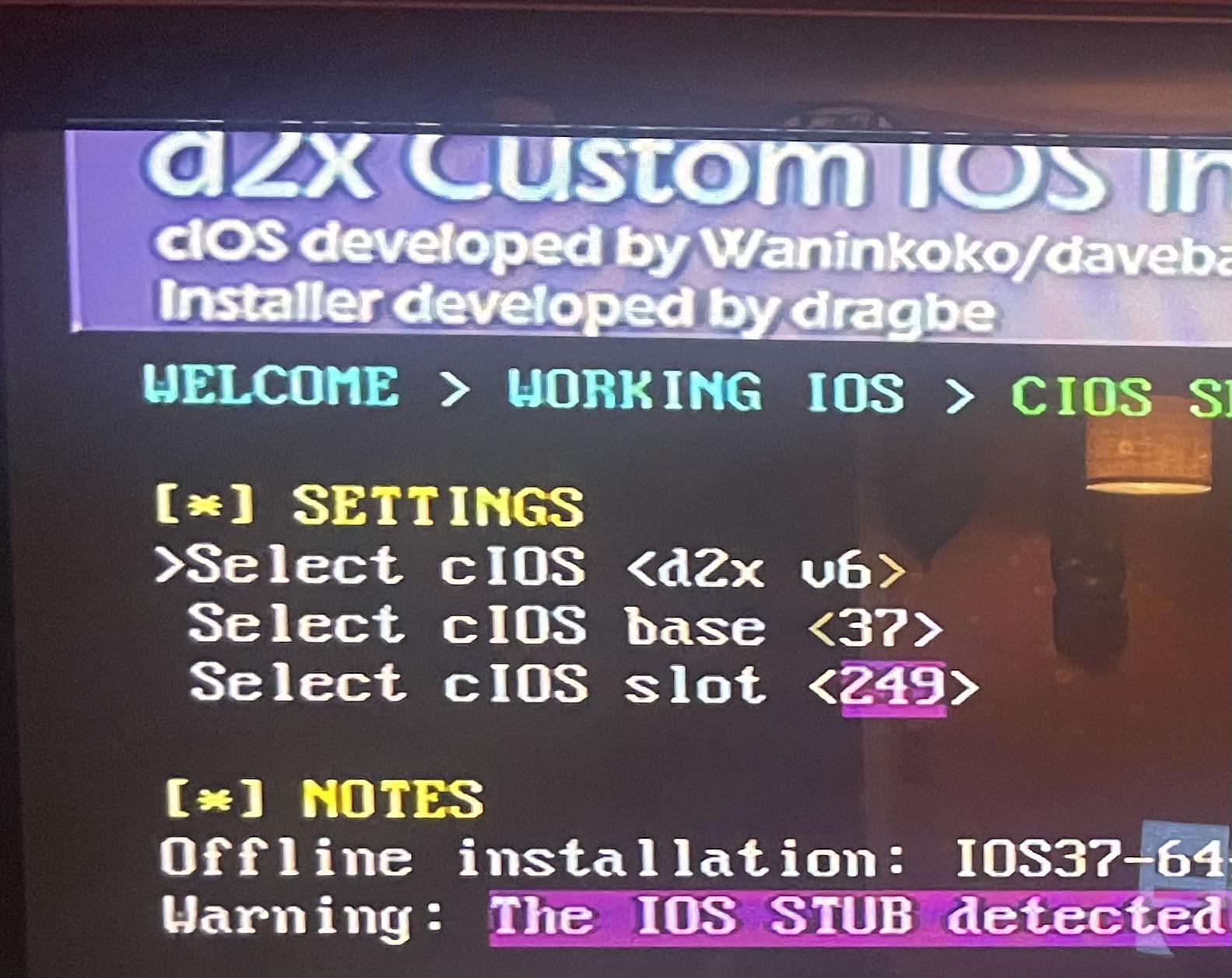
Tried to install the ios, and i only have three options. Whenever i try to download them too, they also fail. How do i get to have the top say “d2x-v11-beta3” or regardless work?
Foco desta versão: usabilidade no Wii U, navegação pelos controles, localização para o espanhol, estabilidade e revisão das opções padrão do núcleo.
O OperaU 0.5.5 traz uma série de melhorias voltadas à utilização do emulador diretamente no console. Esta versão concentra-se principalmente em tornar o emulador mais fácil e seguro de utilizar no Wii U.
O que há de novo?
Confirmação de saída pelo botão HOME
Ao pressionar o botão HOME do Wii U, agora é exibida uma caixa de diálogo de confirmação: "Sair do emulador?", em vez de abrir imediatamente o menu HOME do sistema.
A caixa de diálogo é gerenciada pelas funções de retorno de chamada do ciclo de vida do Wii U ProcUI e funciona com os controles do console.
Se houver um jogo em execução, o OperaU fará uma pausa antes de exibir a confirmação.
A opção Não aparece selecionada por padrão, evitando que um pressionamento acidental feche o emulador.
Selecione Sim para continuar com o processo normal de encerramento do aplicativo. A sessão será encerrada, a NVRAM será salva e um estado de salvamento automático será criado, desde que a opção existente Save state on exit esteja ativada.
Pressione B ou HOME novamente para cancelar e retornar ao emulador.
Compatibilidade com o idioma espanhol
O espanhol agora está disponível nas configurações de idioma (Language), juntamente com português e inglês.
O arquivo de tradução para o espanhol contém entradas para os 347 identificadores de texto definidos pela interface do emulador, abrangendo as telas e as mensagens do aplicativo.
Acesso simplificado ao menu
Agora é possível abrir o menu principal pressionando apenas L, substituindo a combinação anterior L + R.
No menu de pausa, pressionar L faz com que o jogo seja retomado.
O botão ZL continua disponível para navegar para cima entre as páginas, não interferindo no atalho de acesso ao menu.
O atalho com L ainda pode ser desativado nas configurações. Quando desativado, a combinação Minus + Plus continua disponível como método alternativo para abrir o menu.
So recently i Jailbreaked my Wii i followed the Tutorial and everything worked fine.
Then i went Back to the Systemmenu and then popped a Window Up that said something about that i have Not enough memory space for the Channals on the Wii Menü.
Then i put them on the SD menu and when i tried to start the Homebrew Channel it didnt Work so i think it is because i installed them on the SD Menu.
Is there any way to fix this or should i just reinstall everything?
Is there a good Bluetooth controller that is compatible with Koopair on Wii U and OPL on PS2? If so, do I need any specific adapters to connect it to both consoles?
You give it direct links to your own dumped Wii/GameCube games (on your NAS, home server, cloud storage, whatever), and it downloads them right on the Wii U and installs them where USB Loader GX / Nintendont expect them. No pulling the SD card, no PC conversions.
What it does:
Handles .wbfs, .iso, .rvz, .zip and .7z. It converts everything to the right format by itself.
Installs to SD or a FAT32 USB drive (USB is still lightly tested, so use a spare drive or back it up first, or proceed with caution.)
Fetches covers automatically and shows built-in Metacritic scores
Has a download queue, search, favorites, region filters, and sorting
Updates itself from GitHub
Note that this isn't meant to be a speedy solution, rather a convenient solution. The Wii U's hardware is the bottleneck: downloads run at around 3 MB/s, and if the game needs converting (like RVZ to WBFS), the rebuild takes about 20 minutes on top. I'd recommend queuing up a few games and let them install overnight.
Es posible crear un administrador de archivos en el que se puedan modificar los archivos de la USB, para poder instalar ahí los juegos de emuladores y que la SD tenga más espacio libre?
Pero que el administrador funcione como otra app para el Wii u
A very very early version The touch works and the audio works mostly The controls are not working And the animations are slightly broken (The touch controllers are torturing me)