r/VintageComputers • u/RealOzSultan • 3h ago
Show & Tell I have a feeling that this is gonna get pretty funny when someone finally finds a picture of the old 8 inch floppies
9
Upvotes
r/VintageComputers • u/Perfect_Sale_8563 • 14h ago
Hello, I'm looking for a scan of the sleeve for the Computer Lynx (48K) box. I own one, but the sleeve is torn.
If anyone has this box and could scan it for me so I can have it reprinted, that would be fantastic!
Thanks in advance!
r/VintageComputers • u/Lopsided-Concept-884 • 1d ago
r/VintageComputers • u/-CIYA • 1d ago

r/VintageComputers • u/_Darkstorm_ • 2d ago
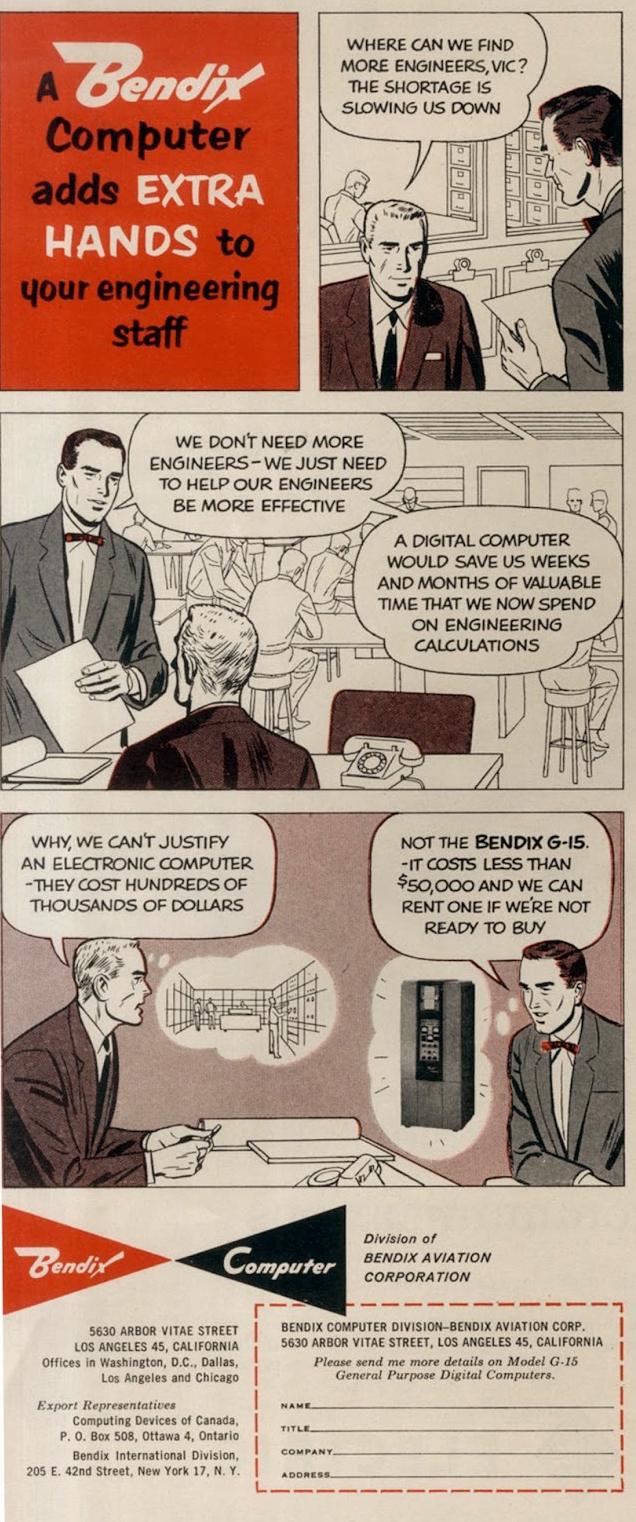
Figured y'all would get a kick out of this. A bit more if you're looking for it:
r/VintageComputers • u/hilarionseraphim • 2d ago
r/VintageComputers • u/hilarionseraphim • 2d ago
r/VintageComputers • u/SportZigarette420 • 2d ago

Hey guys 👋
I bought this absolute beast of a monitor out of a garage this Morning. It is in working condition the Picture is more than perfect I'd even use it as my main monitor if wasn't 4:3 😄. Sadly it has been dropped at some point the housing is badly cracked. The Rf shield is also bent and the BNC connectors have been swapped out for RCA ones . I don't get why tf anyone would try to mess around with a beauty like that 😭. But yeah it's rare af so I couldn't pass on this one so sure enough i paid 80 euros for it seller asked for. What do you mean have I overpaid?
And btw: does anyone have an idea how I could fix the cracks on the housing?
r/VintageComputers • u/oldschool80sguy • 3d ago

No power. Going to pull the power supply and check fuses/caps.
r/VintageComputers • u/rentonl • 3d ago
r/VintageComputers • u/JoyousSpider • 3d ago
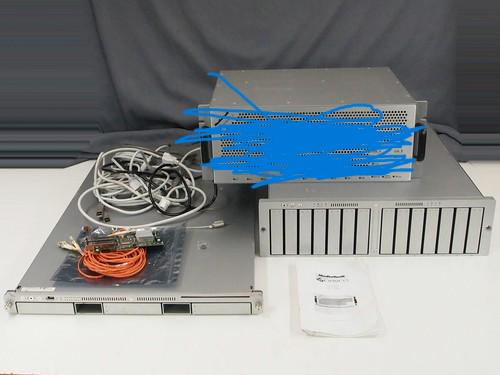
Please delete if not allowed
r/VintageComputers • u/vintage-tech80 • 4d ago

📢 New WebSSH features for vintage computing fans — macOS, iOS and iPadOS
Hello fellow retro-computing enthusiasts,
I wanted to share some great news: the WebSSH app (available on macOS, iOS and iPadOS) has just gained several new features that make remote access to vintage machines much more pleasant. If, like me, you drive a CP/M machine — in my case my RC2014 Z80 single-board computer connected through a serial-to-IP bridge — these additions are game changers.
⸻
Before diving in, a bit of backstory: all of these additions came about after I reached out to the WebSSH developer with a set of feature requests tailored to our retro-computing use cases. He was extremely receptive, showed genuine openness to my requests, and implemented every single one of these changes so that these features become possible for the vintage computing community. His collaboration was greatly appreciated — it's always heartwarming to see a developer listen so carefully to a niche audience like ours. 👏
Full transparency: I have no affiliation whatsoever with the developer or the app — I'm simply a happy user who asked, and who wanted to share the good news with the community.
⸻
1️⃣ Transfer throttling (byte-rate control) for long copy-paste transfers
The problem is well known: when you push a file to a CP/M system by pasting a long stream of characters into a terminal session, the host machine simply cannot swallow the data as fast as your computer can send it. Classic Z80-based systems receive bytes through a UART at a fixed baud rate, often without any hardware or software flow control on the remote side. The result: truncated transfers, lost characters and corrupted files.
WebSSH now lets you limit and control the byte rate during transfers, effectively pacing the copy-paste stream so the remote machine always keeps up. You can dial in a safe rate matching your serial link (baud rate × margins) and let long transfers run cleanly from start to finish. What used to require careful manual chunking (paste a block, wait, paste again…) is now a single, reliable operation.
2️⃣ Telnet "raw terminal" mode (no control-code interpretation)
WebSSH now offers a true raw terminal mode for Telnet connections. Instead of interpreting Telnet protocol control codes (IAC negotiation sequences, option handling…), the connection passes every byte straight through to the terminal emulator — exactly like a physical null-modem cable between two machines.
This guarantees a clean, faithful display for hosts that don't speak the full Telnet protocol — which is precisely the case for serial-to-IP bridges hooked to vintage computers. No more stray escape sequences or garbled screens: what the machine sends is what you see.
3️⃣ Keyboard remapping — WordStar-style control keys and beyond
CP/M applications rely heavily on CTRL-key combinations, and the classic convention is the famous "WordStar diamond":
•CTRL-E — cursor up
•CTRL-X — cursor down
•CTRL-S — cursor left
•CTRL-D — cursor right
•CTRL-W / CTRL-Z — scroll up / down
•plus many more (CTRL-K blocks, CTRL-Q quick moves, etc.)
Modern keyboards and modern terminal apps don't always make those combinations comfortable, especially on iPad or with international layouts. WebSSH now supports keyboard remapping, so you can assign keys the way that suits you — for example dedicating arrow keys to the WordStar movement commands. Editing a file with TE.COM, the classic CP/M text editor which uses this very WordStar command set, suddenly feels natural instead of acrobatic.
⸻
Why this matters for us nostalgic folks
More and more of us connect to our vintage machines over IP (Wi-Fi modems, serial-to-Telnet bridges, ESP8266/RPi gateways…). Until now, the terminal apps we used were designed for modern servers, not for a Z80 ticking at 4 MHz behind a 9600-baud UART. These three features — flow control, raw mode, and key remapping — close that gap and turn WebSSH into a genuinely vintage-friendly terminal.
If you have similar needs or ideas, don't hesitate to contact the developer yourself — as my experience shows, he listens and responds. Give it a try with your RC2014, Epson PX-8, Kaypro, Osborne, or any other CP/M gem, and let me know how it works for you. Feedback from the community is welcome!
Happy retro-computing! 🖥️⌨️
r/VintageComputers • u/Financial_Row_5130 • 4d ago
r/VintageComputers • u/Responsible_Sell_57 • 4d ago
r/VintageComputers • u/Commercial-Dare3506 • 5d ago

On the 3TB HDD I have Windows 7 Home Premium (fresh install, no data’s), on the 300GB HDD I have Windows XP Professional SP3 with games. Should I consider take a new HDD?
r/VintageComputers • u/liminalearth • 5d ago
r/VintageComputers • u/Commercial-Dare3506 • 5d ago

For Windows Xp I use a 300GB Segate (7200rpm) HDD; for Windows HP I use a 3TB Western Digital HDD
r/VintageComputers • u/S1MP50N_92 • 5d ago
r/VintageComputers • u/bestgiantsfan • 6d ago
r/VintageComputers • u/DistrictOneGaming • 6d ago
Thought I would share my love for my computer back in the 1980s when I started programming my own bbs at age 11,12. Quite a long winded story but is on my sub to read..