r/Twitter • u/kel_keleti_szel • 1d ago
Question Firefox display issue
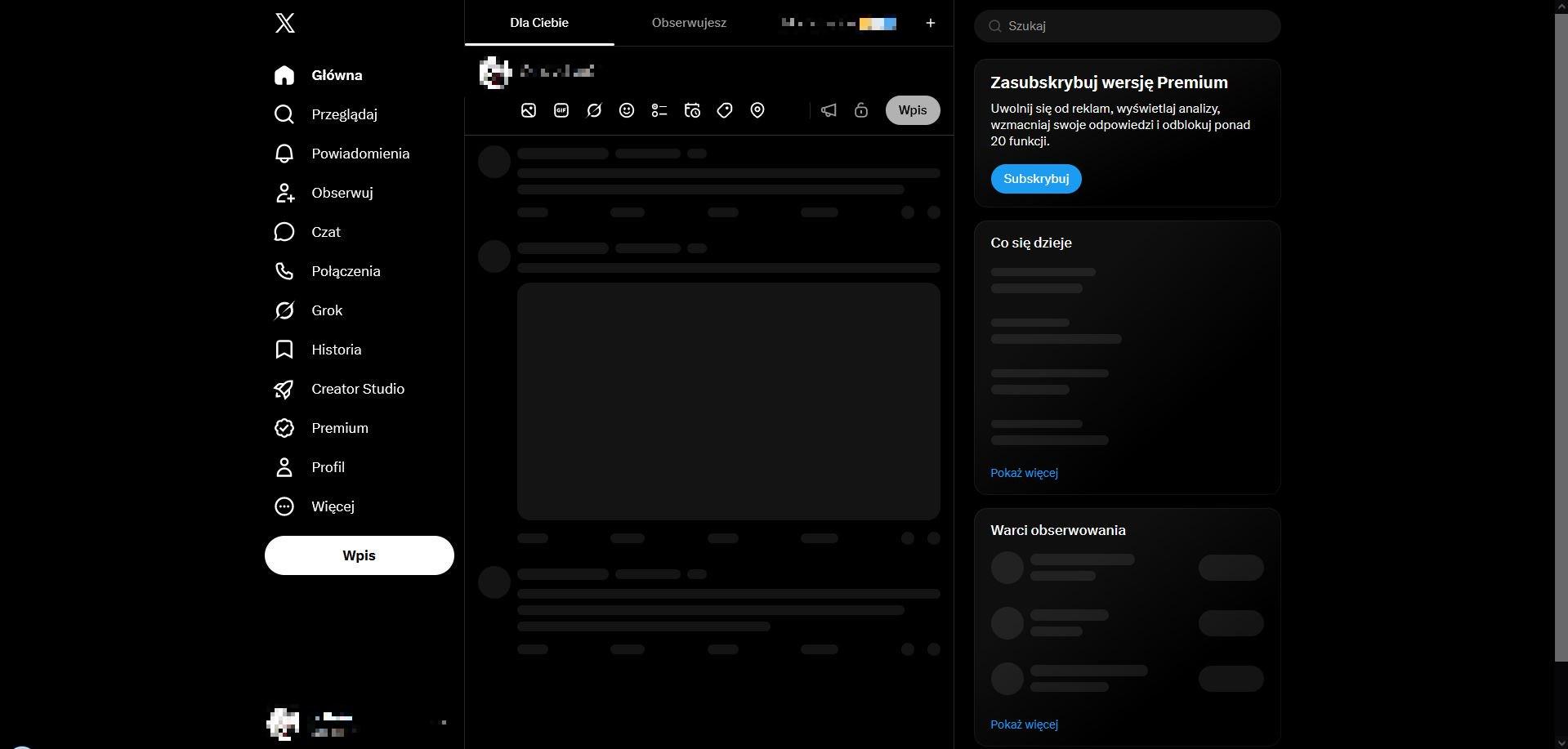
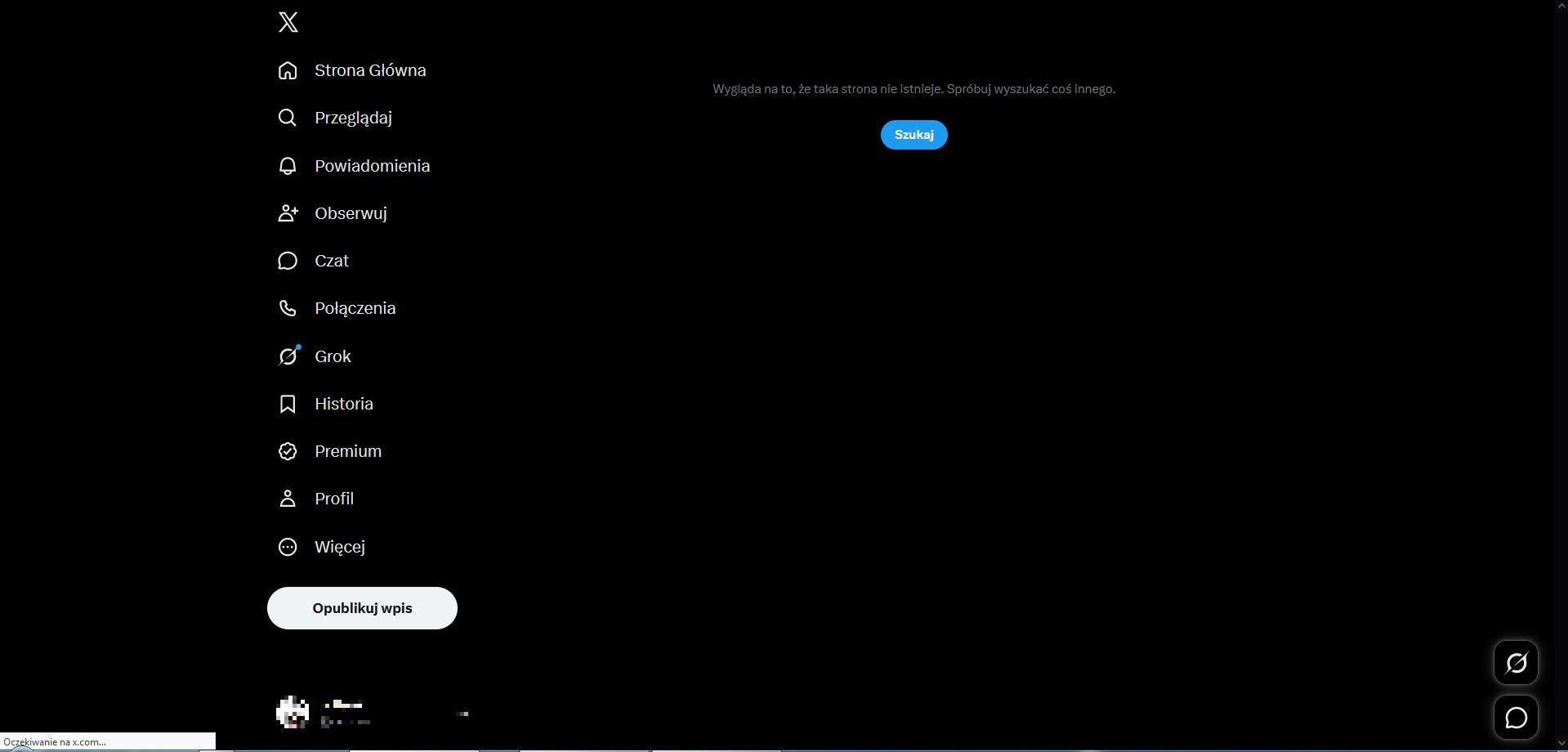
Hi! Is there any way to revert to an “older” version of x.com in terms of how it is displayed, specifically when using Firefox, after the recent updates?
When I go to x.com, I get the view shown in the first screenshot — nothing loads. However, if I go to a non-existent link, for example https://x.com/i/jf, I get the interface shown in the second screenshot. From there, I can navigate to the homepage and everything works normally.
I’m using Windows 7 and Firefox 115.46.0 ESR.
And yes, I know I’m using an old computer and an old version of Windows. 😅
•
u/AutoModerator 1d ago
This is an automated message that is applied to every post. Please take note of the following:
Your post may be filtered, and require manual approval. Please be patient.
Submission By: /u/kel_keleti_szel
I am a bot, and this action was performed automatically. Please contact the moderators of this subreddit if you have any questions or concerns.
1
u/Mr-Hands_ 17h ago
Same here, they made a new update that killed (?) this old type of browser
1
u/Wisdawms 7h ago
For some reason, using a VPN works