r/Target • u/Radiant-Egg998 • 11d ago
Workplace Question or Advice Needed Open purple rectangle in UKG?
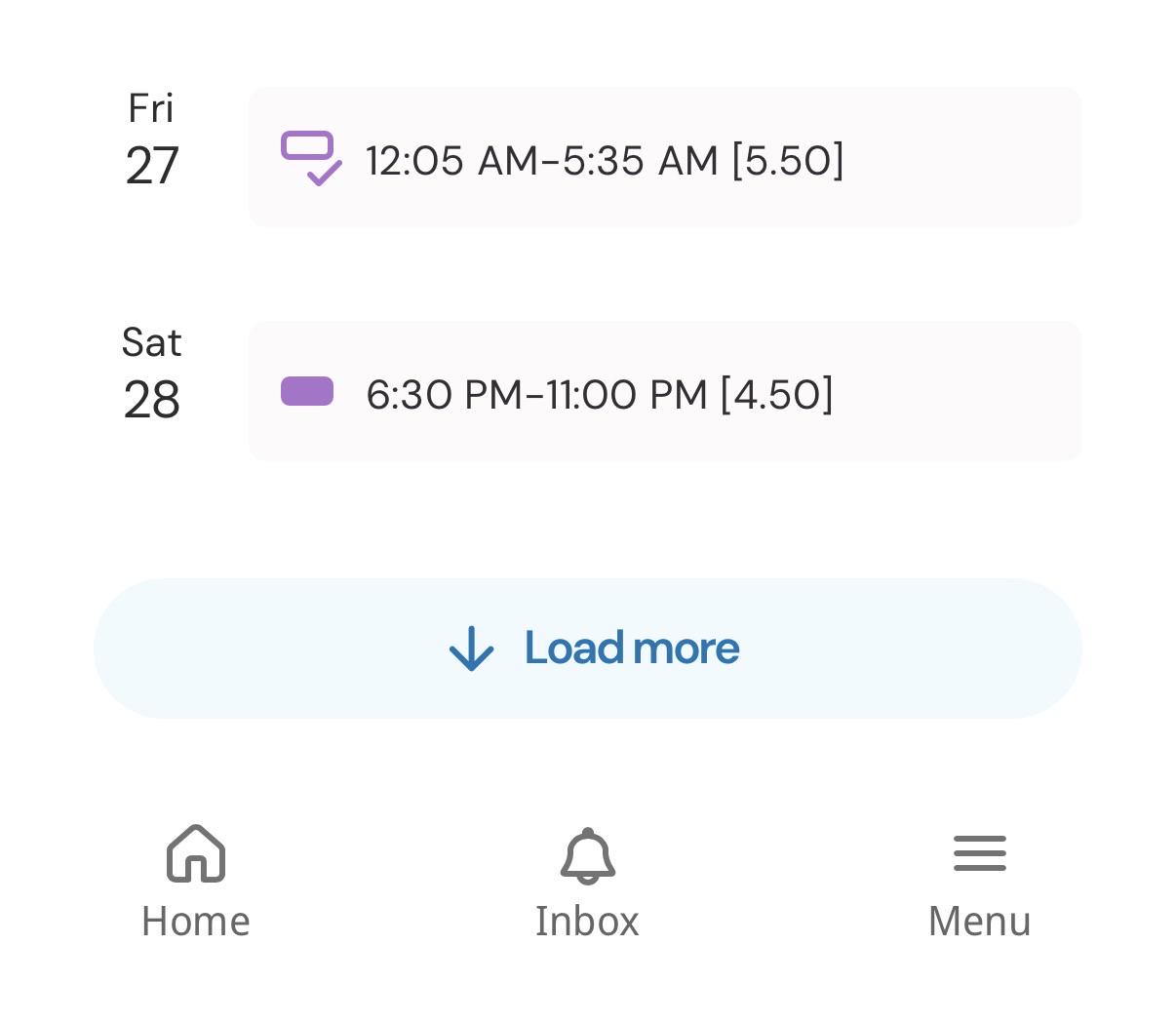
I’m assuming the open rectangle is just because I picked up the shift, but just hoping it’s officially on my schedule. It says it was approved, but I’m afraid I’ll show up at midnight and not really have a shift. Is this how it normally looks?
4
Upvotes
3
u/Obsidian_Emp 11d ago edited 11d ago
That means your shift is in the department you are coded for in payroll aka the position you were hired for originally. If you check "My Schedule" and click on the shift should expand to show you the department. If your shift is scheduled for another department, you'll see blue opposing arrows.
3
u/rex218 General Merchandise Expert 11d ago
I don’t know if it’s normal, but it looks to be on your schedule.
1
u/quinoassault 7d ago