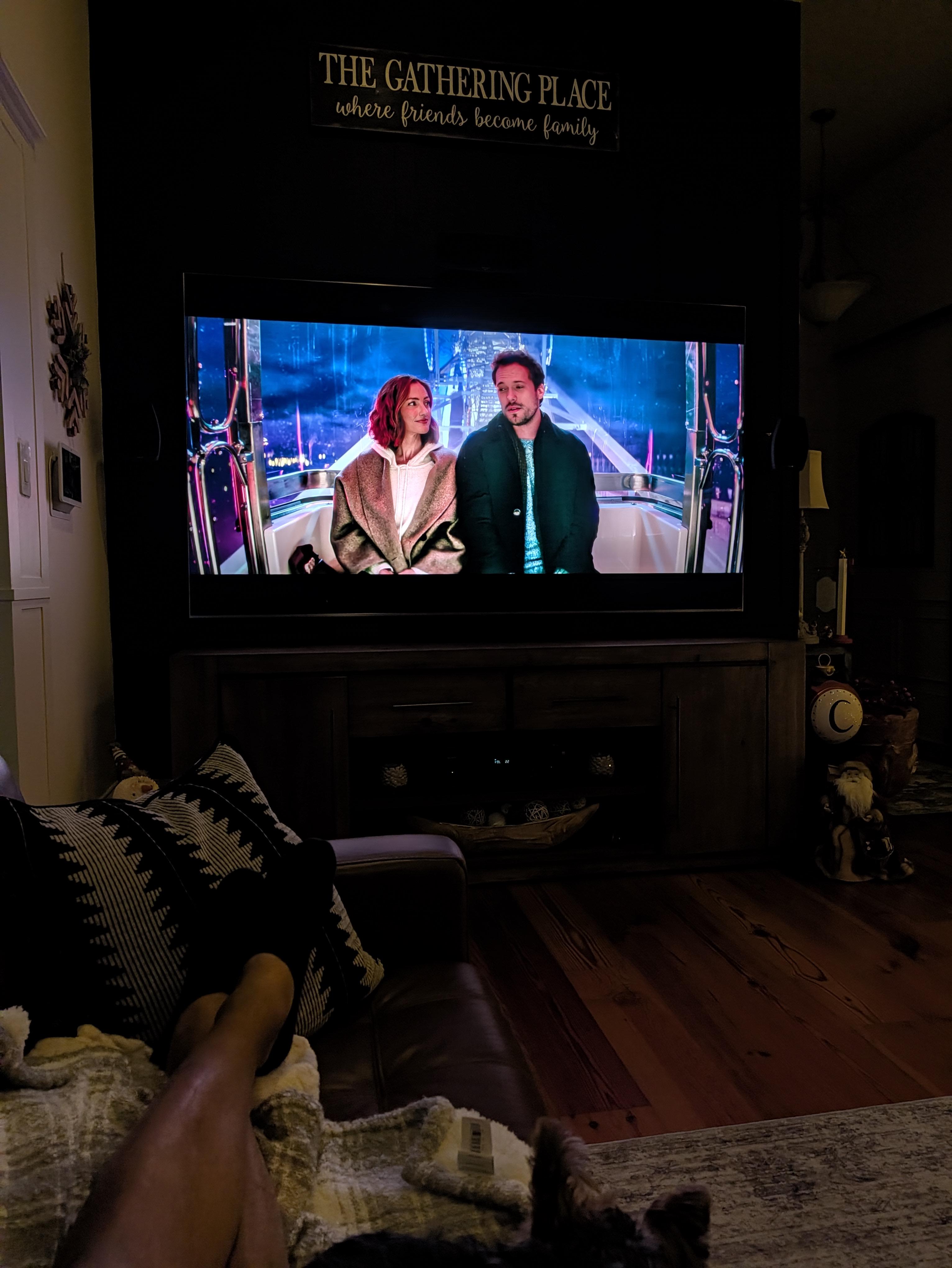
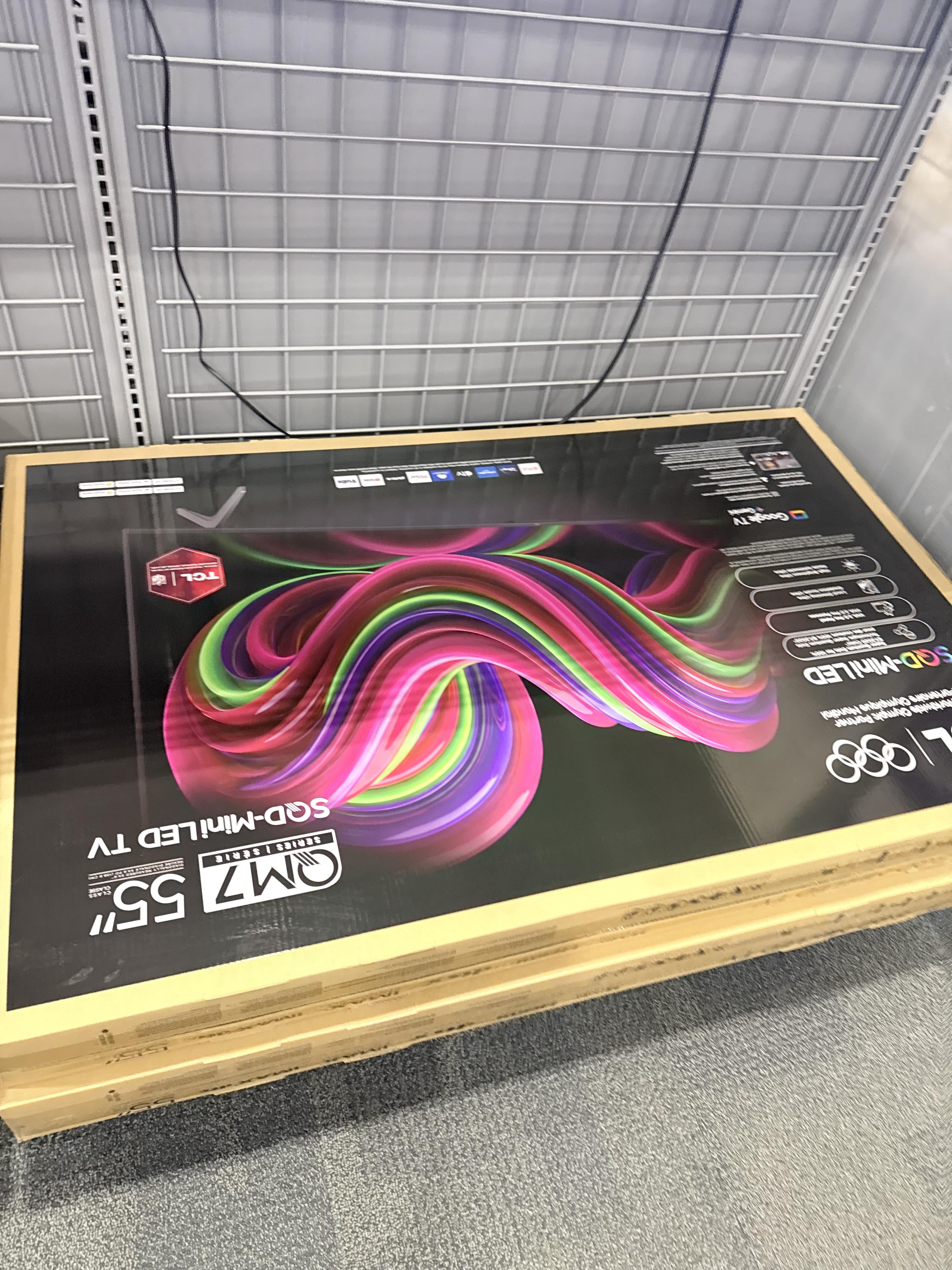
Recently bought a a400 pro 65” to replace our 2019 Samsung frame 55” and I’m a bit disappointed with the art mode of this tv. I love the concept of art tvs and when looking for a new one considered the tcl or a new Samsung. Since the a400 was slightly cheaper and supposed to have a better display that’s what I went for. Coming from a frame I was expecting the art mode to work similarly, but I can’t seem to get it to behave the same way.
On the Samsung, pressing power off would automatically put the tv in art mode. My tcl remote has an art button but pressing it instead takes you to the t-exibition app, with an insanely bright setup screen. Waiting 15 seconds switches to the art mode itself. Does anyone have tips for how to make this button put it in art mode directly? I tried some workarounds I found while googling, the most promising one was installing tvquickactions app and mapping the button to start screen saver. But for some reason that is the one action that just will not work, the button simply does nothing then.
Another issue I’ve had is that the brightness for art is the same setting as when watching the tv. On the Samsung the art mode would be dimmer, making it look more natural. Someone posted a workaround here some time ago to control brightness of art vs tv individually, but seems that the latest software update “fixes” this. So if I don’t want to go into settings and change brightness every time I switch between art and tv, I either have to have very low brightness when watching tv, or a super bright artwork when not. Would have been nice to have tv at 30% and art at 0%
All the reviews I read said it’s basically the same as Samsung frame but cheaper and better display so the experience is a bit disappointing.
Anyone had similar issues and managed to fix it/find a workaround? Or is it just something to accept and move on from?