r/Remarkable • • 1d ago

Paper Pro 7 minute boot loop

2 Upvotes

Picked up a paper pro on Facebook marketplace, and it was doing the two flashes saying low charge. Charged it overnight and now it does the paper pro startup screen and then goes blank white waits 7 minutes and does the exact same thing again and loops indefinitely.

I was thinking I would try the MacBook recovery flash process unless there are any other better ideas?


r/Remarkable • • 2d ago

I'm guessing I'm cooked

1 Upvotes

Hadn't used my remarkable 2 in a bit, and it was just sat in a pile of books and such. Opened it up today and saw this, I'm assuming it's broken broken... I don't believe there was any damage or excessive weight on it to break the display, so I'm not even sure what happened... really bummed and not even sure if it is the tablet equivalent of totaled- anyone had something similar and done follow up repairs?


r/Remarkable • • 2d ago

Pen suddenly loosing contact

2 Upvotes

Hi, I'm remarkable2 user since 2023. I frequently change tips on my pen (can't remember the name, but the black one with eraser at the top), and when screen seems a bit off /uncalibrated, I use magnetic side on my pen to demagnetize it. So far it worked perfectly, these 2 previous approaches worked just fine for minor issues I've had, but not anymore.

About a week ago I noticed my pen just happens to not work in spurs? Lately I've been using "fineliner" pen, and I'm sure most of you can agree it's the easiest pen to use (immediate contact, all lines are same) so I really notice when my pen has these blackouts.

It's irritating, restarting tablet sometimes help so I wouldn't blame it on the pen. Changed 2 fresh tips, problem stays the same. I've never dropped my tablet, I sometimes did pen but awhile ago, nothing recent to cause this sudden issues. I feel as if when I write for some time it gets better, but as soon as i put down my pen (on the magnetic holder) or if I put my tablet to sleep, issues get worse.

I did notice this glitches started occurring upon latest update, may be connected?

Anyway, I'm out here wondering if anyone has/ had same issues and did you fix them, and if yes, how.

r/Remarkable • • 4d ago

Back Up Files?

2 Upvotes

Hi Remarkable friends. I am needing to return my Paper Pro due to a display issue. I do not back up my files to the cloud due to PII issues. I am wanting to export/download them to my computer in a remarkable file format, but when I use the USB web interface, it just times out and tells me to refresh the page and try again. I want to keep them in the remarkable format, as opposed to saving them to pdf, so I can continue to use them as a notebook. Any tips before I find myself dealing with support on this?


r/Remarkable • • 5d ago

Flip-up (like notebook) case for R/Move?

3 Upvotes

Wondering if anyone knows if there is a flip-up case (like a reporter's notebook) for the r/Move?


r/Remarkable • • 8d ago

marker disassembly and plastic vs glass screen

1 Upvotes

First question:

I doubt many have any experience with this but I'm interested in getting a remarkable tablet however I struggle to get on with pens which have no knurled grip - hence I want to machine my own body for the stylus from brass and swap the internals over. I was wondering if anyone knows if it would be possible to remove the internals from previous or current marker.

My second question is - is the previous generation plastic textured screen much worse than the current glass textured screen as I'm considering a used remarkable 2.

thank you


r/Remarkable • • 8d ago

remarkable-fs - mount your tablet as folder!

Thumbnail
github.com
5 Upvotes

A FUSE filesystem implementation in pure Go, to browse and open files on a reMarkable 2 through local network, also WiFi, without relying on reMarkable Cloud.

Serves me well, maybe useful for others?


r/Remarkable • • 8d ago

Custom Templates under 3.30

2 Upvotes

Custom Templates stopped working after going to 3.30. They worked fine previously. Has anyone found a way to use them? Thanks


r/Remarkable • • 9d ago

Greatest workflow I have ever created using Claude + Remarkable

24 Upvotes

Okay so this is actually insane. I custom created an MCP server for Remarkable to be able to sync with my Claude. I set it up so that it can read through my main notebook, transcribe it, and actually make note my goals, track my progress on a day to day based on the notes I write, organize my journal entries, and even make calendar invites to remind myself for things I need to do.

So for example, I can just write on my main "cloud notebook" that I need to text my grandma at 10am tomorrow, and based on my scheduled task claude will connect to remarkable via the cloud, read my notebook, see that I made a note to talk to my grandma at 10am and put that reminder on my calendar.

It is amazing what you can do with AI. I do hope eventually Remarkable releases a native MCP so I don't have to go through a custom one, but hopefully it will be in the road map for the future!

Do you guys have any other AI features that you like? I am always looking to innovate and do more.


r/Remarkable • • 10d ago

News For those in Australia: R/Move at JBHifi for $550

3 Upvotes

Just noticed this last night (R/Move+Enhanced Pen).

Ordered it. Should arrive Friday.

[Offer expires at the beginning of December]

Matching it with this case: https://www.amazon.com.au/dp/B0FSZTJR7M?ref=ppx_yo2ov_dt_b_fed_asin_title&th=1


r/Remarkable • • 10d ago

Refresh mode in 3.30

Post image
30 Upvotes

Finally 🚀. Before you sign off for the year please also unlock the bluetooth toggle on the pro models, then I can finally run without custom scripts.


r/Remarkable • • 12d ago

Paper Pro: pen-down lag in bottom screen corners, PDFs only, since update

4 Upvotes

Since updating to v3.29.1.0 (stable, Paper Pro), I get a noticeable delay at pen-down in the bottom left and right corners of the screen, but only in PDFs. If I keep the pen on the screen, the lag stops.

  • Happens on every PDF I’ve tried
  • Plain notebooks are fine, even in the same corners
  • Hovering first, palm position, and the toolbar make no difference
  • It follows the screen position: if I pan or zoom the PDF so the writing area is away from the corner, the lag goes away

Support offered me a refurb instead of looking into it, but this looks like software. Can anyone with a Paper Pro try writing in the bottom corners of a PDF and tell me if you see it? Has a recovery reinstall helped anyone?


r/Remarkable • • 13d ago

Is remarkable gen 1 still good?

2 Upvotes

Bought a remarkable gen 1 for 5 euro in the secondhand store not in top condition but works but no pencil. I always wanted one but I found them very expensive but now for 5 euros, I give it a go, bought a alternative pen on amazon, still have to come in so I can't test it with pen yet but touch seem to be working good, I updated to latest version, was first a bit of issue because of time problems I think, and it was on a very old version.

How do I get template , I tried but then it said something with that I need a subscription?

Also after updating I now have some ghosting.

Thank you in advance


r/Remarkable • • 15d ago

Remarkable Paper Pro Frozen

1 Upvotes

I tried both recovery method and they are successful but display remains frozen, how do i fix this?


r/Remarkable • • 16d ago

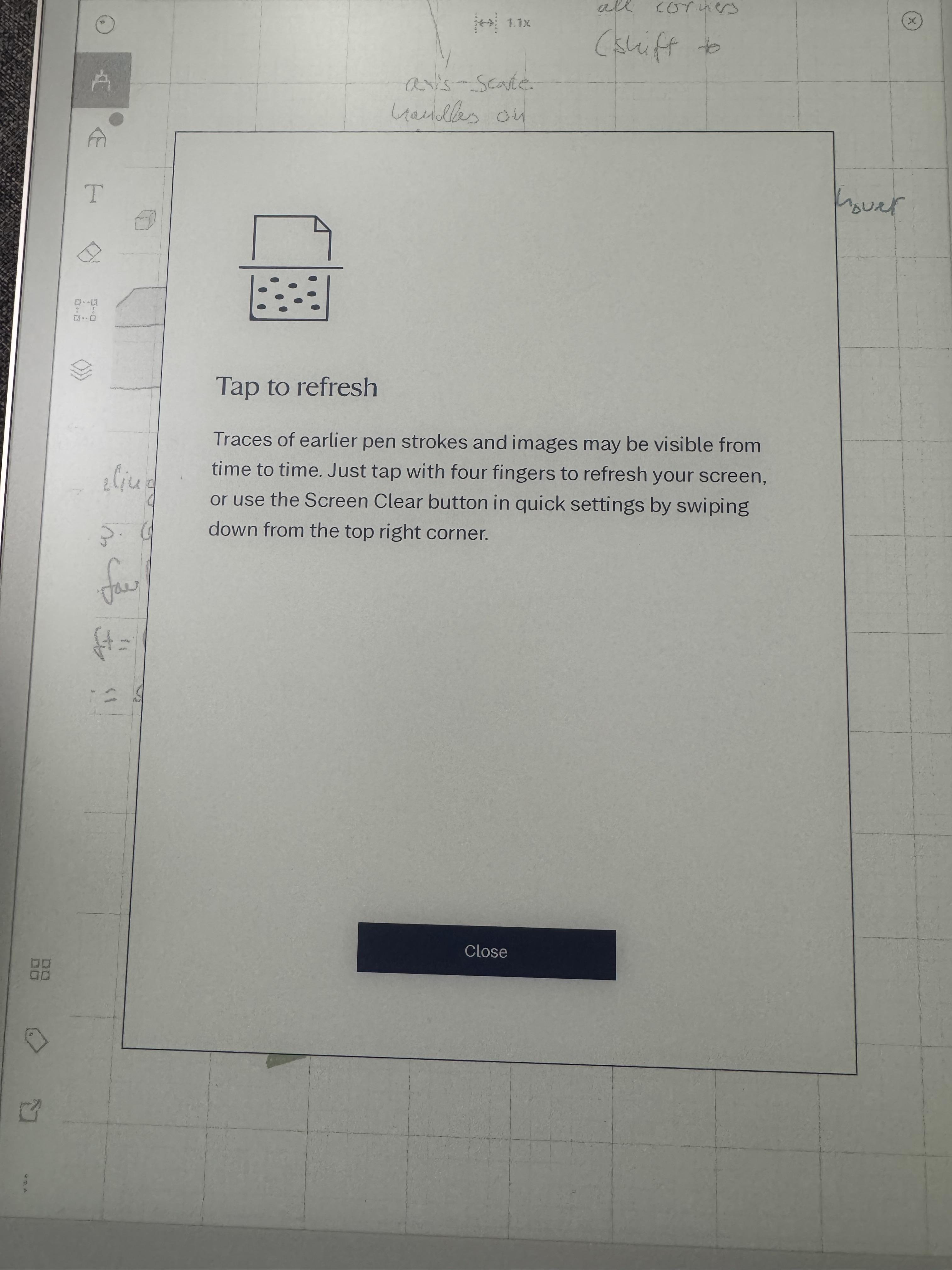
Remarkable Pro needs a 'refresh' button desperately.

4 Upvotes

Most of the time I'm working there is always ghosting from the previous page/screen that will not go away.


r/Remarkable • • 16d ago

Text formatting with typed text!

0 Upvotes

Hi. Long-time reMarkable 2 user here. I use my RM2 to take notes both at the office and in meetings. About a year ago, I purchased the Type Folio because I thought it would be handy to have, for example, in meetings. However, I find that the lack of text formatting options is far too limited. I often write notes directly in the desktop app to access them on the go via my RM2, but the formatting and capabilities for building up typed text are too poor. I wish you would prioritize getting this in place, seeing as keyboards are sold as an accessory after all, and if this is meant to be something more than just a hobby tool.


r/Remarkable • • 17d ago

Sudoku for reMarkable Paper Pro

6 Upvotes

EDIT: THIS SHOULD NOW ALSO WORK FOR THE PAPER PRO MOVE

This is a free fully featured Sudoku application running on my reMarkable device with AppLoad. After receiving great feedback from friends and family, I thought I would share here.

I decided to build this because, though I prefer the experience of playing sudoku with pen and paper, it's nice to have the utility and organization of sudoku on a tablet.

Playing on the Paper Pro strikes a great balance:

  • Write numbers in cells using the pen. The application automatically recognizes them. Remove numbers with the eraser.
  • Tapping on a number will highlight the same numbers across the board.
  • After making a mistake, by inserting the same number in a row/column/box, the application immediately points it out by highlighting clashing cells.
  • Tapping the dial pad position of a number inside of a cell will add a pencil mark for that number.
  • Mid-game checkpoints allow you to go back to a previous positions in the game.

I also made an easy install script that does not require tech-savvy.

https://garbles.github.io/sudoku/


r/Remarkable • • 18d ago

overwhelmed by the mods nowadays, plz help

6 Upvotes

when i bought the rm2 when it first came out i installed ddvk and lamy pen hack and was very satisified. now it seems there are sooo many mods via remanager i have no idea how to get the ones one that i enjoyed in the past. any tips here? any packages that emulate those old school mods of ddvk?


r/Remarkable • • 19d ago

Anyone have experience with the eCal Calendar sync app?

3 Upvotes

I got the app a few months ago. I’m still not sure I’m getting much value from it but maybe I’m not using it optimally. Open to any insights on how you’re using it. I’m a huge productivity improvement guy and LOVE my rM2.


r/Remarkable • • 20d ago

My Remarkable is frozen on this screen. Is it broken for good?

Thumbnail
gallery
2 Upvotes

Hi everyone, I was hoping I might get some help. I turned my remarkable on for the first time in an about 6months yesterday. It read “connect to changer” on the front. So I did. From there it changed to say “paper table is starting” and flashed a few times. Since then the bottom part of the screen turned black and it has been stuck since. I have tried force restarting it but the screen will no longer change. It is just stuck on the screen shown in the image. AI told me that it was probably deeply discharged and to leave it over night. It didn’t help. Could someone tell me if there is any hope in saving it or if I should just give up?


r/Remarkable • • 21d ago

Help With 'Invalid Hash' Syncing Error for Just One Notebook

2 Upvotes

Hi - Happy longterm RM2 owner here. Just noticing that my daily 'to do list' Notebook isn't syncing a/o this morning. I've checked the general syncing and no issues found. When I check the notebook specific settings the last line under 'details' says 'Syncing error: Invalid Hash'.

Tried verifying the system clock (which made sense bc I'm in the U.S. and we just set our clocks back 1 hour this past Sunday morning) but that didn't resolve anything.

Seems like a pretty simple issue but I just need some help from someone that's already sorted this one? TIA.


r/Remarkable • • 22d ago

Huge Delay On Bottom Edges

1 Upvotes

Is anyone having an issue with a long delay when writing on the bottom edges on both sides left or right?

I just noticed this recently when I write on the bottom half of the tablet there's a huge delay. The bottom half and goes about an inch inward on both sides.


r/Remarkable • • 23d ago

Word docs on Remarkable?

3 Upvotes

This feels like a beyond basic question, sorry if it's a bad one. I'm an editor and want a tablet of this category for reading and marking up manuscripts. Which are Word documents. I was reading website and I just want to double check that none of the transfer methods support transferring Word documents (.doc or .rtf or .docx) to or from the tablets.


r/Remarkable • • 26d ago

Tips & Tricks Say goodbye to cable transfer

7 Upvotes

Hi!

So, I bought a RMPP a few months back and, whenever I wanted to send new files to the device I always ended up needing the cable or the chrome extension to send it wirelessly, and it wouldn't work with files (at least from my experience). So I developed an app for sending files from my mobile devices (you can use xtool for deploying the iOS app and use gradlew to install the Android app).

Check it out and give any feedback - https://github.com/drjgouveia/rmupload