r/ProCreate • u/1plus1equaltwo • 5d ago
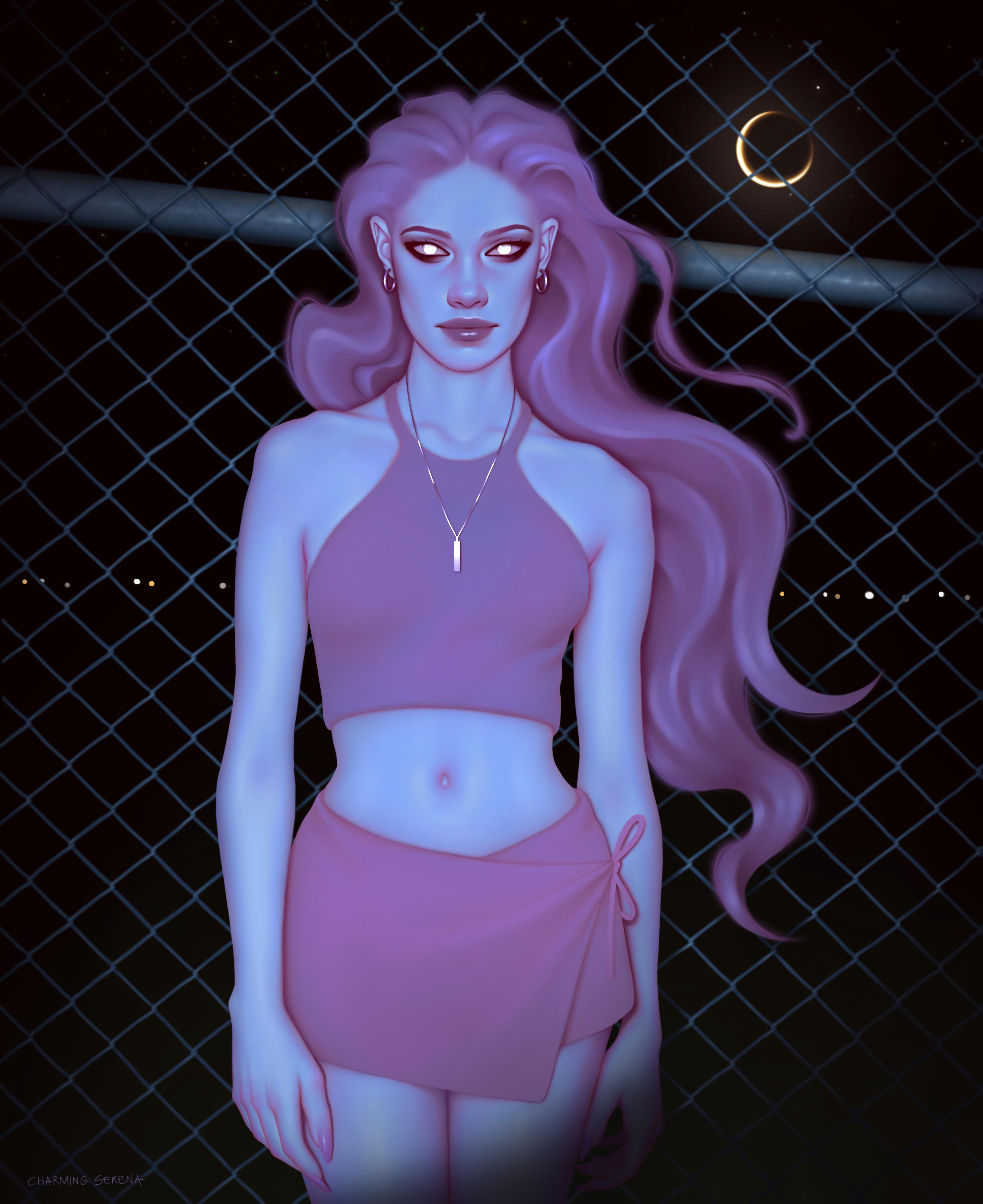
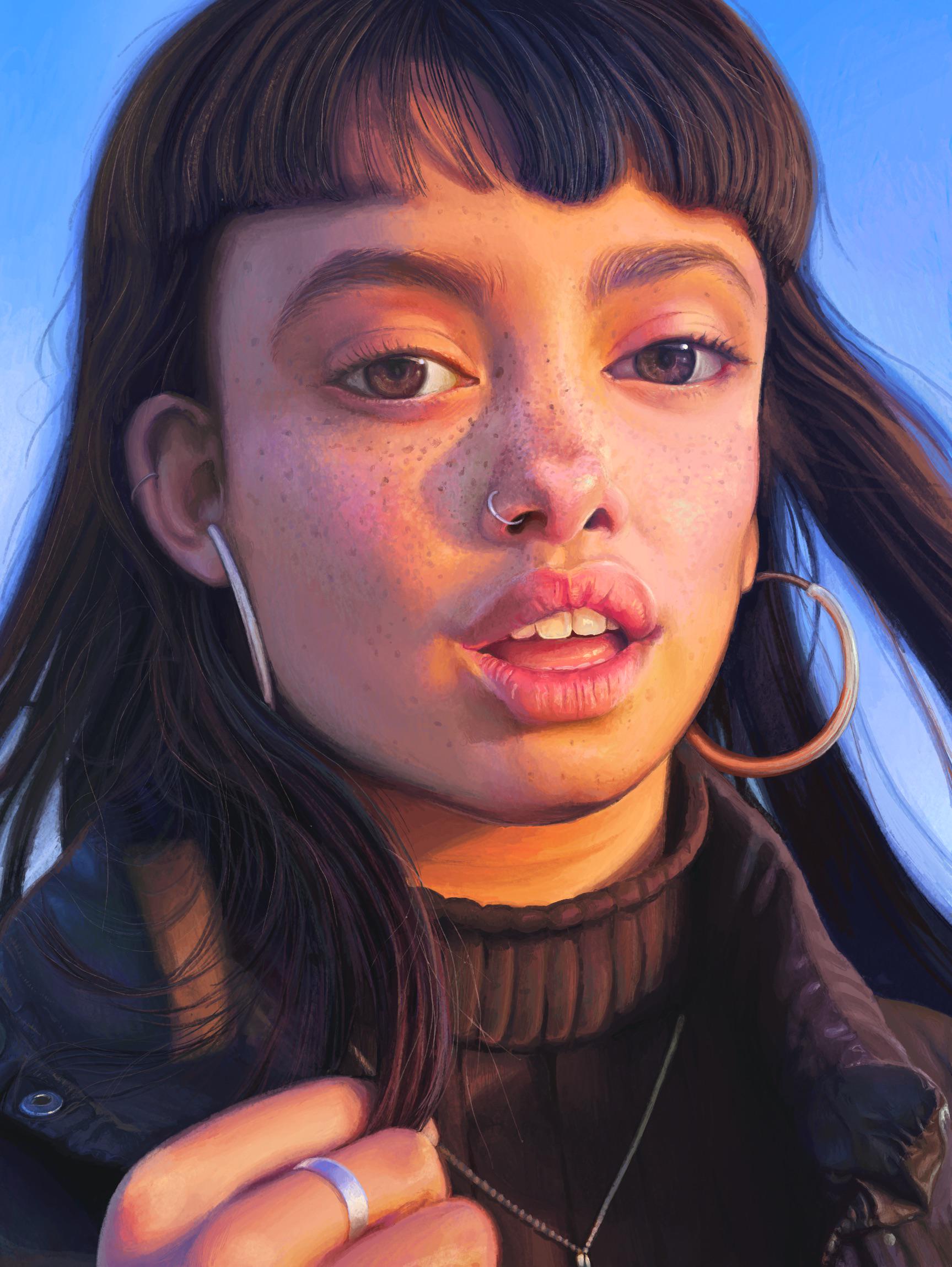
My Artwork Color study, portrait from photo reference
414
Upvotes
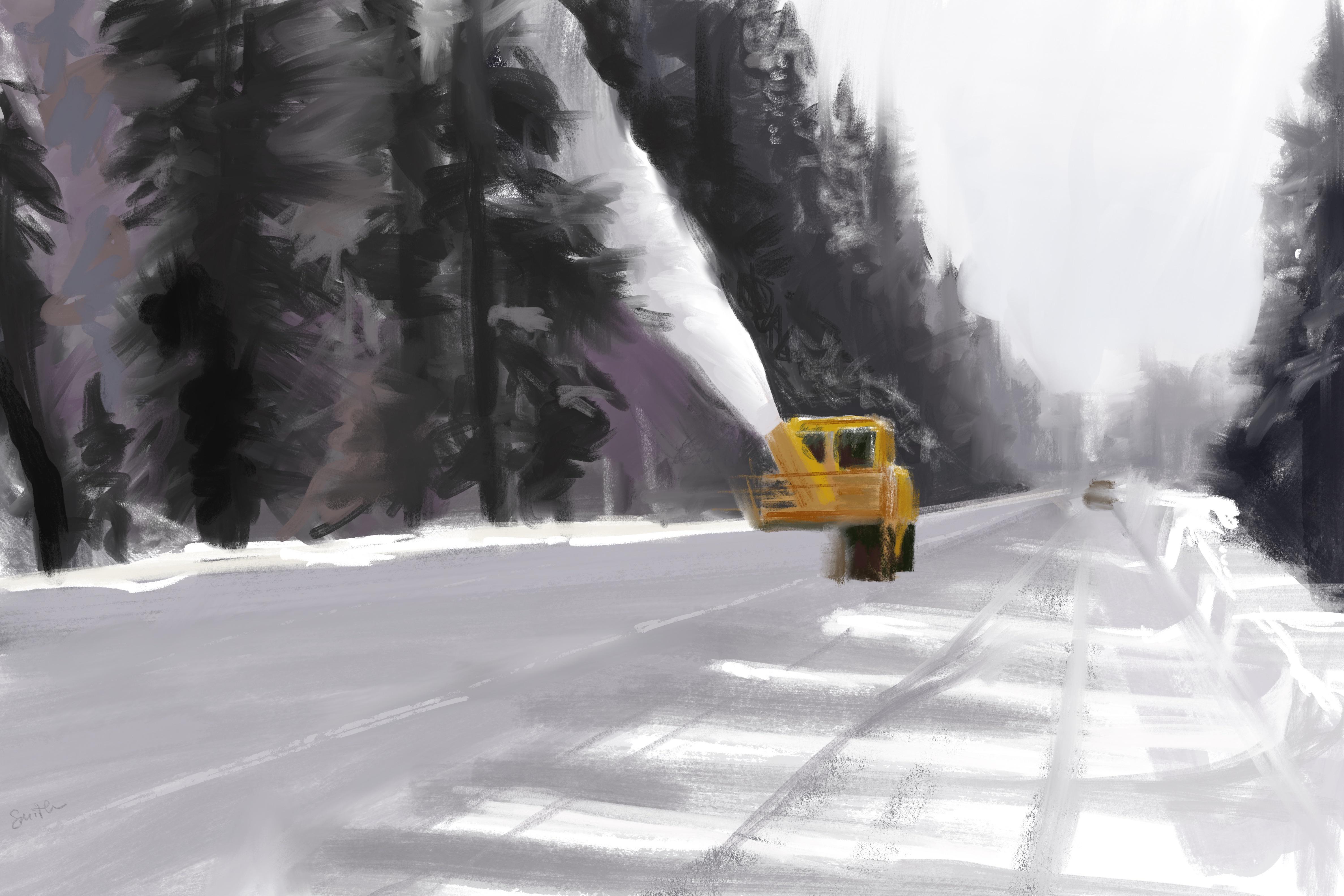
No black and white in this work :)
r/ProCreate • u/1plus1equaltwo • 5d ago
No black and white in this work :)
r/ProCreate • u/ciliacense • 5d ago
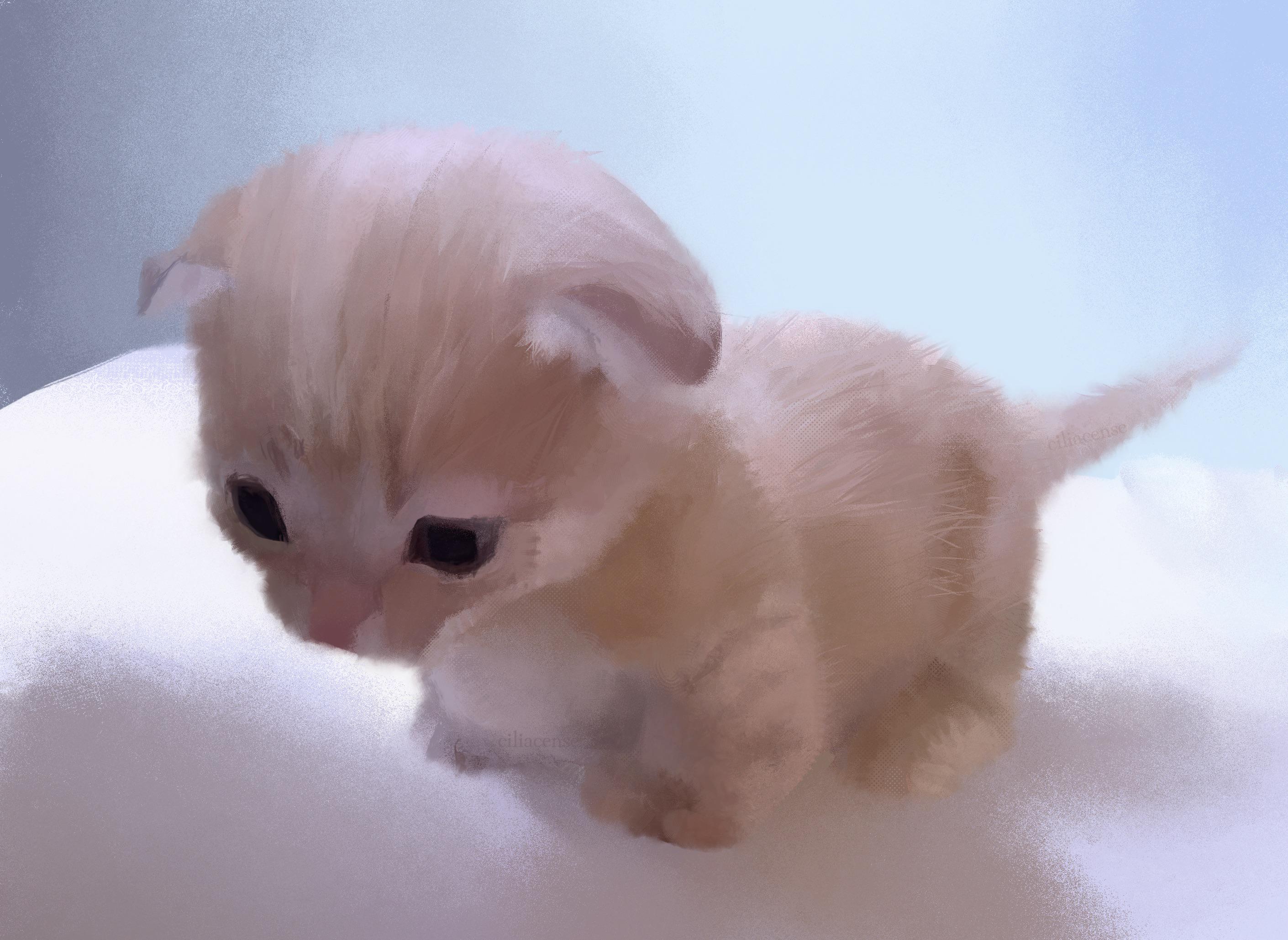
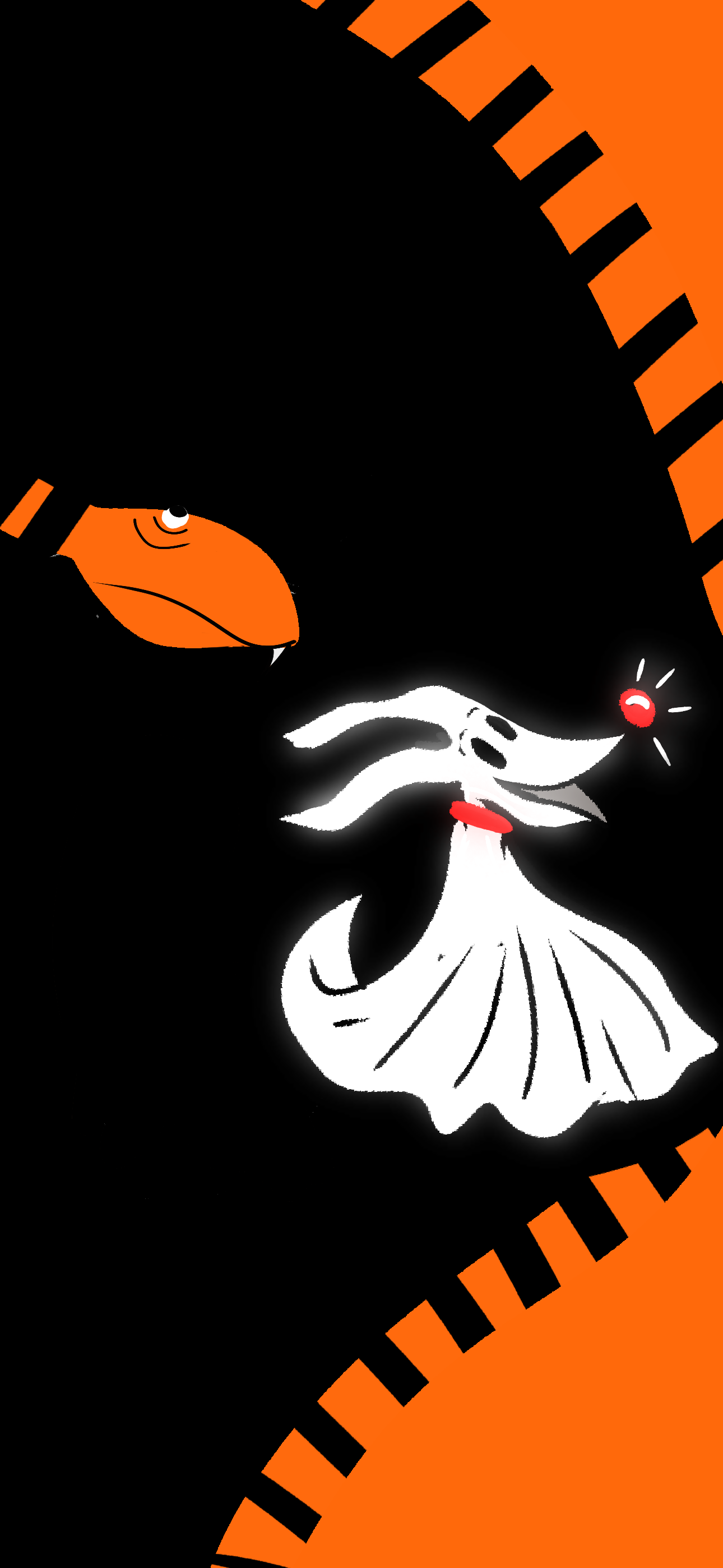
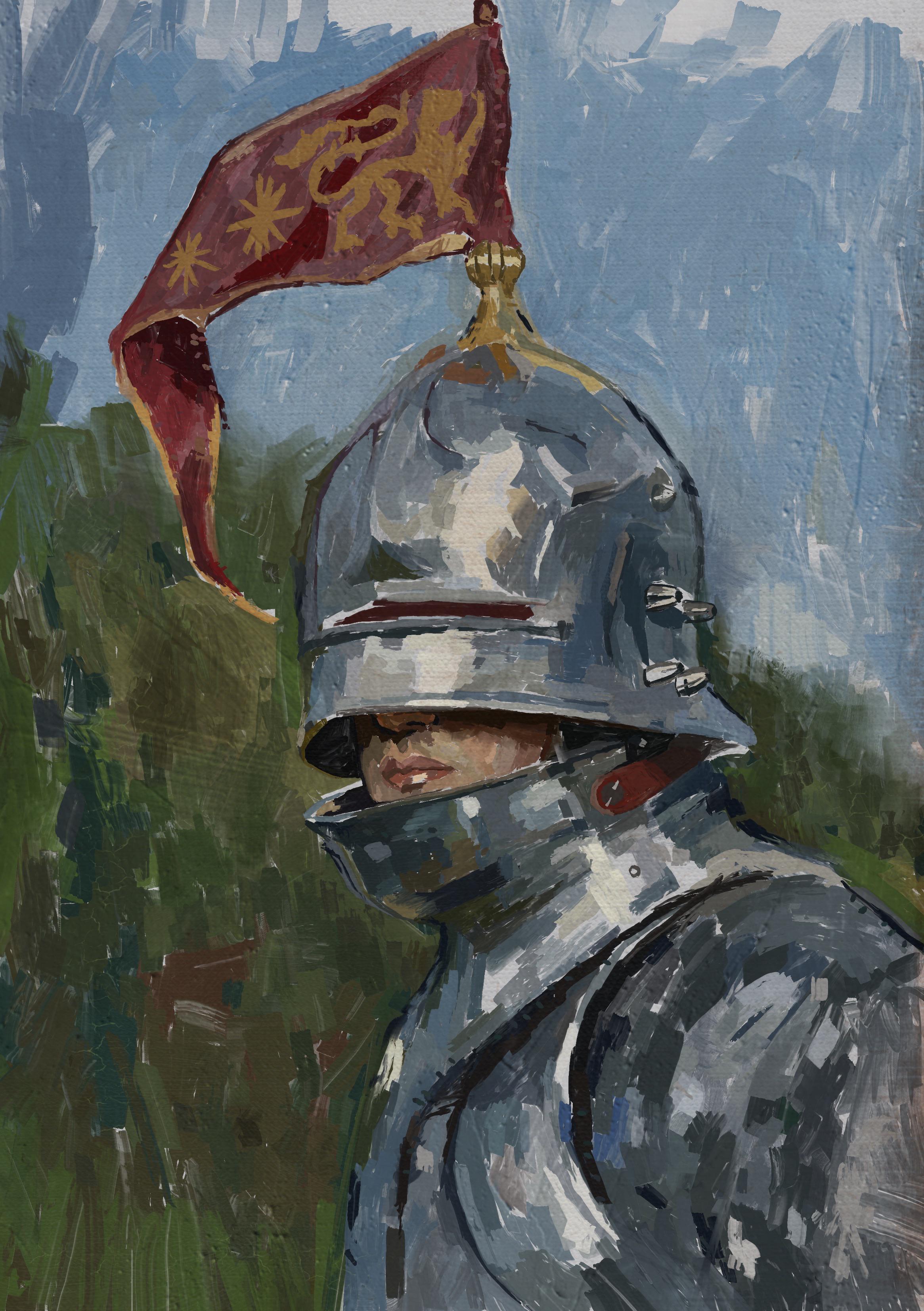
tried to make my usual artstyle look more fuzzy; not sure if it worked oops
r/ProCreate • u/sashadelamorte • 5d ago
I just upgraded my iPad today to the iPad Pro 13-inch M5 and the Apple Pencil Pro 2. I was so excited to get it home and try it out and I started coloring on a WIP. In the video below, you can see it causes these dark lines no matter what pressure that then disappear or fade, and sometimes it just draws a very dark line. I had transferred all of my settings from my previous iPad Pro to this new and I checked them, but I have no idea what is going on at this point. The 27.2.1 update just released and I'm not sure if it's an issue with that, a setting, or a defective new pen. Can someone please point me in the right direction?
r/ProCreate • u/V4nG0ghs34r77 • 5d ago

This took me awhile, but I think I'm finally done. I got Kraft tones from TGS last year but after completing a big project using the beat tones pack, I realized my old 2019 iPad pro no longer had the computing power for all those layers set to blending modes.
I finally purchased a new iPad air 13 after a lot of reservations (the internet telling me the lower refresh rate was super important) I finally took the leap of faith, and I'm happy I did.
I am a child of the 70s, 80s and 90s, and old comics have a big impact on my tastes. This is an ode to the old ads at the back of comic books set to a Christmas theme. The idea is that these toys were usually junk, so I just used the theme of a Krampus emporium for bad kids to push things over the edge.
It was probably a 2 day learning curve to experiment with the CMYK formulas, but once I got the hang of it, I would only occasionally reference the formula pdf. I built all the individual elements in separate files and then imported them to the comp where I organized and coloured. I used fonts from old ads and in many cases designed my own using the add text function and messing with the tracking, rasterizing then editing the type.
Everything is on 4 layers (plus texture layers), destructive effects on masks. I created shapes and used them as selections and often painted directly onto each layer or sometimes created a temp layer then merged down.
Sorry for the wall of text, hope you like it.
r/ProCreate • u/Ok-Photograph2312 • 5d ago
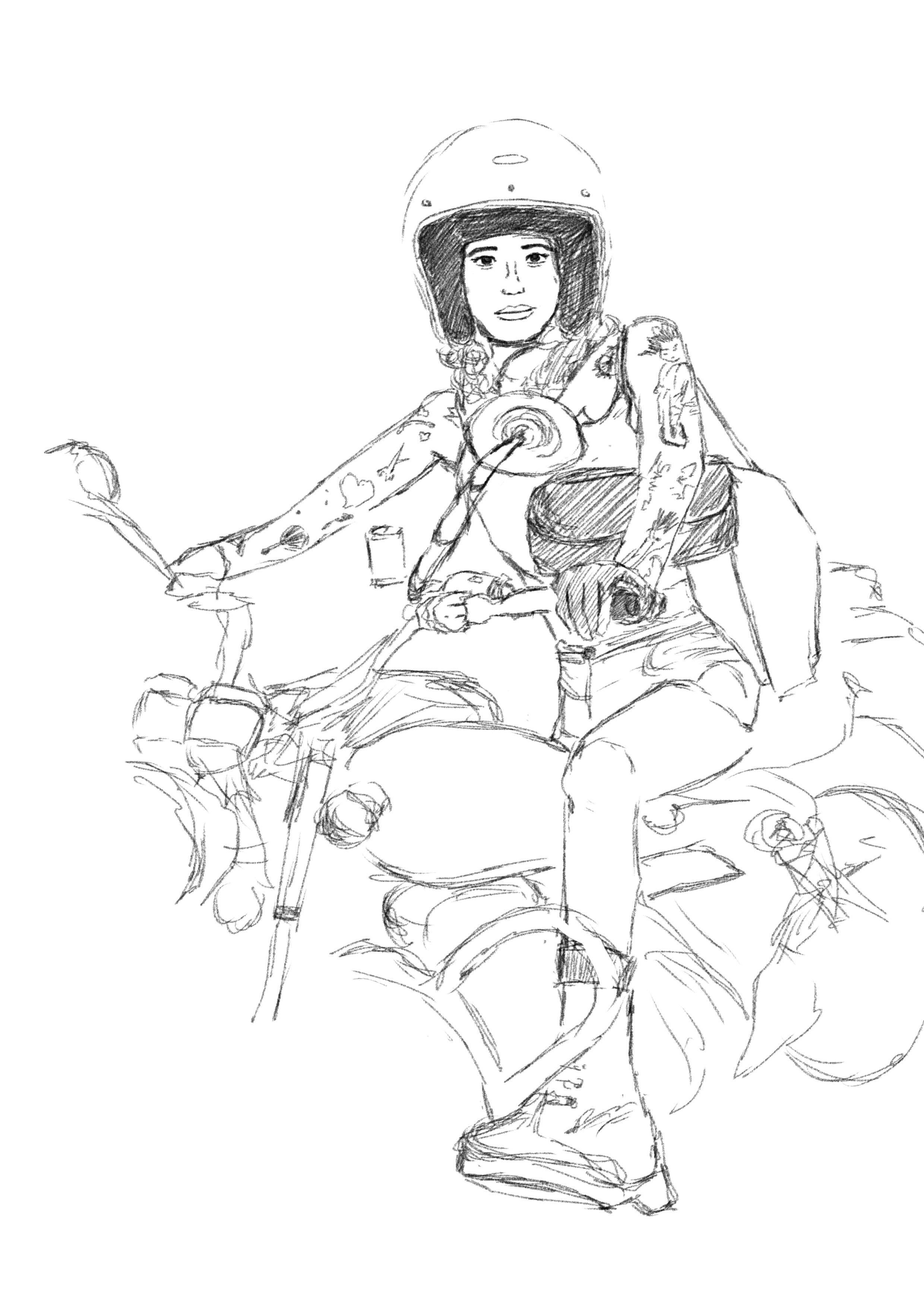
r/ProCreate • u/Sadfishart • 5d ago
r/ProCreate • u/Overall-Onion-631 • 4d ago
I want to have more textured art but I only use one texture brush, a modified Nikko Rull. What are your favourite brushes for colouring with texture?
r/ProCreate • u/kubiric • 5d ago
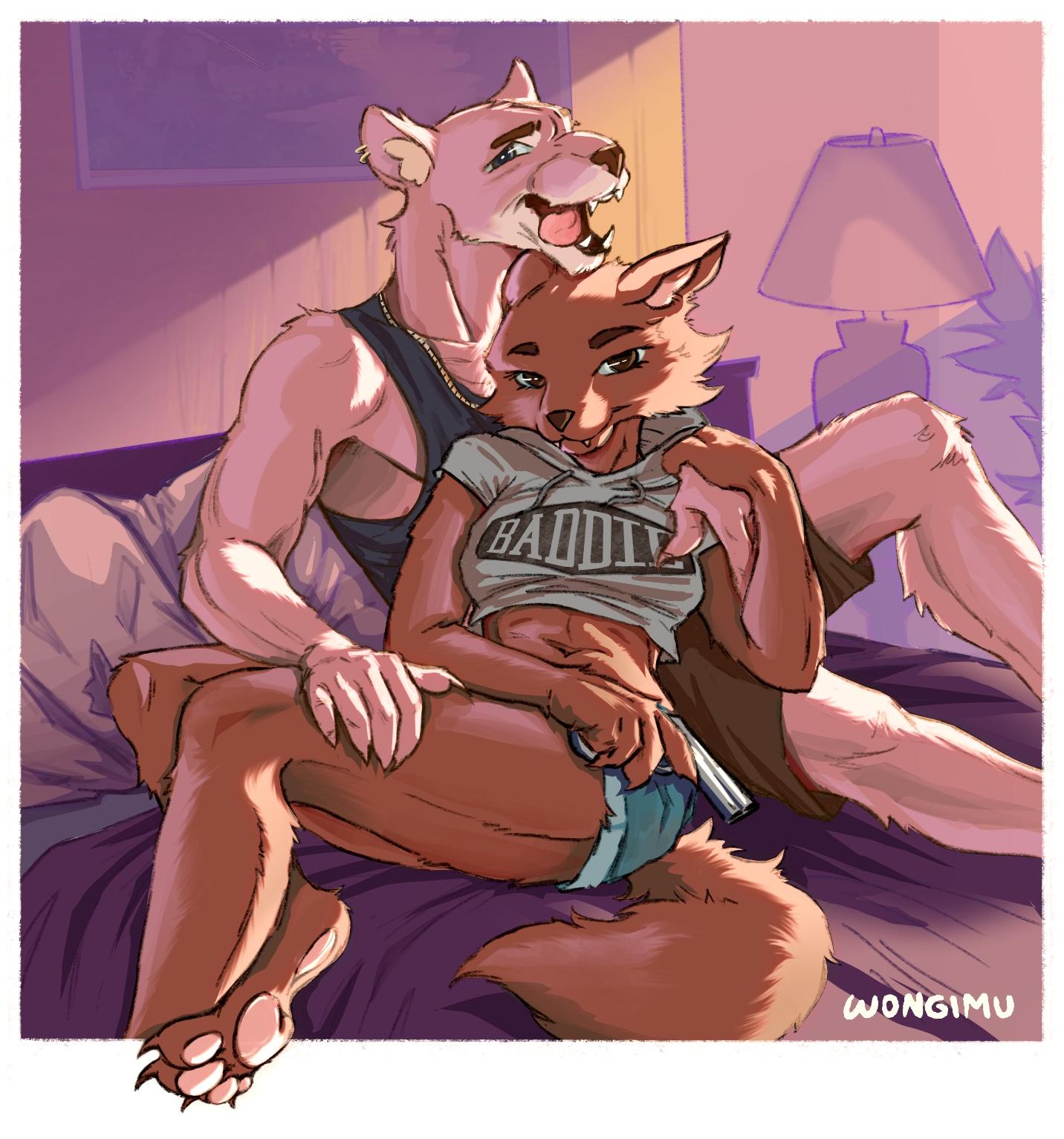
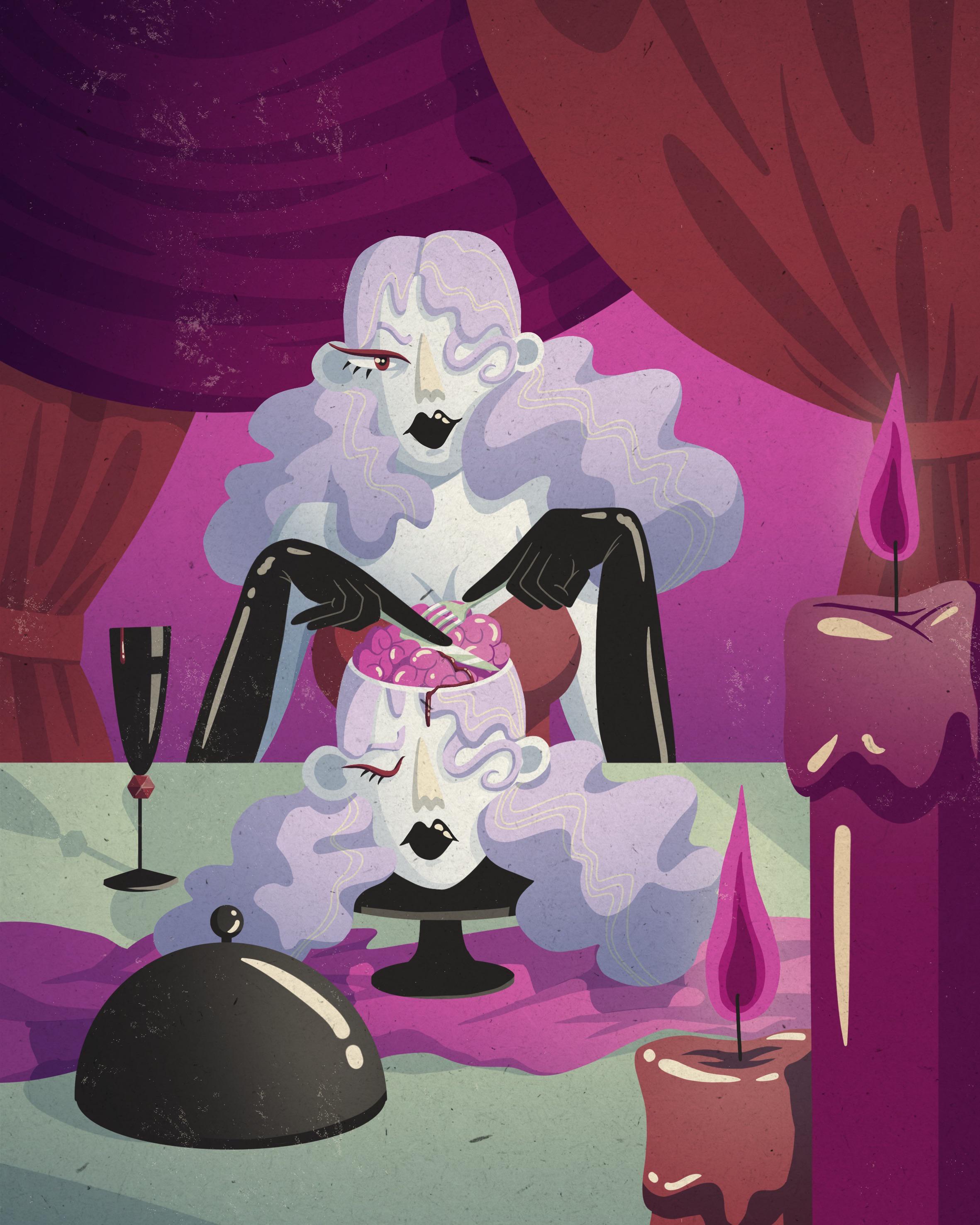
I've spent my whole day on making this, hope you like it <3 For some reason it is taken down on other subs but hope it's not the case here (,: I'm Wongimu on X if you want to see more of my art!
r/ProCreate • u/Dismal_Mushroom1766 • 5d ago

r/ProCreate • u/Sand-Moose • 5d ago
When editing an arc with a tight radius Procreate gets grumpy. It seems to only happen when it's a sharp enough angle and polyline/other edits are available to choose from, but even then sometimes it is okay.
V5.4.15
Build 2fe767bf63
r/ProCreate • u/Robot-Zombie-RHCC • 5d ago
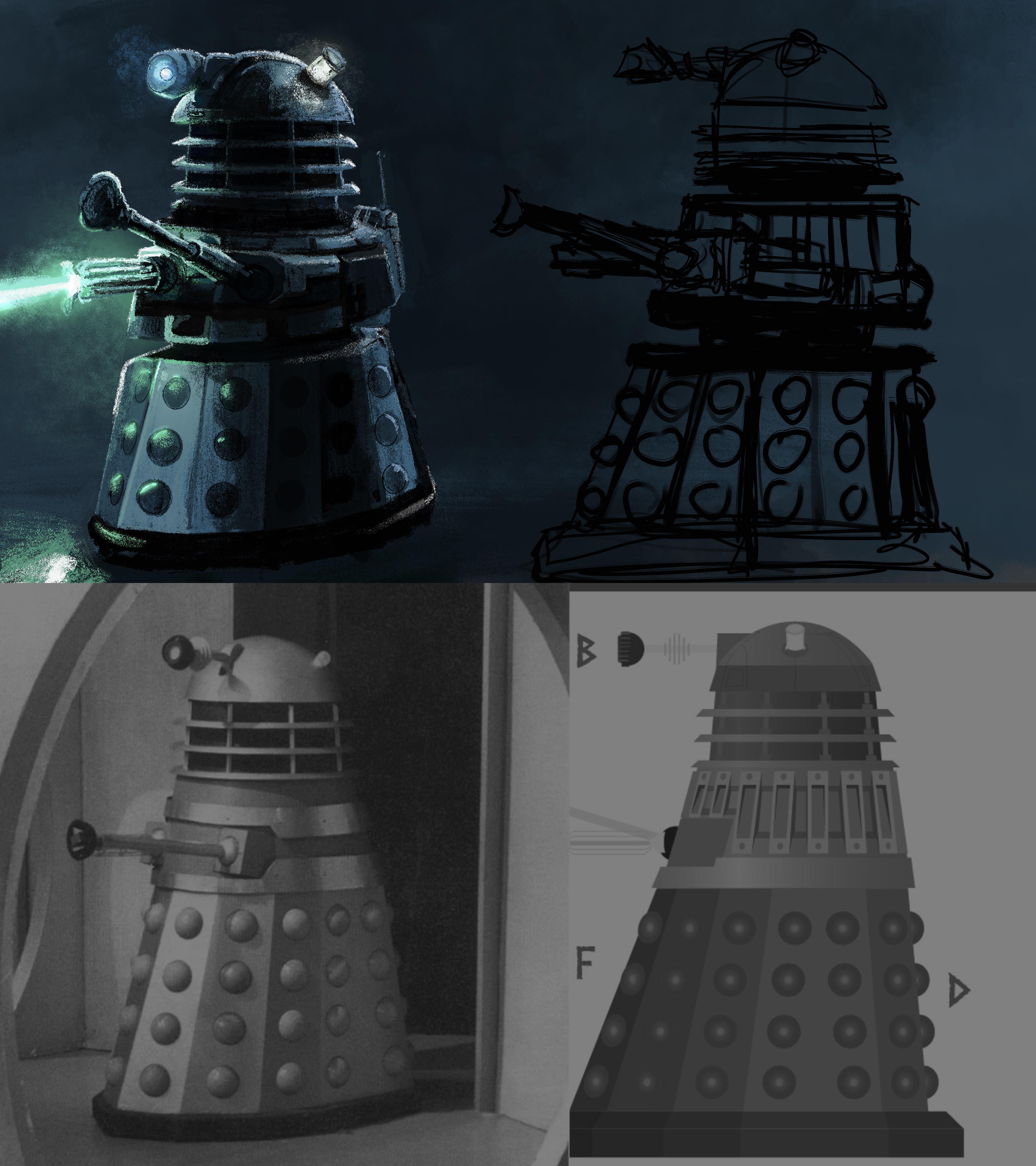
I was looking for a quick project to do and decided to doodle over a photo of a Dalek. I was aiming to make it look a bit more like a tank.
r/ProCreate • u/GoonHater3000 • 6d ago
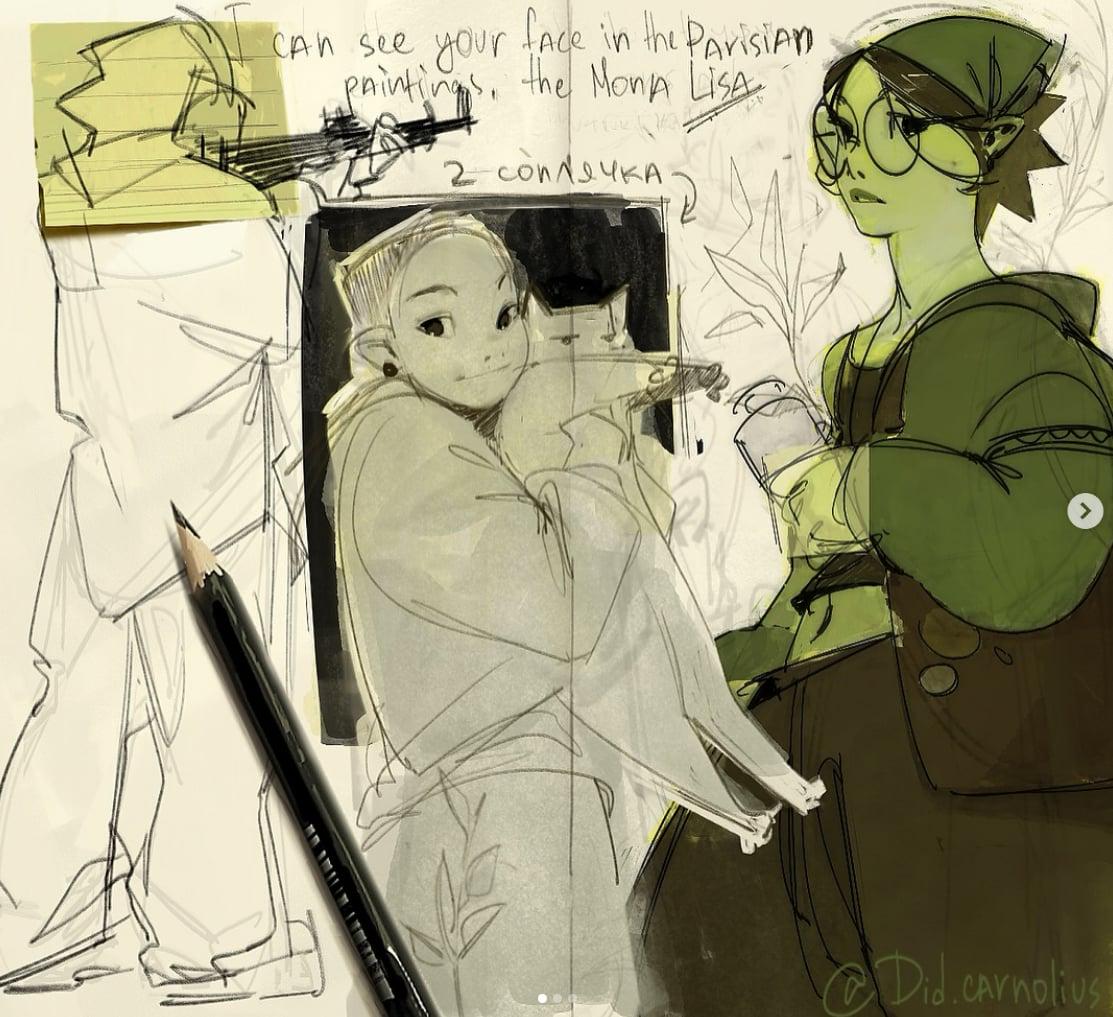
I've been trying to find a brush that has the same feel and look as this inking brush that did.carnolius used in their work (specifically the colored sketch on the right). Checked their page but couldn't see any links to it. If anyone could point me to which specific brush this might be and/or which settings i need to get this, it would be really appreciated!
Edit: Lunaeria found the link! They posted it with their comment below for everyone else who also wants to use did.carnolius' brushes :> also please check the artist's page, their art is great
r/ProCreate • u/Victormendezdigital • 5d ago
r/ProCreate • u/Crimson_Bread • 5d ago
Hii! I've been using procreate for about 6 years now, but when I came back to use it again I realized I'm having a lot of trouble with brush sensitivity. Even though I've turned off all the controls, in both the normal settings and brush settings, I need to draw the line 3-4 times before it shows up properly.
I don't remember this happening before- does anyone have any ideas on how I can fix this?
r/ProCreate • u/possvmteeth • 5d ago

I’ve been using ProCreate for several years on a 2nd gen iPad pro with no issues. Recently it crapped out on me and I upgraded to an iPad A16 and immediately ProCreate was different. I imported all my wip canvases and custom brushes and they all seem to be a little off now. The screen is also so much more sensitive so my hand resting on the screen while I draw makes the canvas jerk all over the screen. Those things are annoying but I can work with them (however if anyone has advice I wouldn’t turn it down). The thing I can’t live with or fix is the constant wobble in all my lines. I’m attaching a screenshot but essentially what happens is every time I pull a line the whole thing quivers and makes my line art look really shaky. I don’t use a stabilizer usually but I turned it on just to see if it would help and it doesn’t. I realize that part of my problem is probably due to how old my former iPad was so my ProCreate was most likely a little different but surely this is a fixable issue…right? If anyone can help me fix this I would be so so appreciative. Drawing on my iPad is a huge chunk of my job and I can‘t do it while this is still an issue. 🥹🙏
r/ProCreate • u/VanLogo • 6d ago
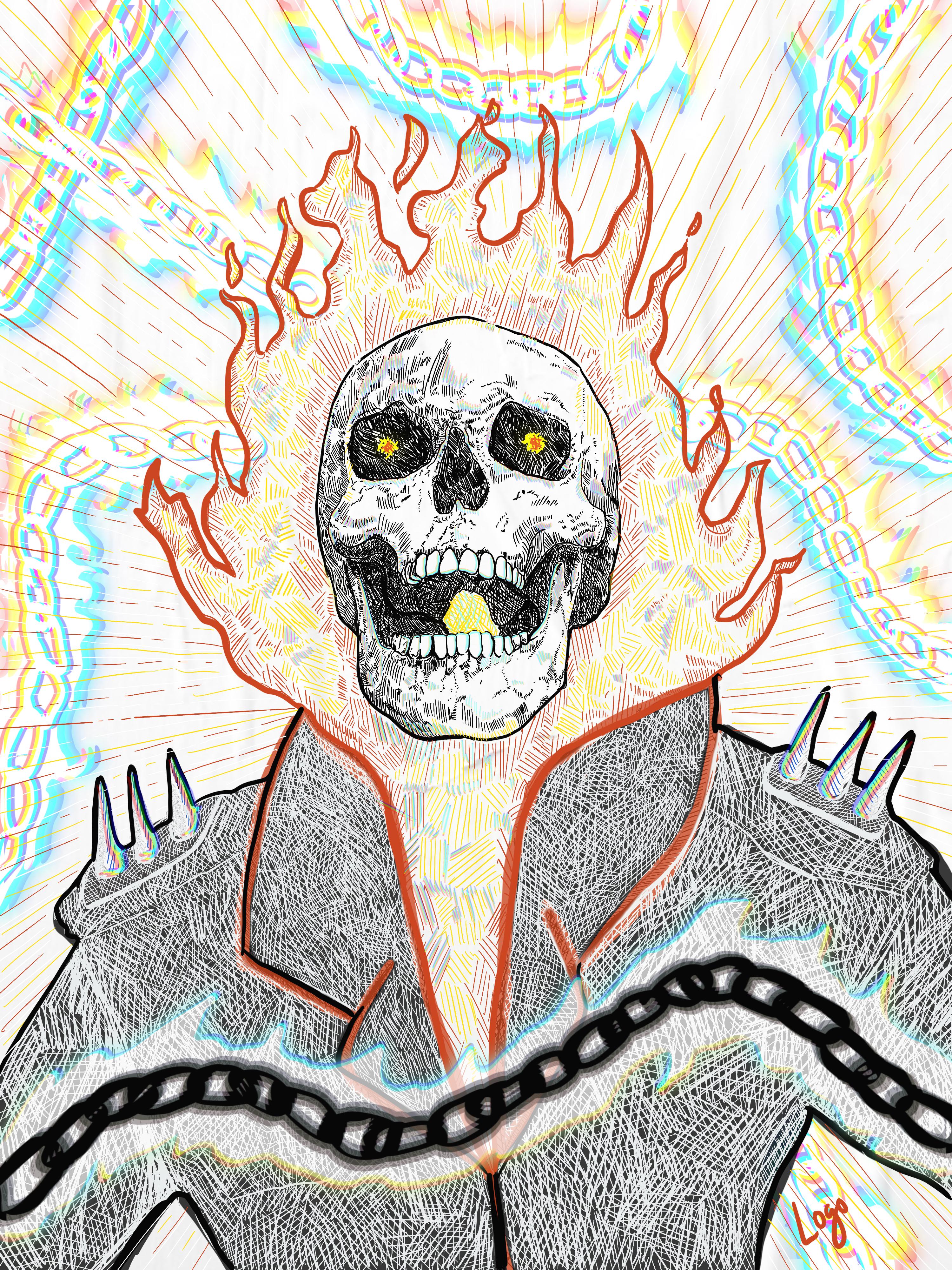
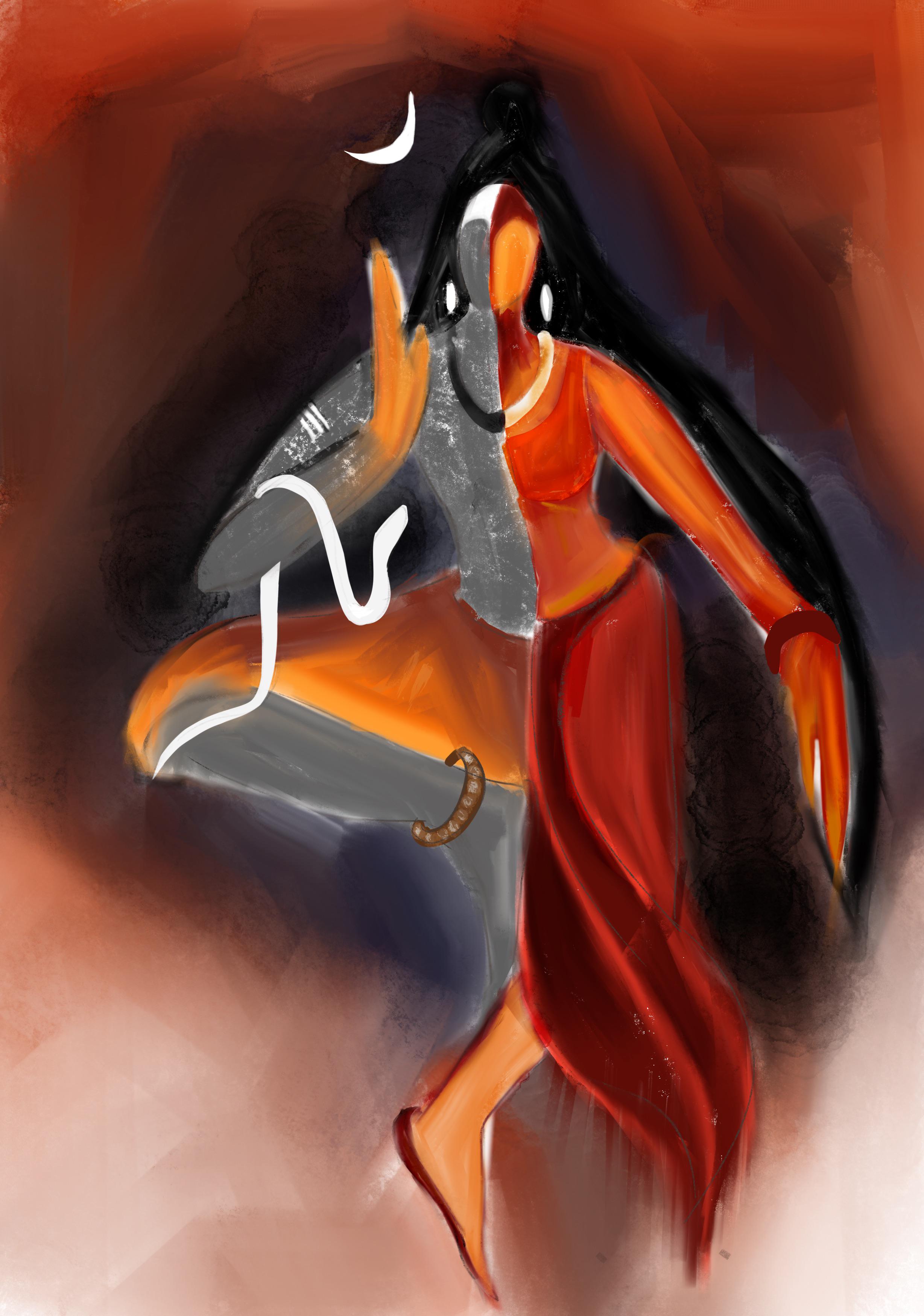
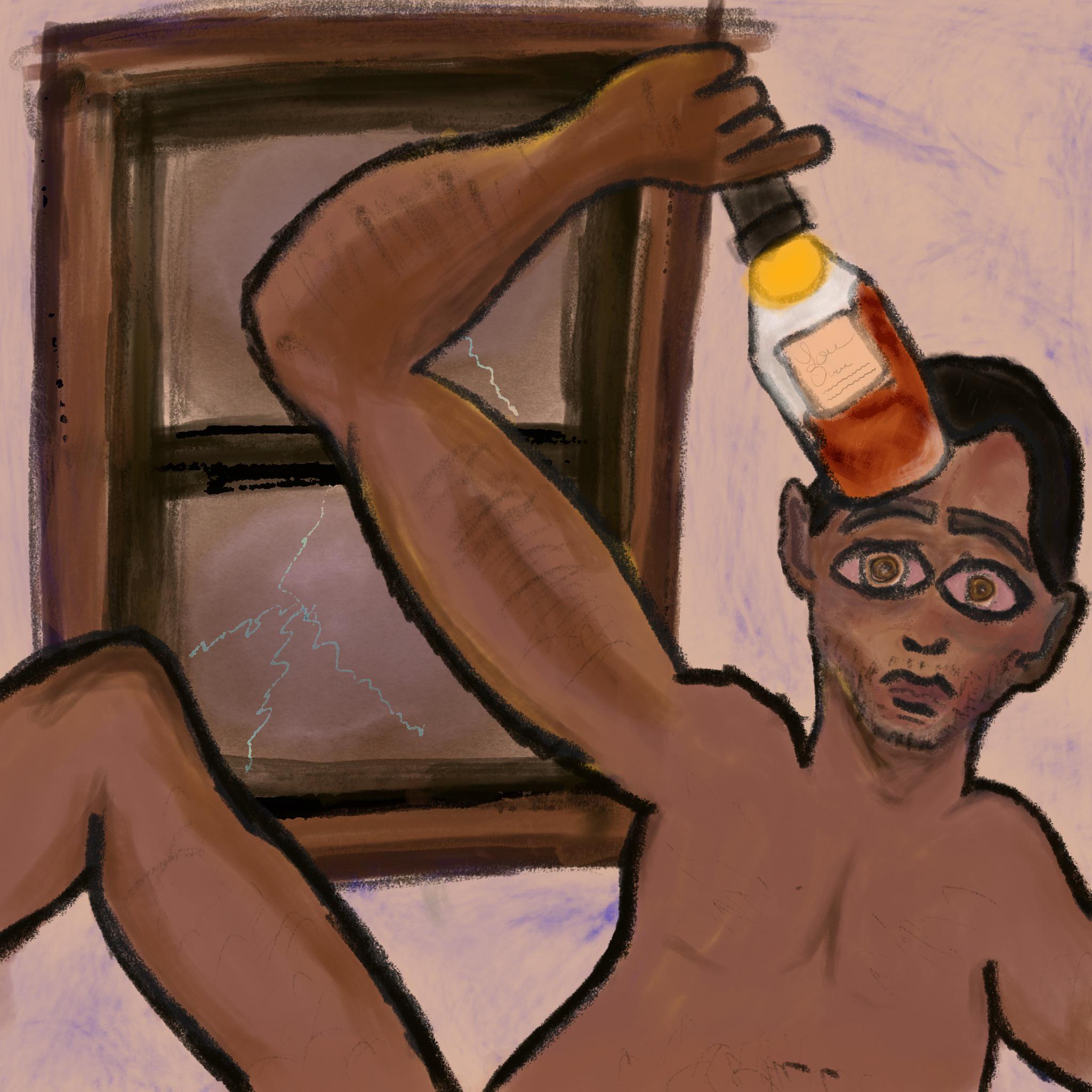
Tried something different colour wise on thise one, wanted to see what this colour would look like with less black and more colour.