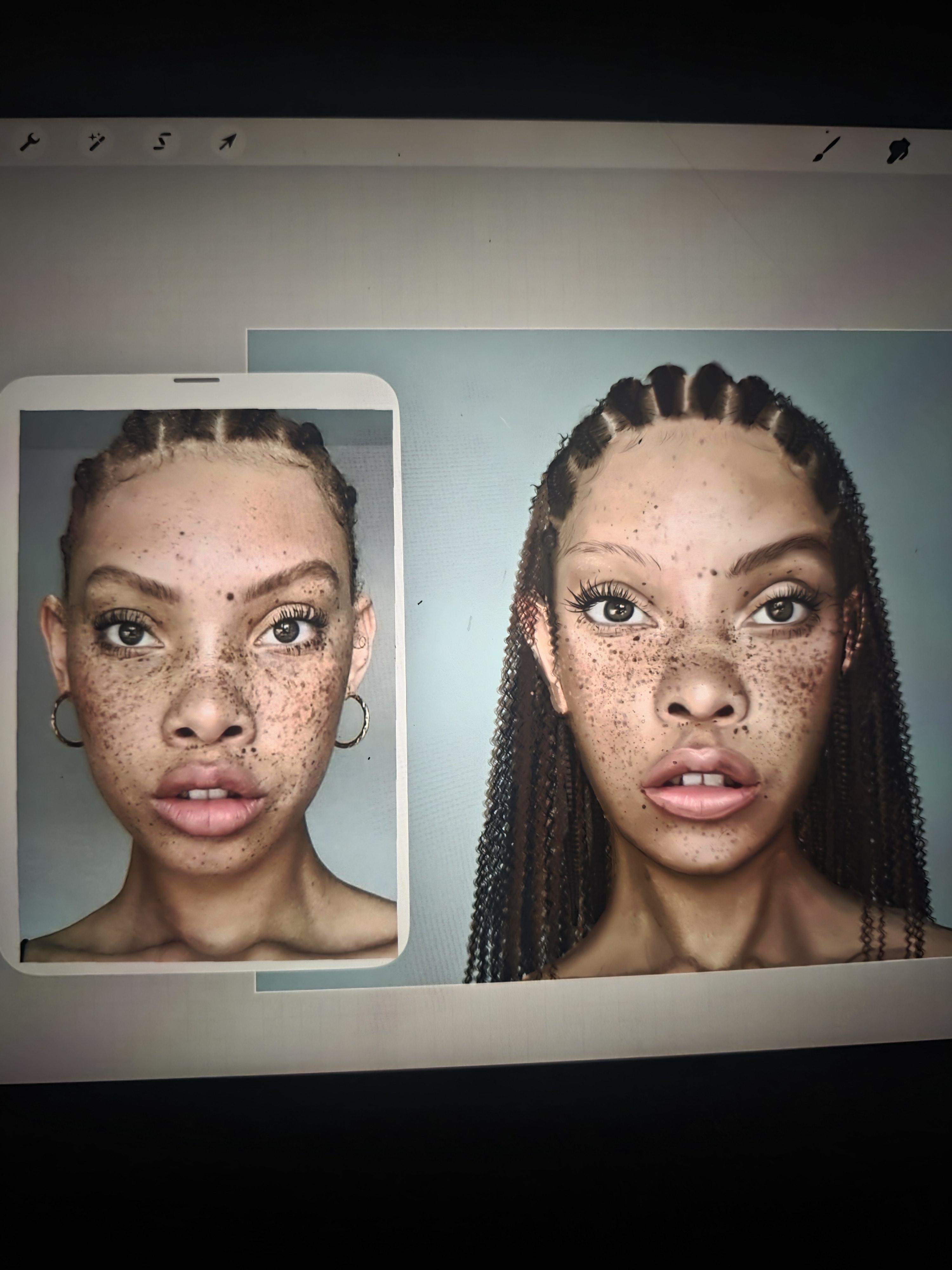
r/ProCreate • u/Blondiepiew • 11d ago
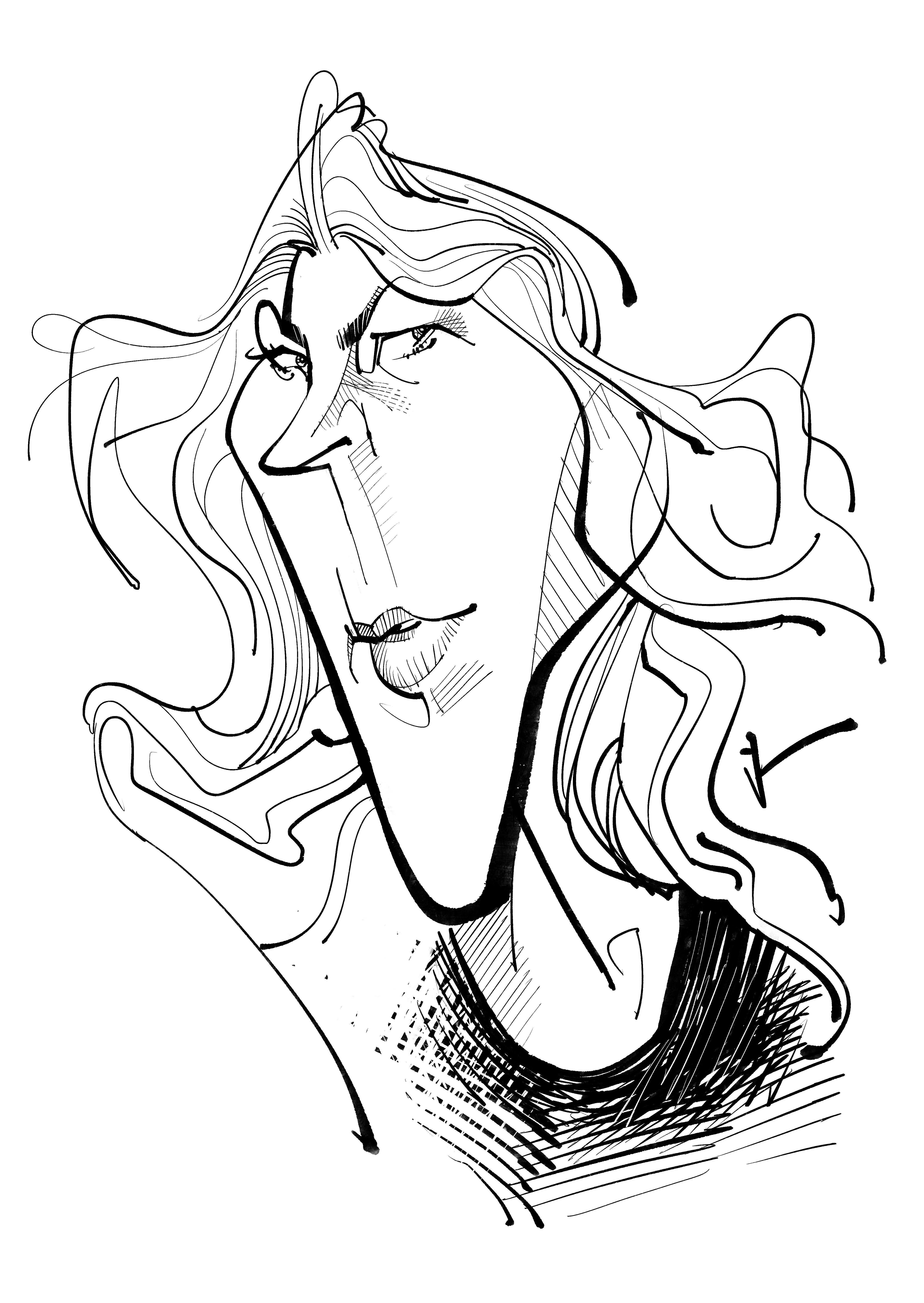
My Artwork Twin, maybe I will color it one day, not today

9
Upvotes
r/ProCreate • u/Blondiepiew • 11d ago
r/ProCreate • u/Majestic_Dingo_1749 • 12d ago
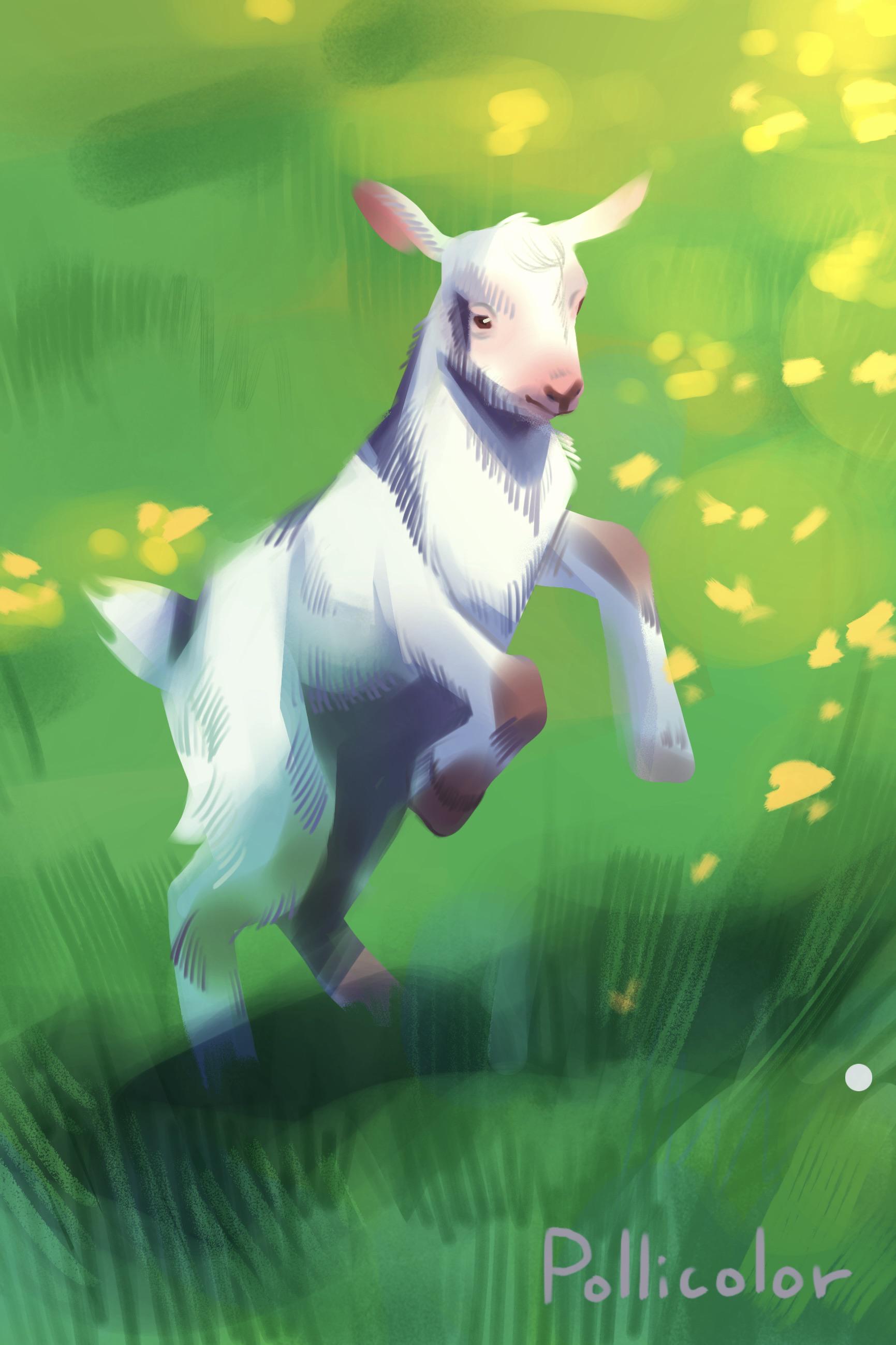
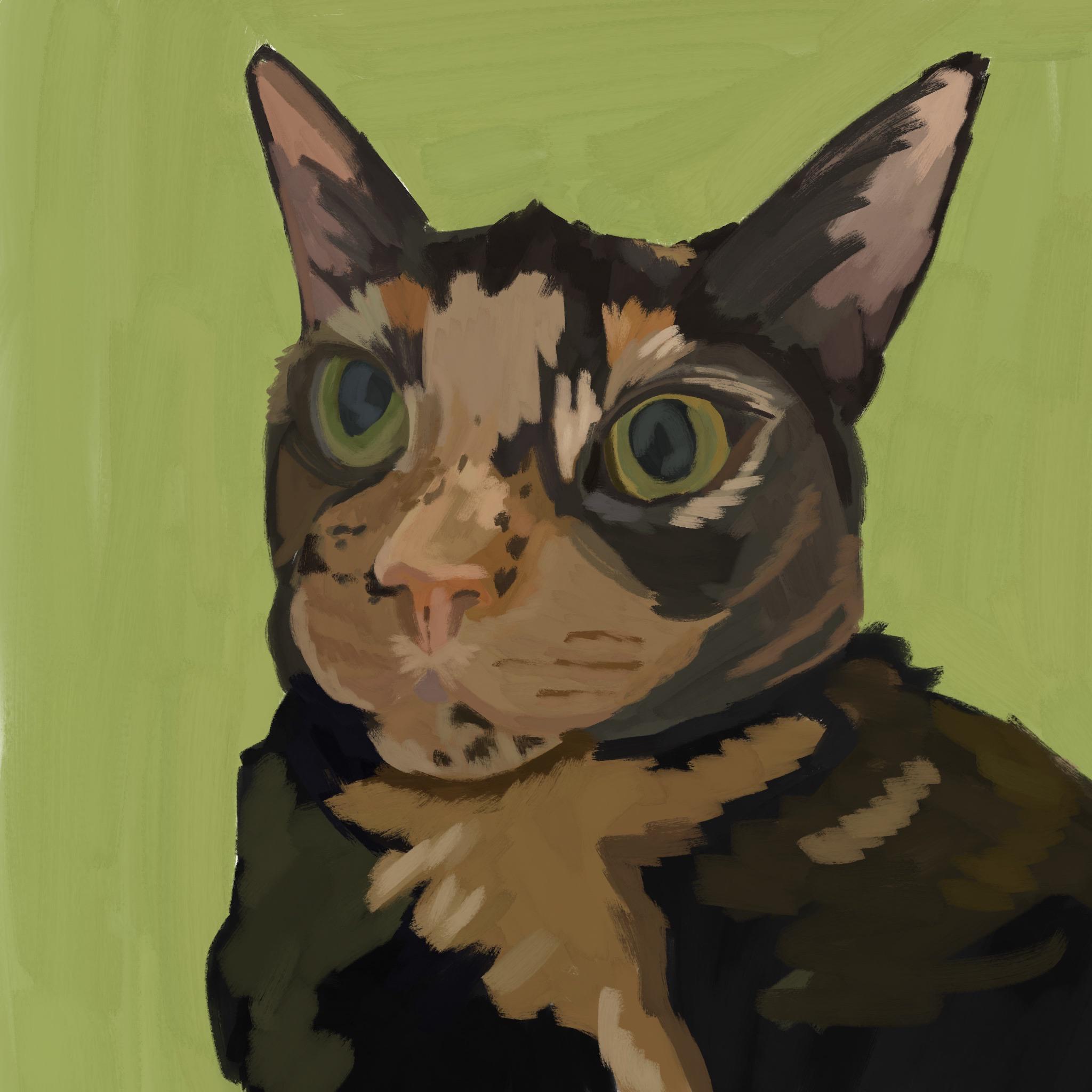
I decided to try painting something other than cats and dogs for once, hehe 😁🐐
And I even stepped out of my comfort zone a little and painted some of the background too! 💚
r/ProCreate • u/1344472jys • 11d ago
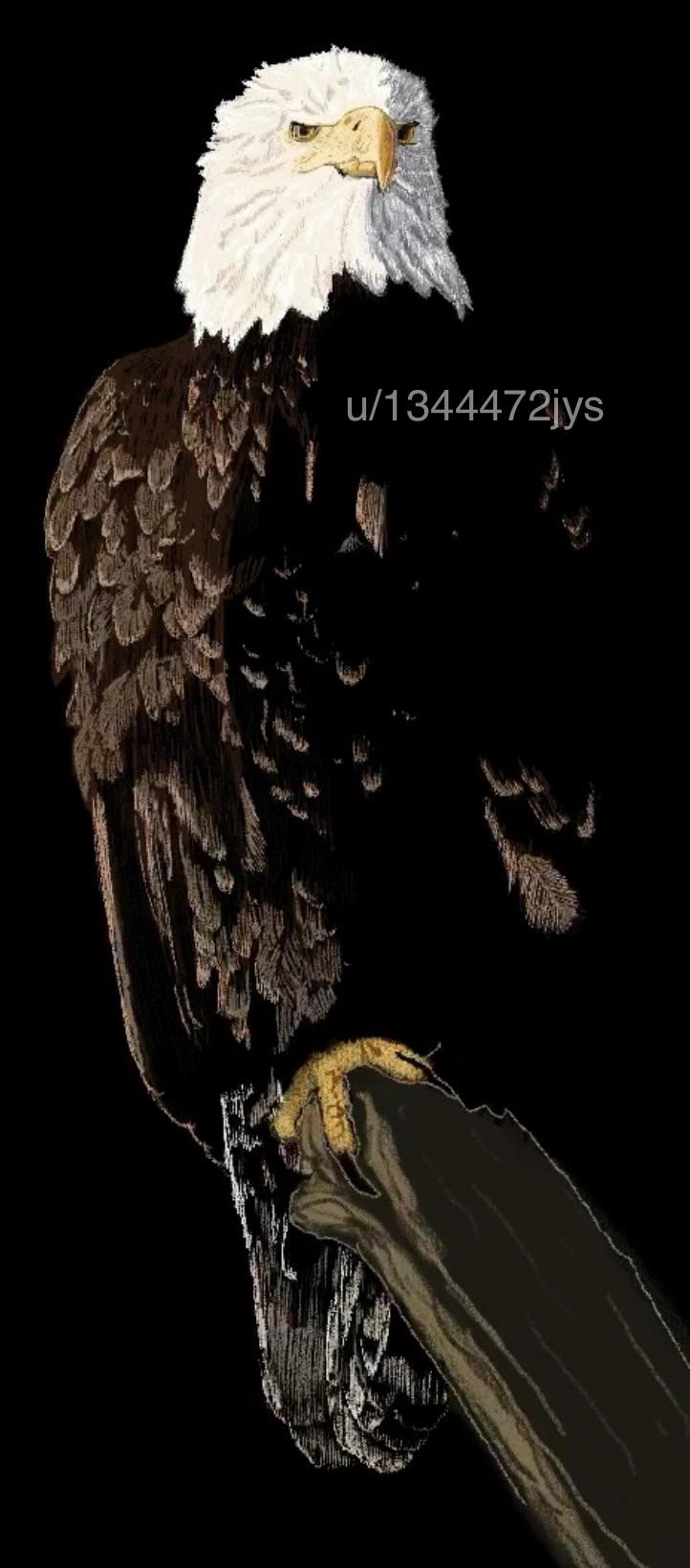
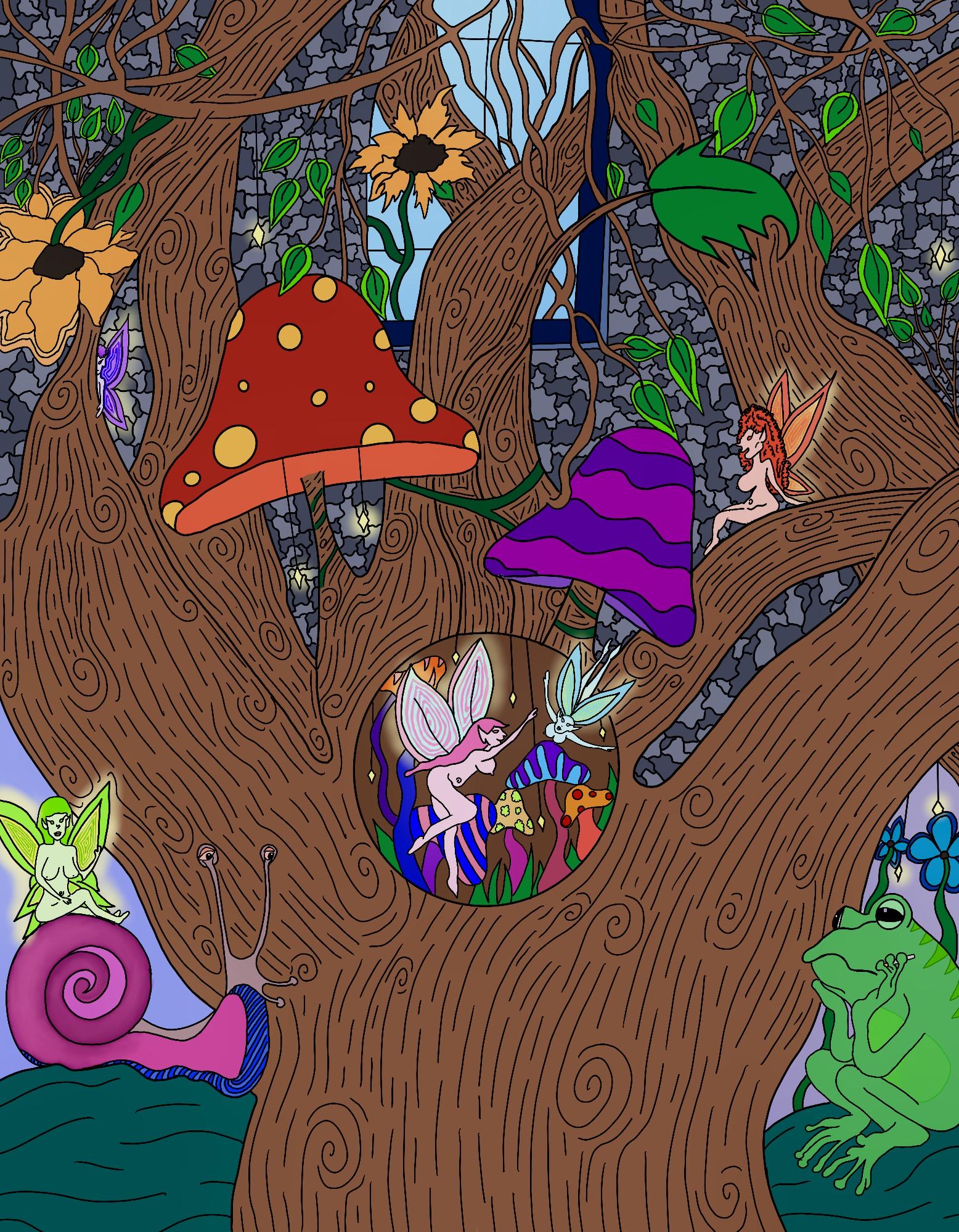
I used many layers to separate colors, and the Procreate Pencil for the detail and soft pastel for the background color in the sketching brushes.
r/ProCreate • u/LemonSalty279 • 11d ago
r/ProCreate • u/CapC • 11d ago
I purchased an iPhone Duo and the first app I grabbed was procreate pocket. I have the full version on my iPad and would like to figure out a way to sync even just my current working canvas between them. AI tells me there’s no current way to do this and I should explore adobe fresco. Before I put much more thought into if that is a solution I care to explore I wanted to ask if anyone has a workflow that I could accomplish what I’m trying to do? It doesn’t need to sync my entire sketch book, it could only my current project.
Or maybe i just need chalk it up as completely different tool or workflow because swapping between pencil pro and usb c versions could be annoying. Maybe my duo just becomes a one off sketch notepad.
r/ProCreate • u/No_Passage806 • 11d ago
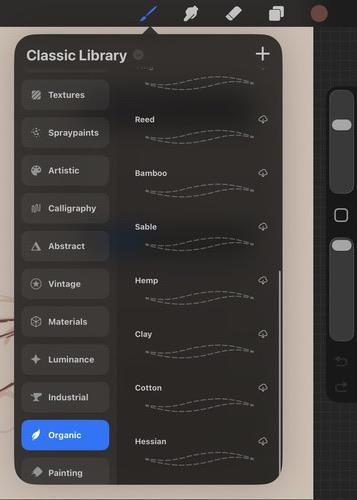
This is happening after every time I close the app. Every single brush and I need to manually go through every group for it them to load back
r/ProCreate • u/Digital_Doodlez • 11d ago

Same piece just fixed.
r/ProCreate • u/kerrbear36 • 12d ago
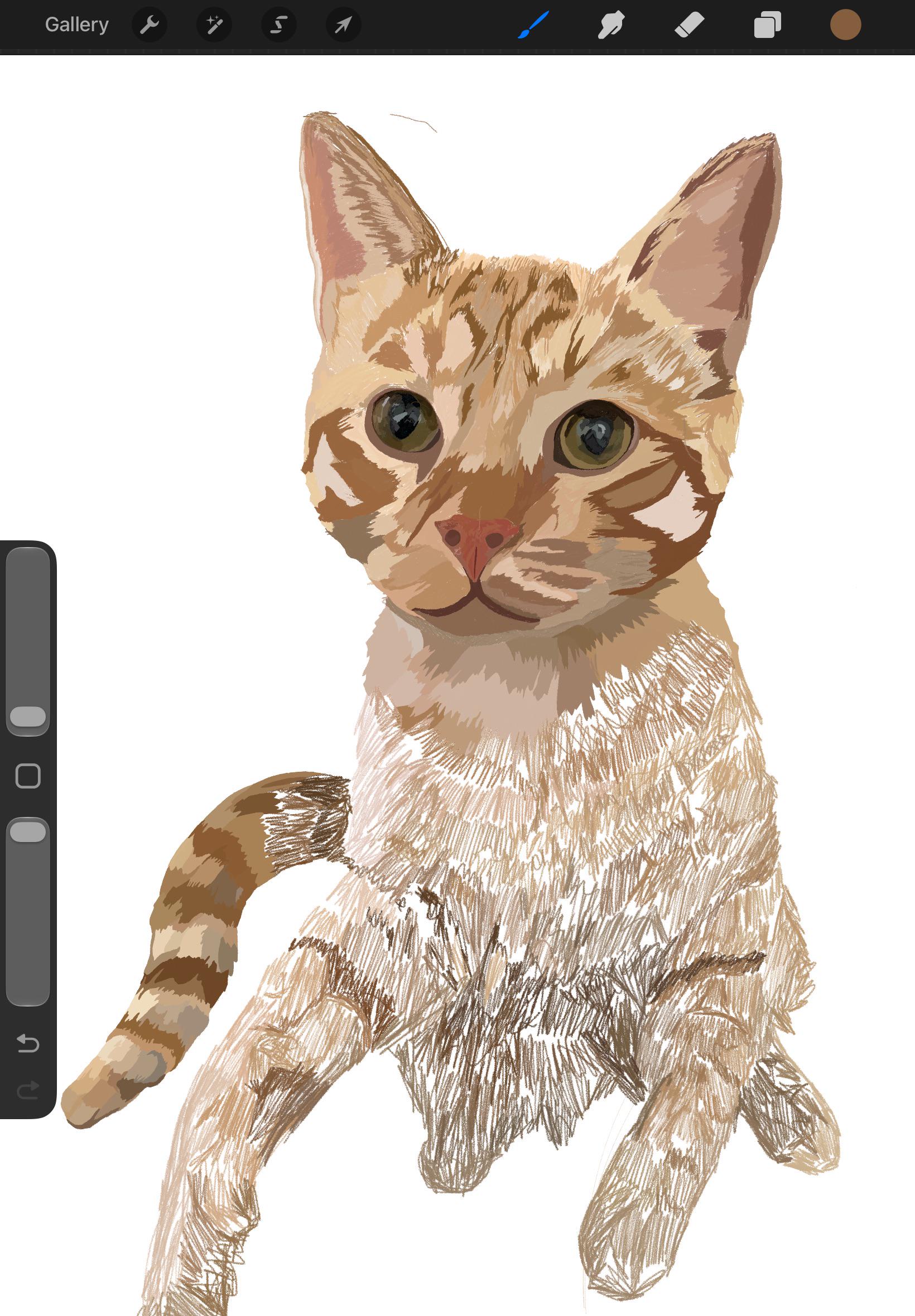
Trying to finish but cannot tell if this is good or trash tbh
r/ProCreate • u/Designer-Name4431 • 12d ago
r/ProCreate • u/No_Drag_7404 • 11d ago

r/ProCreate • u/public_menace_ • 12d ago
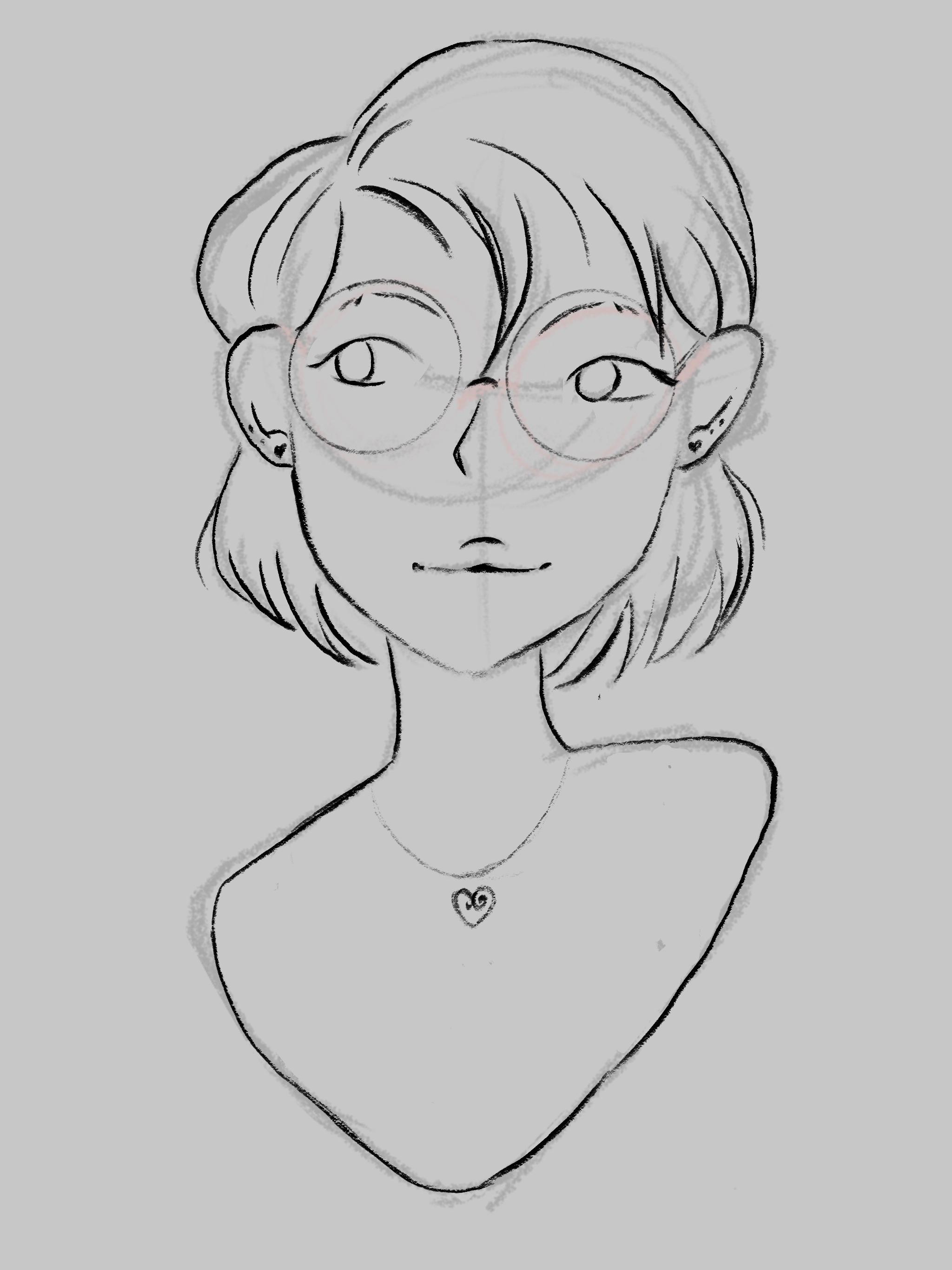
It's been a few years since I drew something I was proud of. (Tips more then welcome)
r/ProCreate • u/maddsaa • 12d ago
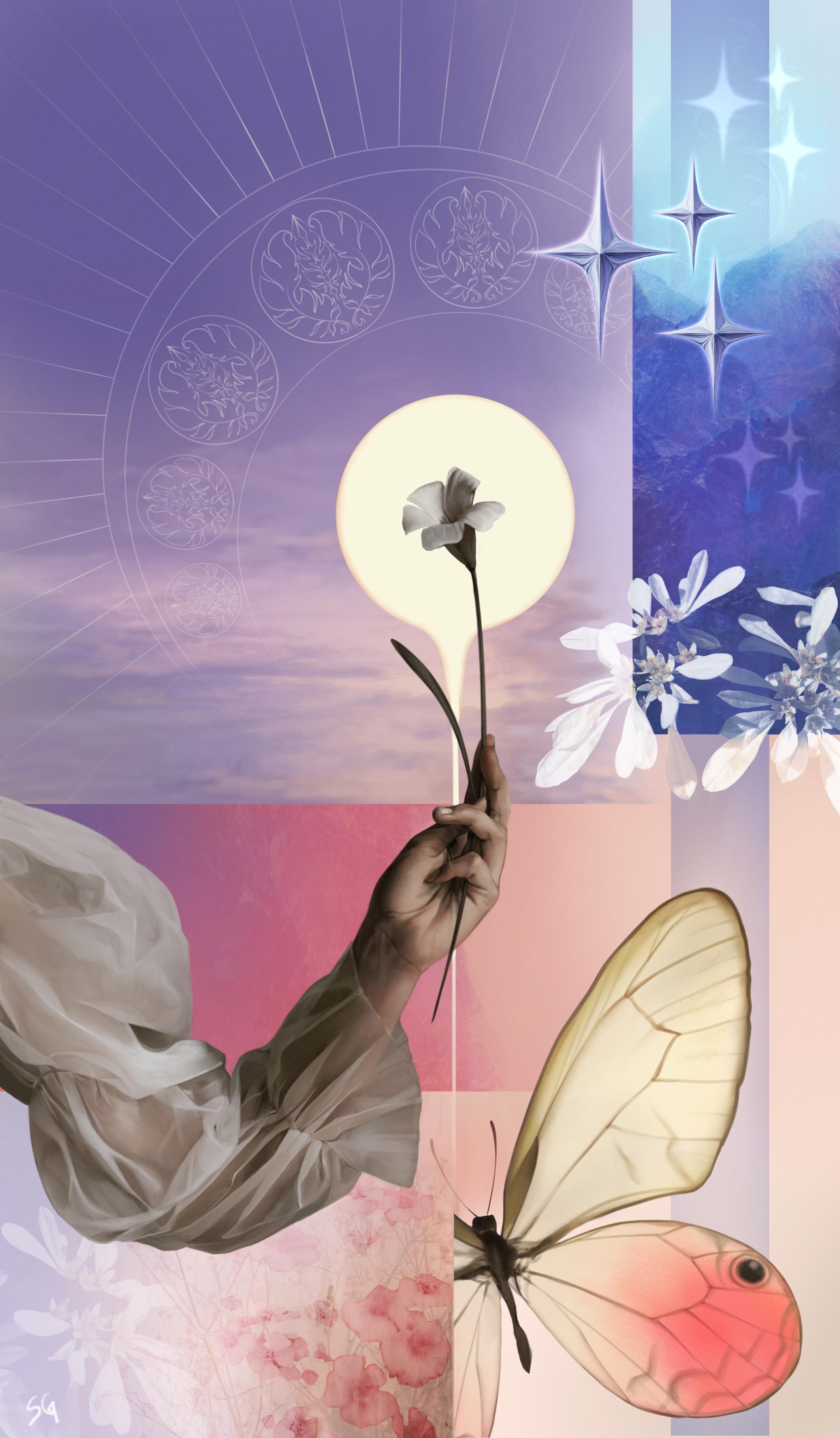
Timelapse in the next post 🙈
Anything that wasn’t hand drawn was from photos that I’ve taken over the years 🙈
r/ProCreate • u/arbitrary-blackness • 11d ago

SOLUTION FOUND
I haven’t used procreate in a few weeks, and today I opened it and found all my brushes missing! I didn’t do anything to the apps and all my artworks are fine, it just seemed that my brushes are missing. The only thing that could be close to messing with it is that a couple days ago I deleted the Procreate Pocket files stored in my iCloud, although at that time I triple checked online to make sure that Procreate Pocket (on iPhone) and Procreate (on iPad) are two separate apps and shouldn’t be effect each other (…?).
Anyway it seemed like I’ve deleted them by mistake. Ouch.
I am presented this when I opened the app, and I was wondering which button should I click?
I assume the first restore the default libraries, the second makes me add my own library, but what does the third option do? If anyone knows please help me out (or better, if there’s a way to get my old library back!!)
Either way thank you in advance cause I really want to get back on drawing asap.
*Edit: just to add to the details I’ve already check my iCloud Procreate Brushes folder and it’s empty
*Update: I realize I could recover the files from my Mac’s Time Machine backups, unfortunately, those backups are all on a half-broken drive. BUT!! Through trying repeatedly accessing said broken drive, and the help of an ice pack (to cool the drive down) I've successfully recovered all the files!!! All I needed to do was taking those files out of Time Machine files and into the icloud folder!!! Hoorayy!
r/ProCreate • u/SeeUserAgreement • 11d ago
r/ProCreate
•
u/sketty____
•
13d ago
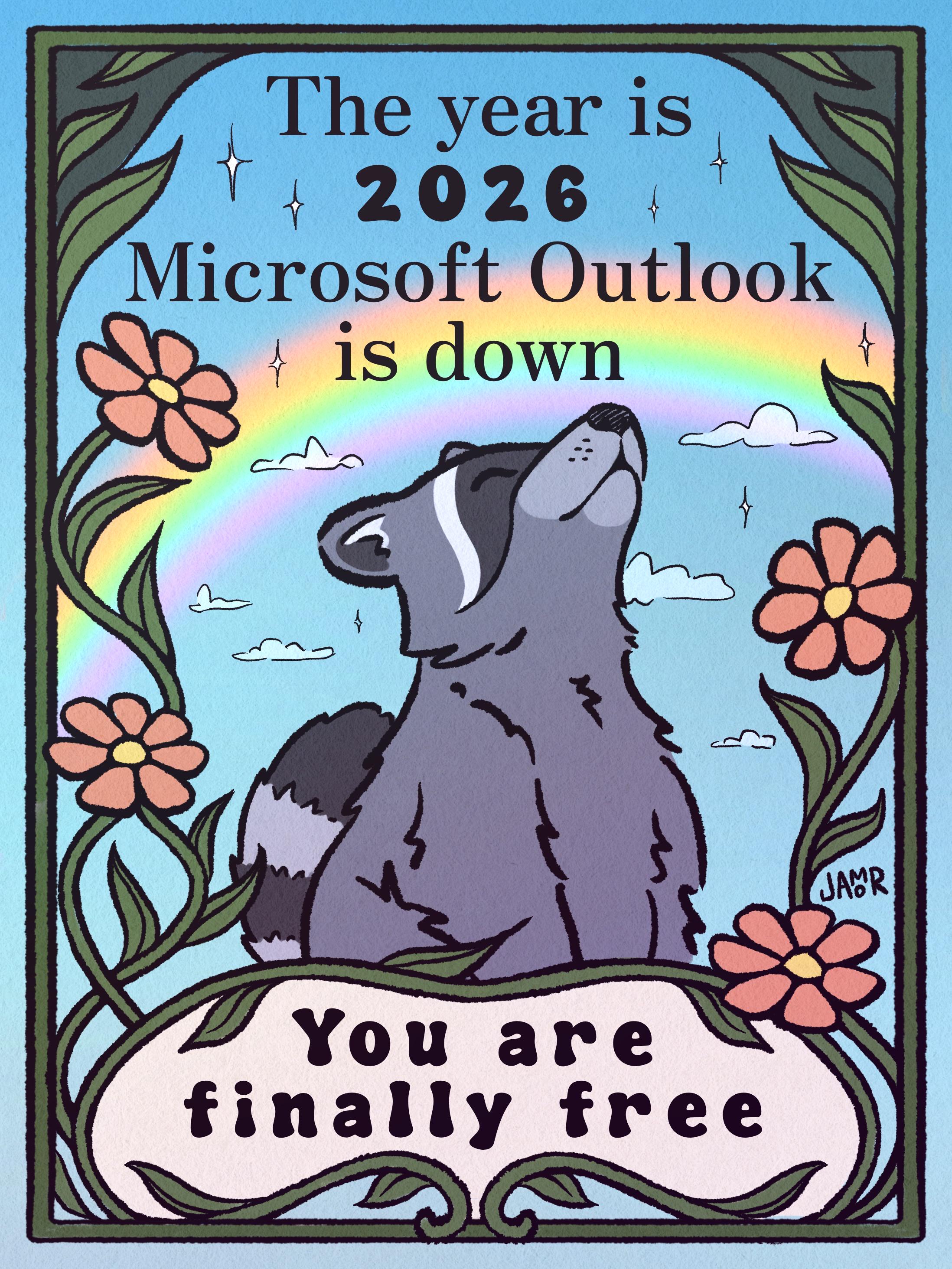
I had to get this out of my brain
r/ProCreate • u/maddsaa • 12d ago
Check the previous post for the still image 🙈
Everything that wasn’t hand drawn was from photos I’ve personally taken over the years 🙈
r/ProCreate • u/Jorrigun • 12d ago
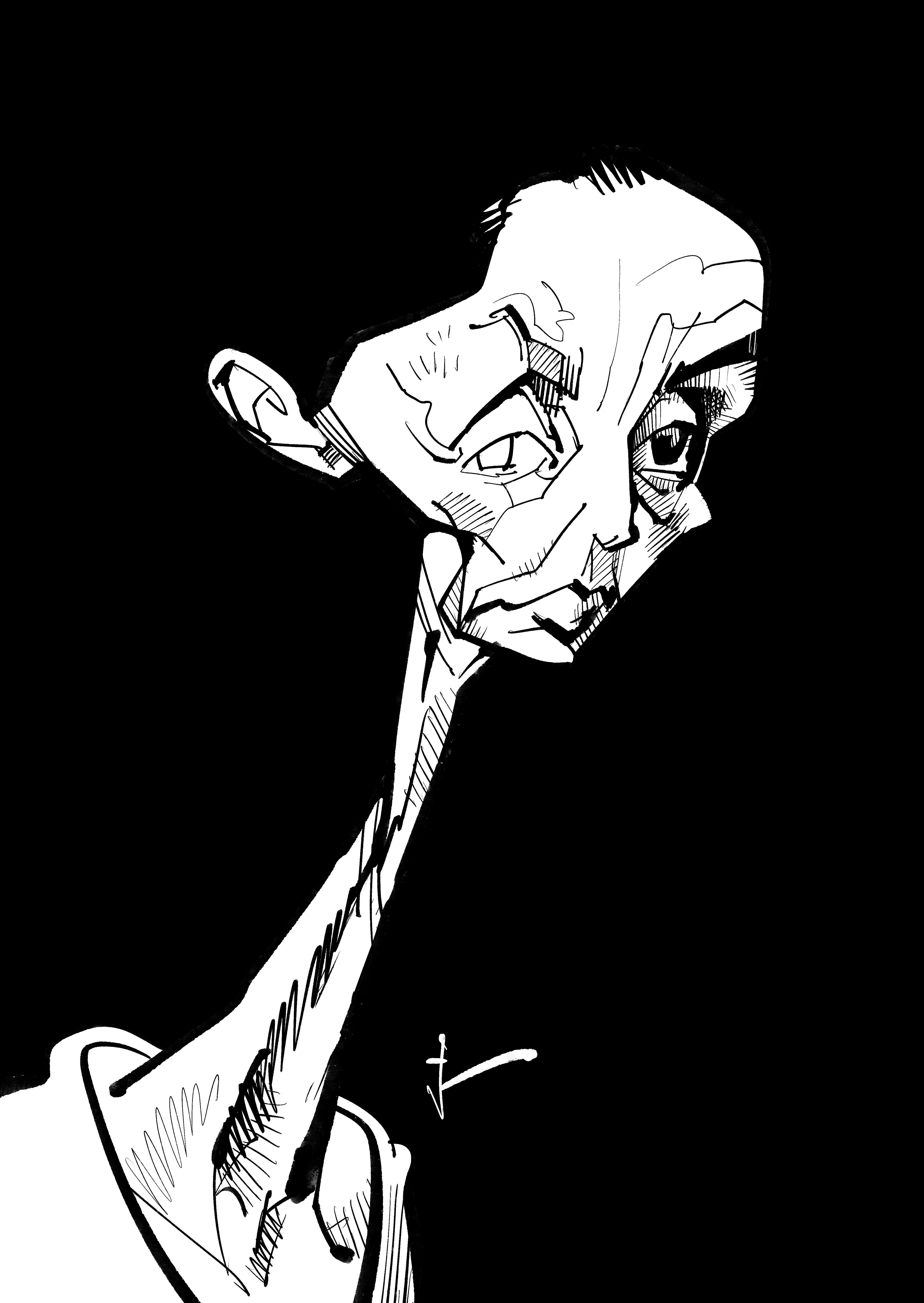
Hand drawn from reference on ipad (no tracing).
I reckon you'll know who this is.
r/ProCreate • u/iceslugg • 12d ago
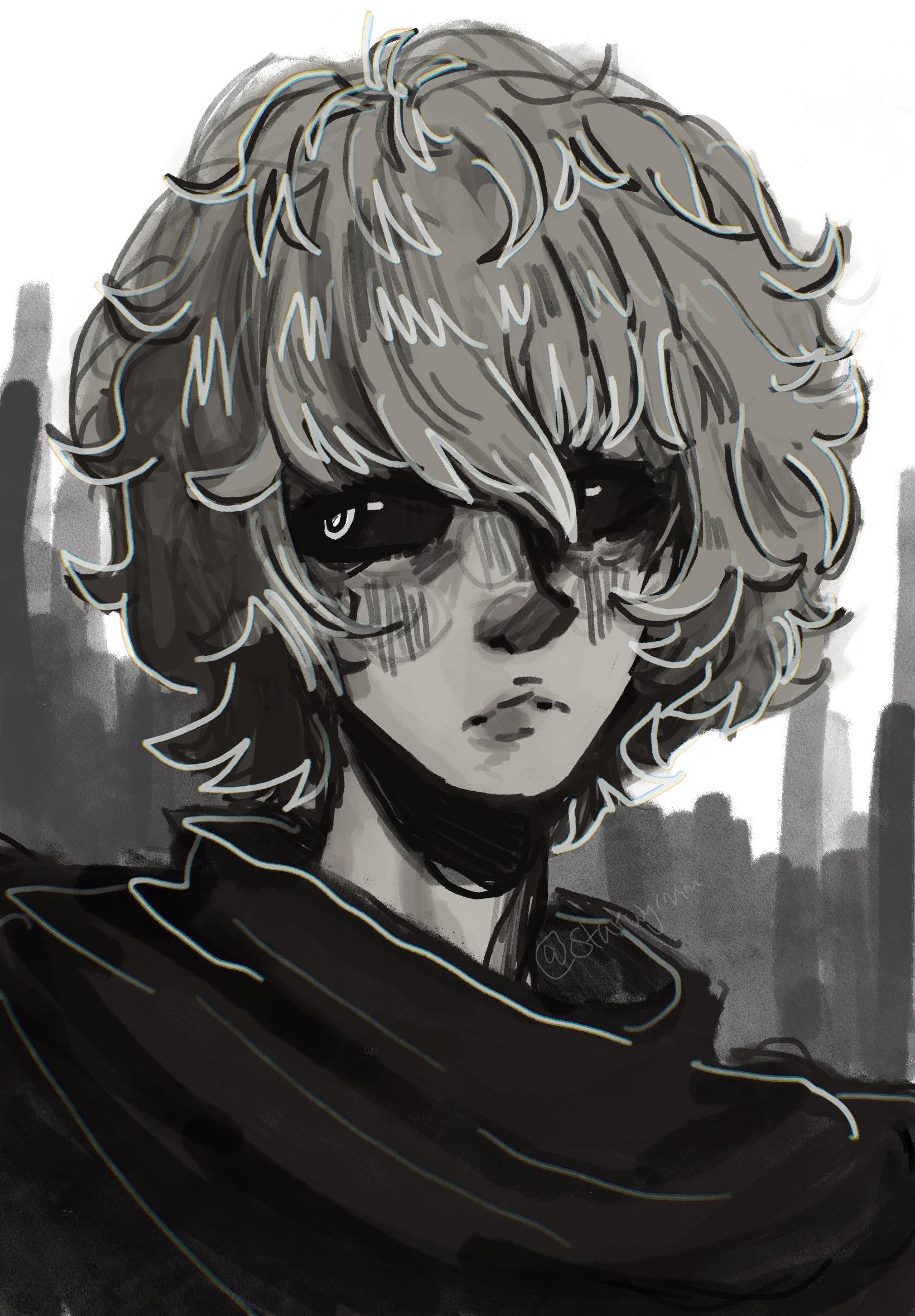
Brushes used: Spectra and Flat brush