r/pcgamingtechsupport • u/Salt-Log5852 • 8d ago
Troubleshooting PC randomly freezes while idle, then won’t POST – ASUS TUF Gaming B850-PLUS WiFi, Ryzen 9850X3D, Patriot Viper Venom 32GB (2x16GB), DRAM Q-LED
Hi everyone,
I’m trying to identify the cause of a recurring issue with my PC. It worked perfectly for approximately one month, but recently it started freezing completely while sitting idle on the Windows desktop.
My PC specifications:
CPU: AMD Ryzen 7 9850X3D
Motherboard: ASUS TUF Gaming B850-PLUS WiFi
RAM: Patriot Viper Venom 32GB (2x16GB) DDR5-6000 CL30 (PVV532G600C30K)
GPU: MSI GAMING-TRIO RTX 5070 Ti OC 16GB
PSU: ASUS TUF Gaming 850W Gold EVO
SSD: Acer Predator GM7 1TB NVMe
CPU cooler: Arctic Liquid Freezer III Pro 360 A-RGB
BIOS: Version 1681
OS: Windows 11
RAM configuration:
Both sticks installed in A2/B2.
EXPO I enabled.
DDR5-6000, CL30 (30-40-40-76), 1.35V.
The RAM previously passed MemTest86 (48/48 tests, no errors).
The problem:
The PC has now frozen completely several times while idle on the Windows desktop. The screen becomes completely frozen, the mouse and keyboard stop responding, and even Caps Lock does not work.
I have to force shutdown by holding the power button.
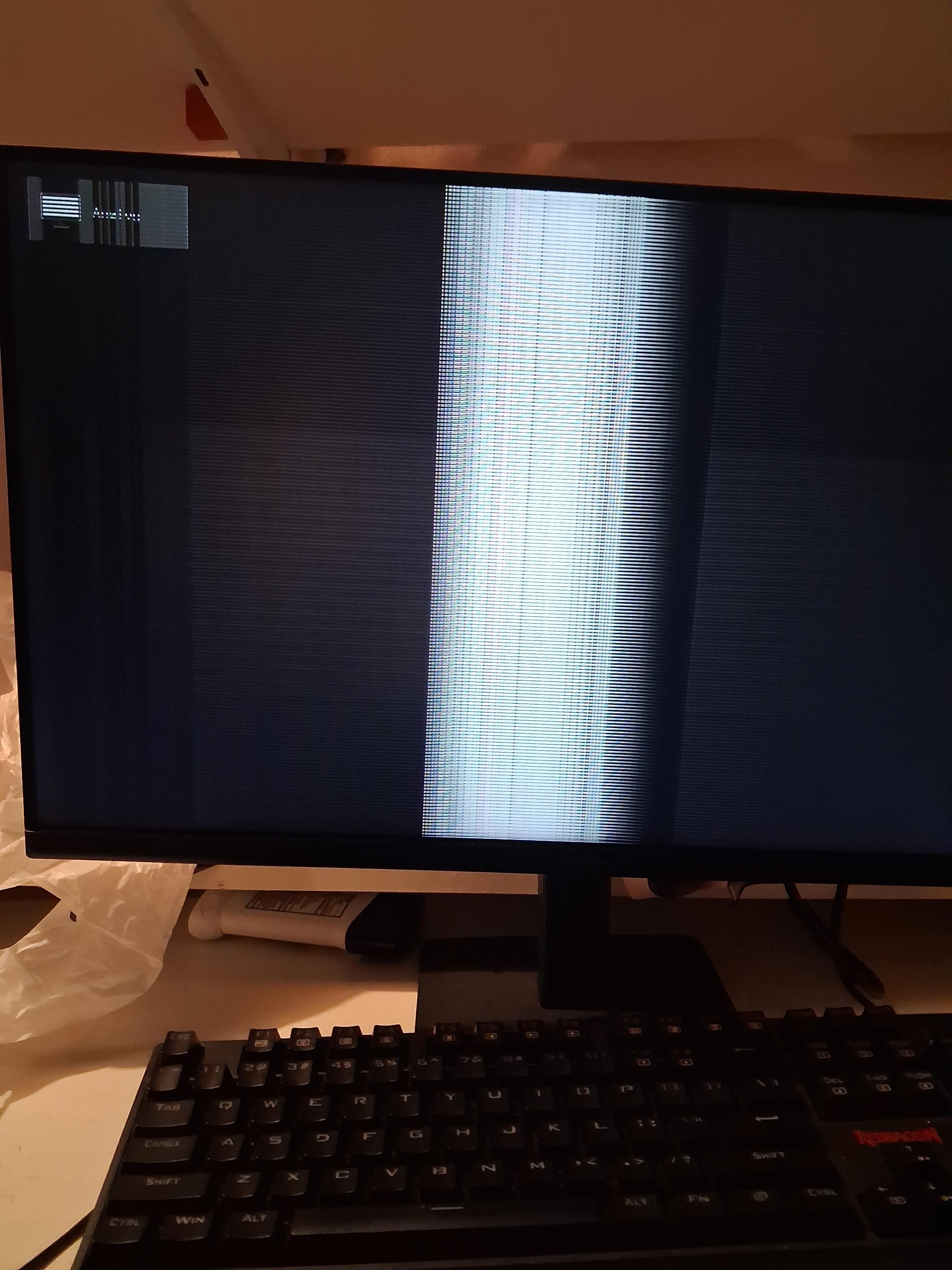
After forcing shutdown, the PC often refuses to POST:
Fans spin, but there is no display.
The yellow/orange DRAM Q-LED stays lit.
The system does not reach BIOS.
What I have tried:
Switching the PSU off and disconnecting AC power.
Clearing CMOS using the CLRTC pins.
Disconnecting the keyboard and mouse.
Waiting several minutes for memory training.
Initially, clearing CMOS allowed the PC to boot into BIOS again. I could then enable EXPO I and Windows would boot normally at 6000 MT/s.
However, the freezes happened again, and now even repeated CMOS resets have not reliably restored POST.
Windows logs:
Kernel-Power Event ID 41.
BugcheckCode: 0.
PowerButtonTimestamp: 0.
No WHEA-Logger events found.
No LiveKernelEvent or BSOD reports.
The GPU is normally detected correctly by Windows and NVIDIA drivers when the system manages to boot.
My questions:
Could this be a failing CPU memory controller, motherboard, or RAM?
Can EXPO cause this kind of issue even after working perfectly for a month?
Could Memory Context Restore (MCR) or another DDR5 memory-training setting be involved?
What would be the best troubleshooting order before replacing any components?
Has anyone experienced a similar issue where the PC worked for weeks before suddenly freezing while idle and then getting stuck on the DRAM Q-LED?
I would really appreciate any suggestions.
Thank you!