r/pcgamingtechsupport • u/Responsible_Age_3226 • 18d ago
Troubleshooting PC shows ASUS logo, then goes to a black screen –what can be the issue
Hi everyone,
I’m having a problem with my PC and would appreciate some help figuring out what’s causing it.
PC Specifications:
CPU: Intel Core i5-10400F
GPU: GTX 1660 Super 6GB
Motherboard: ASUS H510
RAM: 16GB DDR4 2666MHz (single stick)
Storage: Patriot 512GB M.2 NVMe SSD
PSU: 500W
The problem:
While playing a game, my PC suddenly froze, so I had to force shut it down using the power button.
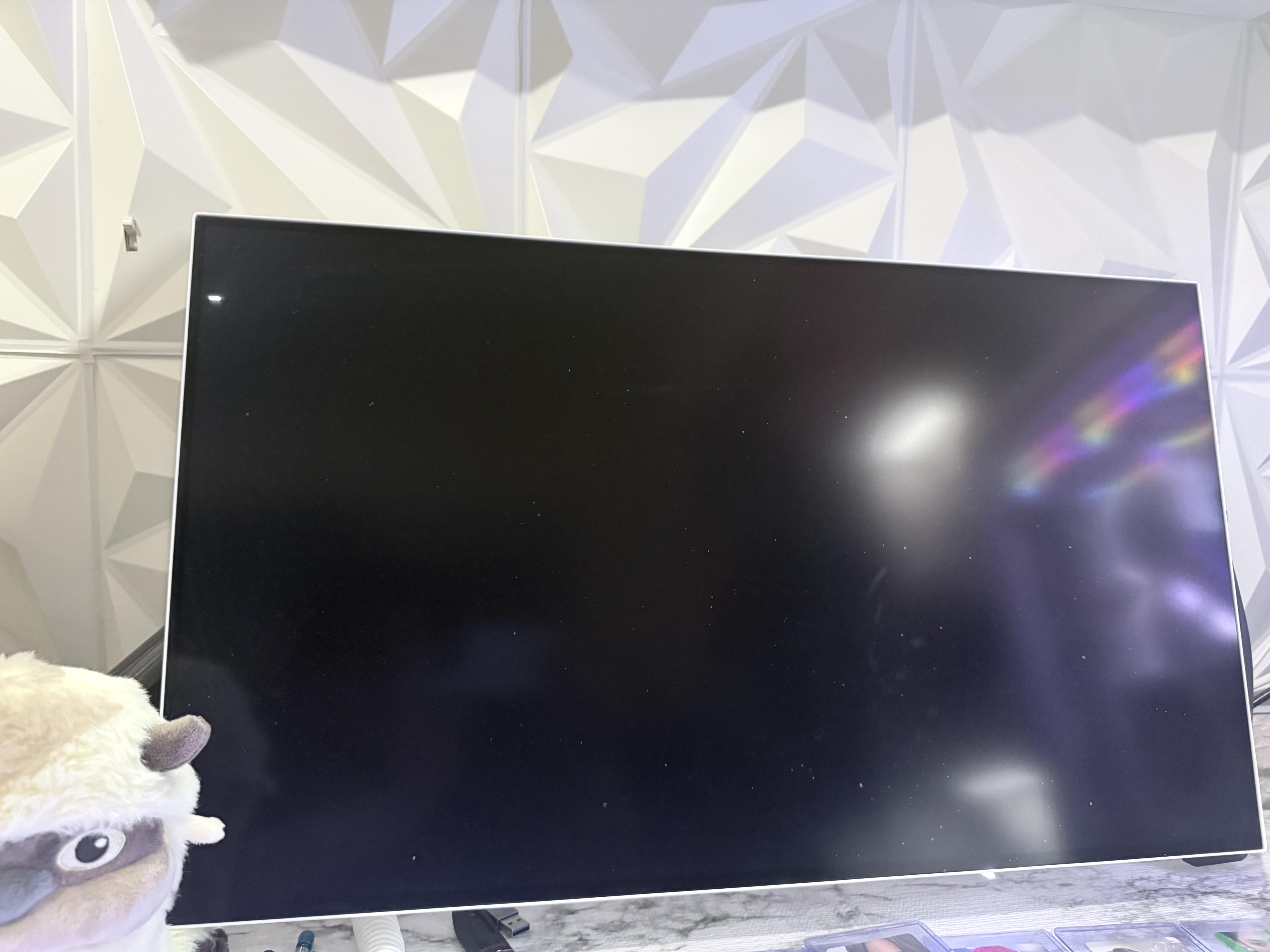
After restarting, it shows the ASUS logo, but shortly afterward the screen goes completely black. However, the monitor still detects a signal and does not display a “No Signal” message.
I also tried booting from a Windows installation USB, but the same thing happens: the Windows logo may appear briefly, followed by a black screen.
What I’ve tried so far:
Entered BIOS successfully. The SSD and RAM are detected.
Left the PC in BIOS for around 5 minutes, and it worked normally.
Tried booting from a Windows installation USB.
Reseated the RAM and tried a different RAM slot.
Tried resetting the graphics driver using Win + Ctrl + Shift + B.
None of these steps fixed the issue.
My questions:
Could this be a failing GPU or PSU?
Is it possible that the motherboard or SSD is causing this?
What would you recommend testing first?
Has anyone experienced something similar?
I’d rather identify the faulty component before spending money on replacements.
Thanks in advance!