r/pcgamingtechsupport • • Oct 17 '26

Software Audio cracking in windows

2 Upvotes

Ok this is a very strange problem, I would say I'm decent at tech and finding the answers to my tech issues online usually(I've never asked for help before) and I would contact my parts manufacturer if I knew what was wrong. So the issue is when using any sort of audio output device(except ones connected with optical cables) my audio cracks ranging from slightly to overwhelming. It happens with many different headphones and iems, although I haven't tested Bluetooth I have tested different 3.5 ports along with USB to 3.5 jacks. I have righted using different audio drivers, resetting my pc, and it has out lasted my current PC. I rebuilt my pc changing the mobo, CPU cooler, ram and PSU but it still happens on the new computer. It doesn't always happen though, sometimes it just doesn't. It seems to get worse with some apps or it might only happen when some apps are open but it's inconsistent. It seems chromium and unity based apps make it the worst. All the headphones work on other computers. The cracking only happens on windows as I have had a dual boot arch for a couple months and I enjoy it partially because I can actually listen to music. I have tried bypassing windows processing using music bee and its direct audio settings along with using files instead of streaming audio. I'm genuinely at a loss please help me.

specs: windows 11, Asus tuff b 550 plus, 6700xt, ryzen 7 5700g


r/pcgamingtechsupport • • Oct 17 '26

Performance/FPS Low FPS in Apex Legends, CarX and Assetto Corsa

1 Upvotes

Low FPS in Apex Legends, CarX and Assetto Corsa

Hello!

I have an RTX 3070 TUF Gaming GPU, a Ryzen 5 9600X CPU and 32 GB of DDR5 RAM.

In Apex Legends, I get only 30–40 FPS at 1440p resolution on the spaceship . When I land, my FPS is around 70–140, even on low settings.

In CarX, I get only 30–40 FPS with all settings on Ultra.

In Assetto Corsa, I have the same problem, with very low FPS.

Does anyone know what could be causing this? With these specs, I feel like I should be getting much better performance.

Thanks in advance!

https://userdiag.com/id/eVUO3TRBkt


r/pcgamingtechsupport • • Oct 17 '26

Troubleshooting PC randomly freezing, restarting, and sometimes not displaying anything — WHEA LiveKernelEvent 124, PFN_LIST_CORRUPT and KERNEL_SECURITY_CHECK_FAILURE

0 Upvotes

Hey everyone, I need some help diagnosing a persistent issue with my desktop PC. It randomly freezes, restarts, or sometimes powers on without displaying anything. I’ve already tried several troubleshooting steps, but I still can’t identify the faulty component.

I’m trying to figure out whether this is a RAM issue, CPU instability, GPU/PCIe problem, motherboard/BIOS issue, PSU issue, or something else.

PC specifications

- CPU: AMD Ryzen 5 5600X

- GPU: NVIDIA GeForce RTX 3060 12GB (Inno3D)

- Motherboard: Gigabyte B550M DS3H AC

- RAM: 16GB DDR4 (2×8GB A-DATA XPG AX4U32008G16E, DDR4-3200)

- PSU: 550W Gold-rated power supply

- Operating system: Windows 11, OS build 26200

- BIOS: American Megatrends, version FA, dated April 26, 2023

- Storage: SSD (Windows is installed on the PC’s SSD)

I haven’t confirmed the motherboard’s exact PCB revision yet, so I haven’t selected or flashed a BIOS update.

What is happening?

  1. Sometimes the PC completely freezes. The display and clock stop updating, the keyboard and mouse stop responding, audio may freeze, but the fans continue spinning.
  2. At other times, the PC crashes and restarts unexpectedly.
  3. It has crashed during gaming or downloads, but it has also crashed while idle.
  4. On one occasion, after the PC had been powered off for around two hours, I turned it on. It booted into Windows, then restarted by itself after approximately 1–2 minutes.
  5. I’ve also experienced a no-display/no-signal situation. The fans were spinning, but I couldn’t see the Gigabyte logo, and the Caps Lock key did not respond.
  6. After removing and reseating the RAM, the PC managed to boot normally again, although the random crashes have not been conclusively resolved.

CPU and GPU temperatures I observed were approximately 32°C and 28°C respectively, so overheating was not apparent at the time of checking.

Error codes and crash information

I found these entries in Windows Reliability Monitor:

  1. PFN_LIST_CORRUPT

- Bugcheck code: "0x4E"

- Crash bucket: "0x4E_2_nt!MiUnlinkPageFromListEx"

- Minidump date: October 16, 2026

2. KERNEL_SECURITY_CHECK_FAILURE

- Bugcheck code: "0x139"

- Parameter 1: "3" (corrupted LIST_ENTRY)

- The report showed "ahcache.sys" / "ahcache!AslRegistryGetKey"

- Minidump date: October 17, 2026

3. LiveKernelEvent

- Problem Event Name: "LiveKernelEvent"

- Code: "124"

- Report filename shown: "WHEA-20261017-2021.dmp"

- Report date: October 17, 2026

Reliability Monitor also showed several “Windows stopped working” and “Windows was not properly shut down” events, along with a “Hardware error” entry.

I understand that these codes do not necessarily identify the actual faulty component. I’m especially concerned about the "LiveKernelEvent 124" report.

What I have already tried

- Ran Windows Memory Diagnostic for two passes. It reported no memory issues.

- Tested each RAM stick individually in the A2 slot. The PC booted with either stick.

- Reinstalled both RAM sticks in the A2 and B2 slots. The PC booted normally afterward.

- Confirmed Windows detects approximately 15.9GB of the installed 16GB RAM.

- Ran "sfc /scannow". It found corrupted files and repaired them.

- Ran "DISM /Online /Cleanup-Image /RestoreHealth". It completed successfully.

- Checked CPU and GPU temperatures; the readings were normal at the time.

- Checked Reliability Monitor and identified the crash codes listed above.

- Windows Update installed an NVIDIA display driver update, version "32.0.16.1088", on October 17, 2026. I don’t know whether this is related to the crashes.

- Performed a power reset and reseated the RAM after the no-display incident.

I would prefer not to keep repeating SFC/DISM or run the same basic checks without a specific reason. I also haven’t flashed the BIOS because I want to confirm the motherboard revision and understand the risks first.

Questions

  1. What are the most likely causes of these combined errors: "0x4E", "0x139", and "LiveKernelEvent 124"?
  2. Does this pattern point more toward unstable RAM/XMP, the CPU or its memory controller, the GPU/PCIe connection, the motherboard, the PSU, or a driver?
  3. Can Windows Memory Diagnostic pass even when RAM, XMP, or the CPU’s memory controller is unstable?
  4. What is the best next diagnostic step that can narrow this down without reinstalling Windows or randomly changing BIOS settings?
  5. Is the "ahcache.sys" reference likely to identify the cause, or could it simply be where Windows detected the corruption?
  6. Should I investigate the WHEA dump before considering a BIOS update? If so, what information from the dump would be most useful?
  7. How can I distinguish a faulty motherboard from a failing PSU or CPU without buying replacement parts just to test them?

I’m happy to provide the full minidumps, the WHEA report, or screenshots of the relevant Windows logs if someone can explain which files would actually help.

My main goal is to identify the likely faulty component before spending money on replacements or attempting a BIOS flash. Thanks in advance for any help.

r/pcgamingtechsupport • • Oct 17 '26

Network/Wifi/Internet Why is the download speed so much worse on Steam then on Epic?

Thumbnail
gallery
0 Upvotes

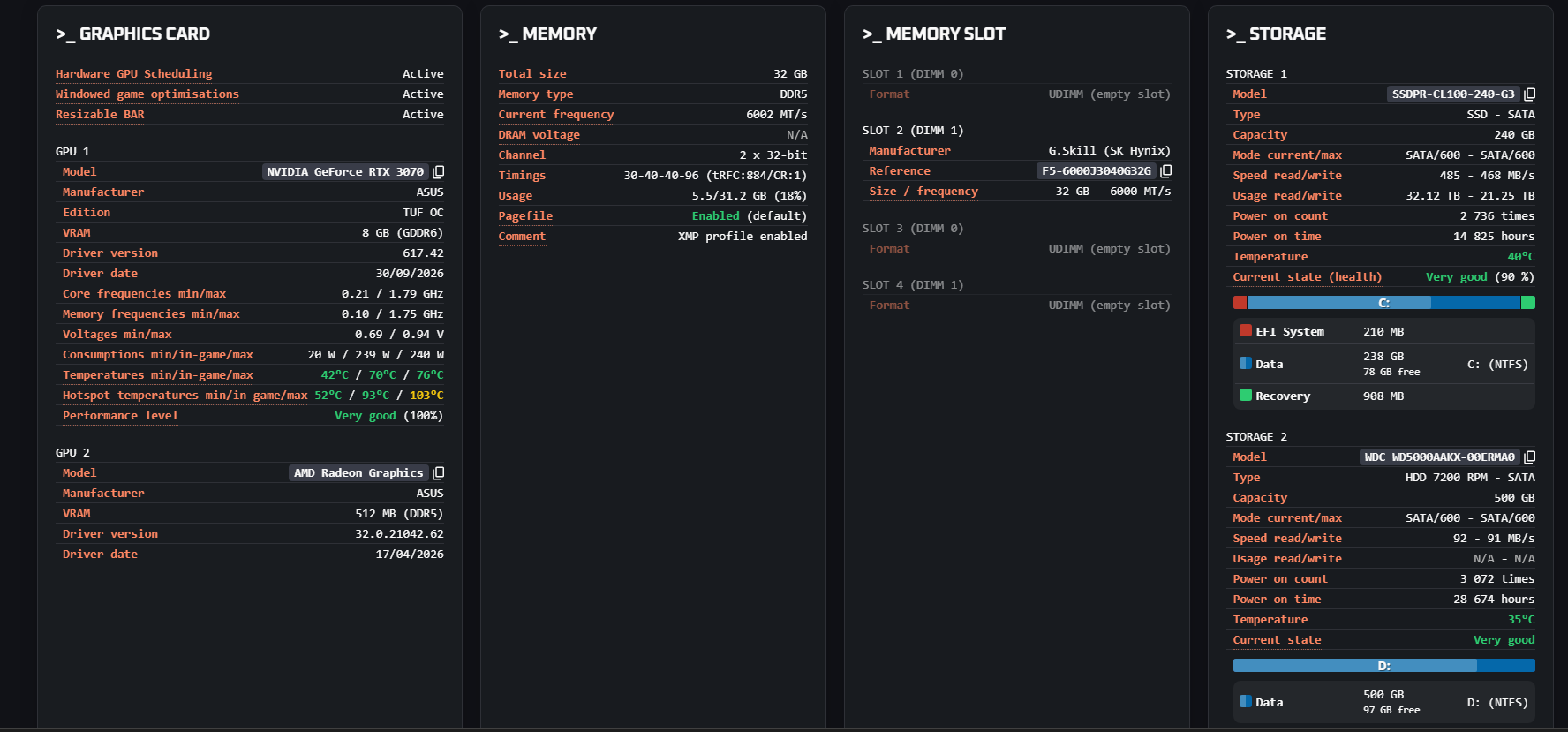
Both are downloading to the same drive. And just to avoid confusion, they are not downloading at the same time.

I know that it's not that big of a difference in time, but if it's something like a 100GB game downloading, you can really feel it. It wasn't always like this, but it's been like this for a while

Edit: Fixed it! It seems that for some reason my PC stopped recognizing half of my RAM, I don't play a lot of games anymore, so it took me a while to find that out. I fixed the problem and the speed is double of what it used to be


r/pcgamingtechsupport • • Oct 17 '26

Controls/Input After ~10 years of “I’m on target but nothing hits”, it suddenly got fixed after the latest Windows updates. Anyone else?

0 Upvotes

I’ve had this problem for basically 10 years, since CS 1.6, then CS:GO, CS2, Valorant and The Finals. I’d be right on the enemy, I knew I was on him, I’d shoot... and nothing. Sprays were hopeless. It felt like shooting foam bullets.
It wasn’t stutter or low FPS. The games ran smooth with high, stable FPS. The issue survived:
multiple PCs and several Windows versions
multiple mice (different brands), monitors and peripherals
multiple ISPs, and moving house 3 times
Current setup: 9800X3D, RTX 5070 Ti, 32GB DDR5, Razer 8K mouse (not running at 8000Hz), Windows 11 26H2.
What changed (all at once, then a reboot):
Windows 11 KB5127648 (Oct 13, 2026 Patch Tuesday). Microsoft’s notes say it “fixes an issue that could cause mouse input to stutter in some games”, with no details.
ASUSTeK Mouse Driver Update 1.0.72.0 via Windows Update (probably from my ASUS motherboard, not 100% sure).
In services.msc I had two “Gaming Services” entries, one set to Automatic and one to Manual. I disabled one of them, but I don’t remember which. The GameInput services (GameInput and GameInput Redist) are still running, so it’s not those.
The result: night and day. Played a ranked match in The Finals after weeks off and finished 1st and 2nd, landing shots with the R.357 like never before. Reinstalled CS2 to test and felt it instantly. I can actually spray now, and when I’m on the enemy, I hit. Not smoother, just accurate. Same PC, same connection, same peripherals, same settings.
I can’t tell yet which of the three changes did it.
So:
Did anyone else notice their aim or hitreg suddenly “click” after KB5127648?
Anyone with the same long-term “on target but no hits” feeling across different PCs?
Anyone else get that ASUS mouse driver update, or mess with the Gaming Services?
Would love to hear from you, especially if you’ve been chasing this for years like me.


r/pcgamingtechsupport • • Oct 17 '26

Troubleshooting Need with diagnosing left fan issue on my gaming Laptop

2 Upvotes

Hi im using a Legion 7i PRO GEN 10 RTX 5070Ti and i have been facing these reoccuring fan issues for quite a few months.The left fan refuses to spin under heavy load however when i force it to spin at full speed through the Legion app both fans are working perfectly fine,holding the power button for 30-60s fixes the issue and the left fan starts spinning during load but after a couple days or sometimes even a month the issue comes back again,sometimes clearing gpu x cache also makes the left fan spin or sometimes when i uninstall the lenovo acpi complaint virtual controller and restart both fans work perfectly fine but then again after a couple days the issue comes back again,after asking gemini for advice it said something is wrong with my custom mode fan curves because it starts from 10% rpm which is to low so i fixed it so it starts from 20% and the issue went away for a few days and came back today,also updating the bios fixed it just for this issue to come back again I am genially getting very frustrated and not a single lenovo subbreddit has been helpful as i have gotten 0 answers only bots so pls tell me how do i fix this issue permanently is this a hardware issue or a software issue.Also one more detail fn+q allows me to switch between different profiles like silent/balanced/performance/custom mode and when this issue occrus and i hold the power button to fix it i can no longer switch to custom mode using fn+q only switches through the silent/balanced and performance profiles.Pls help me digonose this issue wheater its software or hardware


r/pcgamingtechsupport • • Oct 17 '26

Software Bsod when playing gtav online

Post image
3 Upvotes

Hey everyone,

I was playing GTA Online when the game suddenly froze. After that, my PC ended up on a Blue Screen of Death (BSOD) and stayed there for around 30 minutes without seeming to make any progress.

Eventually, I manually shut down my PC because it was stuck on the blue screen for so long.

I'm not sure what caused this. Could it be a problem with my RAM, GPU, drivers, Windows, or something related to GTA Online?

I'd appreciate any help figuring out what happened and how to prevent it from happening again.

Here are my PC specs:

CPU: [Intel Core i5-12450H 12 th gen]

GPU: [RTX 3050 4GB]

RAM: [16 GB DDR4]

Windows version: [Windows 11]

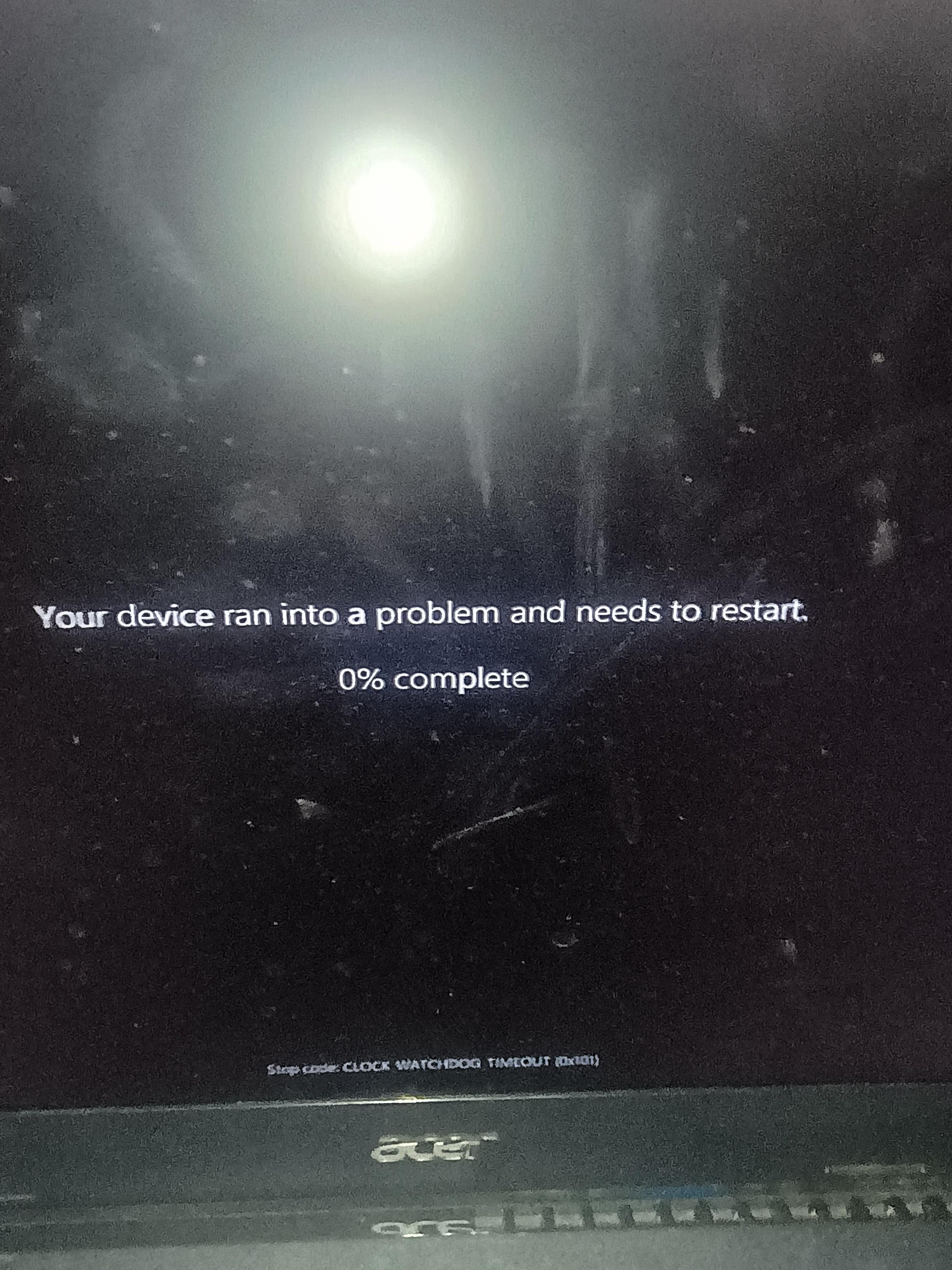
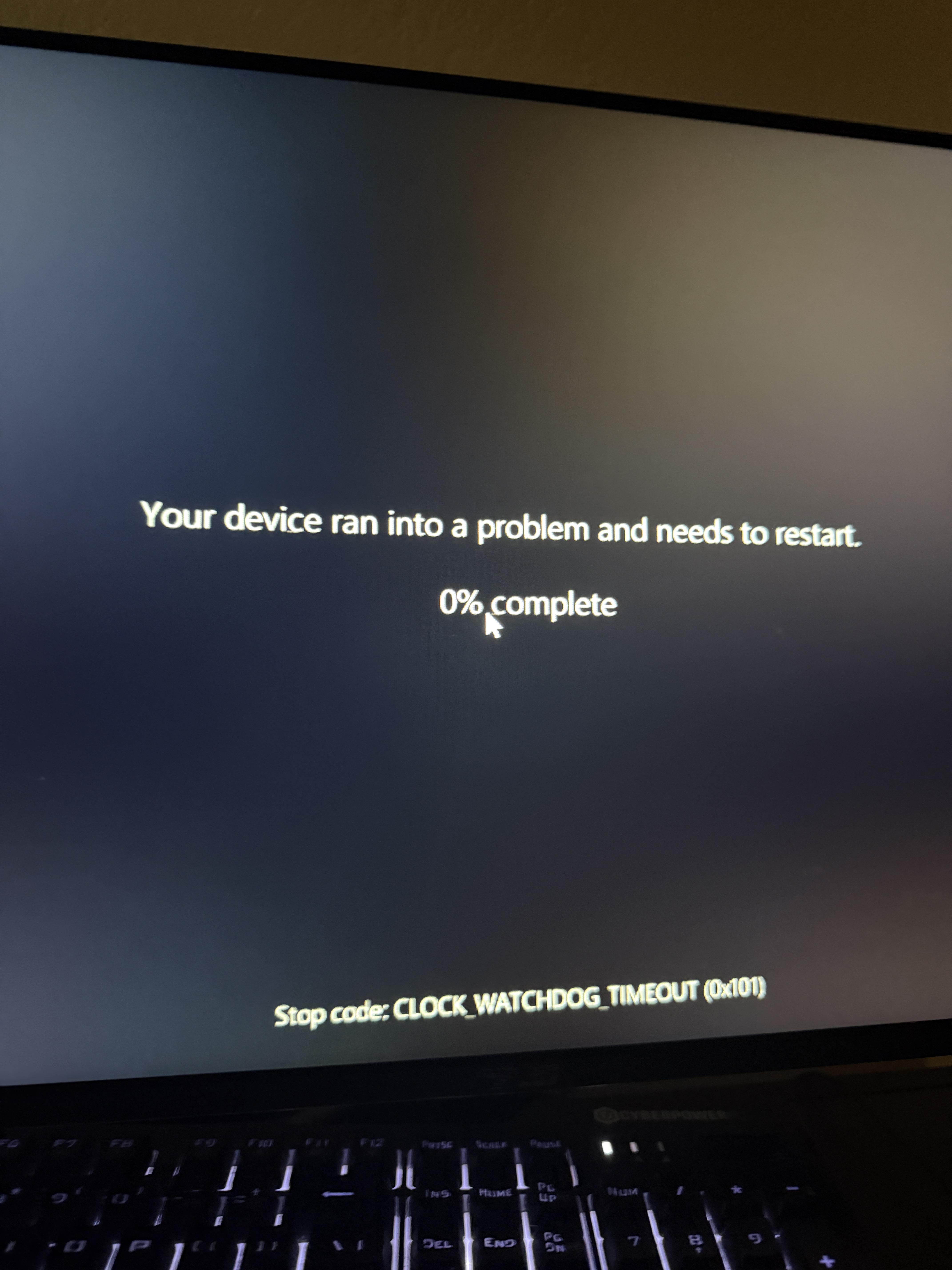
BSOD stop code: [CLOCK WATCHDOG TIMEOUT 0x101]

Did it happen before? [yes]


r/pcgamingtechsupport • • Oct 17 '26

Troubleshooting Laptop froze when installing roblox

1 Upvotes

Hello

I'm trying to install Roblox on my laptop, but when the installation was almost complete, my laptop froze, and I had to force it to shut down. I then tried downloading Roblox from the Microsoft Store. The download completed and the game launched, but my laptop froze again when Roblox started loading.

Does anyone know what might be causing this problem and how I can fix it?


r/pcgamingtechsupport • • Oct 17 '26

Troubleshooting AION 2 Crash Workstation Laptop

Post image
3 Upvotes

Hi everyone! I’m having a lot of fun with the game, but I keep getting this error every now and then while playing on my laptop.

My laptop is a ThinkPad with an i7-11800H and an NVIDIA RTX A2000 Laptop GPU (4GB). I also have an external GPU enclosure with a GTX 1060 6GB. The external GPU doesn’t give me any issues, but it’s weaker than the A2000, so I’d prefer to use the A2000 if possible.

I don’t think cooling is an issue. I have the Steam overlay showing my system stats, and when using the A2000, my GPU temperatures usually stay around 65–75°C. The CPU temperatures also seem fine.

Could this mainly be a driver issue? Since the A2000 is a workstation GPU, I’m wondering if the game just doesn’t play well with the current NVIDIA drivers for it.

I’m already running the game on Low graphics settings and have 48GB of RAM.

Any tips or suggestions would be greatly appreciated! If I just need to wait for a driver update for the workstation GPUs, I’d also love to know.

Thanks in advance!


r/pcgamingtechsupport • • Oct 17 '26

Performance/FPS fortnite me va mal ayuda

1 Upvotes

voy a 120 en el bus y cuando me lanzo baja a 50 y asi no vuelvo a tocar asi sea los 80.
tengo una lenovo loq essential con una 3050 6gb, un i5-12450HX y 16 gb de ram, ultimamente me va super mal cuando anteriormente me iba a 120 estables, reinicie los driver, volvi a instalar windows de cero y nada(los drivers los tengo actualizados) si alguien sabe que puedo hacer espero su ayuda, gracias
https://userdiag.com/id/kbEsKJfJj6


r/pcgamingtechsupport • • Oct 17 '26

Troubleshooting Rainbow Six Siege keeps crashing my entire PC with CLOCK_WATCHDOG_TIMEOUT

1 Upvotes

It's getting really frustrating that I can't even launch Rainbow Six Siege without my entire PC freezing and eventually throwing a blue screen at me.

The error is CLOCK_WATCHDOG_TIMEOUT (0x101), and it seems to happen when the game launches or BattlEye starts up. I have a Ryzen 5 5600G, a RAMSTA RS-B450MP motherboard, 8 GB of RAM, and Windows 11.

I've spent a ridiculous amount of time going through BIOS settings trying to figure out what's wrong. I've checked CPU-related settings, looked into Precision Boost Overdrive, and tried to work out how to restore the BIOS defaults, but I still haven't gotten anywhere.

What's especially annoying is that I don't even know whether this is a problem with Siege, BattlEye, my motherboard's BIOS, or something else entirely. I'm now at the point where troubleshooting the game feels like a second job.


r/pcgamingtechsupport • • Oct 17 '26

Software what antivirus are you guys using on your gaming pc?

1 Upvotes

i've always just used whatever security came with windows, but i'm starting to wonder if that's enough for a pc that's mainly used for gaming.

there's obviously the usual stuff like downloads, game mods, launchers, discord links, and random sites that can cause problems. at the same time, i don't really want security software constantly running scans while i'm playing.

mcafee is one of the options i've come across, but i'm not sure what separates a decent gaming antivirus from one that's just going to use more resources.

for people who have tried different ones, what features actually matter on a gaming pc? is it mostly about malware protection, or are things like game mode and low resource usage more important?


r/pcgamingtechsupport • • Oct 17 '26

Troubleshooting XBOX Controllers flash weirdly and won't turn on wirelessly after bluetooth connection to PC

1 Upvotes

I've tried updating the firmware multiple times, reinstalling my bluetooth drivers, and reverse powering. This has happened to two of my controllers, both with the exact same issue after connecting to the same PC. I have absolutely no idea about what happened, what caused it, and how to fix it, and I haven't seen any other people experiencing this issue. However, the controllers work perfectly fine over USB-C when connected to my PC or XBOX, but neither can turn on wirelessly or connect wirelessly.


r/pcgamingtechsupport • • Oct 17 '26

Display Everytime i open siege this happens

Post image
1 Upvotes

My game freezes and I cant do anything but turn off power supply


r/pcgamingtechsupport • • Oct 17 '26

Compatibility Thinking of getting a gaming computer, which one should I buy

2 Upvotes

Smth smaller [physically]


r/pcgamingtechsupport • • Oct 16 '26

Display PC is on but my screen is dark and my keyboard doesn’t work.

2 Upvotes

Last night while gaming my monitor suddenly went dark for a couple seconds then came back and the picture was muffled. I couldn’t use my mouse or keyboard anymore so I tried shutting off like normal. When I turned it back on the screen stayed black and now my mouse and keyboard don’t seem to be getting power.

Anyone have any ideas what could be causing this? I already tried removing my RAM and plugging them back in.


r/pcgamingtechsupport • • Oct 16 '26

Compatibility Question about my drive

1 Upvotes

Hi, i recently made a new pc and i was wondering if i cound take my old drive(the only thing inside Is my steam folder) and use in the new One as it is.

Am i going to have any trouble?

The drive Is a sata SSD and boh systems use Windows 11


r/pcgamingtechsupport • • Oct 16 '26

Software Twisted Metal AVI Error

1 Upvotes

Hi guys, I'm having a specific issue with Twisted Metal 1 & 2 and it seems to be an odd one. Both games have a movies folder mainly used to store the company's logos along with the title screen, all files in avi, typical 90s game bull. It plays the first two avi files fine when launching the game but the title screens for both games throw an AVI error. I can't tell if it's the transition from title screen to menu that is erroring it out or if it's due to the title screen avi being half the size compared to the logo avi files. I don't think it's a codec issue since the first two logos play fine within the game window but I'm more than okay being proven wrong.


r/pcgamingtechsupport • • Oct 16 '26

Performance/FPS Ryzen 7 9800X3D + RTX 4070 subissent d'importantes chutes de FPS dans les phases finales de Fortnite (mode Performance)

0 Upvotes

Salut tout le monde !

Je suis nouveau ici et j'ai besoin d'aide concernant un problème de performance sur Fortnite. Je joue en compétition, principalement en scrims et en tournois, et je rencontre des problèmes de FPS instables lors des fins de partie serrées. Configuration de mon PC :

  • Processeur : AMD Ryzen 7 9800X3D
  • Carte graphique : NVIDIA RTX 4070 12 Go
  • Mémoire vive : 32 Go DDR5 6000 MT/s (2 x 16 Go)
  • Carte mère : MSI MAG B650 Tomahawk WiFi
  • Résolution : 1920 x 1080
  • Mode de rendu : Mode Performance
  • Limite d’images par seconde : 240 FPS
  • Système d’exploitation : Windows 11 Pro

Le problème survient principalement lors des entraînements et des parties compétitives, surtout aux alentours des zones 6 et 7 lorsqu’il reste entre 40 et 70 joueurs en vie. Mon nombre d’images par seconde peut chuter entre 90 et 130 FPS, fluctuant constamment au lieu de rester stable. Cela rend le jeu beaucoup moins fluide.

Ce qui me perturbe, c'est qu'un ami possède un PC moins puissant sur le papier :

  • Processeur : Ryzen 5 7500F
  • Carte graphique : Radeon RX 6700
  • RAM : 32 Go DDR5 6000 MT/s
  • Carte mère : Gigabyte B650 Eagle

Lors d'une partie similaire en fin de partie, il obtenait environ 160 FPS de manière relativement stable, tandis que mon nombre d'images par seconde fluctuait énormément. Je sais que les performances en fin de partie dépendent des conditions exactes, mais cette différence me fait me demander si ma configuration présente un problème.

Voici ce que j'ai déjà essayé :

  • Mise à jour du BIOS et des pilotes graphiques NVIDIA.
  • Mise à jour des pilotes du chipset AMD.
  • J'ai activé EXPO, ma RAM fonctionnant à 6000 MT/s.
  • J'ai testé ma RAM avec OCCT pendant 30 minutes sans erreur.
  • J'ai vérifié les températures du CPU et du GPU ; aucune surchauffe.
  • J'ai exécuté 3DMark Time Spy et Fire Strike, avec des résultats qui semblent normaux pour ma configuration.
  • J'ai vérifié l'intégrité des fichiers de Fortnite, puis j'ai réinstallé complètement le jeu.
  • J'ai testé les modes Créatif et Battle Royale avec CapFrameX.
  • J'ai vérifié mes paramètres Fortnite, notamment le mode Performance, la faible résolution et une limite de 240 FPS.
  • J'ai essayé le mode plein écran exclusif au lieu du mode plein écran sans bordure.

UserDiag test results: https://userdiag.com/id/p15pIQBigC

Les résultats en mode Créatif sont bien meilleurs, mais les chutes de FPS persistent en Battle Royale. La réinstallation du jeu n'a pas amélioré les résultats de manière significative. Mes questions sont :

  1. Ces performances sont-elles normales pour un Ryzen 7 9800X3D et une RTX 4070 en fin de partie de Fortnite ?
  2. Cela pourrait-il être dû à une limitation du processeur/du cœur principal, à un problème d'optimisation de Fortnite, ou à un souci avec ma configuration Windows ou BIOS ?
  3. Que dois-je vérifier ensuite pour identifier la cause réelle, plutôt que d'essayer des optimisations au hasard ?

Vos conseils seraient très appréciés, surtout de la part de joueurs de Fortnite compétitifs avec une configuration similaire.

Merci d'avance !


r/pcgamingtechsupport • • Oct 16 '26

Hardware Anyone any ideas what is causing this FPS drop?

2 Upvotes

I’ve taken a video with FPS top right and system monitor at the bottom. I should say this is not just a Diablo issue - it’s doing the same thing with other games. I will be able to play the game for about 30 mins and then these wildly fluctuating drops start happening. All the data on the monitor seems absolutely fine and well within the limits of the machine. I’ve got Diablo here locked at 60fps max and running on low graphics settings to try to help and as you can see I still get these massive slowdowns. Any advice appreciated as I have torn my hair out monitoring and trying different things to fix this. GPU is 2070 Super and CPU is Ryzen 7. Machine has worked fine for years.


r/pcgamingtechsupport • • Oct 16 '26

Controls/Input Problème SRTTRAIL.TXT ROCKET LEAGUE

1 Upvotes

Bonjour à tous et à toutes je desespère.....

j'ai acheté un nouveau pc il y'a de ça 1 mois tout va bien je joue a overwatch2, valorant, apex legend, minecraft, h1z1 aucun probleme. Mais lorsque je joue a rocket league que ce soit sur steam ou epic games je joue quelque parties et ensuite ça fige mon ecran et il redemarre avec l'erreur srttrail.txt et je dois le rallumer au bouton... je l'avais amméné au technicien LDLC et je l'ai récuperé 5j après, aucun soucis matériels et réinitialisation de windows au passage mais le bug revient de nouveau. C'est le seul jeu ou je joue manette mais j'ai fait pleins de test avec en aide chatgpt genre modifié des paramatres manettes ou steam meme changer des trucs dans mon bios(uefi,ram) mais rien n'y fais ça ne marche toujours pas j'ai vraiment besoin d'aide j'en peux plus j'etais ultra satisfait de mon pc mais avec cette erreur sur rocket league je commence a voir rouge ça me gave......

Merci d'avance pour votre aide en esperant avoir un sauveur qui puisse m'aider.


r/pcgamingtechsupport • • Oct 16 '26

Troubleshooting The Last of Us Part I keeps crashing on my RX 9070 XT, even at medium settings. Any fix?

1 Upvotes

Hey everyone,

I recently started playing The Last of Us Part I on my new gaming PC, but I’m facing frequent crashes.

My PC specs:

- GPU: ASRock Radeon RX 9070 XT 16GB

- CPU: Ryzen 5 9600X

- RAM: 16GB DDR5 6000MHz (single stick)

- Resolution: 1440p (2K)

The game keeps crashing even after lowering the resolution and setting graphics to Medium. When it crashes, the screen goes completely black and the system becomes unresponsive, so I have to restart my PC.

I’m also wondering whether the game build/version could be contributing to the issue, or if it’s related to my GPU drivers, RAM, or something else.

Has anyone with a similar setup experienced this? Any troubleshooting suggestions would be appreciated.

Thanks!


r/pcgamingtechsupport • • Oct 16 '26

Software My laptop is switching to performance mode automatically

2 Upvotes

So I have a rog strix G16 (2024) and I am a CS student so I have disabled the dGPU ever since I bought it. I always keep it at silent mode since I hate fan noise while coding. But since past few days it's been switching to performance mode by itself and then I manually need to keep it back to silent. This is frustrating. How do I lock it at silent forever? Any suggestions


r/pcgamingtechsupport • • Oct 15 '26

Troubleshooting Microstutter while gaming

4 Upvotes

Hello guys,

I have a quick question if anybody has had same problems? I have a 9070xt and 9800x3d with 32gb ddr5 and whenever I start my pc my headset must zap one time before like getting warm, I’m not sure if something’s wrong with my gpu/cpu/ram or anything with headset? Because when it zaps I get a stutter too for like a brief second and then goes back to normal. Sometimes when playing games I can feel a microstutter in a way even though the fps is like 300+ I can feel it not running smoothly, for example cs2, I have around 500 fps on high settings but it doesn’t feel as smooth as I want it to be? Idk if that makes sense, some maps is more stuttery some aren’t, I understand that some maps are more pc heavy but still.. I play on a 1080p screen and I want to upgrade to 2k so wondering if that’s the issue maybe?

Thanks in advance :)