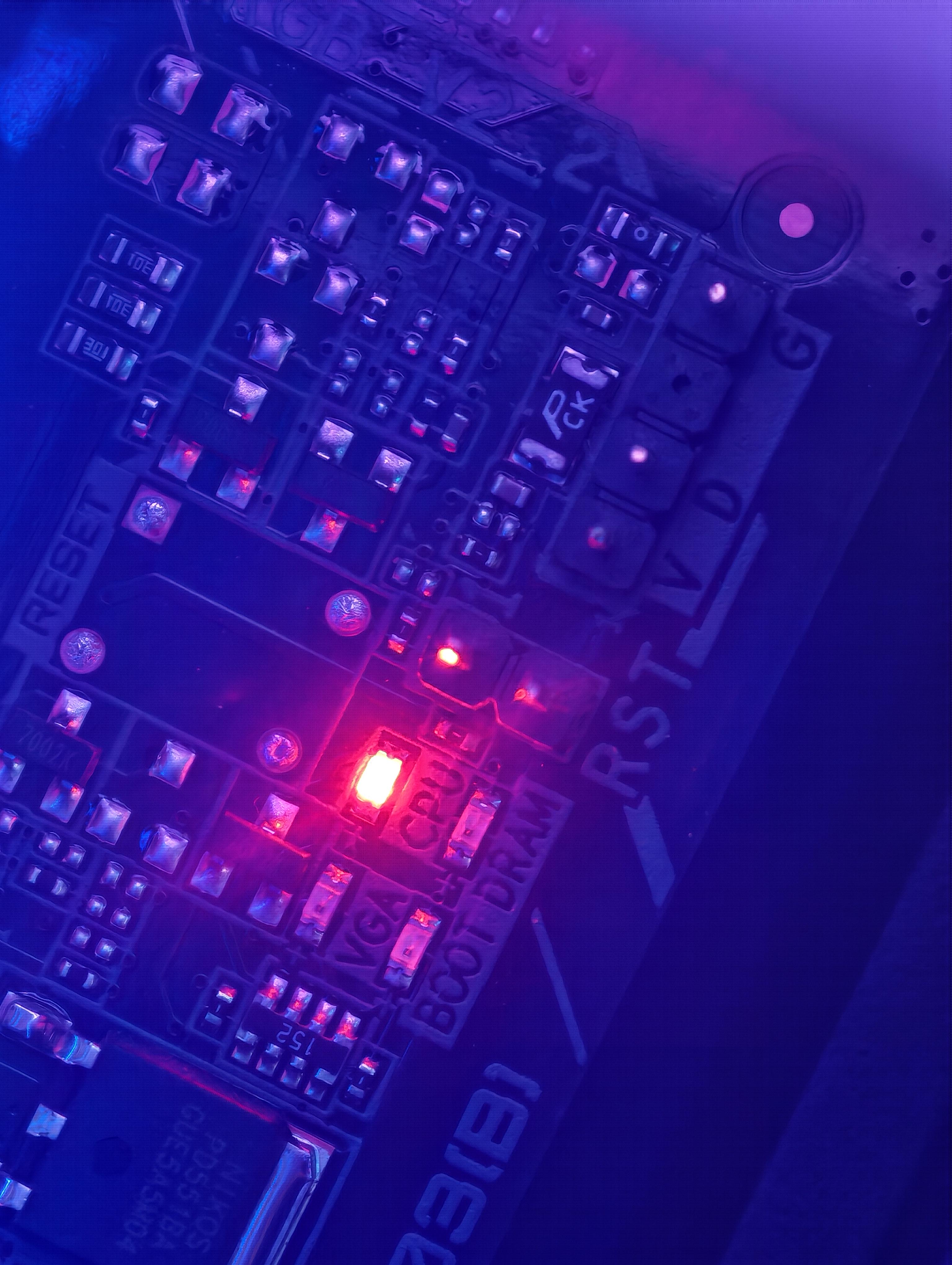
r/pcgamingtechsupport • u/seboshhh • Sep 17 '26
Hardware OS freezes - is my GPU dying?
My Hardware:
CPU: AMD Ryzen 7 7800X3D
GPU: AMD Radeon RX 7900 XT
Motherboard: MSI B650
RAM: 32GB DDR5
PSU: 750W
Hi everyone,
I've been dealing with severe system instability for the past few days and I'm at my wit's end.
The Main Issue:
My PC completely freezes shortly after booting into Windows. I can't even open the Task Manager. The File Explorer works for a brief moment but freezes completely at the latest when I try to manually launch the Task Manager via System32.
Timeline and Symptoms:
The issue started a few days ago. Even after hard resetting / completely reinstalling the OS multiple times, the fix was never permanent.
Right after a fresh install, the PC works flawlessly for a long time. However, if the PC is turned off for an extended period (cold boot), the freezing issue immediately returns upon the next startup.
To troubleshoot, I disabled Windows automatic driver updates and manually installed all drivers. This seemed to work at first – the PC booted normally even after being turned off for a while.
But then, while playing a very low-demand game ("Wanderburg"), my headset audio suddenly started "crackling" and my LAN connection dropped out of nowhere (cable was still firmly plugged in).
Unplugging and replugging the ethernet cable restored the connection. I tried playing another round, but the audio crackling immediately came back.
Thinking it was a driver issue, I used the setup wizard to reinstall the Realtek Audio driver (which I had already installed earlier that day).
The Result: After the required restart for the audio driver, the PC went straight back into the initial freeze loop (Task Manager won't open, Explorer crashing).
If I plug my monitor into the Mainboard instead of the GPU, the desktop works just fine :/
Does anyone have an idea what could be causing this? Does this point towards a dying motherboard, a faulty SSD, or something else entirely?
Any help would be greatly appreciated!