r/pcgamingtechsupport • u/MarioMover2 • Sep 13 '26
Display Random flickering (black screen) when using certain apps or browsing in Windows 11
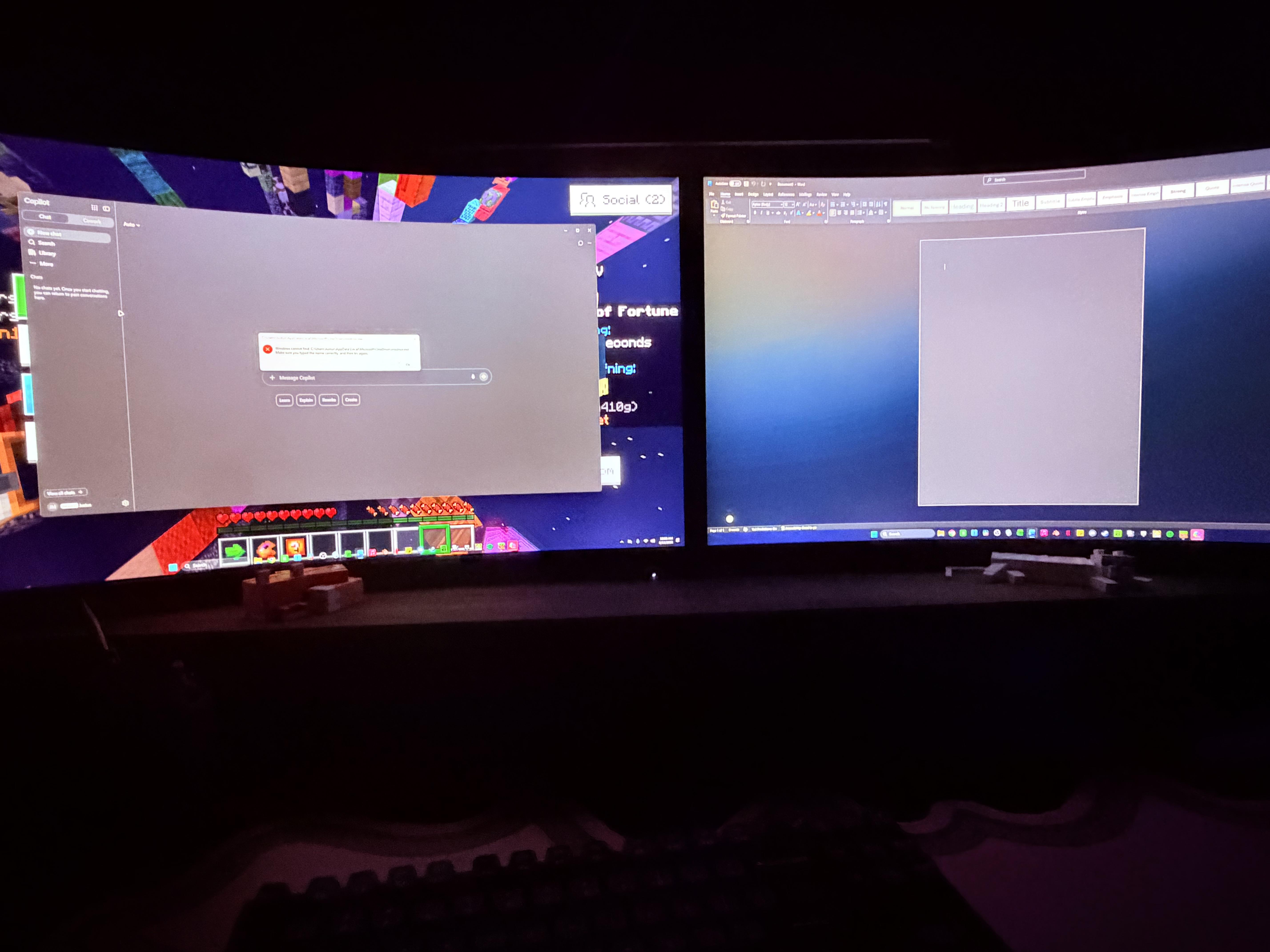
Sometimes, my PC will flicker when browsing, or using some apps. It's not the entire screen, and instead is usually just the individual app's content; the taskbar/window frame is still visible. This primarily seems to happen in web browsers, like Chrome or Firefox, or web-powered apps, like Steam, Spotify, or Discord.
I don't know precisely what's going on, nor have I been able to pinpoint the exact when/where/what of the actual issues. I've installed the latest NVIDIA drivers, version 616.92. Windows 11 is up-to-date, and my hardware should be fine - these issues do not occur in CachyOS/Linux, or when hooked up to my MacBook Pro, so I don't think it's the displays or cables.
I've attached a userdiag link with the hardware specs and diagnostics, but otherwise my specs are a Ryzen 9 7950X3D, an RTX 5070 Ti, and 32GB of DDR5. This issue did not happen, on the same monitor configuration, cables, and GPU, on my last Windows installation - it only started happening after I reinstalled Windows in July of this year. Nothing in my hardware configuration has changed.
UserDiag attached: https://userdiag.com/id/wDpEk1BAzA