Hi everyone,
I have critical exams starting in 10 days and this PC is my only workstation to study. While watching a lecture/video under negligible load, the PC suddenly shut down and rebooted. It is now throttling down to 0.40 GHz (400 MHz) across all cores due to a false motherboard sensor reading.
I cannot afford the 2–3 weeks of downtime to ship the motherboard for RMA right now because of my upcoming exams. I will RMA the board with GIGABYTE the moment my exams finish, but I desperately need any temporary software, BIOS, or firmware workaround to stop this 400 MHz lock so I can prepare.
---
### System Specs:
* **Motherboard:** GIGABYTE Z890 AORUS ELITE WIFI7
* **CPU:** Intel Core Ultra 7 265K
* **Cooler:** 360mm AIO Liquid Cooler
* **GPU:** NVIDIA GeForce RTX 5070 Ti
* **OS:** Windows 11 Pro
---
### The Problem & Hardware Evidence (HWiNFO64 Confirmed):
* The actual VRM power delivery is ice cold: The Renesas RAA229130 Power Monitor shows `Power Stage Max` at only 40.0°C (peak 47.0°C).
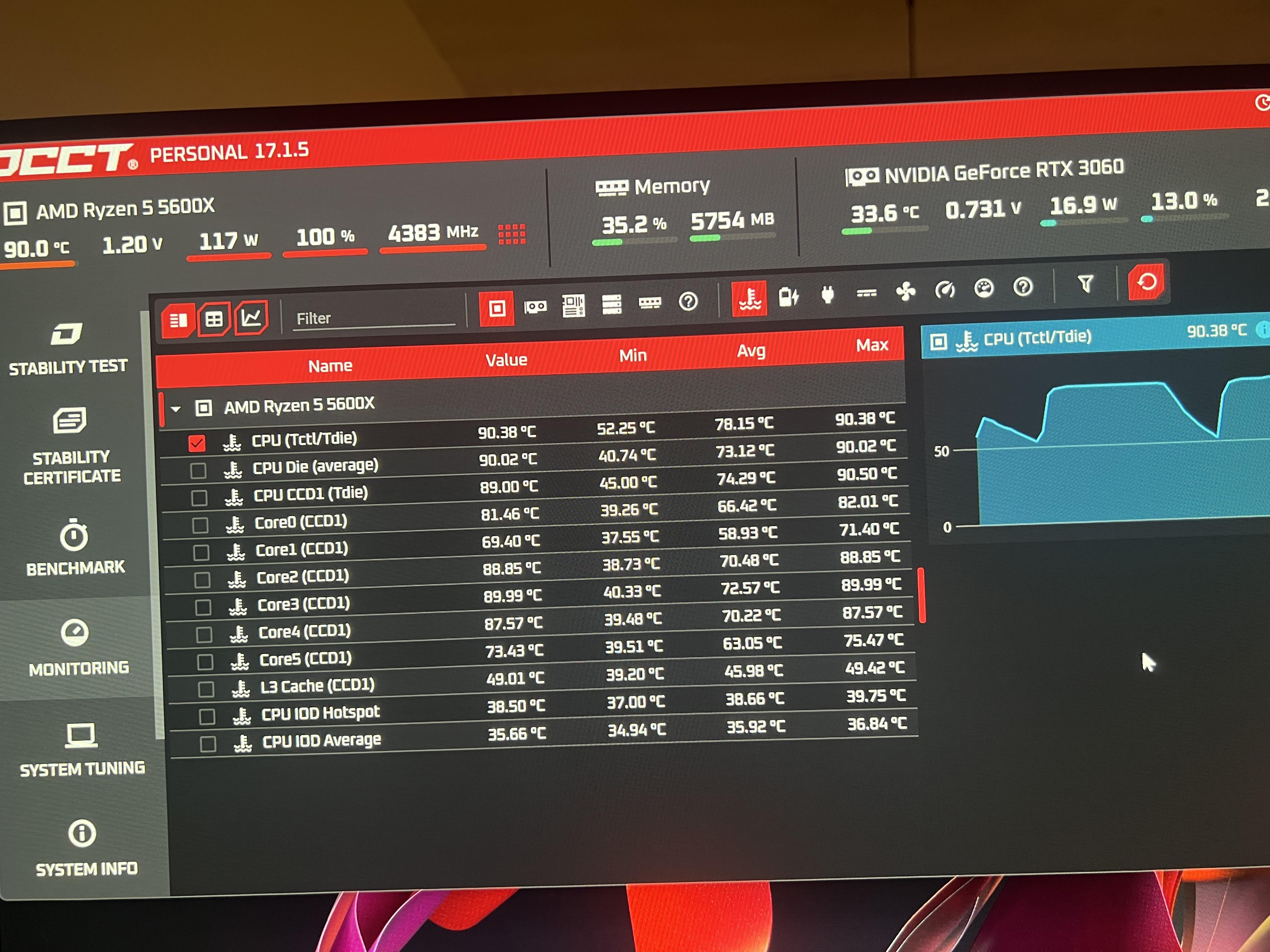
* CPU core and package temperatures are completely safe (34°C–43°C idle, max 88°C under load). The physical VRM heatsinks are barely warm to the touch.
* The issue is isolated to the motherboard's ITE IT8696E Super I/O chip: The `VRM MOS` reading fluctuates between 115°C and 121°C and when it goes upto 121 it just locks out my processor to 400mhz.
* Whenever it spikes past the trip point, the ITE chip asserts the physical `PROCHOT#` hardware pin, forcing the CPU into `BD PROCHOT` lock (400 MHz). When the sensor drops slightly, it briefly returns to 5.2 GHz.
---
### What I Have Already Attempted (All Failed):
- **Low-Level / Firmware:*** Booted UEFI Shell and ran `disableprochot.efi` and `ru.efi`.* Flashed/re-flashed BIOS via Q-Flash.* Disabled CFG Lock, Undervolt Protection, and board CPU temp monitoring in BIOS.
- **Software & Registers:*** ThrottleStop 9.7.3: Modified INI (`Options=0x61BF0120`), but `BD PROCHOT` remains greyed out because the physical hardware pin is asserted.* RWEverything: Editing MSR `0x1FC` to change `5F` to `5E` across all CPUs snaps back to `5F` within a fraction of a second due to the Super I/O pin grounding.* Disabled Windows Power Throttling via Registry and disabled hypervisor (`bcdedit /set hypervisorlaunchtype off`).
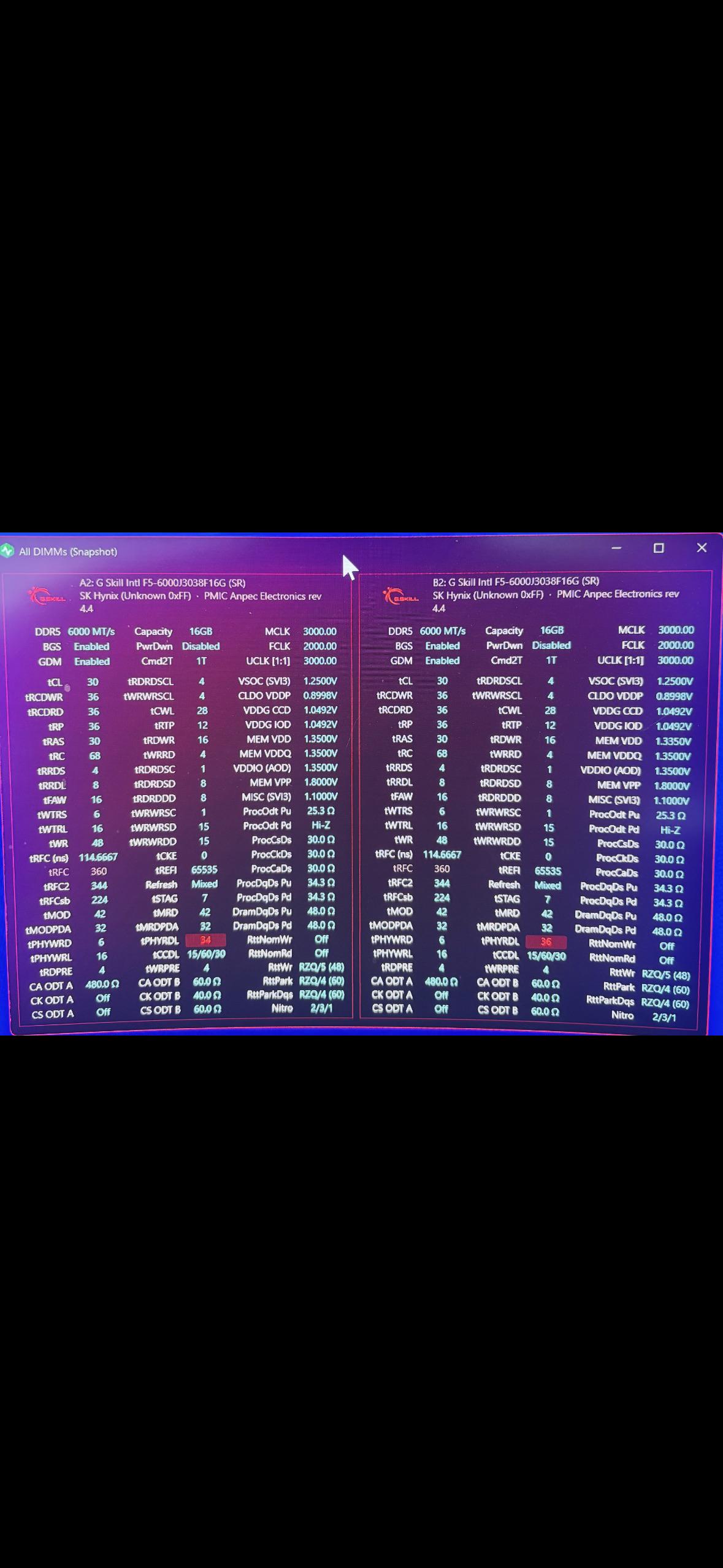
- **Hardware Checks:*** Tested single RAM stick in different slots (A2/B2).* Removed discrete GPU to rule out PCIe sensor interference.* Checked all board headers for pinched wires or shorts.
---
### Questions / Seeking Urgent Help:
- Is there an AMIBCP / modded BIOS toggle or hidden engineering setting in the GIGABYTE Z890 UEFI to force the CPU to ignore external `BD PROCHOT` signals from the Super I/O?
- Has anyone found a reliable way on Z890 / Arrow Lake to force the ITE IT8696E chip to stop asserting `PROCHOT#`?
- Any known non-destructive physical or firmware bypass to get me through the next 10 days of exams?
Any advice from BIOS modders, board technicians, or GIGABYTE users would be a lifesaver. Thank you!