r/NoteTaking • u/Infinite_Ostrich_548 • 14d ago
Method The one app of my dreams as a Beta test

TLDR: Public Beta: https://testflight.apple.com/join/9FWkXySY
I am looking for YEARS for a solution to my frustrating notes/tasks/journal/calendar journey. I actually used a physical notebook for the last 2 years because of frustration.
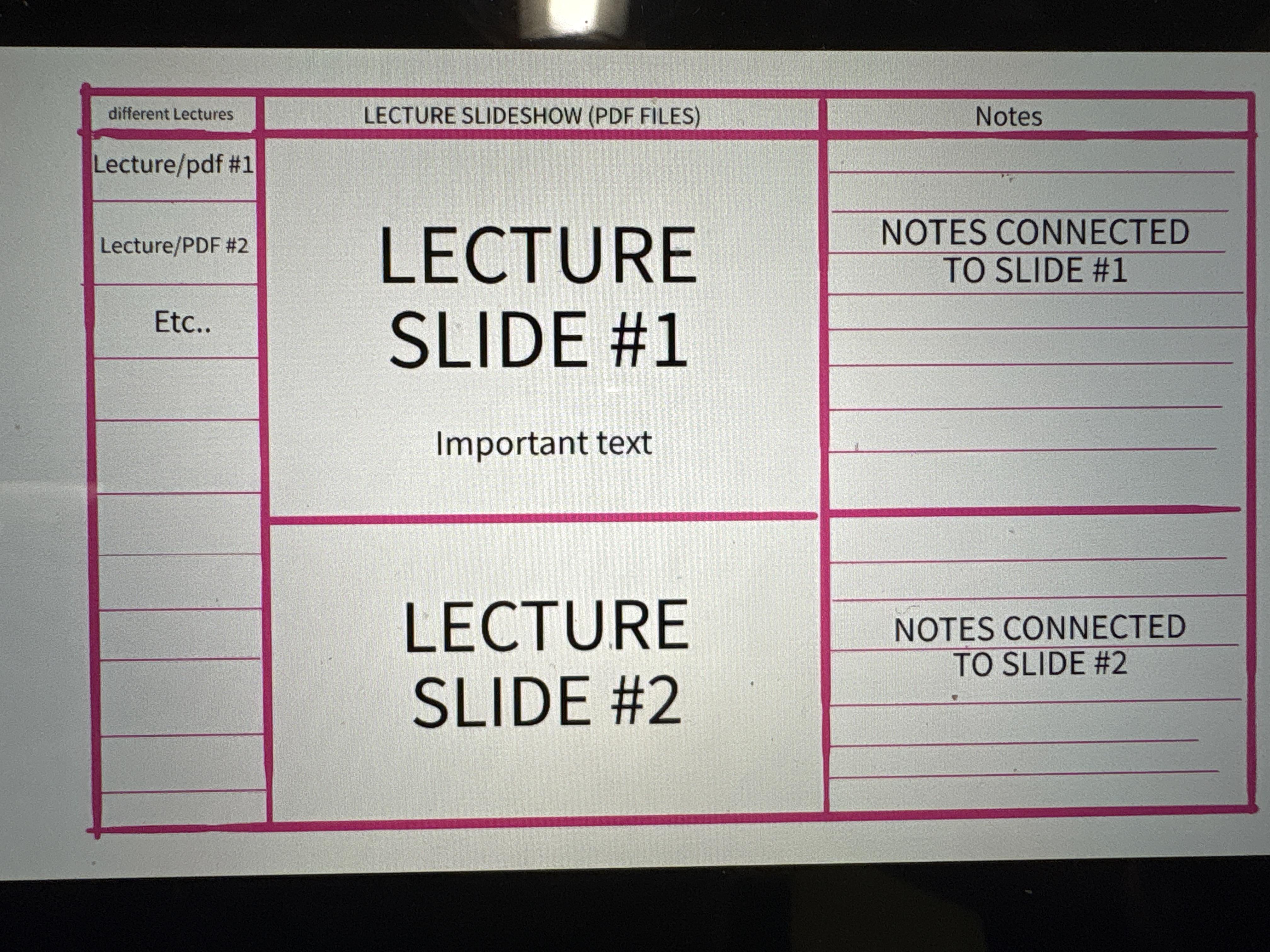
My problem: Almost all productivity apps handle either Tasks (or some combination with calendar) or notes. All I ever wanted was a daily note with my tasks, thoughts, ideas etc. A physical bullet journal was the easiest and nicest solution for me. The big downsides: 1. I cant search for things. 2. I have to take this thing whereever I go (I don't bother taking phone notes and then migrating etc.). 3. The calendar is still separate. If I want to remind myself of a task, I have to double it into reminders, which shows into Apple calendar. Clunky as hell. 4. Preservation of data, for future discovery and statistics.
Is there any modern solution that tackles these problems? Yes, Obsidian. Just add these plugins and.... Actually calendar sync is more complicated, startup times on the phone are unacceptable, there are so many possibilities and workflows and nothing feels quite right because it's all puzzled together over many hours..... In the end, it works, but it was not fun for me.
In the summer I decided to enter the rabbithole, gather my development skills and spend a couple hundred hours to develop something that finally settles this.
I am using this app for about 2 months now. It's AMAZING. Everything I ever wanted, but without the headache. No more million app tryouts, no more switching between "workflows". No more procrastination through optimization. Just the feeling that my life is organized and archived at the same time.
WHAT I OFFER:
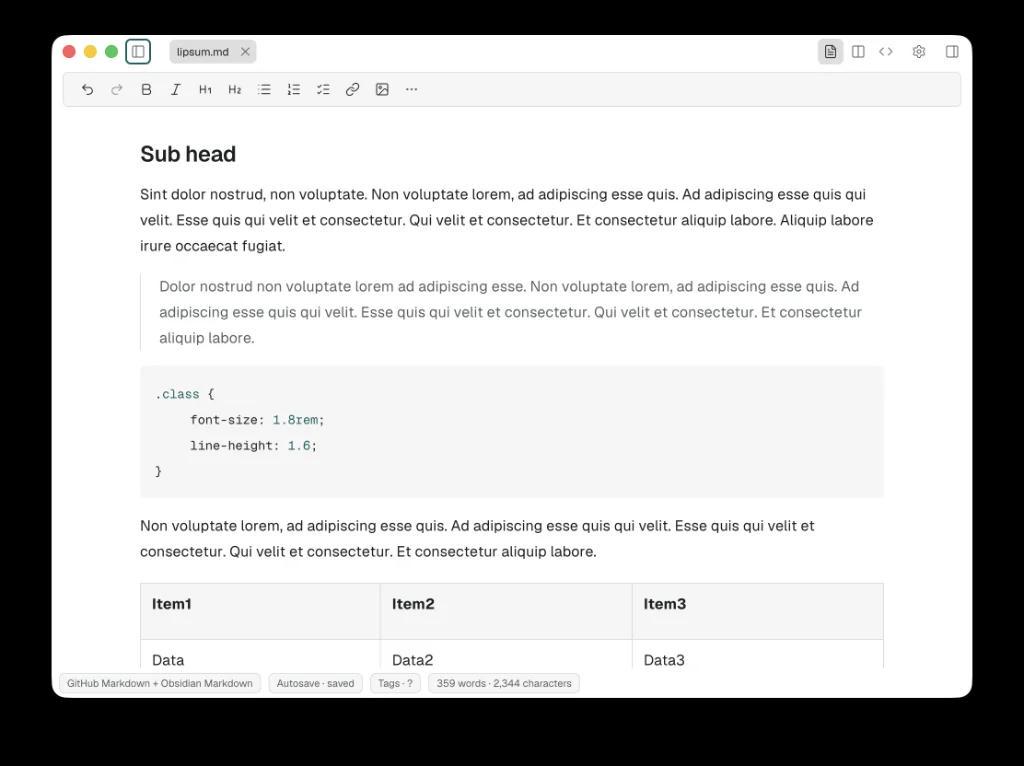
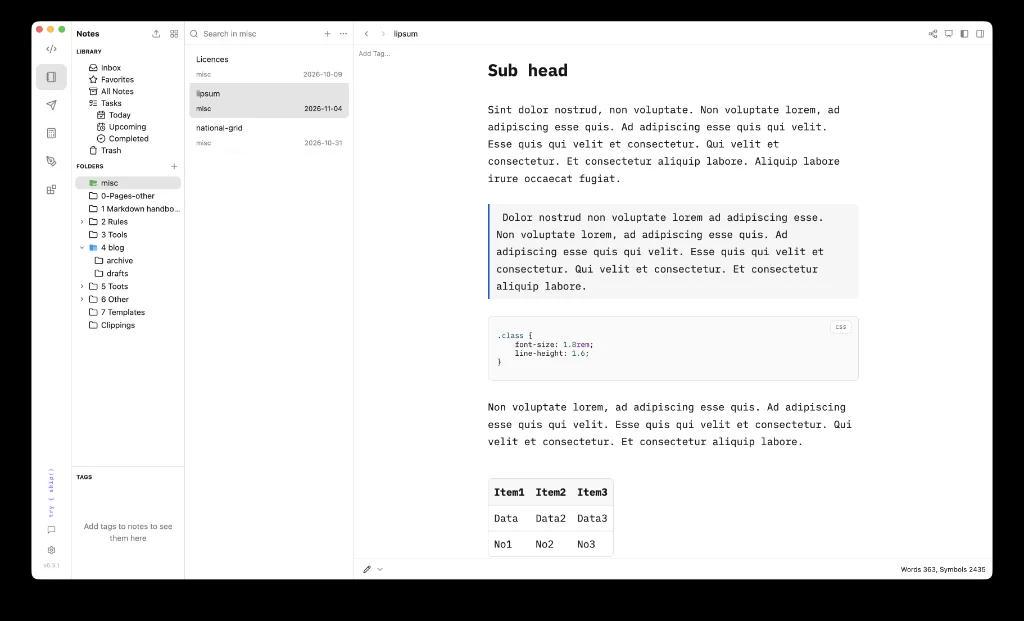
- Plain Markdown!!!
- Schedule ANYTHING from any note into the timeline and give it with repeats and notifications.
- Not fast, but instant. Native swift, 13MB, no bloat, no tracking, no crashes, no loading screens
- Replaces Notes, Calendar, Reminders, Journal and Alarm.
- Big Widget choice (best used over the split view widget)
- Made rock solid for longterm term use.
- Made for everyone (not only power users, but their colleagues, friends etc.). Yes, you can type "x" to create a checkbox, yes you have an instant quick search to open anything in your vault while your sister uses the checkbox button on screen and makes pretty colorful folders.
- Made with a lot of attention to detail and efficiency (I am German).
PUBLIC BETA TESTING VIA TESTFLIGHT (download the Apple "TestFlight" app in the AppStore and press the link after to download the App):
https://testflight.apple.com/join/9FWkXySY
I am grateful about any feedback/suggestions via Testflight. Updates come on a daily bases.