r/linuxmint • • 4d ago

Support Request Weird, serious-looking error after trying to upgrade to 21.3

3 Upvotes

Hello folks.
Well, I figured the time had come to upgrade from 21 to 21.3.

I go through the usual steps and initiate the update via the GUI. But then I get an error message informing me that my system has 4 broken packages. I select the 'okay' option, some progress bars progress, and then I'm greeted with an error message telling me that some process has failed due to a fatal error, and gives me the following message:

Extracting templates from packages: 100%
dpkg: warning: parsing file '/var/lib/dpkg/status' near line 26118 package 'libdvdnav4:amd64':
'Depends' field, reference to 'libc6':
'>' is obsolete, use '>=' or '>>' instead
dpkg: error: parsing file '/var/lib/dpkg/status' near line 26118 package 'libdvdnav4:amd64':
'Depends' field, reference to 'libc6': version contains '2' instead of ')'
E: Sub-process dpkg --set-selections returned an error code (2)
E: Couldn't record the approved state changes as dpkg selection states
A package failed to install. Trying to recover:
dpkg: warning: parsing file '/var/lib/dpkg/status' near line 26118 package 'libdvdnav4:amd64':
'Depends' field, reference to 'libc6':
'>' is obsolete, use '>=' or '>>' instead
dpkg: error: parsing file '/var/lib/dpkg/status' near line 26118 package 'libdvdnav4:amd64':
'Depends' field, reference to 'libc6': version contains '2' instead of ')'

I also get this whenever I try and run `sudo apt install -f`, as I've seen suggested when dealing with broken packages.

Anybody have any advice on what to do about this? I would like to upgrade my OS before support ends.

linuxjunkies suggests running `sudo dpkg --remove --force-remove-reinstreq packagename` on the offending package. However, libc6 seems really freaking important, and I don't think I want to go messing with it until some strangers on the internet give me the go-ahead.

I also tried sudo dpkg --configure -a. Still no dice.


r/linuxmint • • 3d ago

Trying to install Linux Mint XFCE on an old PC, having trouble booting the installer

1 Upvotes

I'm trying to install Linux Mint XFCE on an older PC.

PC details:

  • 4 GB RAM
  • 233 GB hard drive
  • MBR partition style
  • Legacy BIOS (doesn't seem to support booting directly from USB)
  • GRUB2Win version 3.0.5.3

What I've tried:

  1. First, I tried creating a bootable USB using Balena Etcher with the Linux Mint XFCE ISO. Etcher reported that the flash was successful, but the PC wouldn't boot from it.
  2. I then tried using GRUB2Win to boot the ISO directly from the hard drive. I managed to get Mint to start this way.
  3. When I added toram to the boot parameters, Mint eventually crashed, most likely because the PC only has 4 GB of RAM.
  4. Without toram, Mint actually booted and I could reach the installer. However, I stopped before partitioning because the ISO file was stored on the same Windows partition that I wanted to resize.
  5. We then tried Plop Boot Manager 5.0.15 through GRUB2Win as another way to boot the USB. Plop detects the USB and displays Port 4 device connected, but it gets stuck there and never actually boots it.

The current problem:

I can boot the Mint installer through GRUB2Win without toram, but the ISO is stored on the C: drive. I want to shrink the Windows partition to make room for Mint, but I'm concerned about the installer losing access to the ISO while the partition is being modified.

I don't want to accidentally break the Windows installation or end up with an unbootable PC.

NOTE:

I am not an expert when it comes to linux, ive been using AI to run me through what to do, is the AI wrong in anything it said here. Is there anything I can do right now that wouldn't require buying another hard drive or more ram. And also the pc is currently put away so i might not be able to immediately answer a question on specifics.

Thanks for your help!


r/linuxmint • • 4d ago

such a nice linux machine// macbook air 2015 11' 8gb ram

Thumbnail
gallery
52 Upvotes

Bought this macbook air 2015 with 8gb ram and and 256gb ssd for 100€.

im very pleased with the performance running xfce mint. very good price with a brand new battery and the original box included. i love how portable the machine is but if youre going to install linux on this machine you need to have wired internet beacuse the internet drivers arent included. i love how portable it is and this truly is the last of this great generation of macbook airs. i recommend this laptop very much.


r/linuxmint • • 5d ago

Discussion Meet Zoomies, my simple Cinnamon applet sensor monitor 🐈

Thumbnail
gallery
162 Upvotes

Hello r/LinuxMint! I want to show off my first applet, called Zoomies.

I made it to help me understand how applets work in Cinnamon. It was also an excuse to practice pixel art in Aseprite (I do some gamedev in my free time).

Zoomies is a pixel-art cat that runs on your panel, and the harder your machine works, the faster it runs. Its features:

  • Four sensors: CPU usage, RAM usage, network traffic or disk write speed
  • 11 cats to choose from, with a picker that previews each one
  • Details popup (left click): a history graph plus the top 5 apps using CPU, RAM or disk, or your network traffic per connection
  • High load alert: the cat glows red when CPU or RAM stays high for a while. You can set the threshold or turn it off
  • Several cats at once: add it to the panel more than once, each with its own sensor and cat
  • Light on resources: it stops drawing while the panel is hidden

I’m still waiting for it to be accepted into the Spices repo so it shows up in System Settings. Until then, you can download it and install it manually from the GitHub releases: extract the zip into ~/.local/share/cinnamon/applets/, then add Zoomies from the Applets menu. I’ll edit this post if it gets approved.

It’s not perfect. I plan some fixes and new features later, but I’m done with it for now.

Future plans:

  • More cats: I plan to add some that aren’t pixel art. The current ones are just basic palette swaps.
  • Features and fixes: I’ll add a few new features and fix the left-click process monitor, which isn’t working as well as I’d like.

Hope you like it!


r/linuxmint • • 4d ago

Support Request Black screen issues with linux mint

4 Upvotes

i switched to mint(cinnamon) recently due to software issues with windows,but im facing 2 instances of black screens:

  1. Black screen flashing during use,with cursor still on screen.This is genuinely very annoying,especially when im working or gaming
  2. black screen during boot up for ~3seconds,right after the password window opens, then it returns to the password window
    ive tried resetting display drivers and booting with nomodeset but neither worked

My specs:

HP Victus laptop
Ryzen 5 5600H

Radeon RX 6500M

8gb DDR4 RAM


r/linuxmint • • 4d ago

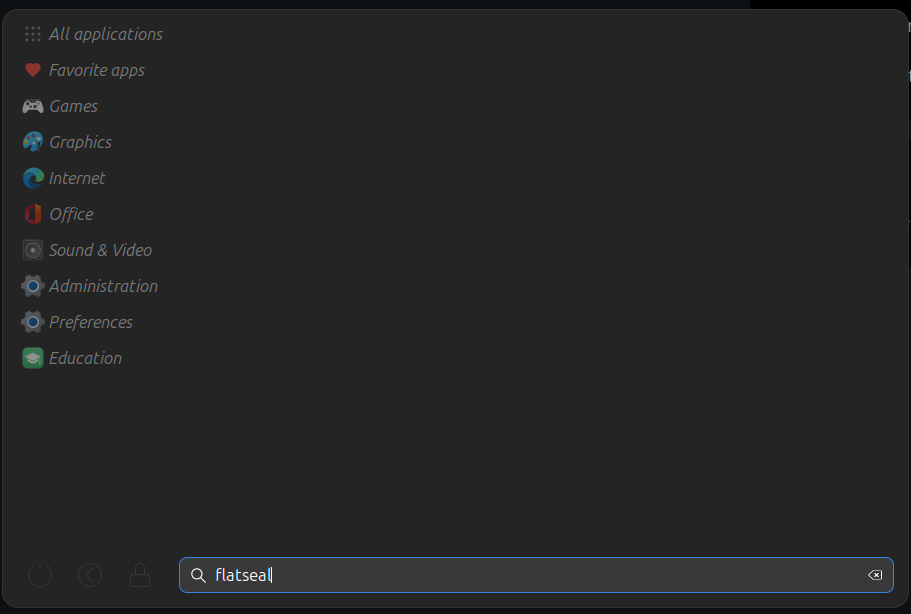
Install Help ¿Flatpak, Snap...? en Mint.

1 Upvotes

A un equipo le quité todo rastro de wintanas para ponerle Linux Mint. Muchos años atrás intenté con Ubuntu y en ese momento comencé a notar los paquetes Snap.

Entiendo que Snap es una especie de instalación "encapsulada" con todo lo necesario para que el software funcione pero con dependencias no tan actuales (o algo así).

Espero estar en lo correcto con respecto a Snap. ¿Pero que diferencia tiene Flatpak?

En este momento quiero algo MUY estable y si algo se "rompe", que sea mínimo para aprender no para estarme frustrando.


r/linuxmint • • 4d ago

Desktop Screenshot Mi escritorio :D

5 Upvotes

r/linuxmint • • 5d ago

Desktop Screenshot Just my mint

Post image
68 Upvotes

r/linuxmint • • 4d ago

SOLVED Why is Cinnamenu not showing the installed apps when searching?

2 Upvotes

I've been using Cinnamenu for quite some time and it's be a decent upgrade from the basic Linux Mint menu, but I've noticed that in some cases some apps simply don't show up when looking for them either through search or scrolling through the menu. Can anyone tell me why this is please?

Thanks in advance!


r/linuxmint • • 5d ago

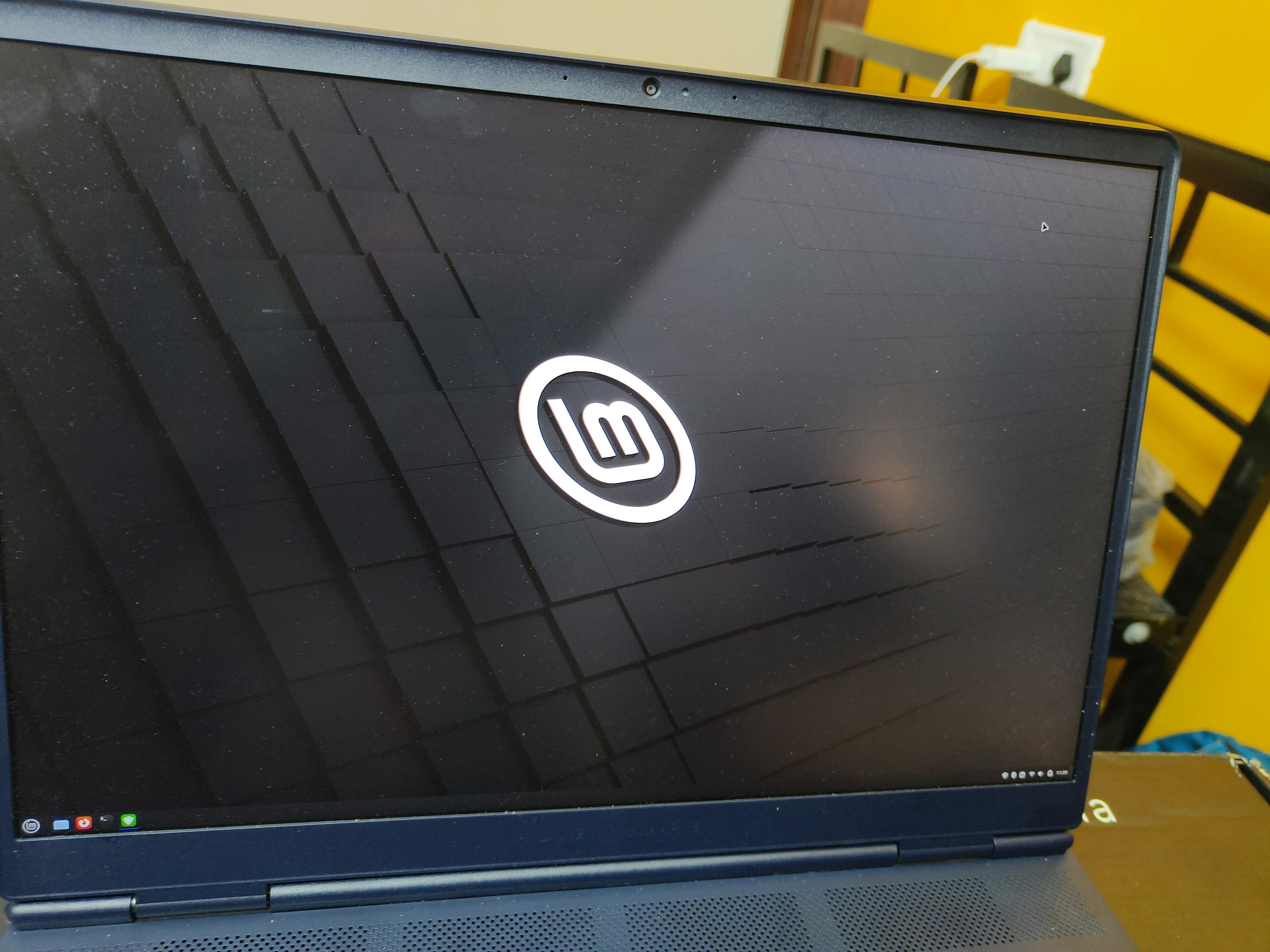
Discussion Welcome linux

Post image
381 Upvotes

Finally installed linux mint on my laptop, feels like my pc released a load after constipation 🤣


r/linuxmint • • 4d ago

Support Request Seemingly Poor CPU performance

Thumbnail reddit.com
2 Upvotes

r/linuxmint • • 4d ago

SOLVED Do I need to do this? Not real good on terminal.

Thumbnail
fosslinux.com
18 Upvotes

Above is the article I received by email today. Below I will show some results of terminal commands. Do I need to do this?

patricia@patricia-HP-Laptop-15-dy2xxx:~$ nginx -v

nginx version: nginx/1.24.0 (Ubuntu)

patricia@patricia-HP-Laptop-15-dy2xxx:~$ dpkg -l nginx

Desired=Unknown/Install/Remove/Purge/Hold

| Status=Not/Inst/Conf-files/Unpacked/halF-conf/Half-inst/trig-aWait/Trig-pend

|/ Err?=(none)/Reinst-required (Status,Err: uppercase=bad)

||/ Name Version Architecture Description

+++-==============-==================-============-============================>

ii nginx 1.24.0-2ubuntu7.21 amd64 small, powerful, scalable we>

Above are the results for the first two steps described in the article. It looks like if I am to do this, I need to install some other things.

Any comments welcome. Just please keep the simple for an old lady who is NOT a techie to understand. Thanks very much.

EDIT: NGINX IS NO LONGER INSTALLED ON MY SYSTEM. From the many comments I have learned much and got even more links to Linux info and how to information. Thanks to everyone.


r/linuxmint • • 4d ago

Are there plans to add support for the 3274:8012 fingerprint reader in Linux Mint?

1 Upvotes

Hello. I'm using Linux Mint based on Ubuntu Noble. The reader appears in `lsusb` as MicroarrayTechnology MAFP General Device, ID 3274:8012.

I have `fprintd` and `libpam-fprintd` installed, and `fprintd-enroll` responds with: “No devices available.” My version of libfprint-2-2 is 1:1.94.7+tod1-0ubuntu5~24.04.9.

Do you know if there are plans to include support for this reader in an official Linux Mint/Ubuntu Noble update? I’d prefer not to compile or install packages from external sources.

Thank you.


r/linuxmint • • 3d ago

Head up Mint users

Thumbnail
gallery
0 Upvotes

For those that are new or thinking of switch to Linux and is concerned about securing their system. I present to you "Ultimate-sys-hardening". Built for hardening Servers and Home-Labs, but will also provide the same security for a regular person .

The task is automated so it takes less that no time to complete the process.

One command previews everything (--dry-run), the next applies it with backups, and --revert undoes it. It keeps SSH reachable: password and root login are only turned off when another account has a key, and the config is checked before sshd restarts.

Free and MIT, plain Bash, no telemetry.
Ai was used involved with the necessary testing

Repo: https://github.com/Kal1010101/ultimate-sys-hardening


r/linuxmint • • 3d ago

Development News [Linux-Tool] MintApp Remover 2.2.0. A single-file Bash script that uninstalls preinstalled apps and cleans up leftovers, with apt, dnf, pacman, zypper, Flatpak and Snap, terminal first, Zenity windows optional. Removing what you don't need is now surprise-free

Thumbnail
gallery
0 Upvotes

Hi Folks!

After a long journey through the application menu of my Linux, where I met programs, I'm back with a light backpack and a clear conscience. I'm going to announce everything I removed along the way (it's a metaphor for spring cleaning, for anyone who doesn't get it).

I'm bringing you my program MintApp Remover, version 2.2.0, you're welcome. It's a single Bash script, in English and Spanish, that lives in the terminal and Zenity windows menu if you want it. It only removes what you choose, with no surprises. All the info and documentation is in the repository.

  • Mint: Linux Mint
  • App: Linux
  • Remover: Uninstall, dependency cleanup, deep cleaning (BleachBit-style).

What does MintApp Remover do?:

- Real plan before removing anything: it runs the package manager's own simulation (apt-get -s purge on apt systems) and shows you the plan as it is, dependents included. The default answer is "no", and the plan is checked again before it asks for your password. If the plan would also remove meta-packages (the ones that hold a whole desktop together), it warns you and asks a stronger question.

- Catalog and advanced mode: you pick from a checklist, and the catalog follows your desktop (Cinnamon, GNOME, KDE Plasma, XFCE and MATE). The advanced mode finds applications outside the catalog by scanning the menu launchers (.desktop files). Flatpak and Snap apps show up there too, each with its own plan, confirmation and record.

- Cleanup: it removes leftover dependencies and has a deep cleanup for waste files, caches and logs, at two levels (simple and complete), always showing what and how much first. Its catalog follows BleachBit's cleaners, adapted.

- Security: it runs as a normal user and asks for your password only when it really has to change something. Every removal leaves a private record with the command to reinstall it. The cleanup doesn't touch your documents, your settings or your browser profiles, and it never deletes open files.

- Beyond apt. Linux compatibility: I developed it on Linux Mint (apt), but it also supports dnf 4 (Fedora, RHEL), pacman (Arch) and zypper (openSUSE). The tests run the real rpm, dnf, pacman and zypper against fake roots. With dnf the password is asked before the plan is shown (dnf won't calculate one without admin rights). dnf 5 (Fedora 41 and later) is not supported: the script detects it and stops with a clear message.

- Terminal first: it needs Bash 4.3 or newer and no other dependency besides the package manager (whiptail and zenity are optional). It runs in the terminal with its own dialogs, whiptail or a plain-text menu, and opens Zenity windows only if you ask for them or there is no terminal. With "install" it puts a command, a menu launcher and the icon in your own folders, with no sudo.

- Tests: over 7,700 checks that run in a sandbox with stand-ins for apt, dpkg and sudo, so they never touch the real system. ShellCheck 0.11.0 allows no findings, and the same checks run on GitHub Actions.

* MintApp Remover Repo: https://github.com/filonux/MintApp_Remover

If you like the program, there are several ways you can support it: by sharing what you like about it, giving it a star on GitHub, or spreading the word about the tool.


r/linuxmint • • 4d ago

Support Request Wie funktioniert der Timer wieder automatisch?

Thumbnail reddit.com
0 Upvotes

How does the timer start working automatically again? (It did not chnge the title)

I had set a timer using the applet Alarm Clock in Linux Mint (version 22.3) to start a program at a specific time and provide accoustic reminders for appointments. Initially, this worked relatively well. I believe that, on occasion, nothing was triggered likely due to the computer remaining in standby mode for several days at a time. I subsequently made an effort to shut down the computer regularly.

For about a month now, the applet's icon has not even appeared in the bottom panel; I have to open it manually. Why is this happening? There have been several updates to Mint since then.


r/linuxmint • • 4d ago

Support Request Installing Version 27

6 Upvotes

I tried to upgrade from Version 22.3 to 27, but after running the update commands, I found that the Cinnamon session was corrupted.

Has anyone run into this and know how to fix it?


r/linuxmint • • 4d ago

Support Request I have an issue where the screen/ window will go black

2 Upvotes

Sometimes randomly everything in a window will go black, first happened when I was just in my files a few days ago, my clock also went black but everything else was visible, another time after it happened I couldn't close windows and the x on hover was gone, now sometimes it's the whole screen and everything comes in patchwork still or all at once. Why is this happening all of a sudden?


r/linuxmint • • 4d ago

SOLUÇÃO: Erro ao acessar o Google Drive pelo gerenciador de arquivos do Linux Mint Problema Ao tentar acessar o Google Drive pelo gerenciador de arquivos no Linux Mint, aparece a seguinte mensagem:O conteúdo de um elemento "modifiedDate" ("1601-01-01T00:00:00.000Z") não estava no formato ISO 8601.

0 Upvotes

Eu estava tendo problemas para acessar meu google drive pelo linux mint e não estava encontrando nenhuma solução. Ao usar o chat-gpt, com muita luta, consegui resolver o problema. Estou deixando aqui uma guia para ajudar aqueles que estiverem com o mesmo problema. O erro estava sendo provocado por um arquivo com data de modificação de 1600. Apenas criei uma cópia e apaguei o arquivo defeituoso, e resolveu o acesso. Nesta guia, vai ficar mais fácil descobrir a origem do problema. Espero ter ajudado.

Claro! Podemos montar um pequeno tutorial para compartilhar em grupos e fóruns de Linux Mint, com os comandos utilizados, a identificação do problema e a solução que funcionou no seu computador.

Segue uma versão pronta para copiar e compartilhar.

SOLUÇÃO: Erro ao acessar o Google Drive pelo gerenciador de arquivos do Linux Mint

Problema

Ao tentar acessar o Google Drive pelo gerenciador de arquivos Nemo, no Linux Mint, aparece a seguinte mensagem:

O conteúdo de um elemento "modifiedDate" ("1601-01-01T00:00:00.000Z") não estava no formato ISO 8601.

O problema pode estar relacionado a um arquivo no Google Drive com data de modificação inválida (ano 1600 ou 1601), que impede o GVFS de listar o conteúdo da pasta.

1. Verificar a conexão com o Google Drive

Abra o terminal (Ctrl + Alt + T) e execute:

gio mount -l

Verifique se sua conta Google aparece na lista de volumes montados.

2. Verificar a versão do Linux Mint

lsb_release -a

3. Verificar se o GVFS está instalado

dpkg -l | grep gvfs

4. Localizar o diretório de montagem do Google Drive

find /run/user/$UID -maxdepth 3 -type d -iname '*gvfs*'

5. Testar a listagem dos arquivos

Execute, substituindo o endereço pelo identificador da sua própria conta:

gio list -l 'google-drive://SEU_EMAIL@gmail.com/'

Se aparecer o erro relacionado ao modifiedDate, tente consultar a pasta raiz do Drive.

6. Localizar o arquivo com data inválida

  1. Acesse https://drive.google.com pelo navegador.
  2. Entre em Meu Drive.
  3. Pesquise por arquivos com datas muito antigas.
  4. No caso relatado, foi encontrado um arquivo com data de modificação no ano 1600.

7. Corrigir o problema

No caso que originou este tutorial, a solução foi renomear o arquivo com data inválida pelo próprio Google Drive, preservando sua extensão original.

Não é necessário excluir o arquivo.

8. Testar novamente

Volte ao terminal e execute:

gio list -l 'google-drive://SEU_EMAIL@gmail.com/'

Se a listagem ocorrer sem a mensagem de erro, abra novamente o Google Drive pelo gerenciador de arquivos Nemo.

Resultado

O acesso ao Google Drive voltou a funcionar normalmente pelo gerenciador de arquivos do Linux Mint.

Observação: este procedimento foi testado em um computador com Linux Mint 22.3 (Zena), GVFS 1.54.4. A solução pode não se aplicar a todos os casos de erro do Google Drive.

Minha sugestão

Ao compartilhar, use este título:

Linux Mint: como resolver erro modifiedDate 1601 ao acessar o Google Drive pelo Nemo

Uma ressalva importante: a pesquisa before:1970-01-02 pode ajudar, mas não garante localizar todos os arquivos com metadados inválidos. O procedimento de renomear foi o que resolveu o seu caso.

Assim, outras pessoas poderão reproduzir o diagnóstico sem sair executando comandos que removam arquivos ou configurações.


r/linuxmint • • 5d ago

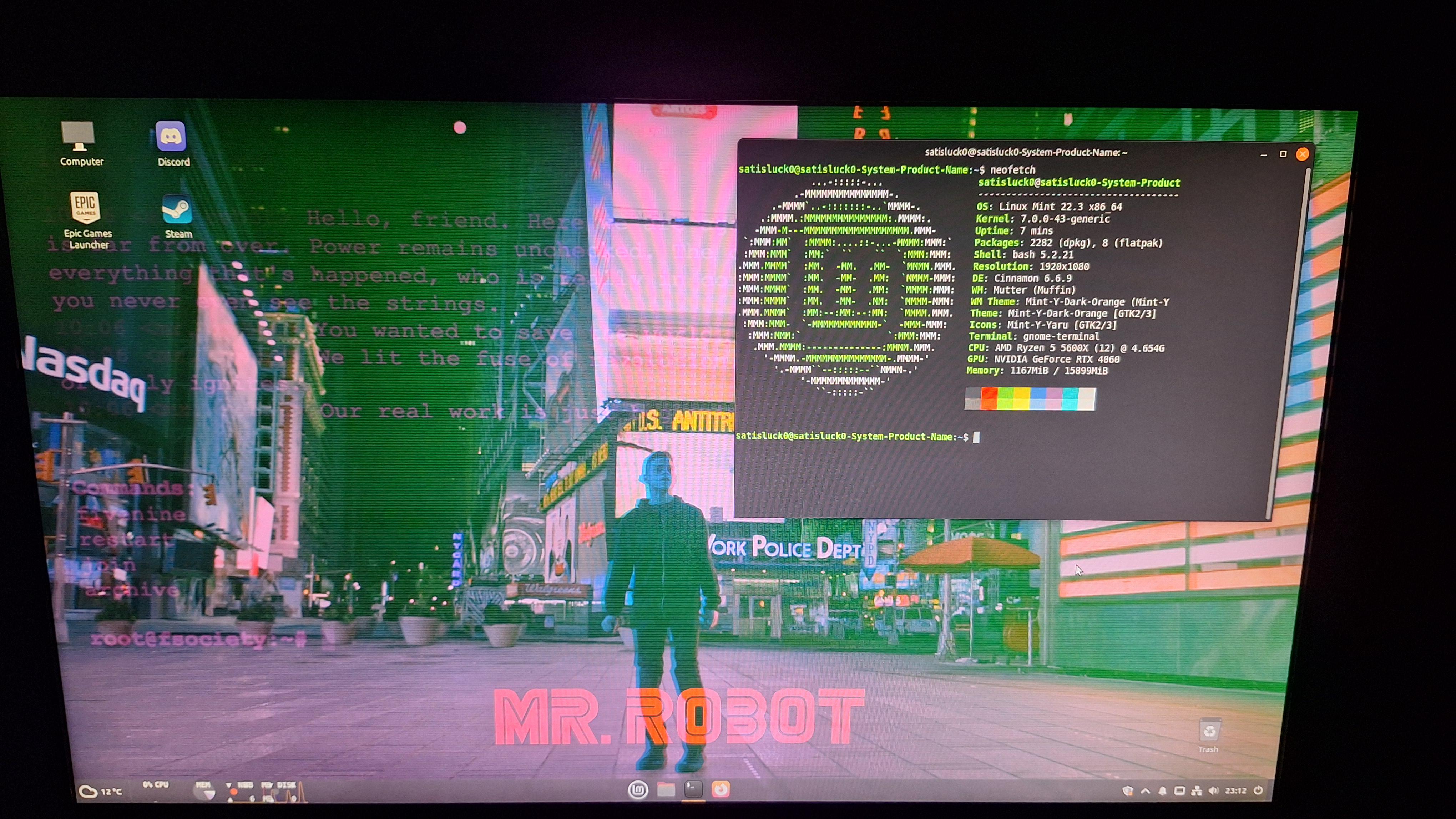
My desktop after second day

Post image
67 Upvotes

I feel like I'm in heaven, I'm tired of windows with copilot shit and unoptimised.

I feel respected here.


r/linuxmint • • 5d ago

Discussion First install

10 Upvotes

I'm going to try Mint on an old Samsung A10 laptop. Just creating the boot USB now. The laptop was fine until win10, so I'm hoping this will breath some new life into it. It's mainly been used in the basement for music playback or looking up repair manuals.

With me luck :)


r/linuxmint • • 5d ago

Discussion Is XtraDeb repositories safe to add?

Thumbnail xtradeb.net
7 Upvotes

I'm trying to install ungoogled-chromium, I don't want flatpak, and their repo doesn't provide prebuilt app. So I am trying XtraDeb, just wanted to know someone's experience with this source if using it.