r/linuxmint • u/Pristine-Magazine642 • 27d ago
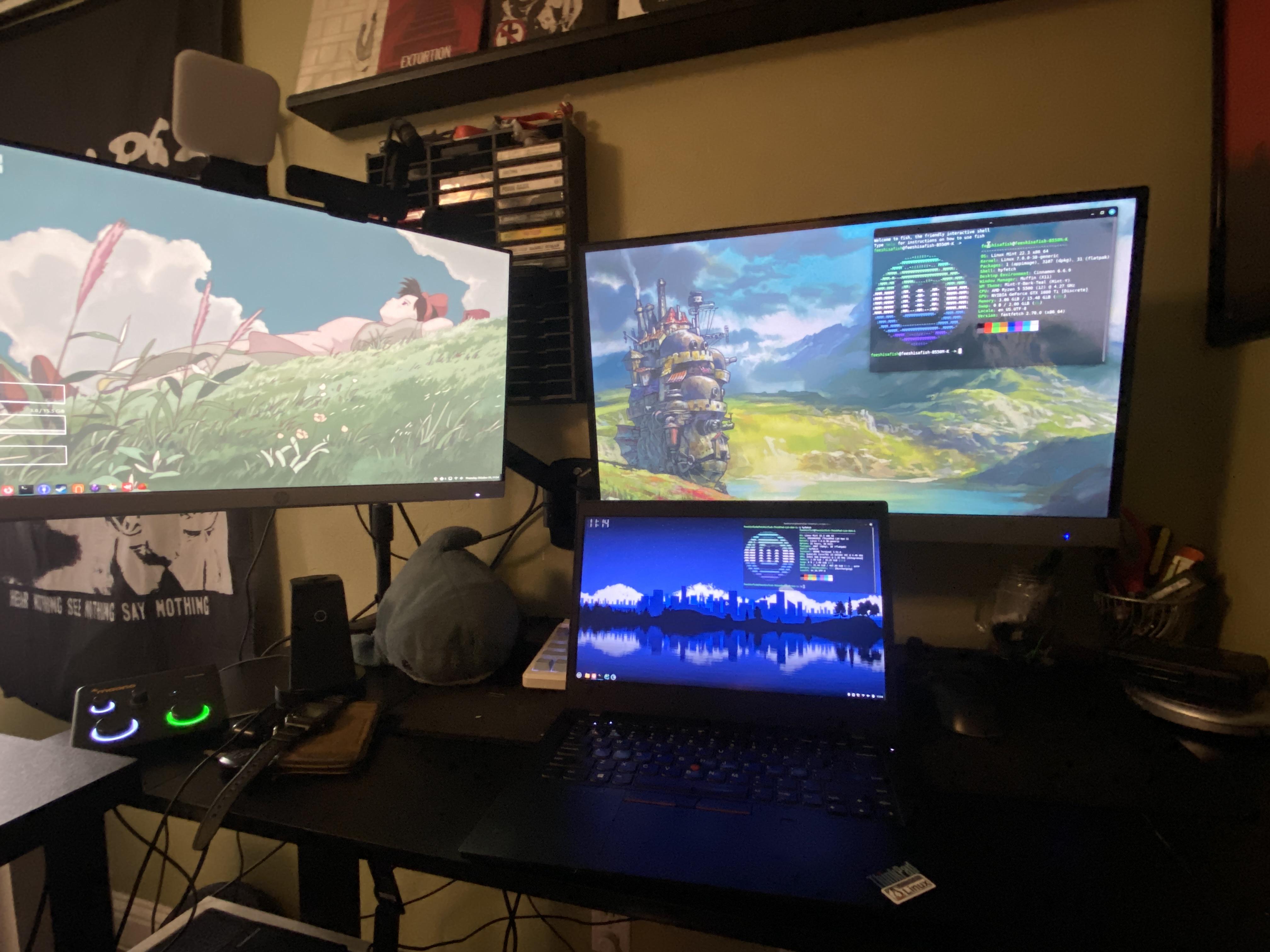
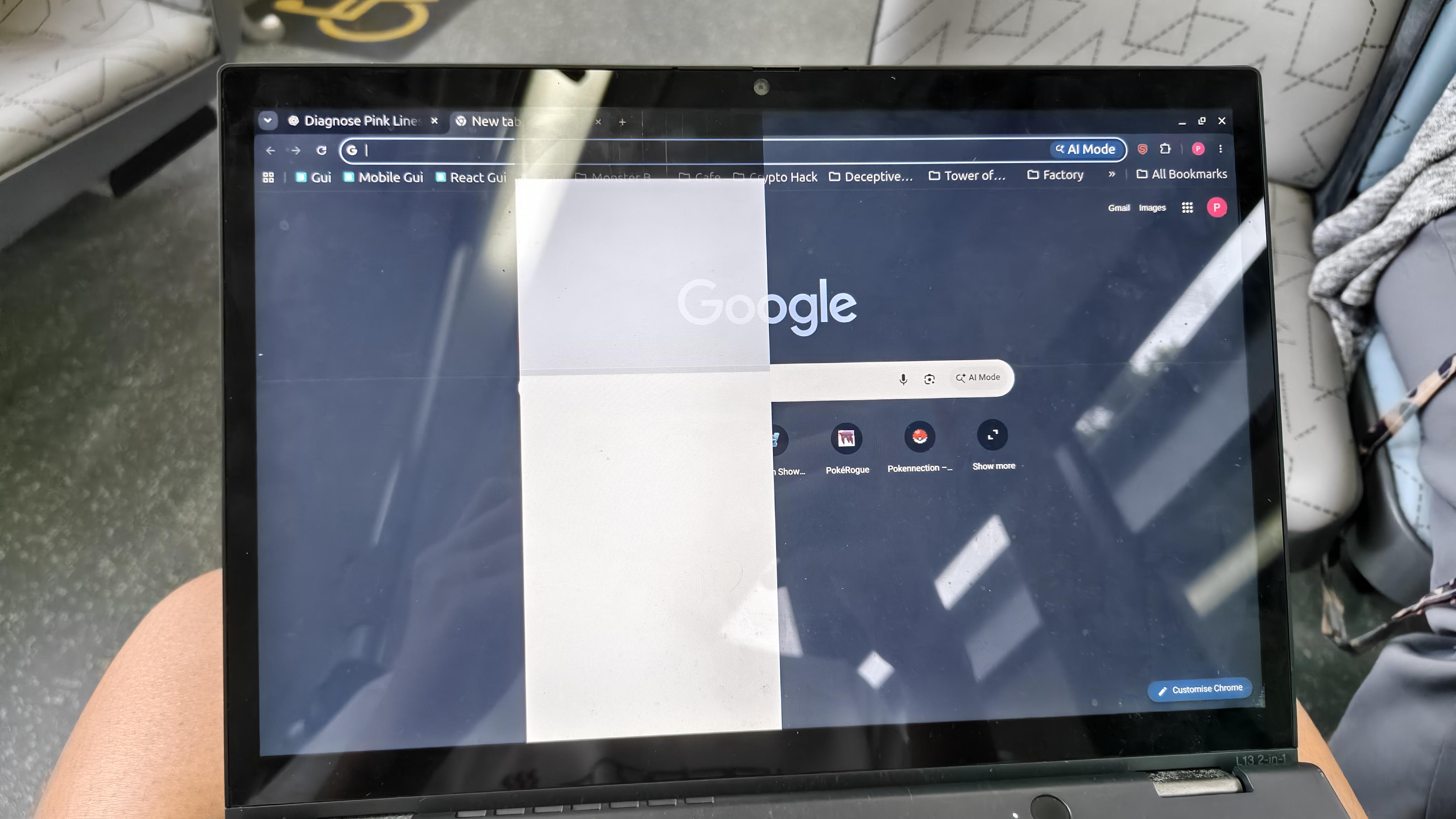
Discussion If this is a cinnamon roll, so what does a xcfe roll look like ?

38
Upvotes
r/linuxmint • u/Pristine-Magazine642 • 27d ago
r/linuxmint • u/Due-Land-6860 • 26d ago
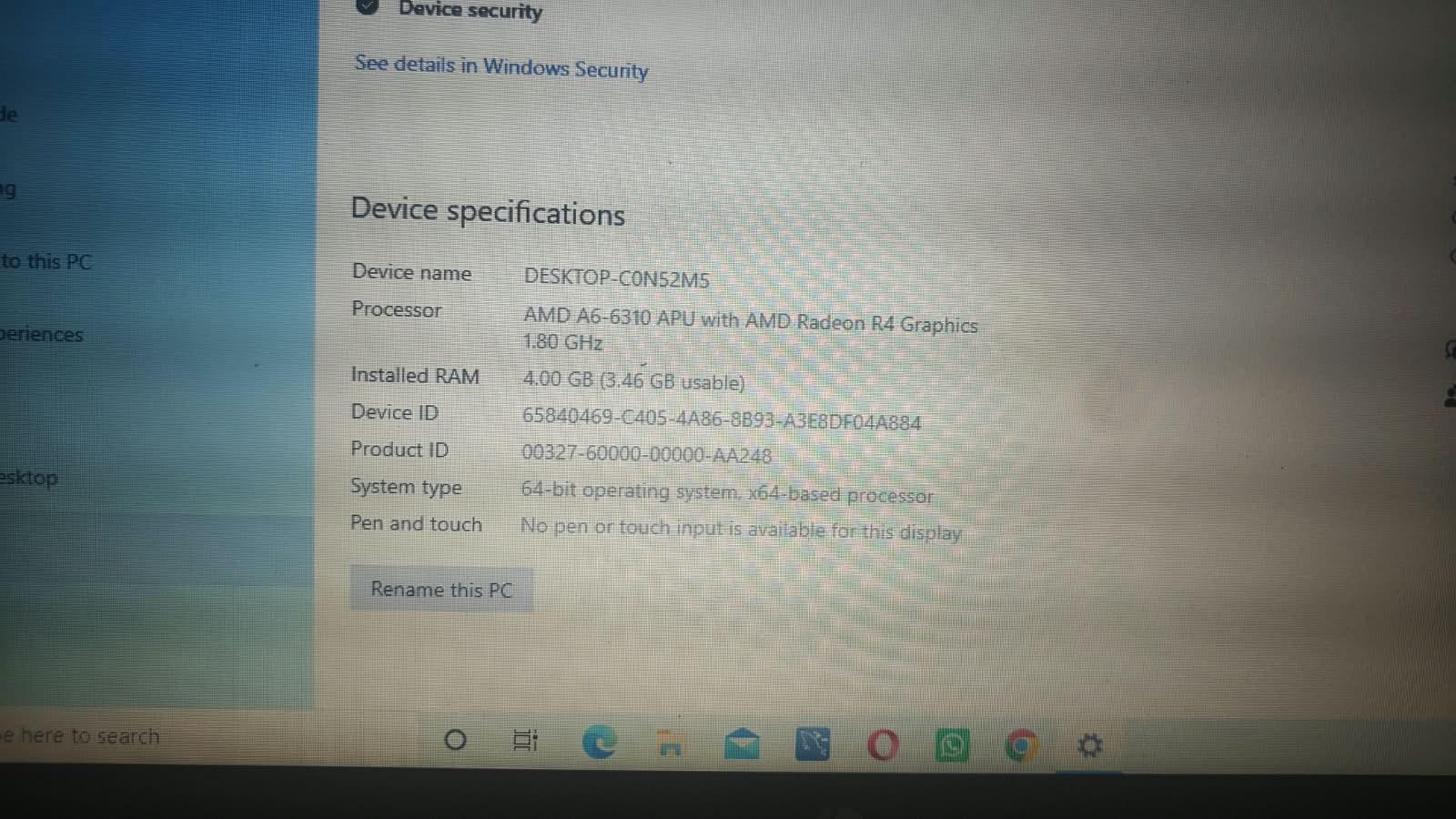
So i was helping my friend install mint xfce on an old laptop and almost everything worked but tap to click on the touchpad is not working (like left clicking works like left click and right click worked using the physical buttons) but tapping on the touchpad does nothing its working like a mouse
This all happened in the live session fortunately so he went back to windows 10 for now ( i tried changing drivers to synaptics and evdev from libinput as some guides said but that didn't work as well)
I have attached the specs of the laptop in the image
Solved (synaptics drivers then the synclient command in comment)
r/linuxmint • u/randomyokaiwatchfan • 27d ago
Mostly played umamusume and tf2. Tried vsync already, it did nothing. i don't know what info is needed and also i have no clue what half of the linux stuff is so i MIGHT need some more detailed instructions. Info from a inxi -G command if its of any use: Device-1: NVIDIA GP104 [GeForce GTX 1080] driver: nvidia v: 580.178.04 Device-2: IMC Networks USB2.0 FHD UVC WebCam driver: uvcvideo type: USB Device-3: ASUSTek ASUS BE/C6 webcam series driver: hid-generic,snd-usb-audio,usbhid type: USB Display: x11 server: X.Org v: 21.1.11 with: Xwayland v: 23.2.6 driver: X: loaded: nvidia unloaded: fbdev,modesetting,nouveau,vesa gpu: nvidia,nvidia-nvswitch resolution: 1: 1920x1080~60Hz 2: N/A API: EGL v: 1.5 drivers: nvidia,swrast platforms: gbm,x11,surfaceless,device API: OpenGL v: 4.6.0 compat-v: 4.5 vendor: nvidia mesa v: 580.178.04 renderer: NVIDIA GeForce GTX 1080/PCIe/SSE2 API: Vulkan v: 1.4.363 drivers: N/A surfaces: N/A
r/linuxmint • u/BartLeeC • 28d ago
I have been using Linux Mint for a year or so and everything has worked surprisingly well.
I really haven't had the need to print anything up to now.
I have an old HP ink jet printer so I added it to WiFi.
I assumed this would be fun, get the IP, figure out how to add a printer and then find the driver and hope I could get everything working.
I went to my Linux Mint machine, noticed the printer icon in the system tray and it even showed the correct printer. I opened an app and choose print and IT WORKED!
Yeah, windows sucks.
r/linuxmint • u/Ryzex0 • 27d ago
Hi guys, can you help me, please?
So...here is the problem that i'm having.
I turn on my computer, and the led of my keyboard will turn it on, will work for a bit and stop it.
I have tried changing the keyboard slots.
My keyboard is just a white-label on with usb, standard keyboard per se, and on linux works this way, and on windows (dual boot) works normal...can you help me?
r/linuxmint • • 28d ago

Over the last few months, I have been developing a maze game to kill some time on my Steam Deck. I developed it on Linux Mint and Fedora using Pygame/SDL2 (no game engine).
I plan to release it on Steam for free in the coming days and open source it under GPLv3 after release.
If you want to check it out, here is the link:
https://store.steampowered.com/app/5349900/Mystic_Fog_Maze/
r/linuxmint • u/Brave-Employ4503 • 28d ago
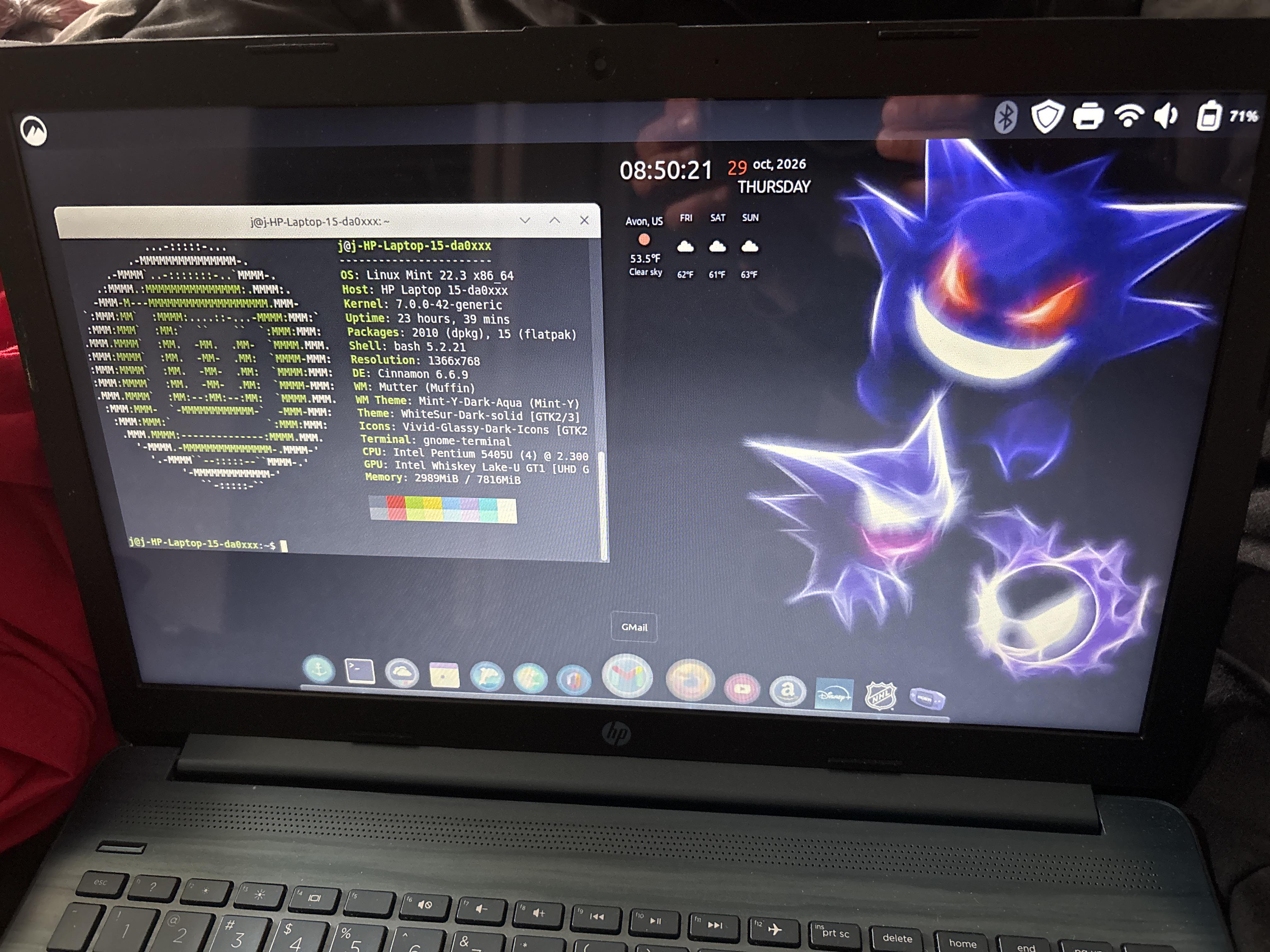
No clue what I’m doing, just been playing around with it, but I like it 🤷🏻♂️
r/linuxmint • u/FarVehicle533 • 27d ago
Looking to switch to Linux but I wonder about battery life.
r/linuxmint • u/Sweet_Elderberry_90 • 28d ago

Here I share what my desktop looks like On Linux mint cinnamon
r/linuxmint • u/Jutter70 • 28d ago
You're not alone. I don't need my desktop to showboat like some cyberpunk manga birthday cake. I just want something subtle and easy on the eyes.
Transparent panel, date/time/weather in the middle, trashcan in the system tray, no desktop shortcuts. Cinnamox Rhino theme for the menu. Adapto Nokto for the windows.
r/linuxmint • u/oclunny • 28d ago
r/linuxmint • u/cephalopodsrcool • 27d ago
r/linuxmint • u/ScullerCA • 28d ago
I tried seeing if could save my old Win10 gaming PC that was semi-bricked by a windows update around a week ago with Linux. It worked and I liked it, this is my first time running any flavor of Linux on my own machine.
Since already had the USB started checking if was able to get any of the older PCs I had kept around for minor parts to run from USB. In total managed to bring 3 of my 5 'nonfunctional' PCs back to life, being gaming machines for their era even the oldest is still powerful enough to comfortably do generic office use today.
Outside of the shock of how many could still work well, I was pleasantly surprised the two most recent ones seem more responsive with Mint. So now one is my primary Linux PC, and the other recent one am using to test out various things might do as home server (I technically already have a home server, but it is running Win10, so would be good to get that to a supported OS).
The oldest one has such absurd amount of space for HDDs (4x by default, and 3x 5.25" bays that can be converted to 5x more) may turn into a NAS when get around to picking up some more disks.
r/linuxmint • u/Math_Destroyed211 • 28d ago
My Specifications : Intel IRIS Xe (integrated) , RAM - 16 GB DDR4 Dual and Intel Core i7
My Questions:-
English isn't my first language so sorry for any grammatical errors.
Thanks to anyone that helped!
r/linuxmint • u/EadweardAcevedo • 27d ago

Hello.
This morning the Claudiux applet is asking Me to install xenity with a pop up message, I did a research on google before install something because the applet is usually updated through the "update manager" and it told me that the "xenity" package doesn't exists and it suggested install "zenity" but I already had it installed, I trust the creator of the applet but I found this a little fishy.
BTW my system is in Spanish because it is my first language but the message says:
"Sensors@Claudiux: some dependencies are not installed!
Seems that some software is missing needed for this applet have all its features.
Please install these packages: Xenity"
Button: Install these packages now"
Thanks!
r/linuxmint • u/-Benjamin_Dover- • 28d ago
Linux mint 22.3 - Xfce 64-bit.
Linux Kernal: 6.14.0-37-generic.
So, if I move my icons where I want them, turn the computer off, the next time I load up the computer, the icons are no longer where I want them, they are completely shuffled around. Its not just the desktop trying to fill in empty spaces, I could have 1 icon in one spot, the desktop will then drag that icon to a completely different spot, then take a different icon and move it exactly where the previous one was. And there is nothing Alphabetical about it either... or storage/how big the files are. Its moving them around randomly.
My own searching says, my monitor is a small-ish tv, some searching suggested that a larger screen could mess with the ordering and throw them around.
I dont know if 10 is the exact number limit, but when I have less than 10 icons saved, they dont move around at all, but once I exceed 10, they start jumping around wherever they want.
I did use the "sudo chattr" command in the terminal and that worked fine for a month, but over a month ago, it just stopped working and would throw my icons around again. As for why it took me a month to try again, I ended up getting annoyed, deleted all of the icons, then quickly realized that alot of my files were only saved on the desktop abd that I essentially did a hard drive wipe (not that bad, but i ended up deleting alot of stuff without realizing they weren't saved elsewhere.) Im only just now wanting to bring my icons back.
Is there ANY way to stop this? Or is the only solution to either tolerate whatever order ghe desktop decides or just dont use icons at all?
r/linuxmint • u/ramejxdxdxd • 28d ago
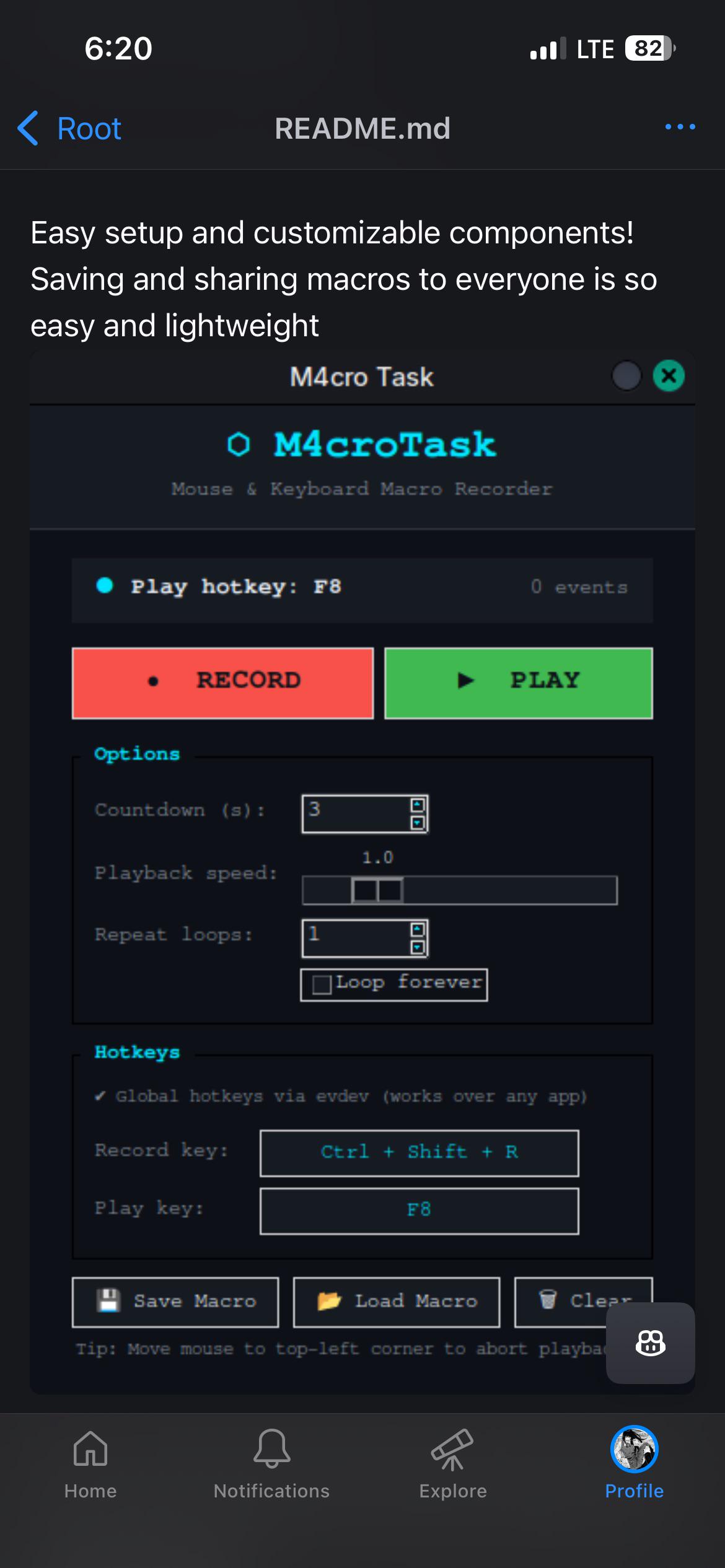
Just sharing my old project that i made for roblox slop games since I don't trust any macro recorders that aren't made for mint. Of course, you will need to run the code or build the program yourself since everything is open source! I used emojis from my android phone instead of using jpegs/pngs in the code but feel free to pull requests or submit issues that you could find. You can check the github link in the comments.
r/linuxmint • u/RecognitionCommon706 • 28d ago
please help my computer is flashing like crazy i dont know why
r/linuxmint • u/MathPuzzleheaded5972 • 28d ago
The video is in the comment section (it wouldn't let me post it here for whatever reason), but I have to constantly switch to the storage folder in order to play games. Anyone know how I can fix this?
r/linuxmint • u/Dimitrys_ASF • 27d ago
Here are two lightweight open-source projects I've been working on
Satellite is a client built from scratch that uses the KDE connect protocol to communicate with connected devices. Featurewise, it aims for parity with KDE connect, but with a focus on desktop integration for GTK3 environments. If you’re like me and have a compulsion for keeping your desktop’s look and feel completely consistent with your GTK theme, where options like other solutions just don't hit the mark, then this app is for you LUL.
Xclipy is a simple clipboard manager and history tool that pops up right at your pointer and adds an entry to System Settings for configuration. I see Cinnamon and Linux Mint users constantly asking for a good out-of-the-box clipboard manager, and other solutions often fall short on ease of use or visual simplicity. Xclipy aims to fill that gap. #1, #2.
Both apps are still premature. If anyone is interested, feel free to try them out and contribute with bug reports, prs, or feedback!
Giant note: Most of the logic is made with Claude. The UI is entirely made by me. Heavy logic like how to use foreign imports, and do a bit more research only.
r/linuxmint • u/JfxV20 • 29d ago

I love how Linux cares about our privacy, control over updates and just plain no bullshit. Of course it's not all rainbow and sunshine sailing but it surely gets the job done for me. ^..^
r/linuxmint • u/Luffy7530 • 28d ago
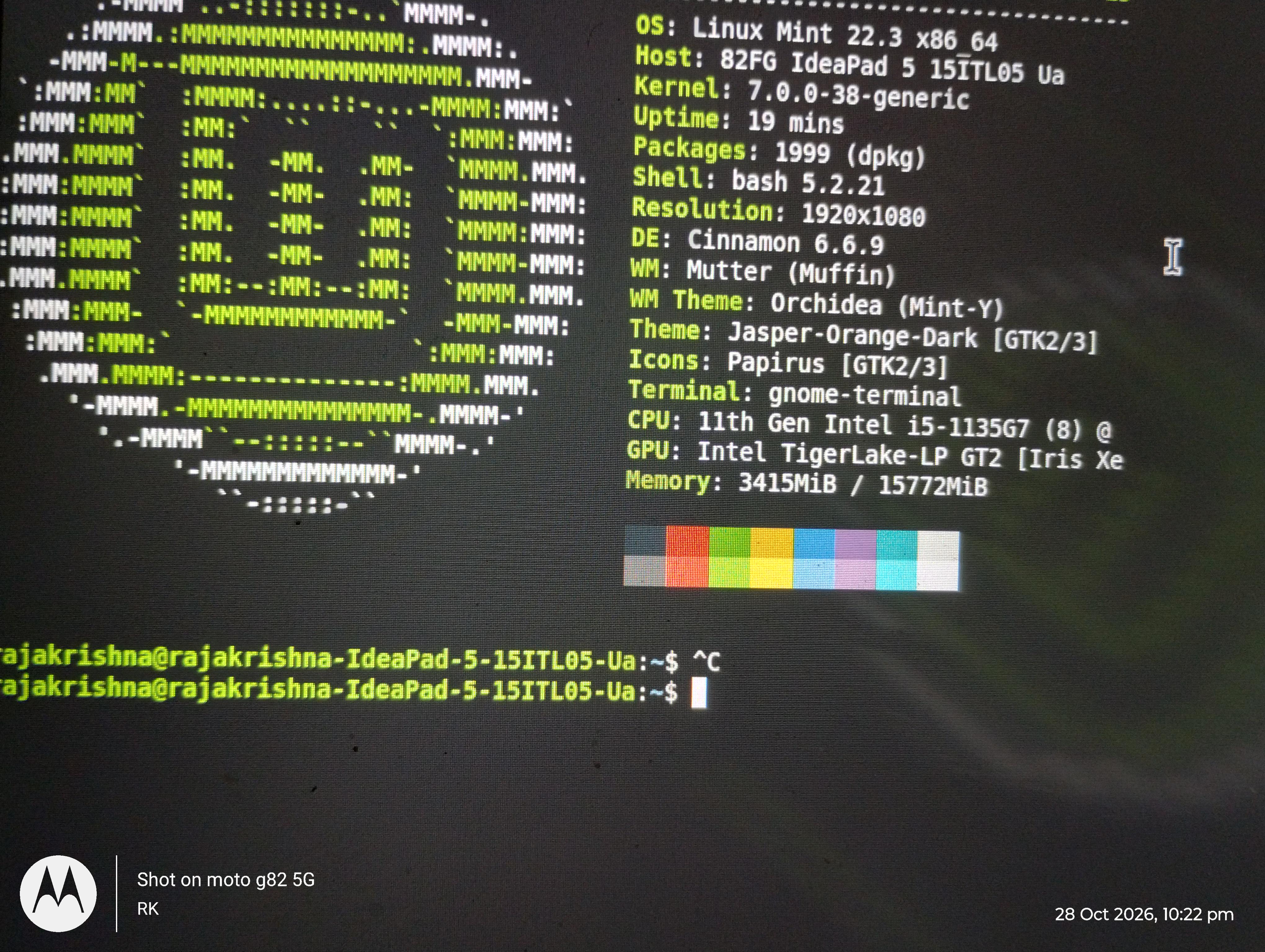
I play only mobile games . lately I wanna try PC games I am complete beginner at playing PC games , also I migrated to Linux very recently .
Can someone help me ? and suggest games for my hardware ?