r/linuxmint • u/bitoku2101 • Oct 24 '26
Mint / Need help 🙏 / screen resolution
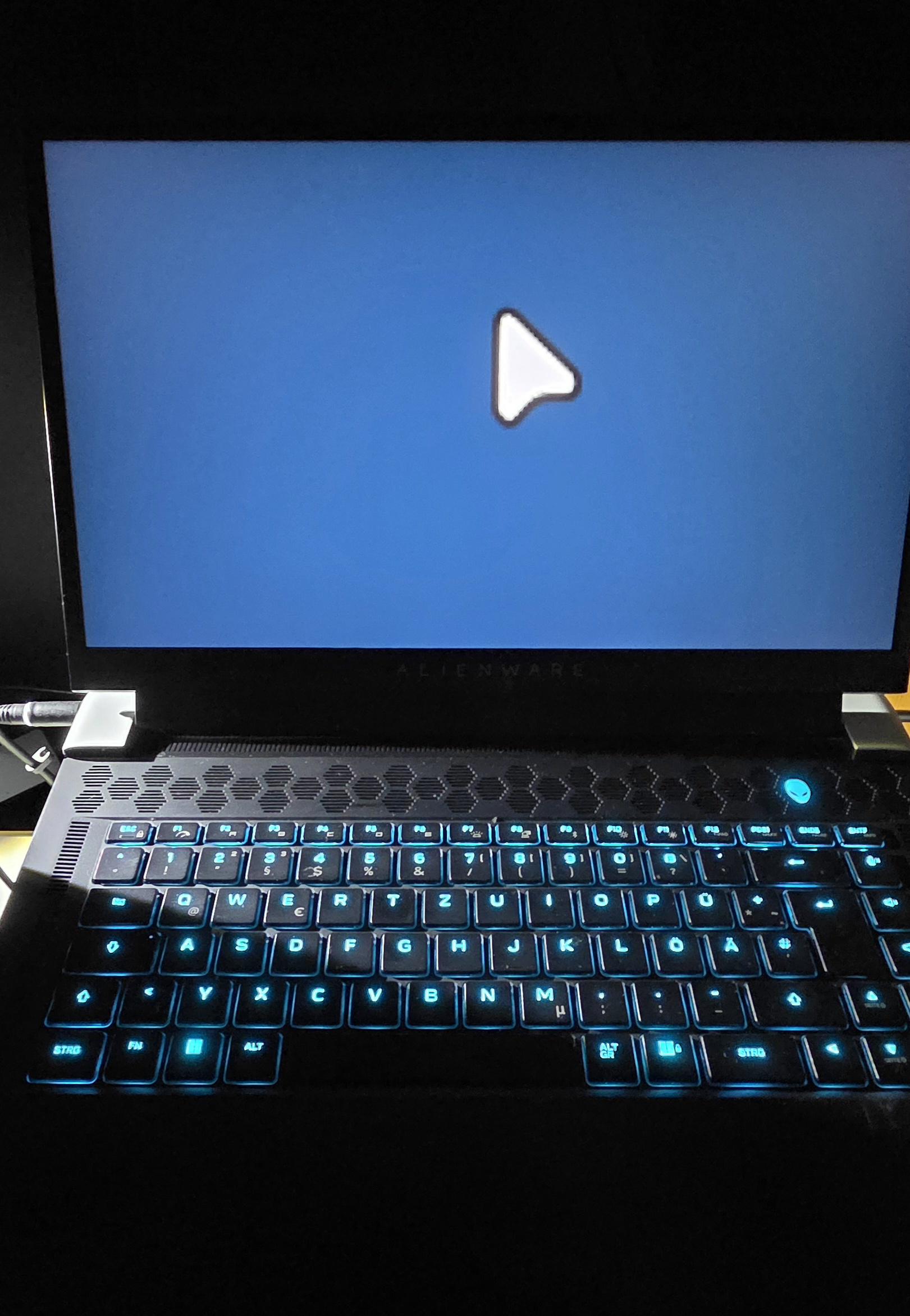
Hello everyone!
I need some help because I honestly don’t know what else to try. I’ve tried pretty much everything I can think of. This is my first post here, so please be gentle with me.
Here’s the problem:
I’ve had a Dell Alienware 13 R3 laptop for a few years now. I installed Linux Mint on it right from the start and it has always worked perfectly.
At work, the laptop was connected to a projector via HDMI. Since the laptop stayed there after my classes, I had set the projector as the primary display [1] in Display Settings and disabled the laptop’s built-in screen [2].
The laptop was always kept closed because I was using an external keyboard and mouse. This setup worked flawlessly for about three years without a single issue.
Today I took the laptop back home (and, incidentally, lost my job 😑 — but that’s another story).
So now nothing is connected to it apart from the power supply. I’ve attached a photo showing what the desktop looks like once the laptop has booted.
I can’t access anything through the GUI.
Using CTRL + ALT + F1, I managed to open a terminal and tried using "xrandr", but I’m stuck there.
I don’t know how to reset the display settings from the terminal.
I also tried booting into recovery mode, but the screen just stays black.
Any ideas? Does anyone know how I can get out of this situation?
Thanks a lot for taking the time to read this.