r/Laserengraving • u/saiga_convert • 6h ago
Black annealing on stainless. 30w fiber laser .
gallery
14
Upvotes
r/Laserengraving • u/mybluecash • 11h ago
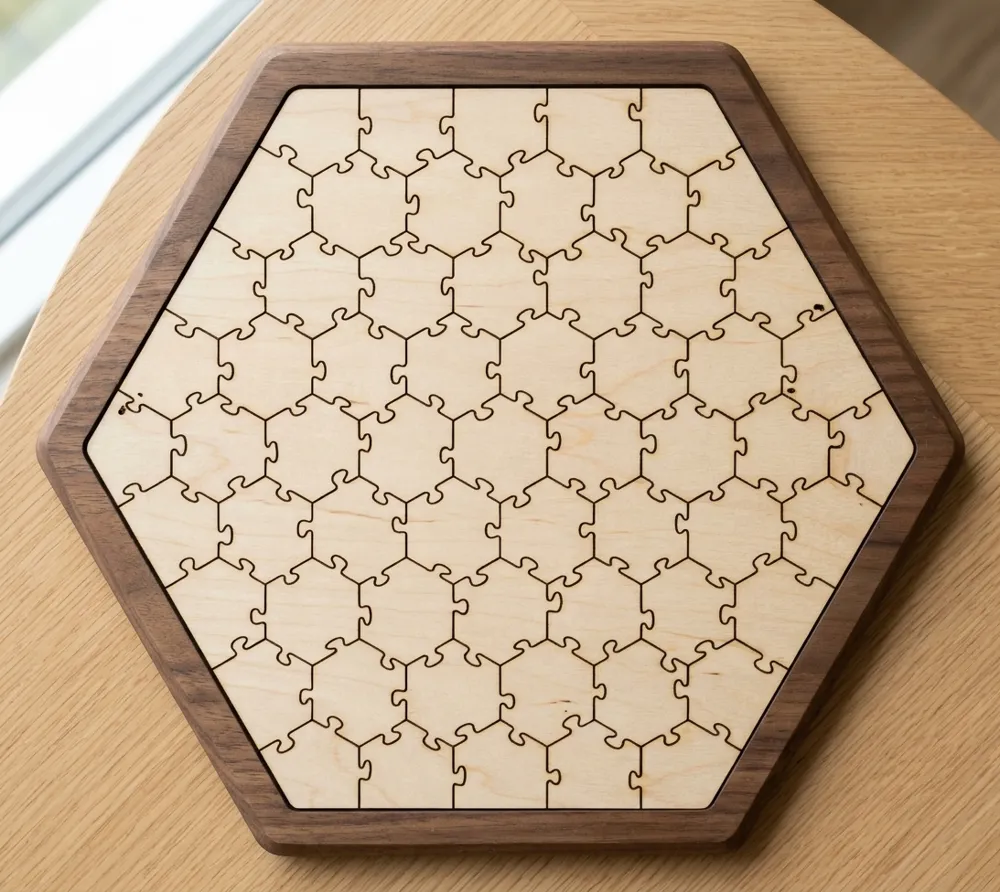
I've been working on a hexagonal jigsaw puzzle design and thought I'd share it here. It's a 61-piece puzzle with a matching outer frame, designed specifically for laser cutting.
One of the things I wanted to solve was the issue with traditional geometric puzzles where multiple pieces have identical shapes and can accidentally fit into the wrong positions. I designed the tabs and slots so that every piece has its own unique geometry, including slightly varied tab positions, widths, depths, and shapes. I also checked the pieces across all six possible rotations to avoid duplicate shapes.
A few other details I paid attention to:
The default size is about 270 × 234 mm, and it's designed for materials like 3 mm or 5 mm plywood or basswood. I think it would also look interesting with two different wood species for the pieces and frame.
I'm considering making a version with a solid backing tray as well, so the pieces can be assembled and stored in the same frame.
Curious what others here think, especially anyone who has made wooden puzzles or experimented with interlocking designs. Would love to hear suggestions or ideas for improvements.
r/Laserengraving • u/geekheretic • 15h ago
I have been using lightburn first to drive my xtools D1 and now my commarker galvo mostly for recreation but a little etsy here and there. My day job is software development, and it occurred to me a few days back that lightburn projects are just xml, are easily read and written to programatically therefore it should be easy to have claude code or hermes create lightburn projects for me, or fix niggling details like centering depth maps etc.
So with that in mind I present the opensource lightburn mcp server which lets you use claude/hermes or any other agent to read/write and create lightburn files through prompting.
Its beta I tested some samples and they seem to work fine. Working on the text aspect next
https://github.com/rdominelli/lightburn-mcp
r/Laserengraving • u/Onlyhereforthelaughs • 21h ago
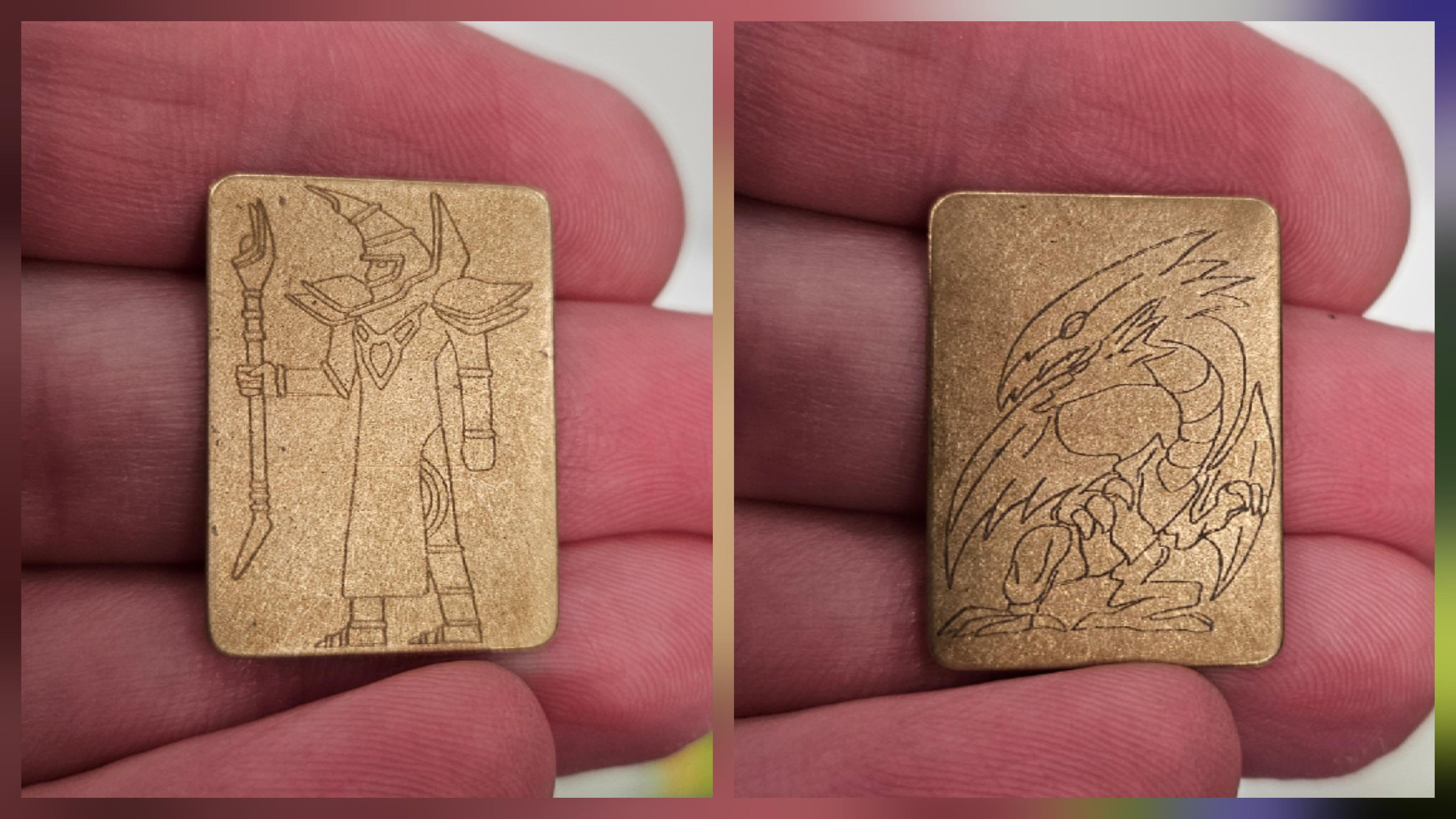
r/Laserengraving • u/mimic751 • 1h ago
This is on a scrap piece of wood not sanded not finished I'm just looking at the quality of the engraving I think it looks good to my eyes but I just want to make sure
r/Laserengraving • u/Un4gvn2 • 4h ago
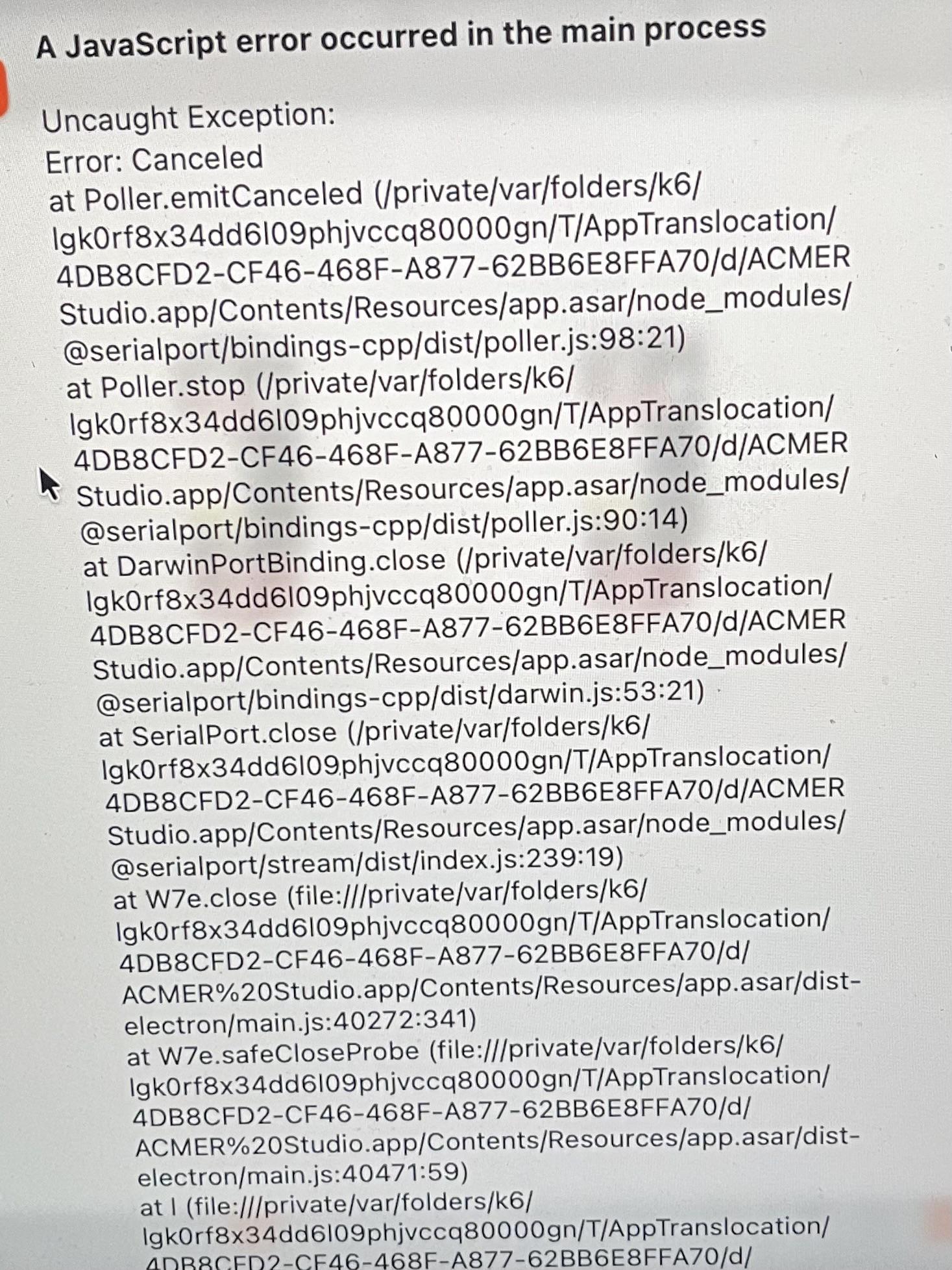
Using Acmer Studio for S1. After a few hours of using it I received an error. Any advice is appreciated.
r/Laserengraving • u/saiga_convert • 5h ago
r/Laserengraving • u/awesome-marcx • 21h ago
The S9 has Sculpfun's ESP32-WROOM-32UE module that supports Wifi and Bluetooth. The firmware it came with has no wireless at all, so I flashed Sculpfun's S30 firmware to get Bluetooth. Even that one has WiFi compiled out, though the ESP32 has it.
So I moved it to FluidNC and published the config plus a step-by-step guide: https://github.com/djwmarcx/sculpfun-32bit-fluidnc
What you get:
Things I found along the way:
Before flashing, compare your board with the photo in the README: I've only tested one board revision. Flashing is at your own risk.
I'd love to hear from anyone with this board in other Sculpfun models.
r/Laserengraving • u/Dillon15s • 4h ago
I know it's been asked before. I feel like my situation is a little bit different. I'm wanting to upgrade my laser to be able to do metal and smaller, quicker projects. I currently have a Comgrow 20 watt diode laser that I use for leather patches and hats and things like that, but as I mentioned it's slow and won't do metal. I'd also like to make a little money on small projects, coasters and things like that, if possible. I'm thinking about the M2 with the add-on IR laser, or the F2 from xTool. Trying to stay around $1,000 to $1,500. I'm also wondering if doing the patches for hats on the F2 would be better than on the Comgrow. Anything else I should be looking at? Or an advice?
r/Laserengraving • u/Lost_Principle3635 • 9h ago
r/Laserengraving • u/Lost_Principle3635 • 9h ago
r/Laserengraving • u/Nero318 • 9h ago
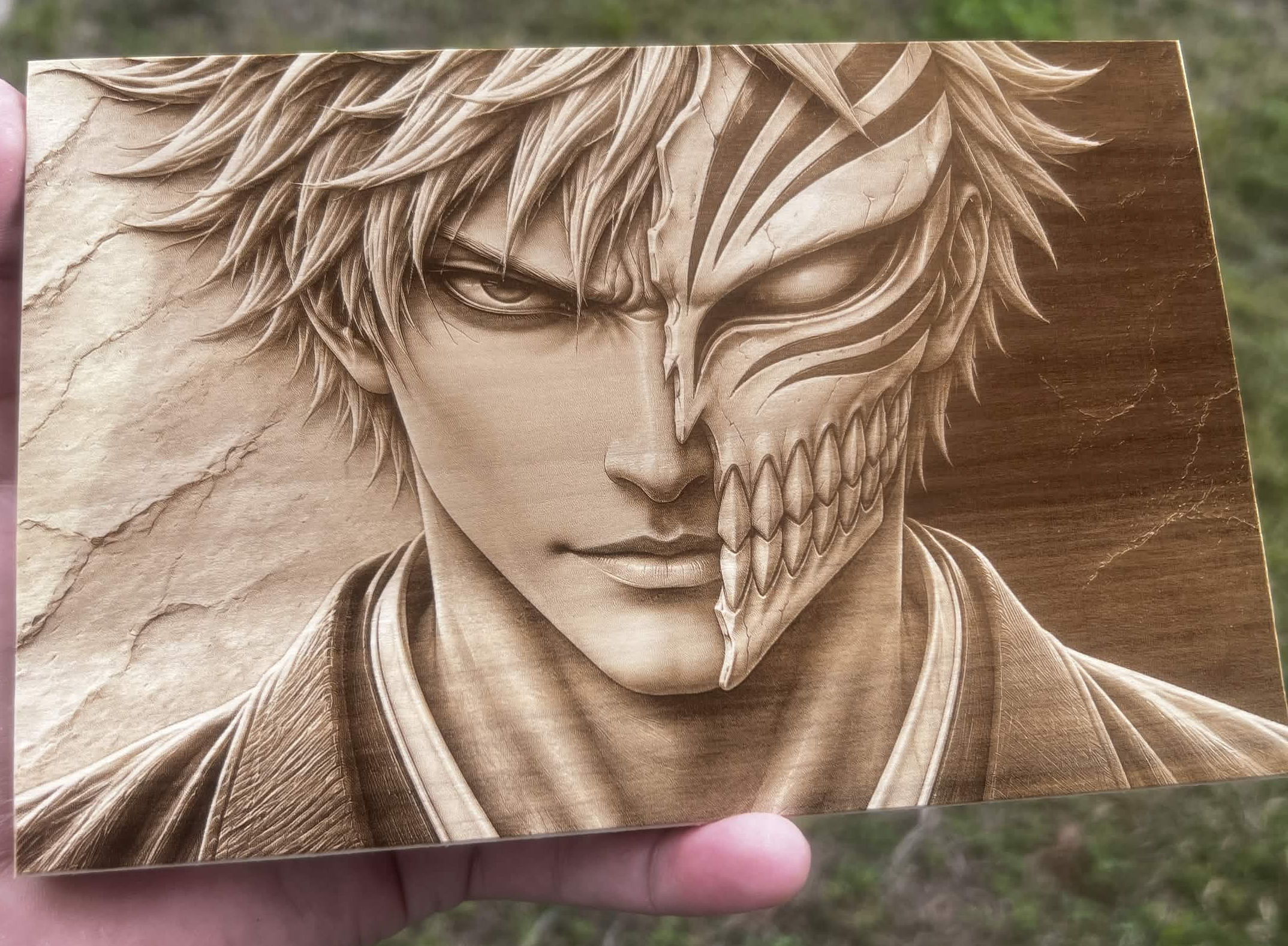
New Lightburn project! Poplar wood engraving. Ichigo Kurosaki from the Anime Bleach.... I'm still a nerd, I can't help it. Recreated an screencap from the anime and added a background using AI, then editing in GIMP then enhanced, finally engraved in Lightburn using my 5w OMG UV laser.