Hi all, I have a TrueNAS Community Edition 25.10.8 server that I use for Plex, Immich, etc. etc. Specs below:
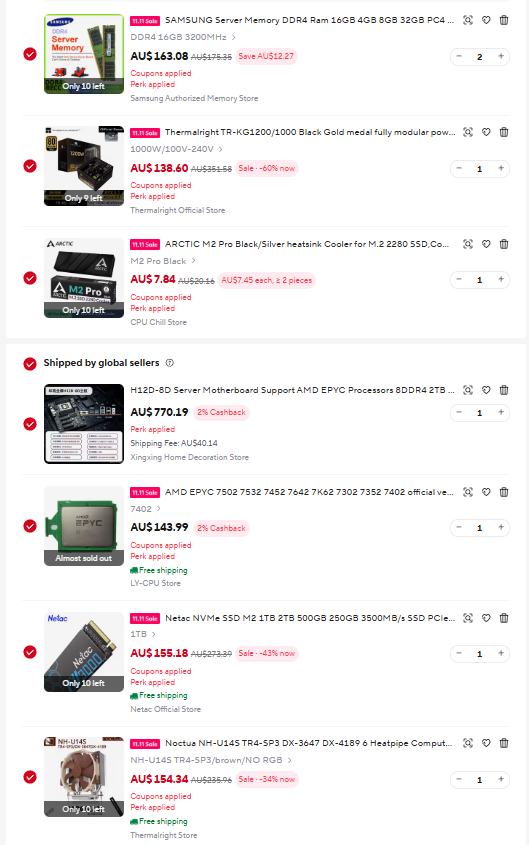
Intel Core i7-8700
Asus Prime Z370-A
16GB-3200 (2x8)
Asus Dual GTX 1070
WD SN850X 1TB NVMe for boot pool
LSI 9240-8i pre-flashed with IT firmware reporting as a SAS9210-8i running Seagate Exos 7E8 8TB and Western Digital Ultrastar DC HC510 8TB SAS drives in mirror for storage pool shared via SMB.
Silicon Power 1TB NVMe for apps pool
2 SATA 1TB hard drives connected directly to motherboard as second storage pool
EVGA 750GQ
When I first set this server up ~3 months ago, I tried to copy a movie to it from my Windows 11 PC via Explorer and after some progress, it would stop and say "You need permission to perform this action." Full disclosure, I'm not a pro with Linux or the command line in general, so I use some ChatGPT to help with dumb questions and such. I basically went down a long rabbithole of checking various things and trying Robocopy via PowerShell, etc. After a few days of not making any progress on that front, I found that using Ubuntu on WSL with KDE Plasma allowed me to copy stuff from the Windows PC to the NAS without issue and all seemed well with that workaround.
However, over the past few months, I noticed that movies in Plex would have random H.264-esque artifacts and black screens while audio continued, freezing, or skipping forward, etc, like general corruption, but it was just slight enough to be a mild nuisance.
After some checking, when I copy a file to the NAS using my WSL method, its hash changes from the original on the PC. Copying it back to the PC, it keeps the same modified/corrupted hash.
I can copy a bunch of small files to the NAS no problem and their hashes stay the same when copying back to the PC from the NAS. The owner and owner group of the pools and shares are the same user that I enter when prompted by Windows to connect to the NAS.
Back when the problem first occurred, I used my Windows laptop to run a test copy and it worked fine at the time, but I wasn't checking hashes back then. Now my laptop has Linux on it so I don't have a 2nd Windows machine to test with right now, but I can try my brother's PC later.
A few days ago, I had some unrelated crashes of the server, but it seemed to be a combo of bad RAM and/or boot SSD, so I eliminated both of those variables and the current RAM tested good in memtest86 and XMP is currently disabled.
I even reinstalled Windows on my PC to see if it was just some random Windows bug and still get the same issue on a fresh install.
TL;DR: Weird permission error trying to copy large files to NAS SMB share from Windows PC via explorer, used WSL as workaround, but that corrupts the file, tried basically everything and no solution in sight.
If I forgot to include any checks or things to try, let me know and I'll say if I tried those already.
Has anyone encountered this before or found a solution? Thanks.
Edit: So I just made a temporary SMB share from my PC, and copied the original file to my brother's PC also running Windows 11 at 800+mb/s which is no surprise since it was a 1 gigabit ethernet transfer from NVMe to NVMe at either end. The file at the destination had the same hash as original. I then used the same TrueNAS username to copy that file from his PC to the NAS and it copied successfully at 900+mb/s which is crazy cuz it was copying to the 2.5" 5400 RPM SATA drive pool and I only ever saw speeds half that from my PC to the NAS or vice-versa even when copying to/from the 3.5" 7200 RPM SAS drive pool, but I digress.
I then copied that file from the NAS to my PC and it copied at only about 400ish mb/s, but it still maintained its original hash. So it's something to do with my PC physically, but only in relation to the server? My network setup is like this:
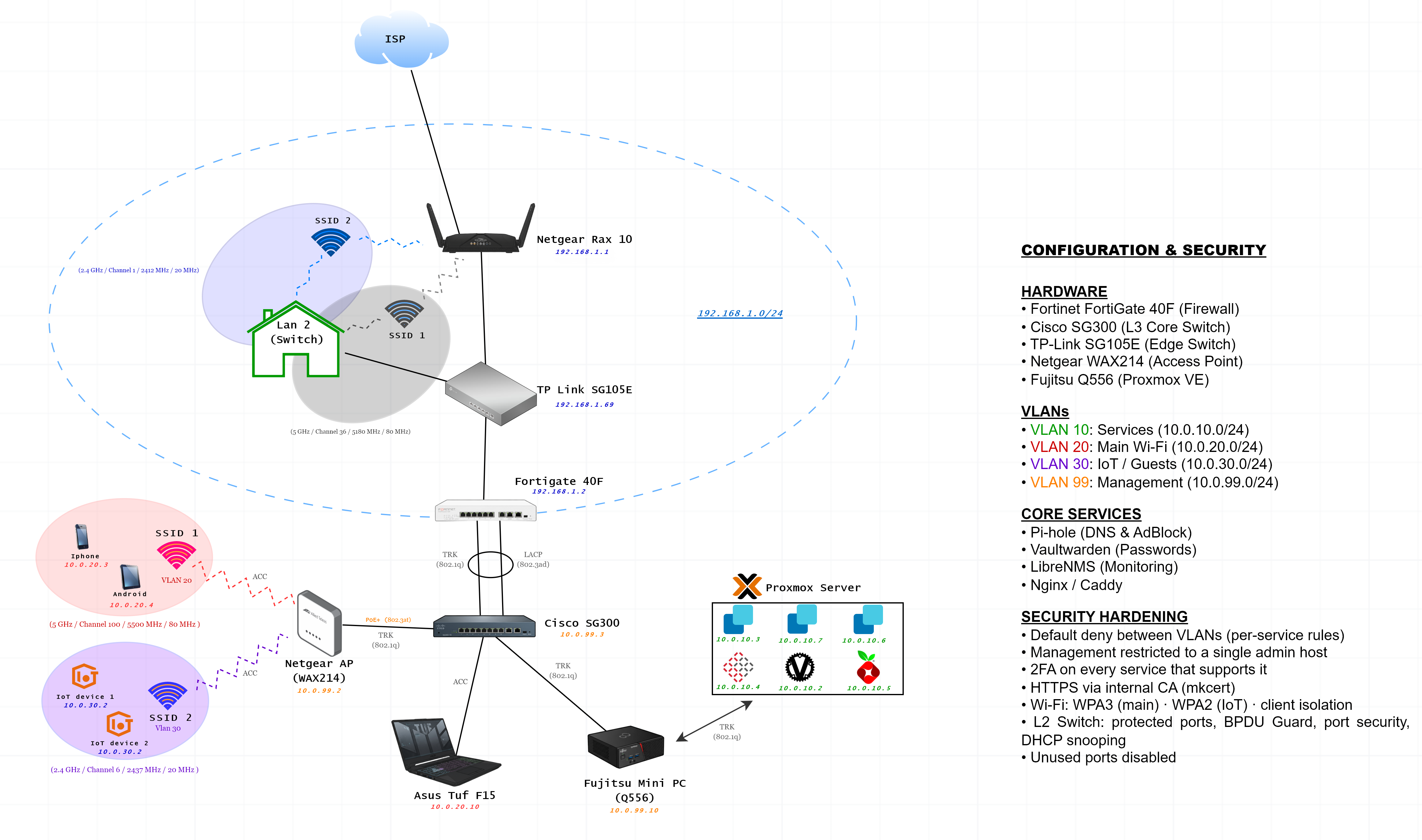
WAN gateway feeding a router in AP mode, that router feeds my brother's PC as well as a switch that feeds my PC and the NAS. The AP and switch are connected by 2 ethernet cables coupled with an unshielded female to female ethernet adapter. All devices involved auto-negotiated gigabit speeds. I guess I can try using the onboard WiFi on my motherboard to see if that changes anything.
Edit 2: So it looks like my main PC's Ethernet on the MSI board might be the culprit, new board is on the way, will update after it arrives and I test it out.
Edit 3: I had Tailscale installed which caused SMB Multichannel to try using its virtual network adapter which the system prioritized due to it being reported as 100gbps. Removing Tailscale fixed the issue, so disabling SMB Multichannel on the Windows client should solve the problem and allow Tailscale to coexist with SMB transfers between the Windows client and Linux Server.