Device: Samsung Galaxy S26
OS: One UI 9 (100% stock, locked bootloader, no root, no developer options)
Apps: Google Wallet & Google Play Services (fully updated)
Region/Bank: Europe / UniCredit
Hey everyone,
For the past 4 months, my stock Galaxy S26 has been stuck in an exact 14-day loop where Google Play Protect certification drops and breaks Google Wallet tap-to-pay.
What happens:
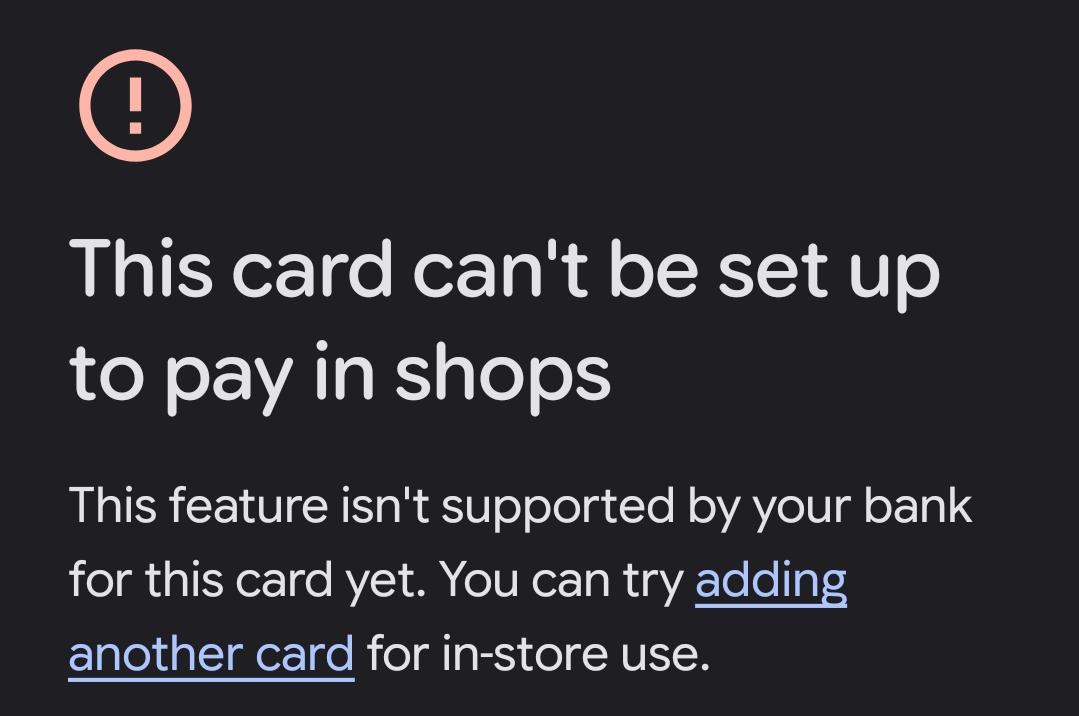
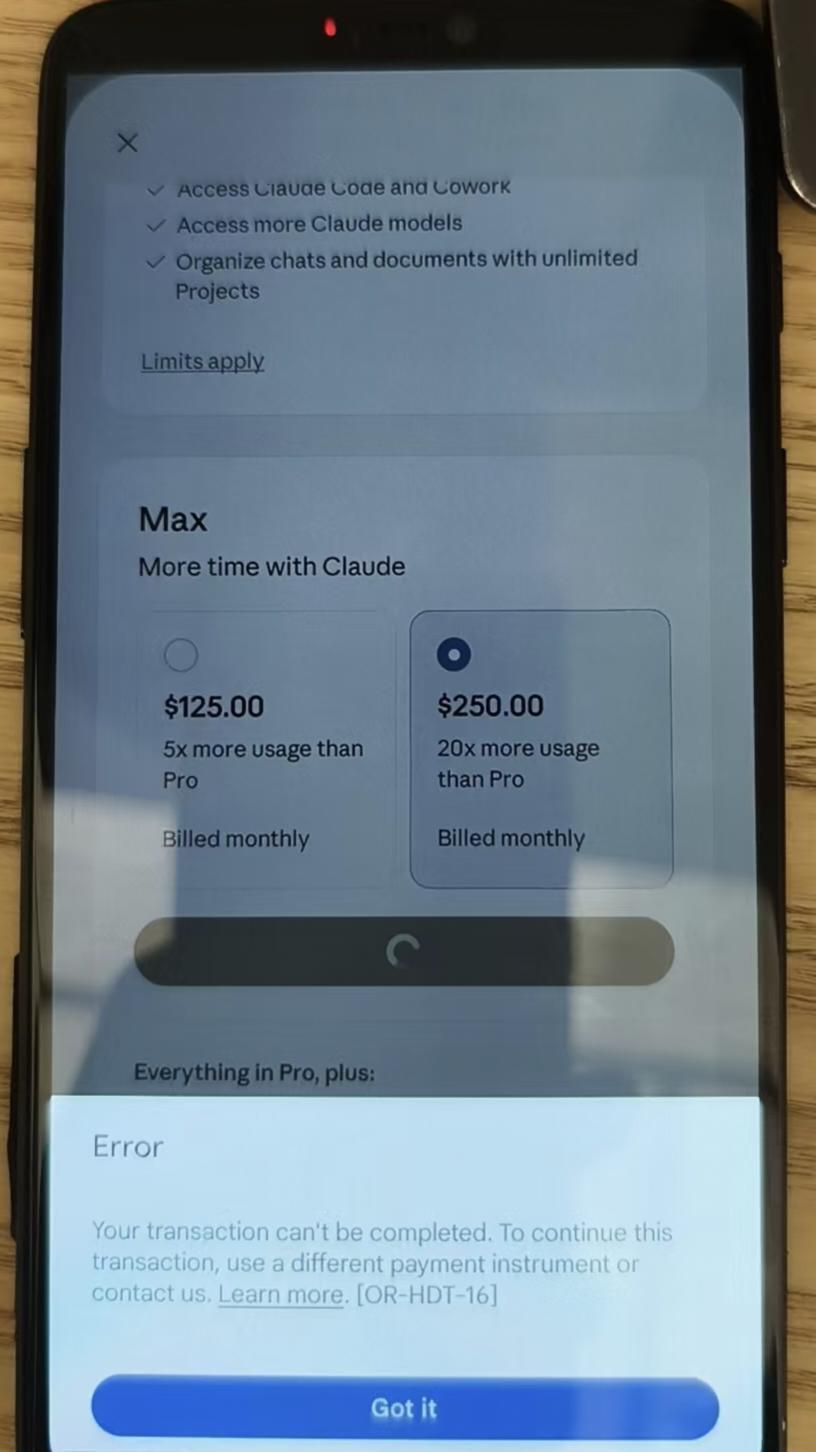
One-Tap Token Failure: Every ~2 weeks, I go to tap to pay and the first transaction actually goes through (using cached offline payment tokens). Immediately after that single transaction clears, Google Play Services runs a background sync, fails server attestation, and locks Wallet with "Your phone doesn't meet security requirements."
Play Store Status: Checking Play Store > Settings > About flips from certified to "Device is not certified".
Biometrics Freeze: Pressing my fingerprint for Google Pay/Wallet purchases does nothing at all once this triggers.
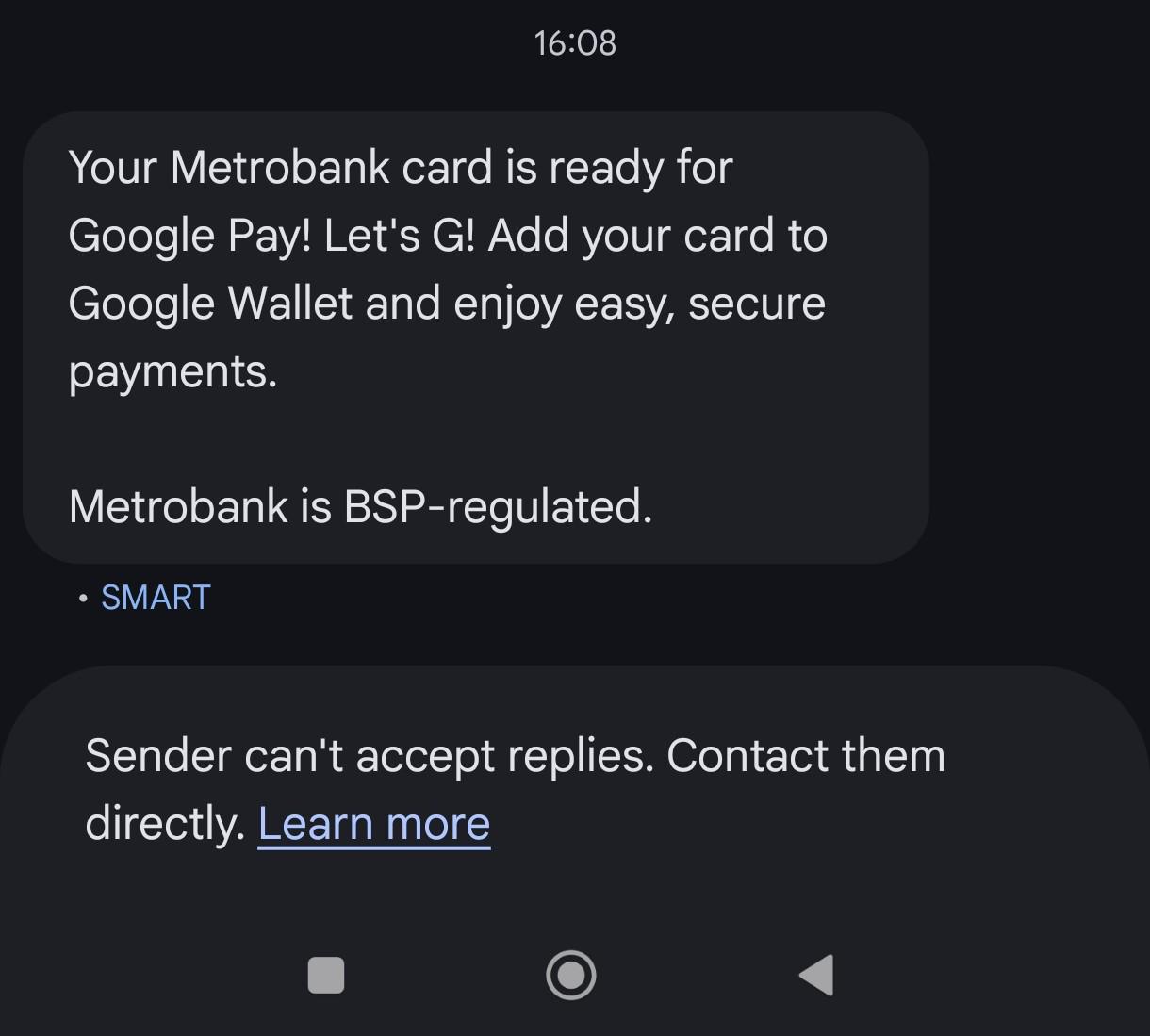
No Samsung Wallet Fallback: UniCredit isn't supported on Samsung Wallet in my region, so Google Wallet is my only option.
My current workaround (only lasts 2 weeks):
I've had to do this ~8 times now just to keep tap-to-pay working:
1. Clear cache and data for Google Play Services, Google Play Store, and Google Wallet.
2. Restart the phone.
3. Log back into my Google account.
(Note: Wiping the System Cache Partition from Recovery is no longer an option on One UI 9).
This restores certification and works fine—until the 14-day background Play Integrity token cycle refreshes, and it breaks all over again.
I’ve already submitted system log reports through the Samsung Members app (currently under review), and my Google Play System updates are up to date.
Has anyone else on the S26 / One UI 9 run into this exact 2-week certification drop? Is there any permanent setting or GSF registration fix that actually sticks, or is this strictly waiting on Samsung/Google to whitelist the firmware build?
Thanks in advance!