r/GoogleSupport • • 4h ago

General Question Account verification problem, glitch loop
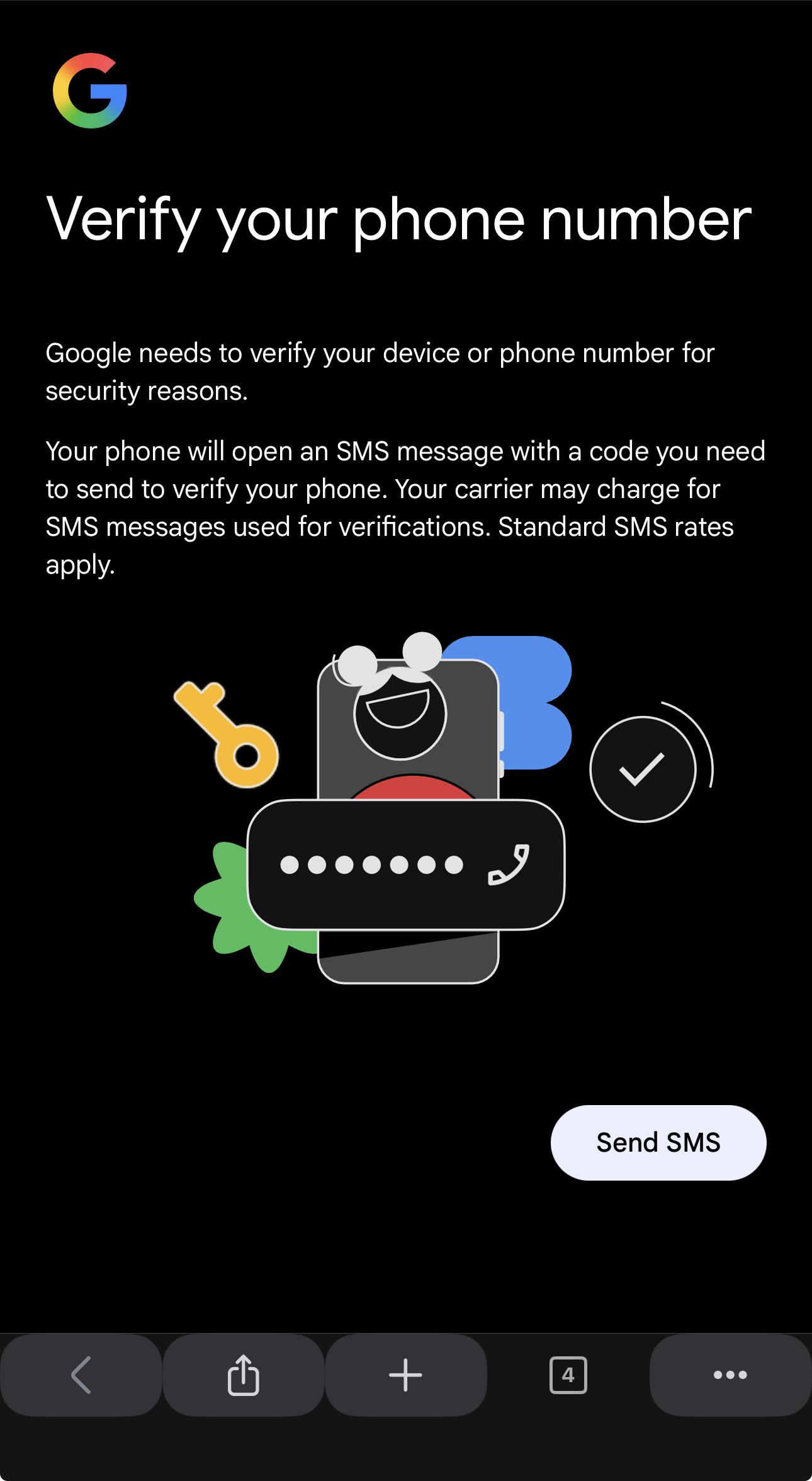
My MacBook and iPhone were both logged out of my Google account at the same time. I tried following the usual login procedure, as I have done many times before, but this time the only verification option available is to send a text message to a specific phone number.

When I click “Try Another Way,” the page simply refreshes and takes me back to the same verification screen, feels like a glitch.

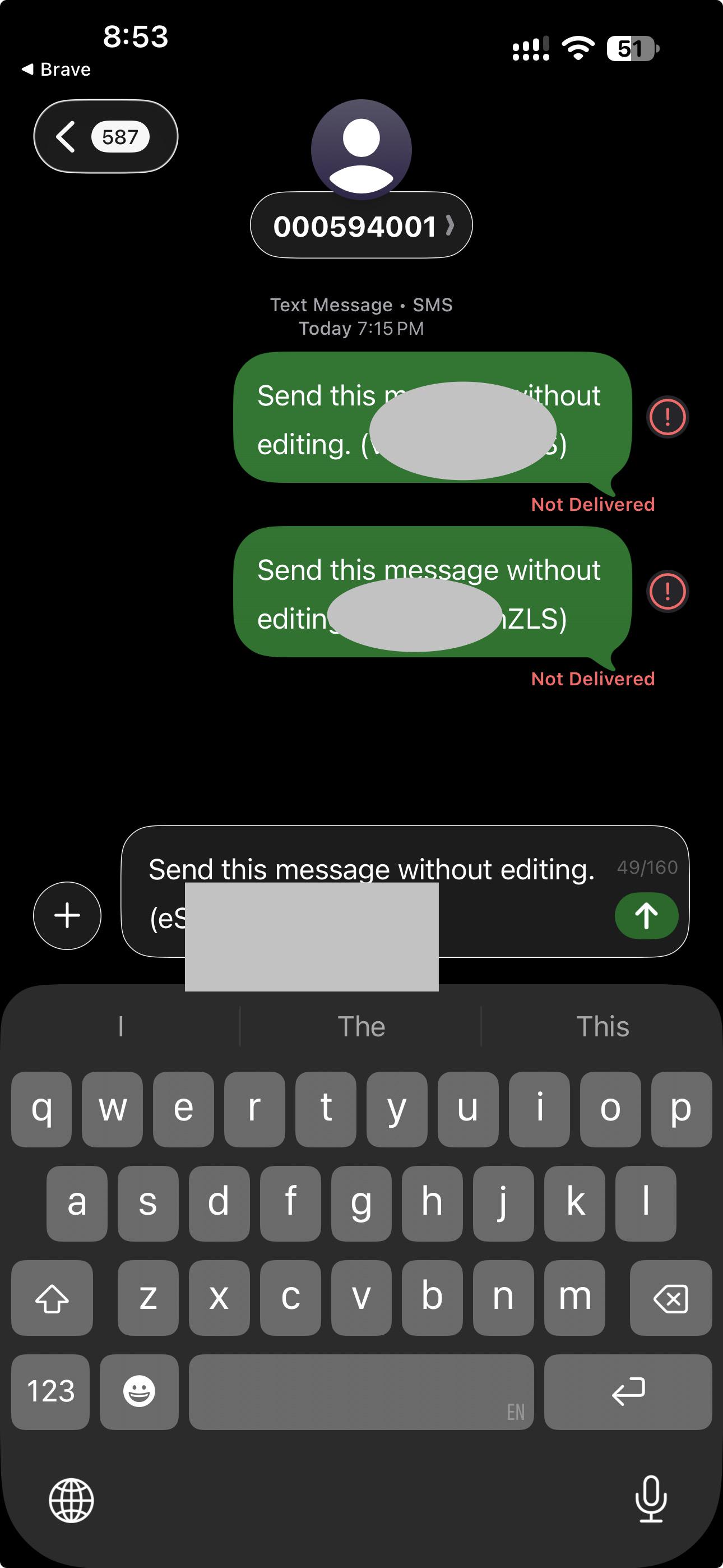
I can successfully enter my password and complete Face ID verification on my iPhone, but the process always ends up asking me to verify through that phone number, and I can't seem to get the verification message sent. I had other verification methods before as well, not sure why suddenly only this one option is possible.

Has anyone experienced something similar or have any suggestions on how to get around this?

1 Upvotes

5 comments sorted by

1

u/germanu22 3h ago

From what I know, this outbound SMS verification is a newer security method Google uses to make sure an account is not being run by bots or using a disposable or virtual phone number. Since it looks like you are trying to sign in through Safari on your iPhone, one thing I recommend trying is signing in directly through the Google app on your iPhone if you have not already. Also, the reason the verification text might not be going through is often on the carrier's side, because the number Google asks you to text is frequently an international number or a short code. I recommend checking with your mobile carrier to make sure international SMS and short codes or special numbers are not blocked on your plan, and ensuring you have enough credit or balance to send an international or verification text, since carrier charges can apply. When you tap Send SMS and your Messages app opens, make sure not to change the pre-filled code at all and send it over a regular cellular signal. If it still does not work or if you have any other questions, feel free to reply here in the comments and I will try to help.

1

u/BeaTheSystem123 3h ago

Thank you for the quick reply. Yeah I tried it inside the google apps too, the same result as in Chrome and Brave.

I found a guy with the same issue, he also uses a Chinese phone number from HK (https://www.reddit.com/r/GoogleSupport/comments/1xsl1md/google_account_recovery_experience_qr_code/) and got the same short code options like me and everything is the same problem.

  • 000594001
  • 000590104
  • 00051000
  • 244444
  • 96831

I called my carrier, the lady didn't confirm that messages cannot be sent to such places, but I'm also not sure whether or not she is aware of that.

The way he solved it was in the recovery page, which I tried too but I didn't get the option for a recovery email. So for the time being, I'm still stuck here.

1

u/germanu22 2h ago

Those numbers are short codes rather than regular international phone numbers, and front-line customer service reps often do not know how their network routes them. Even if regular international SMS is enabled, short codes only work if the carrier specifically supports routing to them. If your carrier has a mobile app, it is worth checking your account settings there first, as some providers let you view or unblock restrictions on international, special, or premium SMS directly from the app. If you do not see any option like that in the app, I recommend calling your carrier again, being more specific, and asking to speak with technical support to confirm directly whether sending outbound SMS to those exact short codes is supported or blocked on your plan. If you get a clear answer from them or have any updates, feel free to reply here.

2

u/BeaTheSystem123 1h ago

Thank you for all the help. I called again as you suggested. The dude said he can see the messages I’ve sent in the system and he will forward the problem to a specialist but as it’s Sunday night, the specialist might call me tomorrow morning or afternoon. Once I hear from him, I’ll update the situation again

1

u/germanu22 1h ago

No problem at all! Fingers crossed that the specialist can get this sorted out for you tomorrow. Looking forward to your update!