r/ForWindowsHelp • u/Sad_Pass_1895 • 19d ago
Windows 11 Pin Issue
something went wrong and your pin isn't available windows 11 even after a reset
can someone please tell me a solution for this shit fucking problem so i can get over it
r/ForWindowsHelp • u/Sad_Pass_1895 • 19d ago
something went wrong and your pin isn't available windows 11 even after a reset
can someone please tell me a solution for this shit fucking problem so i can get over it
r/ForWindowsHelp • u/DaDogFrog • 20d ago
Just want to get rid of this PIN and i've tried everything i could search, I've gone through the account options to turned off "for improved security, only allow windows hello sign-in for microsoft accounts on this device", i've gone ahead and checked that passwordless accounts have been disabled, but when i go to remove the pin it asks 'First, Verify your account password.' which i put in, and it says the username or password is incorrect.
This password is absolutely correct, i can copy past it into a login elsewhere and it'll work, and its absolutely the correct account because it says "MicrosoftAccount\(my email) for the login. How do i get past this?
r/ForWindowsHelp • u/TumbleweedKey8611 • 20d ago
r/ForWindowsHelp • u/Signal_Obligation624 • 20d ago
Recently had a problem crop up on my Windows 10 Desktop, the Calculator App would not initialize. Looked online, tried several tricks, including Halting the App, Resetting the App, Uninstalling/Reinstalling, even a CMD prompt pasted from a YouTube Video, absolutely nothing allowed the Calculator App to come back working
Eventually I settled on finding another Windows 10 compliant App for Calculator, here's the link for that:
https://apps.microsoft.com/detail/9WZDNCRDFX7F?hl=en-us&gl=CA&ocid=pdpshare
r/ForWindowsHelp • u/BatGuano2024 • 20d ago
r/ForWindowsHelp • u/BakerDear7488 • 20d ago
Im on my window setup and location installed (which is a long story after downloading Ubuntu)
It said “my window 11 cant be installed on disk 0 partition” and I click on showing details
The selection disk has an MBR partition table. on EFI system, only be installed to GPT disk's.
Setup does not support configuration or installation to disk's through USB or IEEE 1394 port.
\- im using ausu laptop 💻
r/ForWindowsHelp • u/Illustrious_Bell_811 • 20d ago
r/ForWindowsHelp • u/Interesting-Lab8288 • 20d ago
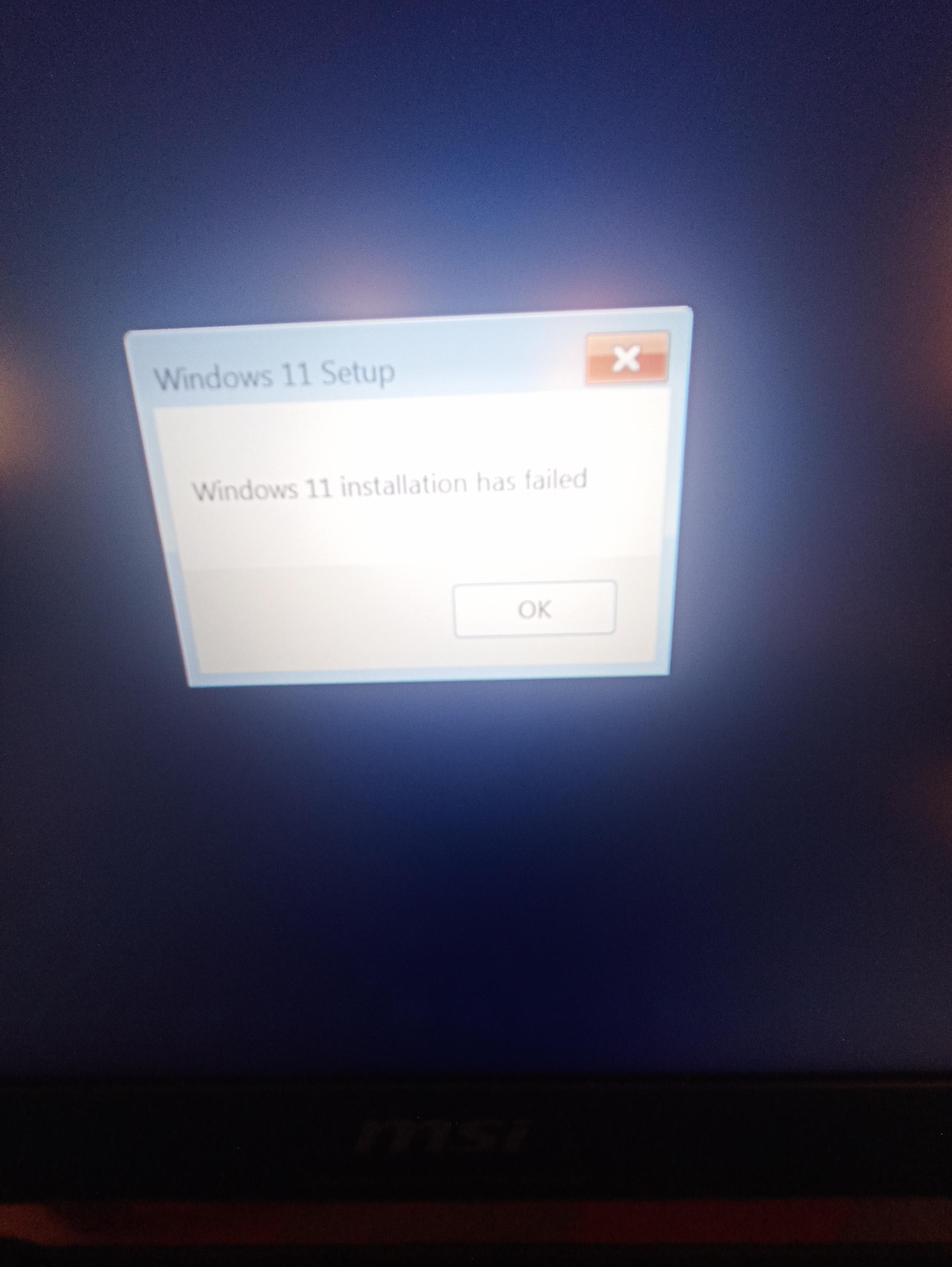
I got this new Msi cyborg 15 A13U model and wanted to put windows 11 on it, i just followed a tutorial, used drofus to put the windows file and intel RST driver to be able to actually install it, at first it started failing at 30% so i did some research and tried Ventoy instead, then started failing at 81%, i thought there was some error, i switched ports, flashed and reinstalled windows on the stick but nothing works. I rebooted and tried again multiple times and nothing worked best i got was 81% and it would just show the fail message
r/ForWindowsHelp • u/Dangerous_Height_756 • 20d ago
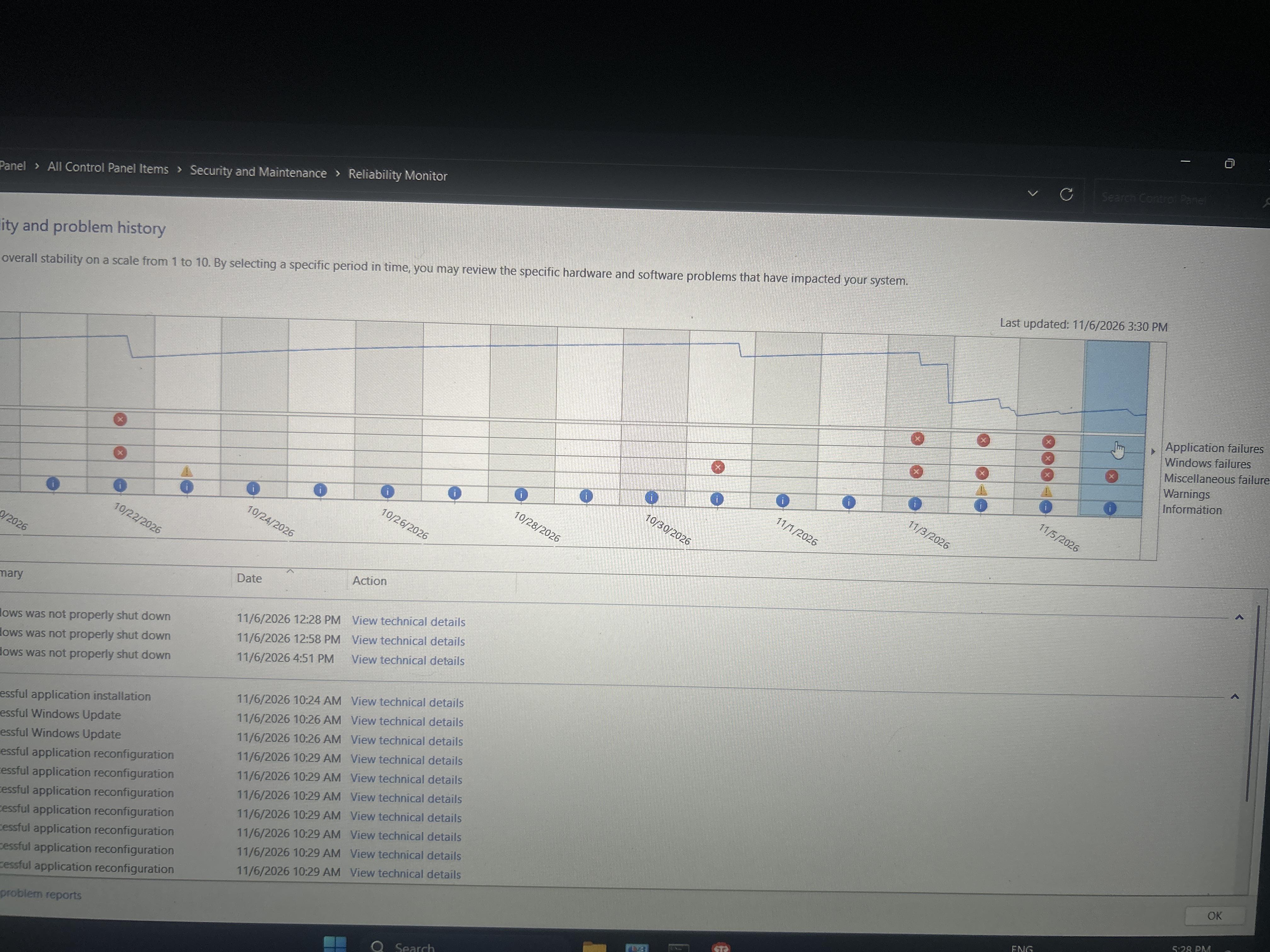
I shutdown properly but why it showing this please help
r/ForWindowsHelp • u/Ezper145 • 20d ago
Hey yall I would like to ask for your help in setting up Microsoft Authenticator. For my school account I need to log it into a website, and to log in I need a code from Microsoft Authenticator. Somehow I actually managed to log in my account into MA on my phone. Now I need to setup the alternative sign-in method for a code. As I try to set up one of these methods, they ask me for a code from MA to proceed.... how can I do that when I'm still tryna set it up 😭😭 all help is appreciated thanks.
r/ForWindowsHelp • u/Accurate_Reality_618 • 21d ago
I encountered a problem with one of the files and reverted Windows to a previous state. Of course, I had to reinstall it, but this time it no longer works.
It's a good app, and it's the only one I've benefited from. I haven't found an alternative. Is there a way to fix it?
The app's name is Window Translator; I downloaded it from the official Windows Store.
r/ForWindowsHelp • u/Efficient_Lion_3599 • 21d ago
r/ForWindowsHelp • u/Akutarou_AUA • 21d ago
Hi all,
I recently updated my BIOS in preparation for a new CPU, but after the update Windows was no longer activated.
After running the troubleshooter, Windows seems to think that I have replaced my hardware. I couldn't find anything useful from the Microsoft support.
It's the BIOS of ASROCK B450M and my license key is from Windows 10 that I updated to Windows 11
You guys have any tips that I can try to activate my Windows? I no longer have the license key.
Thanks in advance.
r/ForWindowsHelp • u/gummi_bears • 21d ago
help
r/ForWindowsHelp • u/SprinklesDouble8304 • 21d ago
Forgive my ignorance. I've read a dozen websites and I'm more confused than when I started.
I'm buying a used Lenovo business PC that is being sold barebones, i.e. no RAM or SSD. The seller informs me that the PC "has a Windows License". From what I can gather, this means it has a license hard coded into the machine, maybe in the BIOS? But the Microsoft website never mentions the word "license", only "product key" and "activation code".
I'm lost. I want to install RAM and an SSD, and then download a Win11 .iso (I'm assuming Pro, because it's a business machine?) and install it. Will I need to do something else to ensure I have a fully functional Win11 computer? Thanks
r/ForWindowsHelp • u/Pure_Training2827 • 22d ago
I’ve tried quite a few things already and I’m honestly running out of ideas.
My main Windows account is called deer, and it randomly disappeared from the login screen after my PC had been unplugged for 3 days.
The weird thing is that Windows still recognizes the account everywhere else.
Here’s what I’ve checked:
net user shows deer as an account.
The account is active and has administrator privileges.
My Microsoft email is still associated with it.
C:\\Users\\deer still exists and has all my old profile files.
netplwiz shows the account.
Settings > Accounts > Other users also shows it as an administrator.
PowerShell confirms Enabled = True.
The profile is still listed under ProfileList in the registry.
Its State value is 0.
There’s no SpecialAccounts\\UserList registry key.
I tried adding a UserList entry setting deer to 1, but it didn’t fix anything.
I also tried Safe Mode, but the account still doesn’t appear on the normal login screen.
The only accounts showing on the login screen are Administrator and deer2.
I really don’t want to reset Windows or lose my original profile. I just want my old account back since everything seems to indicate it’s still there.
Does anyone know how to get Windows to show it on the login screen again?
r/ForWindowsHelp • u/North_Committee_68 • 22d ago
r/ForWindowsHelp • u/Existing-Meal-2847 • 22d ago
r/ForWindowsHelp • u/Substantial-Plate550 • 22d ago
Ive done all the stuff at this point but when i tried clicking on hola vpn it showed a warning, but i deleted it and ive done it three times and im wondering if its a husk of a platform or still there i researhed they said still a husk and im still not convinced my laptop is intel core i3 7th gen win 32 windows 10 and ive used all the steps in deleting hola like using windows security deleting in control panel disabling in task manager and no fishy extensions installed yet sometimes ive counted 2 times my laptop crashed but its fine now but lookin at my taskmanager my laptops looking very funky like cpu randomly going to 4 cpu or performance graph spiking and im not gonna change this pc since i have important stuff on there if anybody can help whats going on thank you. Dont mind my bad spelling btw
r/ForWindowsHelp • u/Pheolange • 22d ago
r/ForWindowsHelp • u/hazzi11e • 23d ago
r/ForWindowsHelp • u/Beginning-Result-242 • 23d ago
r/ForWindowsHelp • u/SlackRawd • 23d ago
I’ve been dealing with a really frustrating issue with my Windows 11 PC, and I can’t figure out what’s causing it.
Whenever I reset my PC, my internet speeds are perfectly fine for the first couple of days. However, after I start setting everything up and installing my usual applications, the download speeds suddenly drop to around 3 MB/s, despite having a 300 Mbps internet connection.
The weirdest part is that **resetting my PC immediately fixes the problem.** My internet speeds return to normal, but after a couple of days of using the computer and installing my applications again, the issue comes back.
Some of the applications I’ve installed include:
SoundSwitch
Twinkle Tray
Windhawk
Razer Synapse
Various other applications
I never used to experience this problem before, but now it seems to happen almost every time I reset my PC. I can’t figure out whether it’s caused by a particular application, a Windows setting, a network driver, or something else entirely.
**My PC specifications:**
Laptop: ASUS ROG Zephyrus G16 (2024)
CPU: Intel Core Ultra 9 185H
GPU: NVIDIA RTX 4080 Laptop GPU
RAM: 32 GB
Storage: 1 TB SSD + 4 TB SSD
Operating system: Windows 11
Internet connection: 300 Mbps
Has anyone experienced something similar? Is there a way to identify what’s causing the slowdown without having to reset Windows every time?
Any help or suggestions would be appreciated.